Tinkercad Mastery Blueprint
Your Complete Guide to 3D Design, Circuits, and Creative Problem-Solving
What if you could design anything you imagine, test it virtually, and understand exactly how it works—all without expensive equipment or years of training?
253 pages12 chaptersNov 7, 20253D DesignCreated by Fabhood
About this book
Tinkercad makes this possible. This guide is specifically designed for sixth-grade honor students like you who are ready to move beyond basic computer skills and dive into real design and engineering. You'll learn how to create 3D models from scratch, design circuits that actually work, write code using visual blocks, and solve problems like a real engineer. Each chapter builds on what you already know from math class, connecting geometric thinking to practical design. Whether you want to design a custom phone holder, build a working LED circuit, or create an automated system, this book gives you the exact steps, real examples, and hands-on projects to get there. By the end, you'll have a portfolio of projects that demonstrate genuine technical skills—the kind that impresses teachers, parents, and future opportunities.
Table of contents
- IntroductionWhy Tinkercad Matters for Your Future, What You'll Learn in This Book, How to Get the Most Out of This GuideRead below
- Chapter 1: Getting Started: Your First Steps in TinkercadCreating Your Tinkercad Account, Understanding the Tinkercad Interface, Exploring Your Workspace and Tools
- Chapter 2: 3D Modeling FundamentalsWorking with Basic Shapes and Geometry, Moving, Rotating, and Scaling Objects, Combining Shapes to Create Complex Models, Using Math Concepts in Your Designs
- Chapter 3: Building Your First 3D ProjectPlanning Your Design Before You Build, Creating a Functional 3D Model, Adding Details and Refining Your Model
- Chapter 4: Circuit Design BasicsUnderstanding Electronic Components, How Circuits Work: Voltage, Current, and Resistance, Building Your First Simple Circuit
- Chapter 5: Electronics Simulation and TestingUsing Tinkercad's Simulation Tools, Testing Your Circuits Safely, Troubleshooting Common Circuit Problems, Understanding Simulation Results
- Chapter 6: Component Integration and DesignChoosing the Right Components for Your Project, Connecting Components Correctly, Managing Power and Preventing Damage
- Chapter 7: Block Programming EssentialsIntroduction to Block Programming Logic, Understanding Blocks, Variables, and Loops, Writing Your First Program, Finding and Fixing Code Errors
- Chapter 8: Advanced Block ProgrammingUsing Conditionals and Decision-Making, Creating Loops for Automation, Organizing Code with Functions
- Chapter 9: Integrating 3D Models, Circuits, and CodeBringing Design, Electronics, and Programming Together, Planning a Complete Project, Building an Integrated System
- Chapter 10: Design Optimization and Problem-SolvingIdentifying Design Problems and Inefficiencies, Techniques for Optimizing Your Designs, The Iterative Design Process, Developing Your Problem-Solving Skills
- Chapter 11: Prototype Testing and ValidationEffective Prototype Testing Methods, Collecting and Analyzing Feedback, Determining If Your Design Works
- Chapter 12: Real-World Projects and ApplicationsProject Ideas You Can Build Today, How Real Engineers Use These Tools, Taking Your Skills to the Next Level
- ConclusionYour Journey as a Designer and Engineer, Continuing Your Learning Beyond This Book
- Glossary
- Further Reading and Resources
Introduction
You're about to learn something that most people think requires years of training and expensive equipment. The truth is different. With just a web browser and the right guidance, you can design three-dimensional objects, build working electronic circuits, and write code that brings your ideas to life. This isn't about playing games or watching tutorials—it's about creating real things that solve actual problems. Tinkercad is the platform that makes this possible, and this book is your complete guide to mastering it.
Right now, you have an advantage that many adults wish they had at your age. You're learning these skills when your brain is perfectly wired for logical thinking and creative problem-solving. The math concepts you're studying in sixth grade—geometry, measurement, ratios, and logical reasoning—aren't just abstract ideas for tests. They're the exact tools that engineers, designers, and inventors use every single day. This book connects what you already know to what you can build, showing you how mathematical thinking translates directly into functional designs and working prototypes.
Every chapter in this guide builds on the previous one, taking you from complete beginner to confident creator. You'll start with the basics of navigating Tinkercad's interface, then progress through 3D modeling, circuit design, and block programming. By the final chapters, you'll be integrating all three disciplines to create complex projects that demonstrate genuine technical skills. The examples are specific, the instructions are clear, and the projects are designed to challenge you without overwhelming you. This isn't a collection of random tips—it's a systematic blueprint for mastery.
Why Tinkercad Matters for Your Future
The world is changing faster than ever before, and the skills that matter most are shifting too. Knowing how to use a computer isn't enough anymore—everyone can do that. What sets people apart is the ability to create with technology, not just consume it. Tinkercad teaches you to be a creator. When you can design a three-dimensional object, simulate how an electronic circuit works, and write code to control it, you're developing skills that open doors to careers in engineering, architecture, product design, robotics, software development, and dozens of other fields that didn't even exist twenty years ago.
Consider what happens when you master these tools. You can design custom solutions to problems you encounter in daily life. Need a holder for your phone that fits perfectly on your desk? You can design and model it. Curious about how a traffic light system works? You can build a working simulation with LEDs and timers. Want to create an automated system that responds to sensors? You can program it using visual blocks that make logical sense. These aren't hypothetical scenarios—they're projects you'll complete as you work through this book, and they're the same types of challenges that professional engineers solve for companies and organizations.
Tinkercad specifically matters because it removes the barriers that traditionally kept young people out of design and engineering. You don't need to buy expensive software—Tinkercad runs entirely in your web browser and is completely free. You don't need to purchase electronic components to learn circuits—the simulation tools let you test everything virtually before building physical prototypes. You don't need to learn complex programming languages—the block-based coding system uses visual logic that connects directly to the mathematical reasoning you already understand. This accessibility is revolutionary, and it means you can start building real skills today, not years from now.
The platform integrates three critical disciplines into one environment, which mirrors how real-world projects actually work. Professional engineers don't just design objects—they consider how those objects will be manufactured, how electronics might be integrated, and how software can add functionality. By learning all three aspects together in Tinkercad, you're developing a holistic understanding of how complex systems work. This integrated knowledge is exactly what colleges look for in applicants and what employers value in candidates. You're not just learning isolated skills; you're learning how to think like an engineer.
Beyond career preparation, these skills change how you see the world around you. When you understand 3D modeling, you start noticing the geometric principles in buildings, furniture, and products. When you grasp circuit design, you begin to understand how the electronic devices you use every day actually function. When you learn programming logic, you recognize patterns and systems everywhere. This deeper understanding makes you a better problem-solver in all areas of life, not just in technical fields. The logical thinking you develop transfers to math class, science projects, and even everyday decisions.
Perhaps most importantly, mastering Tinkercad builds confidence. There's something powerful about taking an idea from your imagination and turning it into something you can see, test, and refine. Every project you complete proves to yourself that you can learn complex skills and solve difficult problems. This confidence compounds over time. The student who successfully designs a working circuit in sixth grade is the same person who tackles advanced physics in high school, pursues engineering in college, and eventually solves problems that impact thousands or millions of people. Your journey starts here, with this book and this platform.
The timing is perfect. You're at an age where learning new technical skills feels natural rather than intimidating. Your mathematical foundation from the Ohio Math Middle School Blueprint gives you the exact tools you need to understand geometric transformations, measurements, ratios, and logical sequences. You're comfortable with technology but not yet locked into thinking there's only one way to use it. This combination of mathematical knowledge, technological comfort, and openness to learning makes sixth grade the ideal time to develop these capabilities. The students who start now will have years of practice and project experience by the time they're making decisions about high school courses, college applications, and career paths.
What You'll Learn in This Book
This book is organized into twelve chapters that take you from absolute beginner to confident creator. Each chapter builds systematically on the previous ones, introducing new concepts while reinforcing what you've already learned. The progression is deliberate: you'll master the interface before attempting complex designs, understand basic circuits before adding programming, and complete simple projects before tackling integrated systems. This structure ensures you're never overwhelmed and always building on solid foundations. Here's exactly what each section covers and why it matters.
The first three chapters focus on 3D modeling fundamentals. You'll start by creating your Tinkercad account and learning to navigate the interface—understanding where tools are located, how to manipulate the view, and how to organize your workspace efficiently. Then you'll dive into working with basic geometric shapes, learning how to move, rotate, and scale objects with precision. These operations connect directly to the geometric transformations you study in math class, but now you're applying them to create actual three-dimensional models. By Chapter 3, you'll plan and build your first complete project, learning how professional designers approach problems systematically rather than randomly experimenting.
Chapters 4 through 6 introduce circuit design and electronics simulation. You'll learn what each electronic component does—resistors, LEDs, batteries, switches, and sensors—and how they work together in circuits. The concepts of voltage, current, and resistance are explained using analogies and examples that make sense, not abstract formulas that feel disconnected from reality. You'll build your first simple circuit, then learn how to use Tinkercad's simulation tools to test designs safely before building physical versions. The troubleshooting section teaches you how to identify and fix common problems, developing the diagnostic thinking that separates beginners from experts.
The programming section spans Chapters 7 and 8, introducing you to block-based coding through Tinkercad's visual programming environment. You'll learn fundamental concepts like variables, loops, and conditional statements using blocks that snap together logically. This visual approach makes programming accessible while teaching the same logical structures that text-based languages use. You'll write your first program to control an LED, then progress to more complex automation using loops and decision-making logic. The debugging section teaches you how to find and fix errors systematically, which is one of the most valuable skills in any type of programming.
Chapter 9 is where everything comes together. You'll learn how to integrate 3D models, circuits, and code into complete systems that demonstrate all three skill areas. This chapter teaches project planning—how to break complex ideas into manageable steps, how to identify which components you need, and how to test each part before combining them. You'll build an integrated project that uses a 3D-designed enclosure, working electronics, and programmed behavior. This type of project showcases capabilities that go far beyond what most sixth graders can demonstrate, giving you a genuine competitive advantage.
The final three chapters focus on optimization, testing, and real-world applications. You'll learn how to identify problems in your designs and apply specific techniques to improve them. The iterative design process—building, testing, refining, and testing again—is explained with concrete examples showing how each cycle improves the final result. You'll discover effective methods for testing prototypes and collecting feedback, then learn how to determine objectively whether your design actually solves the problem it was meant to address. These chapters teach you to think like an engineer, not just follow instructions.
Throughout every chapter, you'll find specific examples and step-by-step processes. When the book explains a concept, it immediately shows you how to apply it. When it introduces a tool, it gives you a project that uses that tool. When it describes a problem, it walks through the solution process in detail. This isn't a book of theory—it's a practical guide designed to build real skills through hands-on practice. Every major concept includes at least one concrete example with specific details, measurements, and outcomes you can verify yourself.
The book also includes troubleshooting guidance for common challenges. Learning new technical skills means encountering problems, and this guide prepares you for them. You'll find sections explaining what to do when your 3D model doesn't align properly, when your circuit doesn't work as expected, or when your code produces unexpected results. These troubleshooting sections teach diagnostic thinking—how to isolate problems, test hypotheses, and implement solutions systematically. This problem-solving approach is valuable far beyond Tinkercad, applying to any complex challenge you encounter.
By the time you complete this book, you'll have a portfolio of projects demonstrating genuine technical capabilities. You'll have designed functional 3D models that solve real problems. You'll have built and simulated working circuits that demonstrate understanding of electronics principles. You'll have written programs that control behavior and automate processes. Most importantly, you'll have developed the confidence and problem-solving skills to tackle new challenges independently. The goal isn't just to teach you Tinkercad—it's to transform you into someone who can learn any technical tool and apply it to solve problems that matter.
How to Get the Most Out of This Guide
This book is designed for active learning, not passive reading. You won't get much value from just reading the chapters without actually opening Tinkercad and following along. The most effective approach is to have this book open on one screen or device while working in Tinkercad on another. Read a section, then immediately apply what you learned by completing the example or exercise. This hands-on practice is what transforms information into actual skills. Your brain learns technical capabilities through doing, not just through reading about doing.
Start at the beginning and work through the chapters in order, even if you already have some experience with 3D modeling or circuits. Each chapter assumes you've mastered the concepts from previous chapters, and skipping ahead often leads to confusion and frustration. The early chapters might seem basic, but they establish the foundational knowledge and terminology that later chapters build upon. Students who skip ahead typically end up returning to earlier chapters anyway when they encounter concepts they don't understand. Save yourself time by following the intended sequence from the start.
Take the time to complete every example and project, not just the ones that seem interesting. Each example is included for a specific reason—to demonstrate a particular concept, to practice a specific skill, or to prepare you for more complex projects later. The examples that seem simple or obvious are often teaching subtle techniques that become crucial in advanced work. Students who skip examples because they seem too easy often struggle with later projects that assume mastery of those "simple" techniques. Treat every example as an opportunity to build muscle memory and deepen understanding.
When you encounter problems or errors—and you will—resist the urge to immediately ask for help or search for solutions online. Spend at least ten to fifteen minutes trying to solve the problem yourself first. Use the troubleshooting sections in the relevant chapters. Check your work against the instructions step by step. Try to identify exactly where things went wrong. This struggle is not wasted time; it's where the deepest learning happens. The problem-solving skills you develop by working through challenges independently are often more valuable than the specific technical knowledge you're learning.
Keep a notebook or digital document where you record what you learn, problems you encounter, and solutions you discover. This doesn't need to be formal or elaborate—just quick notes about techniques that work well, mistakes to avoid, or ideas for future projects. Writing things down helps your brain process and retain information more effectively than just doing exercises. Your notes also become a personalized reference guide that you can consult when working on projects later. Many professional engineers and designers maintain similar notebooks throughout their entire careers.
Don't rush through the material trying to finish as quickly as possible. The goal isn't to reach the end of the book—it's to develop genuine mastery of the skills. If a concept doesn't make sense immediately, that's normal. Reread the section, try the example again, or take a break and return to it later. Sometimes understanding clicks after your brain has had time to process information subconsciously. Students who rush through chapters often find they can't complete later projects because they never truly mastered earlier concepts. Take the time to build solid foundations.
Experiment beyond the specific examples provided. Once you complete a project, try modifying it. Change dimensions, add features, or combine techniques from different chapters. This experimentation develops creative problem-solving skills and helps you understand concepts more deeply. When you modify a design and something breaks, you learn about dependencies and relationships between components. When you successfully add a new feature, you build confidence in your ability to apply knowledge creatively. The best learning often happens in this experimental space between guided instruction and independent creation.
Use the book's structure to your advantage. Each chapter includes specific subsections that break complex topics into manageable pieces. The HTML formatting with lists, code blocks, and blockquotes isn't just decoration—it's designed to make information easier to find and understand. When you need to reference a specific technique later, you can scan the formatted sections quickly to locate exactly what you need. The footnotes provide sources and additional context for students who want to explore topics more deeply. Treat the book as a reference guide you'll return to repeatedly, not just a text you read once.
Connect what you're learning to your math coursework. When the book discusses geometric transformations, think about how they relate to the coordinate plane and transformations you study in class. When it explains ratios in circuit design, recognize the connection to proportional relationships in your math curriculum. These connections reinforce both your Tinkercad skills and your mathematical understanding. Students who actively make these connections often find that their math grades improve because they're seeing practical applications of abstract concepts. The relationship works both ways—stronger math skills make you a better designer, and design experience makes math concepts more intuitive.
Finally, share what you create. Show your projects to teachers, parents, and friends. Explain how they work and what problems they solve. This communication practice is valuable in itself—being able to explain technical concepts clearly is a crucial skill in any field. You'll also receive feedback and questions that help you see your work from different perspectives. Sometimes explaining a project to someone else reveals improvements you hadn't considered or helps you understand concepts more deeply. The act of teaching others is one of the most effective ways to solidify your own understanding.
This is the end of the free sample. The full book has 12 chapters.
Want this book written for you?
Tell us your goals and background, and get your own version of this book, tailored by AI to you.


Benefits of AI-tailored books
- Read one book, not ten:
- all the 3D Design knowledge you need, gathered into a single book.
- Save days of learning:
- tell us your goals, choose your topics, and the whole book is built around them.
- Learn effortlessly:
- 3D Design book written for your specific background and expertise.
- Understand at a glance:
- includes charts, tables, timelines, checklists, decision trees, and more.
- Stay current:
- written the day you order it, not years ago.
- Trust what you read:
- every book is checked for accuracy, with real research when your subject needs it.
Create your unique book in 3 steps
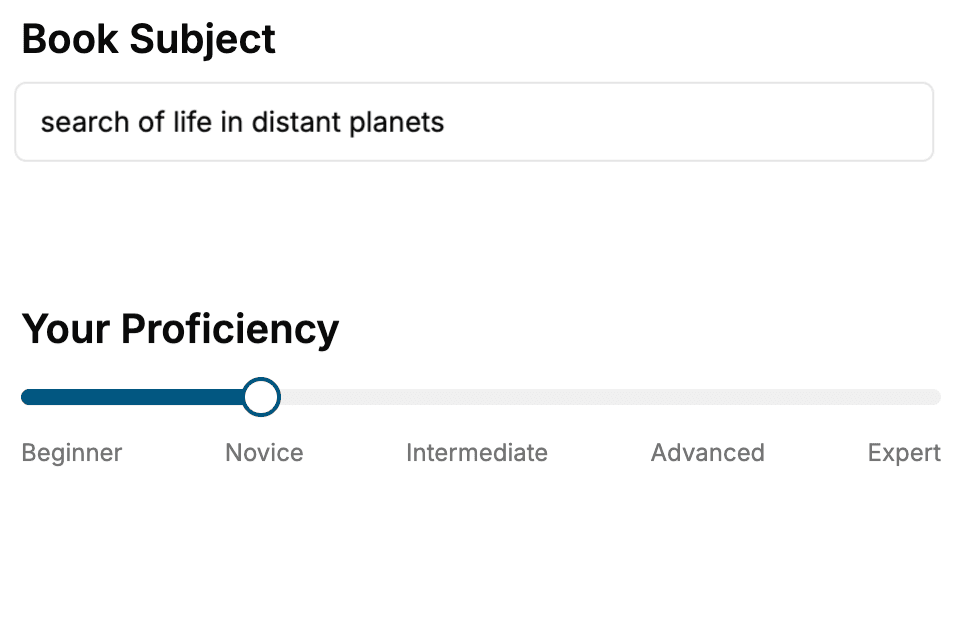
- 1. Select your focus
Select the focus of your 3D Design book and share your background
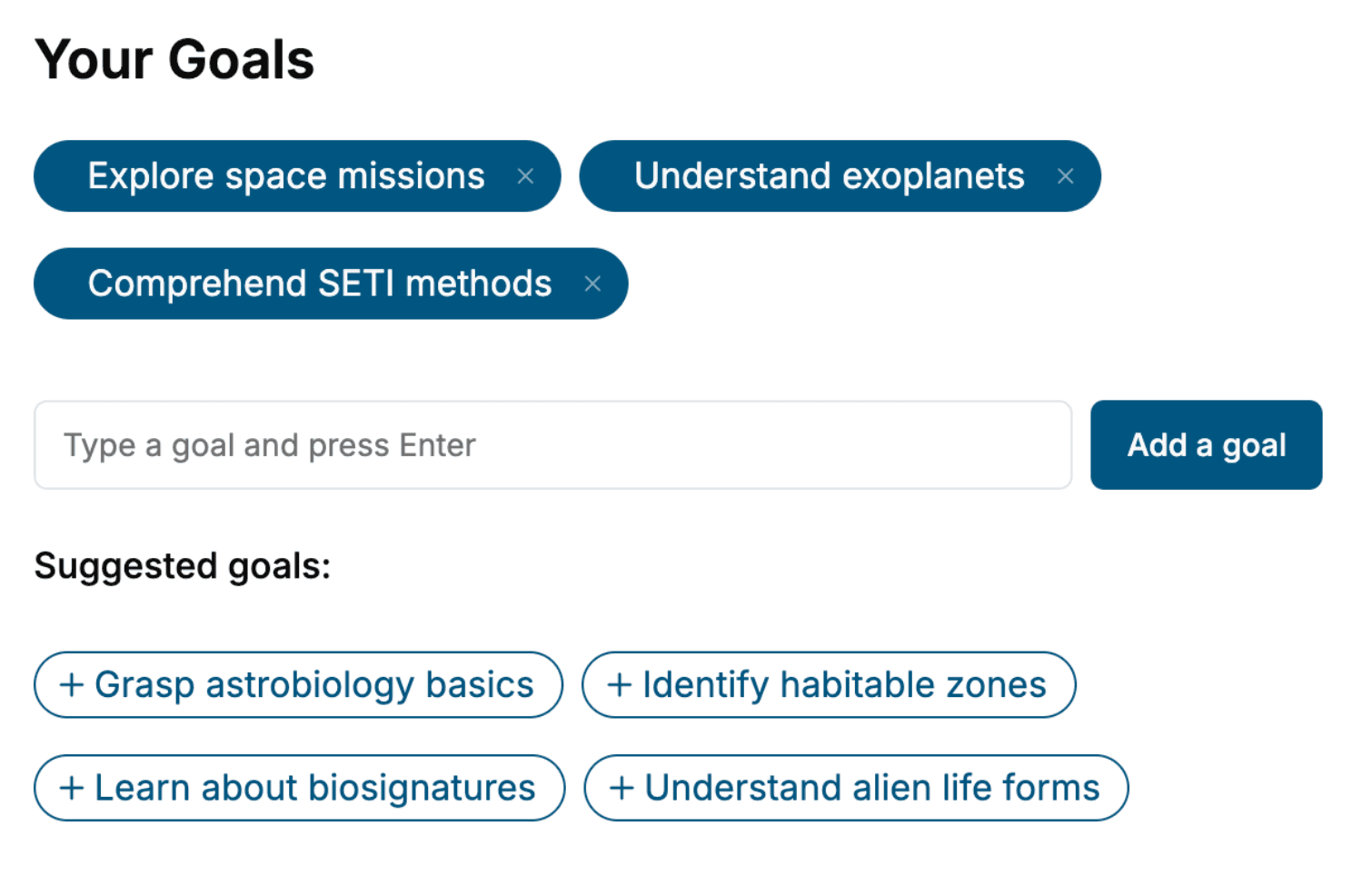
- 2. Personalize your book
Specify your goals and choose sub-topics to include
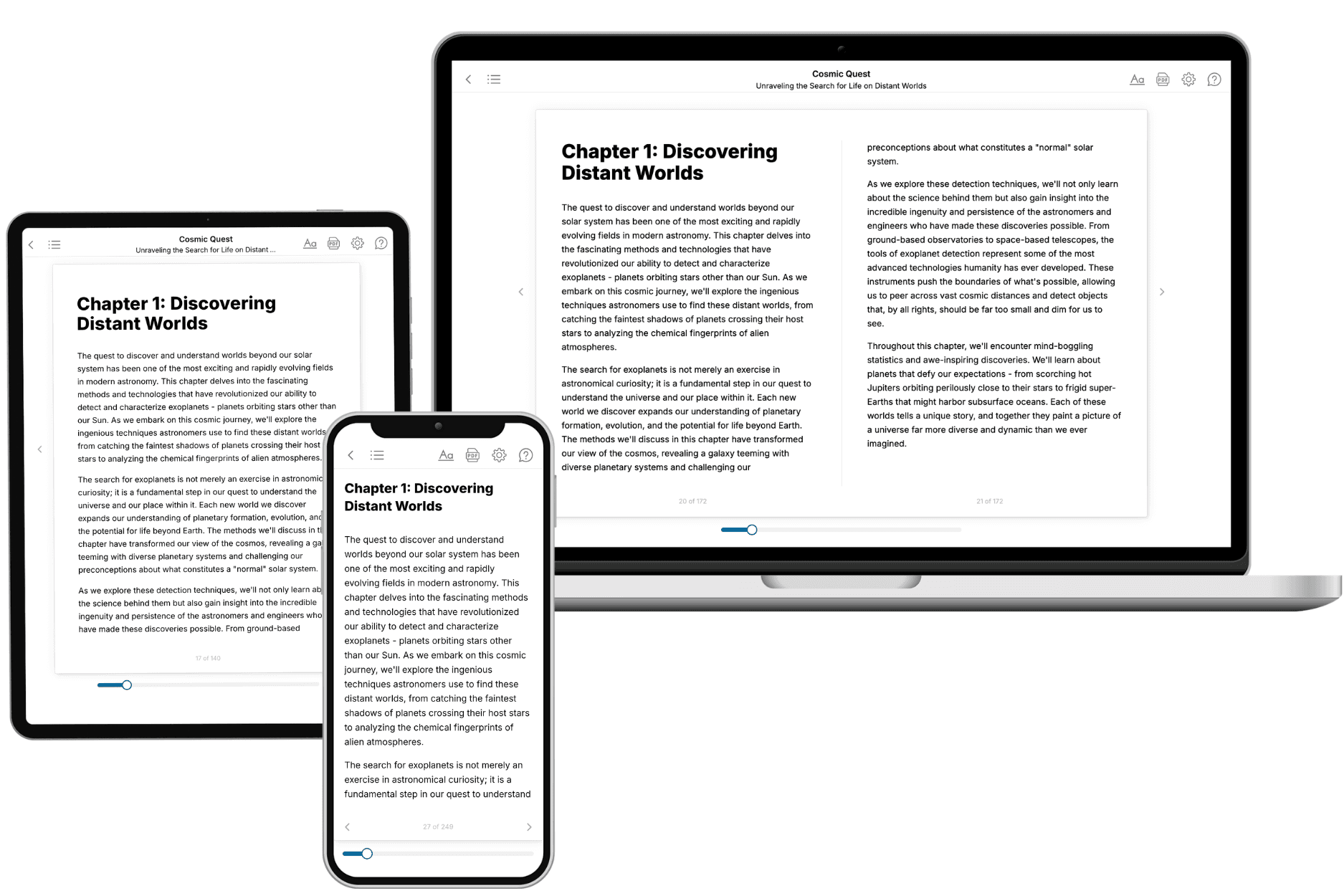
- 3. Get your tailored book
Your book is ready in 10 minutes. Read it online, download as EPUB or PDF, or send to Kindle.
Frequently asked questions
- What is TailoredRead?
TailoredRead creates complete, full-length nonfiction ebooks, written specifically for you. Tell us what you want to learn and why, and TailoredRead writes you a complete ebook on it, with charts, tables, and diagrams throughout. Read it online, on Kindle, or on any e-reader, or download it as a PDF or EPUB. Every book is written fresh the day you order it.
- How is the book tailored to me?
Before anything is written, you answer a few short questions about your goals, your background, and the topics you care about. Your book is then planned around your answers: written at your level, focused on your goals, and covering the topics you chose, instead of the one-size-fits-all book a store sells everyone.
- Will it read like generic AI content?
No. Your book isn't a chat transcript: it's planned chapter by chapter before a single word is written, told in a clear book voice, and explains ideas visually with charts, tables, and diagrams. After writing, every book goes through an editorial pass that polishes chapters so the book reads consistent from start to finish. Judge for yourself: browse thousands of sample books on our Explore Books page.
- How accurate is the content?
Our AI first checks whether your subject needs live research. Niche and fast-moving subjects are researched before writing, and the book plan and chapters are grounded in what it finds. After writing, every book goes through a quality pass that checks its facts and consistency, and researched books list their sources in a Notes section at the back.
- How long is the book?
You choose the length: Comprehensive (250-300 pages), Detailed (150-200 pages), Essential (70-100 pages), or Short (30-50 pages).
- Does the book include visuals?
Yes. Every book includes charts, tables, and diagrams: timelines, checklists, step-by-step guides, decision trees, comparison tables, matrices, and bar charts. A typical book includes dozens of these visual elements.
- Can I read it on Kindle? What formats can I download?
Yes. Every book can be read in our online reader or downloaded as a PDF or EPUB. The EPUB can be opened with Kindle, Apple Books, Kobo, and any e-reader. The Commercial and Author licenses also include an editable Word (DOCX) and Markdown download.
- How much does it cost?
About the price of a regular ebook. The exact price depends on your book's length and complexity, from $2 for the shortest books to $35 for the most comprehensive, and it's shown when you review your book, before you commit to anything. Each book is a one-time purchase, yours to keep, no subscription. Licenses that let you share, teach, or publish your book range from $35.99 to $49.99.
- Can I preview the book before purchasing?
Before you pay, you'll see what your book will cover: the title, a detailed description, the estimated length, and the complete chapter-by-chapter table of contents, so you know what you're getting before you decide. The full text itself is written after you purchase.
- How long does it take to create a book?
About 10 minutes. You can start reading the opening chapters while the rest is still being written.