Tinkercad for Teachers
A Step-by-Step Guide to Unleashing Creativity and 3D Design in Your Classroom
Unlock the potential of 3D design in your classroom with "Tinkercad for Teachers." This comprehensive guide is tailored specifically for educators who want to introduce their students to the exciting world of 3D modeling and printing.
191 pages9 chaptersNov 7, 2024Teaching
About this book
Whether you're a complete beginner or have some experience with digital design, this book will walk you through everything you need to know about Tinkercad. From navigating the user-friendly interface to creating complex 3D objects, you'll learn how to master Tinkercad's tools and features step by step. Discover how to effectively integrate 3D design projects into your curriculum, enhancing your students' spatial reasoning and creativity. With practical tips, classroom-ready activities, and design challenges, you'll be equipped to inspire the next generation of innovators and makers. "Tinkercad for Teachers" goes beyond just software instruction. It provides strategies for classroom management, project ideas for various subjects, and methods to assess student progress in 3D design. By the end of this book, you'll have the confidence and skills to lead engaging Tinkercad lessons that will captivate your students and prepare them for the future of design and technology.
Table of contents
- IntroductionWhy Tinkercad in Education?, Book Overview and How to Use It, Getting Started with Tinkercad, Benefits of 3D Design in the ClassroomRead below
- Chapter 1: Understanding Tinkercad BasicsNavigating the Tinkercad Interface, Setting Up Student Accounts, Introduction to Basic Tools, Customizing Your Workspace
- Chapter 2: Mastering Basic Shape CreationWorking with Primitive Shapes, Exploring the Shape Library, Creating Custom Shapes, Modifying Shape Properties
- Chapter 3: 3D Object Manipulation TechniquesMoving and Placing Objects, Scaling Objects Accurately, Rotating Objects in 3D Space, Aligning and Distributing Objects
- Chapter 4: Advanced Tinkercad FeaturesGrouping and Ungrouping Objects, Using the Hole Feature Effectively, Mastering Workplane Usage, Utilizing Measurement Tools
- Chapter 5: 3D Design Principles for StudentsIntroducing Design Thinking, Developing Spatial Reasoning Skills, Balancing Form and Function, Encouraging Iterative Design
- Chapter 6: Integrating Tinkercad in the ClassroomTinkercad Lesson Planning, Cross-Curricular Applications, Assessment Strategies for 3D Design, Classroom Management Tips
- Chapter 7: Engaging Tinkercad ProjectsBeginner-Friendly Projects, Intermediate Skill-Building Projects, Advanced Design Challenges, Collaborative Class Projects
- Chapter 8: From Design to Reality: 3D PrintingPreparing Designs for 3D Printing, 3D Printer Basics for Teachers, Common Issues and Troubleshooting, Post-Printing Finishing Techniques
- Chapter 9: Fostering Student Growth and CreativityTracking Skill Progression, Creativity-Boosting Exercises, Implementing Peer Feedback, Showcasing Student Work
- ConclusionPreparing Students for Future Skills, Continuing Your Tinkercad Journey
- AppendixAdditional Resources and Websites, Glossary of 3D Design Terms
Introduction
Welcome to the exciting world of 3D design and printing in education! As we embark on this journey together, you're about to discover how Tinkercad, a powerful yet user-friendly 3D modeling tool, can revolutionize your classroom and ignite your students' creativity. This introduction will set the stage for your exploration of Tinkercad, providing you with a solid foundation to build upon as you progress through the book. We'll delve into why Tinkercad is an ideal choice for educators, give you an overview of what to expect in the coming chapters, guide you through the initial steps of getting started with the software, and highlight the numerous benefits that 3D design brings to the classroom environment.
As an educator, you're constantly seeking innovative ways to engage your students and prepare them for the challenges of the future. The integration of 3D design and printing into your curriculum offers a unique opportunity to do just that. By introducing these technologies, you're not only teaching valuable technical skills but also fostering critical thinking, problem-solving abilities, and spatial reasoning. Moreover, you're opening doors to cross-curricular learning experiences that can breathe new life into traditional subjects. Whether you're teaching art, science, mathematics, or history, Tinkercad can be a versatile tool to enhance your lessons and bring abstract concepts to life in tangible, three-dimensional forms.
Throughout this book, we'll explore the myriad ways Tinkercad can be utilized in your classroom, from simple beginner projects to complex, collaborative endeavors. You'll learn how to navigate the software with confidence, master its features, and guide your students through the design process. By the end of this journey, you'll be well-equipped to lead engaging lessons that not only meet educational standards but also inspire a new generation of innovators, makers, and problem-solvers. So, let's dive in and discover the transformative power of Tinkercad in education!
Why Tinkercad in Education?
In the ever-evolving landscape of educational technology, Tinkercad stands out as a beacon of accessibility and innovation. But what makes Tinkercad particularly well-suited for the classroom environment? To answer this question, we need to explore the unique features and benefits that have made Tinkercad a favorite among educators worldwide. At its core, Tinkercad is designed with simplicity and user-friendliness in mind, making it an ideal platform for introducing students to the world of 3D design without the steep learning curve associated with more complex CAD (Computer-Aided Design) software.
One of the primary reasons Tinkercad excels in educational settings is its intuitive interface. Unlike professional-grade 3D modeling software that can overwhelm beginners with a multitude of tools and options, Tinkercad presents a clean, straightforward workspace that students can quickly grasp. The software utilizes a building-block approach to 3D modeling, where complex shapes are created by combining, subtracting, and manipulating basic geometric forms. This approach aligns perfectly with how young minds conceptualize and construct objects, making the transition from imagination to digital design seamless and natural. The drag-and-drop functionality further simplifies the design process, allowing students to experiment freely and see immediate results, which is crucial for maintaining engagement and motivation.
Accessibility is another key factor that sets Tinkercad apart in the educational sphere. As a web-based application, Tinkercad eliminates the need for expensive software installations or high-powered computers. Students can access their projects from any device with an internet connection, be it a school computer, a home laptop, or even a tablet. This flexibility not only facilitates seamless transitions between school and home learning but also ensures that students from diverse socioeconomic backgrounds have equal opportunities to engage with 3D design technology. Furthermore, Tinkercad's free-to-use model removes financial barriers, making it an attractive option for schools with limited budgets.
The collaborative features of Tinkercad make it an excellent tool for fostering teamwork and communication skills among students. The platform allows for easy sharing of designs, enabling students to work together on projects, provide peer feedback, and learn from each other's creations. This collaborative environment mirrors real-world design processes and prepares students for future careers where teamwork and digital collaboration are increasingly important. Additionally, teachers can easily monitor and guide student progress, providing timely feedback and support throughout the design process.
Tinkercad's educational value extends beyond just teaching 3D design skills. It serves as a powerful medium for developing critical thinking and problem-solving abilities. As students work on projects, they encounter challenges that require them to think creatively, analyze problems from multiple angles, and devise innovative solutions. This process of iterative design – where students create, test, and refine their models – closely aligns with the scientific method and engineering design principles, reinforcing important STEM concepts. Moreover, the spatial reasoning skills developed through 3D modeling have been shown to have positive effects on overall cognitive development and academic performance across various subjects[1].
The versatility of Tinkercad makes it an invaluable tool for cross-curricular learning. While its applications in STEM subjects are obvious, creative educators have found ways to integrate Tinkercad into a wide range of disciplines. In history classes, students can recreate ancient artifacts or historical landmarks. Language arts teachers can use it to bring literary scenes or characters to life. Art educators can explore new dimensions of sculpture and design. This interdisciplinary potential not only enriches the learning experience but also helps students understand the interconnectedness of different subjects – a crucial skill in our increasingly complex world.
Tinkercad's connection to the maker movement and 3D printing technology opens up exciting possibilities for hands-on learning. The ability to transform digital designs into physical objects provides a tangible reward for students' efforts and bridges the gap between virtual and real-world problem-solving. This connection to physical creation can be particularly motivating for kinesthetic learners and helps to make abstract concepts more concrete and understandable. The process of preparing a design for 3D printing also introduces students to important considerations of manufacturing and engineering, such as material properties, structural integrity, and design optimization.
From an educator's perspective, Tinkercad offers robust classroom management features that simplify the process of integrating 3D design into the curriculum. The platform provides tools for creating and managing student accounts, organizing classes, and assigning projects. These features allow teachers to maintain oversight of student work while promoting independence and self-directed learning. The ability to easily share and showcase student creations also facilitates assessment and celebration of student achievements, fostering a positive and encouraging learning environment.
Lastly, by introducing students to Tinkercad, educators are equipping them with skills that have real-world relevance and future career applications. As 3D printing and digital manufacturing continue to grow in importance across various industries, familiarity with 3D modeling software is becoming an increasingly valuable skill. Even for students who don't pursue careers directly related to 3D design, the problem-solving, spatial reasoning, and digital literacy skills developed through Tinkercad will be assets in many future professions. By providing students with early exposure to these technologies, educators are helping to prepare them for the jobs of tomorrow and fostering a mindset of innovation and adaptability.
In conclusion, Tinkercad's combination of accessibility, user-friendliness, versatility, and educational value makes it an exceptional choice for introducing 3D design in the classroom. Its alignment with modern pedagogical approaches, emphasis on creativity and problem-solving, and connection to real-world technologies position it as a powerful tool for preparing students for the challenges and opportunities of the 21st century. As we delve deeper into the specifics of using Tinkercad in your classroom throughout this book, keep in mind the multifaceted benefits it offers and the potential it holds for transforming your students' learning experiences.
Book Overview and How to Use It
As we embark on this journey to master Tinkercad and revolutionize your classroom with 3D design, it's essential to understand the structure and purpose of this book. "Tinkercad for Teachers" has been carefully crafted to guide you, step by step, through the process of integrating Tinkercad into your curriculum, regardless of your prior experience with 3D modeling. This section will provide you with an overview of the book's contents and offer guidance on how to make the most of the information and resources presented within these pages.
The book is organized into nine comprehensive chapters, each focusing on a specific aspect of Tinkercad and its application in education. We begin with the basics and progressively move towards more advanced concepts and practical classroom applications. This structure allows you to build your skills and confidence gradually, ensuring a solid foundation before tackling more complex projects and ideas. Whether you're a complete novice or have some experience with 3D design, you'll find valuable insights and techniques to enhance your teaching practice.
Chapter 1, "Understanding Tinkercad Basics," serves as your introduction to the software's interface and fundamental tools. Here, you'll learn how to navigate the Tinkercad workspace, set up student accounts, and customize your virtual environment. This chapter is crucial for getting comfortable with the platform and establishing a smooth workflow for both you and your students. Pay close attention to the sections on account management, as these will be essential for organizing your classroom activities.
In Chapter 2, "Mastering Basic Shape Creation," we delve into the core of Tinkercad's design philosophy – working with primitive shapes to create complex objects. You'll explore the shape library, learn how to modify shape properties, and begin creating custom shapes. This chapter lays the groundwork for all future design work, so take the time to practice and experiment with the techniques presented here. The skills you develop in this chapter will be the building blocks for more advanced designs later on.
Chapter 3, "3D Object Manipulation Techniques," builds upon your shape creation skills by teaching you how to manipulate objects in three-dimensional space. You'll learn precise methods for moving, scaling, rotating, and aligning objects – essential skills for creating accurate and visually appealing designs. This chapter also introduces important concepts of spatial reasoning, which you can then pass on to your students to enhance their understanding of geometry and spatial relationships.
As we progress to Chapter 4, "Advanced Tinkercad Features," you'll discover tools and techniques that will elevate your designs to the next level. Topics such as grouping objects, using the powerful Hole feature, working with multiple workplanes, and utilizing measurement tools are covered in depth. These advanced features will allow you to create more complex and sophisticated models, opening up new possibilities for classroom projects across various subjects.
Chapter 5, "3D Design Principles for Students," shifts the focus from software skills to the broader concepts of design thinking and creativity. Here, you'll find strategies for teaching design principles, fostering spatial reasoning skills, and encouraging iterative design processes. This chapter is particularly valuable for integrating 3D design into your broader curriculum and helping students develop critical thinking skills that extend beyond the realm of 3D modeling.
In Chapter 6, "Integrating Tinkercad in the Classroom," we tackle the practical aspects of incorporating 3D design into your teaching practice. You'll find guidance on lesson planning, cross-curricular applications, assessment strategies, and classroom management tips specific to 3D design activities. This chapter is designed to help you seamlessly blend Tinkercad into your existing curriculum and teaching style.
Chapter 7, "Engaging Tinkercad Projects," is a treasure trove of project ideas and design challenges suitable for various skill levels and subject areas. From simple beginner projects to advanced collaborative endeavors, you'll find inspiration and detailed instructions to keep your students engaged and challenged. Feel free to adapt these projects to suit your specific classroom needs and learning objectives.
For those looking to take their 3D design journey to the physical world, Chapter 8, "From Design to Reality: 3D Printing," provides an introduction to the 3D printing process. You'll learn how to prepare designs for printing, understand the basics of 3D printer operation, troubleshoot common issues, and explore post-printing finishing techniques. Even if you don't have immediate access to a 3D printer, this chapter offers valuable insights into the manufacturing process that can enhance your students' understanding of design for production.
The final chapter, Chapter 9, "Fostering Student Growth and Creativity," focuses on strategies for nurturing your students' skills and creative potential over time. You'll discover methods for tracking skill progression, implementing peer feedback systems, and showcasing student work. This chapter is crucial for creating a supportive and motivating environment that encourages continuous learning and improvement in 3D design.
To make the most of this book, we recommend reading it sequentially, especially if you're new to Tinkercad. Each chapter builds upon the knowledge and skills introduced in previous sections. However, more experienced users may choose to focus on specific chapters that address their particular needs or interests. Throughout the book, you'll find practical tips, classroom-ready activities, and real-world examples to illustrate key concepts. Take advantage of these resources to enrich your lessons and provide hands-on learning experiences for your students.
As you progress through the book, we encourage you to actively engage with the material by practicing the techniques described and experimenting with your own ideas. The best way to master Tinkercad is through hands-on experience, so don't hesitate to open the software and try out new concepts as you encounter them. Consider keeping a digital or physical notebook to jot down ideas, questions, and observations as you read. This can be an invaluable resource when planning lessons or troubleshooting issues in the classroom.
Remember that this book is not just a manual for using Tinkercad; it's a guide to transforming your teaching practice through the integration of 3D design. As you read, constantly consider how the concepts and techniques can be applied to your specific subject area and student age group. Look for opportunities to connect 3D design activities with your existing curriculum and learning objectives. The cross-curricular potential of Tinkercad is vast, and some of the most innovative applications may come from your unique perspective as an educator in your field.
Finally, don't forget to take advantage of the additional resources provided in the Appendix. Here you'll find a glossary of 3D design terms to help you and your students navigate the terminology, as well as links to websites and communities that can provide ongoing support and inspiration for your 3D design journey. Teaching with Tinkercad is an evolving practice, and staying connected with the broader community of educators using 3D design can be an invaluable source of new ideas and solutions to common challenges.
By the time you reach the end of this book, you'll have a comprehensive understanding of Tinkercad and its applications in education. You'll be equipped with the skills, knowledge, and resources to confidently introduce 3D design to your students and create engaging, innovative learning experiences. Remember, the journey doesn't end with the last page – it's just the beginning of your adventure in 3D design education. Embrace the process, stay curious, and don't be afraid to learn alongside your students as you explore the endless possibilities of Tinkercad together.
Getting Started with Tinkercad
Embarking on your Tinkercad journey is an exciting step towards transforming your classroom with 3D design. This section will guide you through the initial process of setting up and familiarizing yourself with Tinkercad, ensuring a smooth start for both you and your students. By the end of this section, you'll have a Tinkercad account, understand the basic layout of the platform, and be ready to begin your first design.
The first step in your Tinkercad adventure is creating an account. Tinkercad is a web-based application, which means you don't need to download or install any software on your computer. Simply open your web browser and navigate to www.tinkercad.com. On the homepage, you'll see an option to "Join Now" or "Sign Up." Click on this button to begin the account creation process. Tinkercad offers several sign-up options, including using an Autodesk account, Google account, or creating a new account with your email address. For educational purposes, it's often best to create a dedicated Tinkercad account using your school email address. This will make it easier to manage student accounts and access educational features later on.
During the sign-up process, you'll be asked to provide some basic information and choose a username and password. It's important to select a username that is professional and easily identifiable, especially if you plan to interact with students through the platform. After completing the sign-up form, you'll need to verify your email address by clicking a link sent to your inbox. Once your account is verified, you're ready to enter the world of Tinkercad!
Upon logging in for the first time, you'll be greeted with a welcome screen that offers a brief tutorial on Tinkercad's basic functions. While it might be tempting to skip this introduction, we highly recommend going through it. The tutorial provides a quick overview of the interface and introduces you to fundamental tools and actions you'll use frequently. Even if you're familiar with other 3D modeling software, Tinkercad's unique approach to design makes this tutorial valuable for all new users.
After completing the tutorial, take some time to explore the Tinkercad dashboard. This is your home base within the platform, where you can access your projects, view featured designs from the Tinkercad community, and navigate to different sections of the website. On the dashboard, you'll find options to create a new design, join a classroom, or explore lessons and projects. The "Learn" section, accessible from the top navigation menu, is particularly useful for educators. Here, you'll find a wealth of resources, including lesson plans, design challenges, and step-by-step tutorials that can help you develop your skills and create engaging activities for your students.
Before diving into your first design, it's worth taking a moment to customize your account settings. Click on your profile icon in the top right corner of the screen and select "Settings" from the dropdown menu. Here, you can adjust your profile information, privacy settings, and notification preferences. Pay particular attention to the privacy settings, especially if you plan to use Tinkercad with younger students. You can control who can view your designs and how your profile appears to others on the platform.
Now that your account is set up and you're familiar with the dashboard, it's time to create your first design. Click on the "Create new design" button on your dashboard. This will open the Tinkercad workplane, the virtual space where all your 3D modeling will take place. Take a moment to familiarize yourself with the layout. On the right side of the screen, you'll see a panel with basic shapes and letters. These are the building blocks you'll use to create your designs. The top of the screen houses various tools for manipulating objects, changing views, and accessing additional features.
To get a feel for the basic operations in Tinkercad, try dragging a simple shape, like a cube, onto the workplane. You can click and drag on the shape to move it around, use the corner handles to resize it, or click the circular arrows to rotate it. Experiment with adding multiple shapes and see how they interact. Don't worry about creating anything specific at this point – the goal is to get comfortable with the interface and basic controls.
As you explore, you'll notice that Tinkercad automatically saves your work every few minutes. However, it's a good practice to manually save your designs regularly, especially when making significant changes. To save your design, click on the name of your project at the top left of the screen (it will say "Untitled" for a new design) and give it a name. You can also use the keyboard shortcut Ctrl+S (or Cmd+S on Mac) to quickly save your work.
While you're getting acquainted with Tinkercad, take some time to explore the various menus and options available. The "Adjust" panel on the right side of the screen allows you to make precise changes to your objects, including size, position, and rotation. The "Align" tool at the top of the screen helps you perfectly position objects relative to each other. Don't hesitate to click around and see what each button does – Tinkercad is designed to be intuitive and user-friendly, and experimentation is key to learning.
As an educator, you'll also want to familiarize yourself with Tinkercad's classroom management features. From your dashboard, you can create a classroom by clicking on "Teach" and then "Create a new classroom." This will generate a unique class code that you can share with your students, allowing them to join your virtual classroom. Within this classroom environment, you can assign projects, view student work, and manage permissions. Take some time to explore these features, as they will be crucial for effectively implementing Tinkercad in your teaching.
Remember, getting started with Tinkercad is all about exploration and hands-on experience. Don't be afraid to make mistakes or create imperfect designs – every experiment is a learning opportunity. As you become more comfortable with the basic functions, challenge yourself to recreate simple objects from your environment or to design solutions to everyday problems. This practical application will help solidify your understanding of the tools and prepare you for guiding your students through their own design journeys.
Lastly, consider joining the Tinkercad community forums or following Tinkercad on social media platforms. These resources can provide inspiration, troubleshooting tips, and a sense of connection with other educators and designers using the platform. The Tinkercad community is known for its supportiveness and creativity, and engaging with it can greatly enhance your experience and provide valuable insights for your teaching practice.
By taking these initial steps to set up your account, familiarize yourself with the interface, and begin experimenting with basic designs, you're laying a strong foundation for your Tinkercad journey. As we progress through the book, we'll build upon these basics, introducing more advanced techniques and exploring how to effectively integrate Tinkercad into your curriculum. Remember, every expert was once a beginner, so embrace the learning process and enjoy the creative possibilities that Tinkercad opens up for you and your students!
Benefits of 3D Design in the Classroom
Integrating 3D design into your classroom curriculum through platforms like Tinkercad offers a multitude of benefits that extend far beyond the realm of technology education. As we explore these advantages, you'll discover how 3D design can enhance learning across various subjects, develop crucial skills for the future, and create engaging, hands-on experiences that resonate with students of all learning styles. Let's delve into the transformative power of 3D design in education and how it can revolutionize your teaching approach.
One of the most significant benefits of incorporating 3D design in the classroom is its ability to foster creativity and innovation. Traditional education often emphasizes rote learning and standardized problem-solving, but 3D design encourages students to think outside the box and approach challenges from multiple angles. When students use Tinkercad to create their own designs, they're not just following instructions – they're actively engaging in the creative process, turning abstract ideas into tangible digital models. This creative freedom allows students to explore their imagination, experiment with different solutions, and develop a sense of ownership over their learning. Research has shown that engaging in creative activities like 3D design can enhance cognitive flexibility, improve problem-solving skills, and boost overall academic performance[2].
3D design in the classroom also serves as an excellent tool for developing spatial reasoning skills. Spatial reasoning – the ability to understand and manipulate objects in three dimensions mentally – is a crucial cognitive skill that has been linked to success in STEM fields and beyond. When students work with 3D models in Tinkercad, they're constantly exercising their spatial reasoning abilities, visualizing how different shapes and objects interact in three-dimensional space. This practice can lead to improved performance in mathematics, particularly in geometry and calculus, as well as in sciences like chemistry and physics where spatial understanding is key. Moreover, enhanced spatial reasoning skills have been associated with better problem-solving abilities across various disciplines, making it a valuable asset for students regardless of their future career paths[3].
The hands-on nature of 3D design provides a powerful platform for experiential learning. By creating digital models and potentially printing them into physical objects, students can bridge the gap between abstract concepts and concrete reality. This tangible approach to learning is particularly beneficial for kinesthetic learners who thrive on physical interaction with their environment. For example, in a history class, students could recreate ancient artifacts or architectural structures, gaining a deeper understanding of historical periods through the process of design and construction. In science, students might model molecular structures or design experiments, making complex concepts more accessible and engaging. This hands-on approach not only enhances understanding but also increases retention of information, as students are actively involved in the creation process rather than passively receiving information.
3D design in the classroom also promotes critical thinking and problem-solving skills. When students engage in design projects, they're faced with real-world challenges that require analytical thinking and creative problem-solving. They must consider factors such as functionality, aesthetics, scale, and material properties – all while working within the constraints of their design software and potentially a 3D printer. This process mirrors the engineering design cycle, teaching students valuable skills in identifying problems, brainstorming solutions, testing ideas, and iterating on their designs. These problem-solving skills are highly transferable and prepare students for future academic and professional challenges across various fields.
Collaboration and communication skills are naturally enhanced through 3D design projects. Many design tasks in Tinkercad can be structured as group projects, encouraging students to work together, share ideas, and combine their strengths to achieve a common goal. This collaborative environment mimics real-world work scenarios, preparing students for future careers where teamwork is often essential. Additionally, students learn to communicate their ideas effectively, both visually through their designs and verbally when presenting their projects or explaining their design choices. These communication skills are invaluable in any field and help students articulate their thoughts and ideas more clearly.
Incorporating 3D design into your curriculum also offers excellent opportunities for cross-curricular learning. The versatility of tools like Tinkercad allows for integration across various subjects, breaking down the traditional silos between disciplines. For instance, a project could combine elements of art (aesthetic design), mathematics (measurements and scaling), science (material properties), and history (historical context of the design). This interdisciplinary approach helps students understand the interconnectedness of different subjects and how knowledge from one area can be applied to another, fostering a more holistic understanding of the world around them.
For many students, 3D design serves as an introduction to digital literacy and technological fluency. In an increasingly digital world, familiarity with design software and understanding of digital manufacturing processes are becoming valuable skills across many industries. By introducing students to 3D design early, you're preparing them for a future where digital creation and manipulation are commonplace. This exposure can spark interest in technology-related fields and open up new career possibilities that students might not have previously considered.
3D design projects also offer unique opportunities for personalized learning and differentiation in the classroom. The open-ended nature of design tasks allows students to work at their own pace and level, with the ability to create simple or complex designs based on their skills and interests. This flexibility makes 3D design accessible to students of varying abilities, including those with learning differences. Advanced students can be challenged with more complex projects, while those who need more support can start with simpler designs and gradually build their skills. This individualized approach can boost confidence and motivation, as students see tangible progress in their abilities over time.
Finally, the integration of 3D design in the classroom can significantly enhance student engagement and motivation. The novelty of creating three-dimensional objects, coupled with the immediate visual feedback provided by software like Tinkercad, can captivate students' interest in ways that traditional teaching methods might not. The sense of accomplishment that comes from completing a design project, especially if it results in a physical 3D printed object, can be incredibly motivating. This increased engagement can lead to improved attendance, better classroom behavior, and a more positive attitude towards learning in general.
In conclusion, the benefits of incorporating 3D design into your classroom are far-reaching and multifaceted. From fostering creativity and spatial reasoning to developing critical thinking and collaboration skills, 3D design offers a unique and powerful tool for enhancing education across all subjects. As you continue through this book and begin implementing Tinkercad in your teaching, keep these benefits in mind. They will not only guide your lesson planning but also help you articulate the value of 3D design to colleagues, administrators, and parents. By embracing this technology, you're not just teaching a new skill – you're preparing your students for success in an increasingly digital and design-oriented world.
Notes
Introduction
- 1. D. H. Uttal and C. A. Cohen, Spatial thinking and STEM education: When, why, and how?, Psychology of Learning and Motivation, 2012
- 2. R. K. Sawyer, "Teaching creativity in art and design studio classes: A systematic literature review," Educational Research Review, 2017
- 3. D. H. Uttal and others, "The malleability of spatial skills," Psychological Bulletin, 2013
This is the end of the free sample. The full book has 9 chapters.
Want this book written for you?
Tell us your goals and background, and get your own version of this book, tailored by AI to you.


Benefits of AI-tailored books
- Read one book, not ten:
- all the Teaching knowledge you need, gathered into a single book.
- Save days of learning:
- tell us your goals, choose your topics, and the whole book is built around them.
- Learn effortlessly:
- Teaching book written for your specific background and expertise.
- Understand at a glance:
- includes charts, tables, timelines, checklists, decision trees, and more.
- Stay current:
- written the day you order it, not years ago.
- Trust what you read:
- every book is checked for accuracy, with real research when your subject needs it.
Create your unique book in 3 steps
- 1. Select your focus
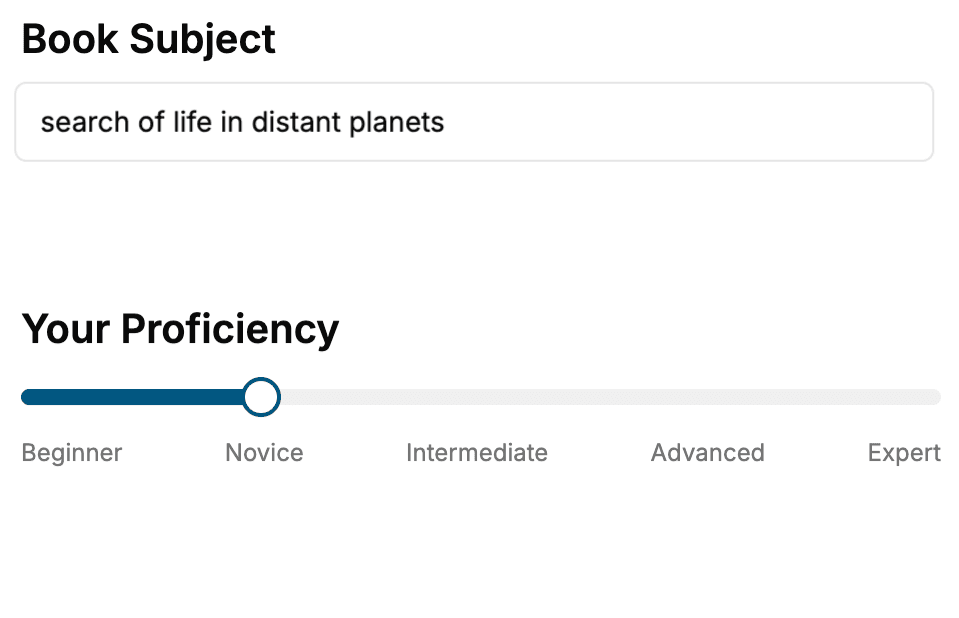
Select the focus of your Teaching book and share your background
- 2. Personalize your book
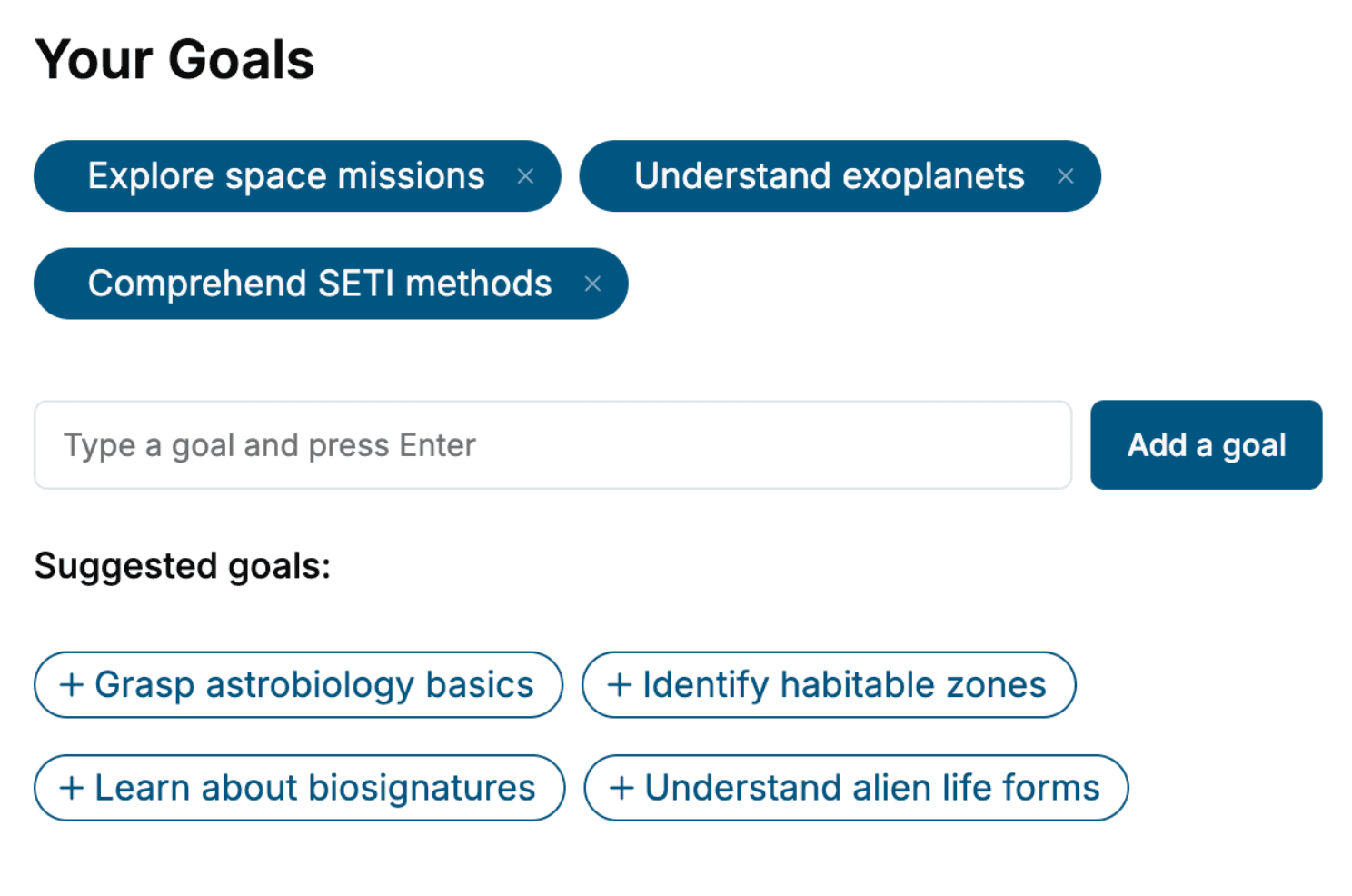
Specify your goals and choose sub-topics to include
- 3. Get your tailored book
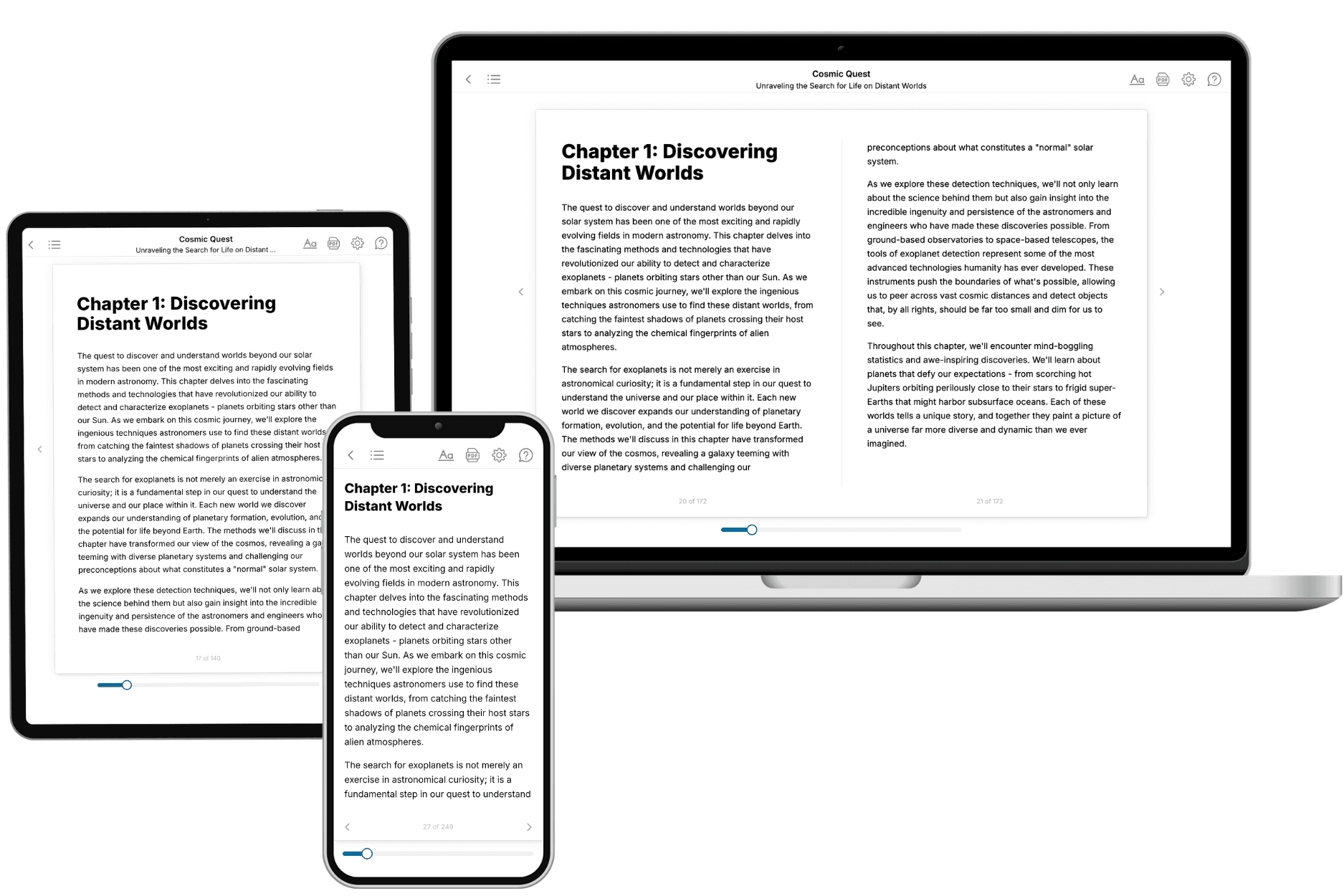
Your book is ready in 10 minutes. Read it online, download as EPUB or PDF, or send to Kindle.
Frequently asked questions
- What is TailoredRead?
TailoredRead creates complete, full-length nonfiction ebooks, written specifically for you. Tell us what you want to learn and why, and TailoredRead writes you a complete ebook on it, with charts, tables, and diagrams throughout. Read it online, on Kindle, or on any e-reader, or download it as a PDF or EPUB. Every book is written fresh the day you order it.
- How is the book tailored to me?
Before anything is written, you answer a few short questions about your goals, your background, and the topics you care about. Your book is then planned around your answers: written at your level, focused on your goals, and covering the topics you chose, instead of the one-size-fits-all book a store sells everyone.
- Will it read like generic AI content?
No. Your book isn't a chat transcript: it's planned chapter by chapter before a single word is written, told in a clear book voice, and explains ideas visually with charts, tables, and diagrams. After writing, every book goes through an editorial pass that polishes chapters so the book reads consistent from start to finish. Judge for yourself: browse thousands of sample books on our Explore Books page.
- How accurate is the content?
Our AI first checks whether your subject needs live research. Niche and fast-moving subjects are researched before writing, and the book plan and chapters are grounded in what it finds. After writing, every book goes through a quality pass that checks its facts and consistency, and researched books list their sources in a Notes section at the back.
- How long is the book?
You choose the length: Comprehensive (250-300 pages), Detailed (150-200 pages), Essential (70-100 pages), or Short (30-50 pages).
- Does the book include visuals?
Yes. Every book includes charts, tables, and diagrams: timelines, checklists, step-by-step guides, decision trees, comparison tables, matrices, and bar charts. A typical book includes dozens of these visual elements.
- Can I read it on Kindle? What formats can I download?
Yes. Every book can be read in our online reader or downloaded as a PDF or EPUB. The EPUB can be opened with Kindle, Apple Books, Kobo, and any e-reader. The Commercial and Author licenses also include an editable Word (DOCX) and Markdown download.
- How much does it cost?
About the price of a regular ebook. The exact price depends on your book's length and complexity, from $2 for the shortest books to $35 for the most comprehensive, and it's shown when you review your book, before you commit to anything. Each book is a one-time purchase, yours to keep, no subscription. Licenses that let you share, teach, or publish your book range from $35.99 to $49.99.
- Can I preview the book before purchasing?
Before you pay, you'll see what your book will cover: the title, a detailed description, the estimated length, and the complete chapter-by-chapter table of contents, so you know what you're getting before you decide. The full text itself is written after you purchase.
- How long does it take to create a book?
About 10 minutes. You can start reading the opening chapters while the rest is still being written.