Tkinter Mastery
Build Professional Desktop Applications with Python's Native GUI Framework
Build professional desktop applications that users actually want to use.
191 pages10 chaptersJul 9, 2026Python
About this book
This comprehensive guide takes you from Tkinter fundamentals to creating polished, production-ready software. You'll master widget creation, event handling, and layout management while learning industry-standard patterns that keep your code clean and maintainable. Discover how to implement data persistence, create custom widgets, and apply modern styling to match contemporary design expectations. Whether you're building internal tools, business applications, or standalone software, you'll learn practical techniques for debugging, testing, and optimizing performance. The book includes real-world examples and patterns used by professional developers, plus step-by-step instructions for packaging your applications as standalone executables. By the end, you'll have the skills and confidence to tackle any desktop application project with Tkinter.
Table of contents
- IntroductionWhy Tkinter Matters in Modern Development, What You'll Learn in This Book, How to Use This Book Effectively, Setting Up Your Development EnvironmentRead below
- Chapter 1: Tkinter FundamentalsUnderstanding Tkinter Architecture, Creating Your First Window, The Event Loop and Application Lifecycle
- Chapter 2: Essential Widgets and ComponentsExploring Core Widget Types, Working with Buttons, Labels, and Text Widgets, Capturing User Input with Entry and Combobox, Displaying Data with Listbox, Treeview, and Canvas
- Chapter 3: Layout Management and GeometryComparing Pack, Grid, and Place Managers, Building Responsive Layouts with Grid, Creating Complex Multi-Panel Interfaces
- Chapter 4: Event Handling and User InteractionUnderstanding Event Binding and Callbacks, Handling Different Event Types and Sequences, Input Validation and User Feedback, Keyboard and Mouse Event Handling
- Chapter 5: Application Architecture and Design PatternsImplementing the Model-View-Controller Pattern, Organizing Code for Maintainability, Building Class-Based Applications
- Chapter 6: Styling and Theming Your ApplicationsWorking with Colors, Fonts, and Styling, Using ttk Widgets for Modern Appearance, Creating Custom Themes and Consistent Design, Implementing Responsive Design Principles
- Chapter 7: Data Persistence and File ManagementReading and Writing Files from Your Application, Working with JSON and CSV Data Formats, Integrating SQLite Databases, Binding UI Elements to Data Models
- Chapter 8: Advanced Widget TechniquesCreating Custom Widgets and Compound Widgets, Drawing Graphics and Animations with Canvas, Working with Dialogs and Multiple Windows
- Chapter 9: Debugging, Testing, and OptimizationDebugging Tkinter Applications Effectively, Writing Unit Tests for GUI Components, Optimizing Performance and Memory Usage, Robust Error Handling and Logging
- Chapter 10: Packaging and DistributionConverting Python Scripts to Standalone Executables, Building Cross-Platform Applications, Distribution Strategies and User Installation
- ConclusionYour Path Forward with Tkinter, Additional Resources and Community
Introduction
Desktop applications are not going away. Despite the rise of web apps and mobile platforms, there remains a massive, practical need for software that runs directly on a user's machine, works offline, integrates with local files, and feels native to the operating system. Python developers are uniquely positioned to fill that need, and the tool sitting right inside Python's standard library is more capable than most people realize. That tool is Tkinter, and this book is your complete guide to using it well.
Many developers encounter Tkinter early in their Python journey, build a simple window or two, and then move on with the impression that it's only good for quick prototypes or learning exercises. That impression is wrong. Tkinter is a mature, cross-platform GUI framework that has shipped with Python since version 1.1. It wraps the Tk GUI toolkit, which has been actively developed since 1988 and powers real-world applications used by millions of people every day.[1] The gap between what most developers think Tkinter can do and what it actually can do is enormous, and closing that gap is exactly what this book sets out to accomplish.
This is not a beginner's introduction to Python. It assumes you already know how to write functions, work with classes, handle files, and think through a problem in code. What it does assume is that you have not yet built a serious desktop application, or that you have tried and run into the walls that come from not knowing the right patterns and techniques. By the time you finish this book, you will know how to design a clean application architecture, manage complex layouts, handle user input gracefully, connect your interface to real data, and ship your application as a standalone executable that users can run without installing Python. That is the full journey, from first window to finished product.
Each chapter builds on the last, but the book is also designed so you can jump to specific topics when you need them. Whether you are starting fresh or looking to level up a project already in progress, you will find practical, working code and clear explanations throughout. The examples are realistic, the patterns are used by professional developers, and the advice is grounded in what actually works when you are building software that other people depend on.
Why Tkinter Matters in Modern Development
The most common question developers ask when they consider building a desktop GUI in Python is whether they should use Tkinter at all. The alternatives are real: PyQt and PySide offer rich widget sets, wxPython provides native OS controls, and newer frameworks like Dear PyGui target performance-heavy use cases. Each of these has genuine strengths. But they also come with trade-offs that Tkinter simply does not have, and those trade-offs matter more than most tutorials acknowledge.
The single biggest advantage Tkinter holds over every alternative is that it requires zero installation. It ships with Python on Windows, macOS, and most Linux distributions. When you write a Tkinter application, anyone with Python installed can run it immediately. There are no licensing concerns, no pip install steps that might fail in a corporate environment, and no version conflicts to manage. For internal tools, scripts shared among a team, or applications deployed in controlled environments, this is not a minor convenience. It is a significant practical advantage.
Tkinter's cross-platform support is also genuinely solid. The same Python file runs on Windows, macOS, and Linux without modification in the vast majority of cases. The visual appearance adapts to each platform's conventions when you use the ttk (themed Tk) widget set, which is covered in depth in Chapter 6. This is not always true of alternatives. PyQt applications, for example, can require platform-specific adjustments and carry a licensing cost for commercial use under the GPL model.
There is also a performance argument to be made. Tkinter applications start fast, use modest memory, and feel responsive for the kinds of tasks desktop tools typically handle: data entry, file management, configuration interfaces, dashboards, and utilities. It is not the right choice for a 3D game engine or a real-time video editor, but for the overwhelming majority of business and productivity applications, it performs exactly as well as users expect.
The ecosystem around Tkinter has also matured considerably. The ttk module, introduced in Python 2.7 and 3.1, brought modern-looking themed widgets that replaced the dated appearance that gave Tkinter its old reputation. Third-party theme packages like ttkthemes and Sun Valley ttk theme push the visual quality even further, making it entirely possible to build applications that look polished and contemporary on any platform.[2]
Finally, Tkinter's learning curve is genuinely manageable. The core concepts, widgets, geometry managers, and event binding, can be learned in a weekend. The depth comes from knowing how to combine those concepts into well-structured, maintainable applications. That is exactly the knowledge this book delivers. Tkinter is not a compromise or a fallback. For Python developers building desktop software, it is often the smartest first choice.
Real-world example: The IDLE development environment that ships with Python is itself built entirely with Tkinter. It handles syntax highlighting, file management, an interactive shell, and a debugger, all within a single Tkinter application. This is a production tool used by millions of Python developers worldwide, and it runs on every platform Python supports.
Understanding why Tkinter is a legitimate professional choice matters because it shapes how you approach learning it. If you treat it as a toy, you will build toys. If you treat it as a capable framework that rewards good engineering practices, you will build software worth using. This book takes the second approach throughout.
What You'll Learn in This Book
This book covers the complete arc of building a professional Tkinter application, from the first line of code to a distributable executable. The chapters are organized to follow the natural progression of a real project, starting with fundamentals and moving toward increasingly sophisticated techniques. Here is a clear picture of what each part of the book delivers.
Chapters 1 through 3 establish the foundation. You will learn how Tkinter's architecture works, how the event loop drives your application, and how to create and configure the core widgets that make up any interface. You will also master the three geometry managers (pack, grid, and place) and learn when to use each one. By the end of Chapter 3, you will be able to build complex, multi-panel layouts that resize and adapt correctly.
Chapter 4 dives into event handling, which is where interfaces come alive. You will learn how to bind events to widgets, handle keyboard and mouse input, validate user data before it causes problems, and provide clear feedback when something goes wrong. This chapter covers the event model in enough depth that you will understand not just how to make things work, but why they work the way they do.
Chapter 5 addresses application architecture, which is the topic most Tkinter tutorials skip entirely. You will learn how to apply the Model-View-Controller pattern to a GUI application, how to organize your code into modules and classes, and how to structure a project so it remains maintainable as it grows. This is the chapter that separates scripts from software.
Chapters 6 and 7 cover two areas that are essential for professional applications: styling and data. In Chapter 6, you will learn how to use ttk widgets, apply themes, work with fonts and colors, and create a consistent visual design. In Chapter 7, you will connect your application to real data through file I/O, JSON and CSV handling, and SQLite database integration.
Chapter 8 explores advanced widget techniques, including building your own custom widgets, drawing graphics and animations with the Canvas widget, and managing multiple windows and dialog boxes. These are the techniques that let you go beyond what the standard widget set provides and build interfaces tailored exactly to your application's needs.
Chapters 9 and 10 complete the professional picture. Chapter 9 covers debugging strategies, unit testing for GUI components, performance optimization, and error handling. Chapter 10 walks through packaging your application as a standalone executable using tools like PyInstaller, handling cross-platform differences, and planning a distribution strategy for your users.
Throughout all of these chapters, the focus is on practical, working code. Every concept is illustrated with concrete examples. Every pattern is shown in context. The goal is not just to explain what Tkinter can do, but to show you exactly how to do it in a way that holds up in real projects.
- Build complete, functional desktop applications from scratch
- Apply professional architecture patterns that keep code clean and maintainable
- Create modern-looking interfaces using
ttkwidgets and custom themes - Connect your GUI to files, JSON, CSV, and SQLite databases
- Write tests for your GUI components and debug problems efficiently
- Package and distribute your application as a standalone executable
How to Use This Book Effectively
This book is designed to work in two modes. If you are new to Tkinter or building your first serious desktop application, reading it cover to cover in order is the best approach. Each chapter assumes the concepts from previous chapters, and the progression is deliberate. If you already have some Tkinter experience and are looking to fill specific gaps, the chapters are self-contained enough that you can jump directly to what you need.
The most important habit to develop while working through this book is typing the code yourself. It is tempting to read through examples and feel like you understand them, and you probably do understand them intellectually. But GUI programming involves a kind of muscle memory that only develops through practice. When you type the code, run it, break it, and fix it, you build an intuition for how Tkinter behaves that reading alone cannot give you. Every example in this book is meant to be run, not just read.
Each chapter ends with concepts that build toward a larger application. As you progress through the book, you will find that the techniques from earlier chapters appear again in more complex contexts. This is intentional. Real applications do not use one technique in isolation. They combine layout management with event handling, event handling with data persistence, and data persistence with error handling. Seeing how these pieces fit together is part of what this book teaches.
When you encounter a concept that feels unclear, the best approach is to experiment with it directly. Tkinter is a highly interactive framework. You can open a Python shell, import Tkinter, create a window, and test a widget's behavior in under a minute. This makes it an excellent framework for learning through exploration. Do not hesitate to modify the examples, try different configurations, and see what happens. Breaking things intentionally is one of the fastest ways to understand how they work.
Here is a practical approach to getting the most from each chapter:
- Read the chapter introduction to understand what problem it solves and why it matters
- Work through each code example by typing it yourself and running it
- Modify the example to test your understanding (change a parameter, add a widget, break something on purpose)
- Review the key concepts at the end of the section before moving on
- Apply the techniques to a small personal project or exercise before starting the next chapter
The code examples in this book use Python 3.8 or later. All features discussed are available in Python 3.8 through the current release. If you are using an older version of Python, some syntax details may differ slightly, but the Tkinter API itself is stable and has not changed significantly across recent Python versions. The ttk module, which is used extensively from Chapter 6 onward, is part of the standard library and requires no additional installation.
One more practical note: the examples in this book prioritize clarity over brevity. You will sometimes see code written in a slightly more verbose way than strictly necessary, because the goal is to make each step visible and understandable. As your confidence grows, you will naturally find ways to condense and refine your own code. Starting with clear, explicit code is always the right approach when you are learning a new framework.
Tip: Keep a dedicated project folder for this book. As you work through the chapters, save each example as a separate file with a descriptive name (for example,
ch02_button_example.pyorch05_mvc_pattern.py). This gives you a personal reference library you can return to when you need a quick reminder of how something works.
Setting Up Your Development Environment
Getting your development environment right before you start saves a significant amount of frustration later. The good news is that setting up for Tkinter development is simpler than almost any other GUI framework, because the core library is already included with Python. There are still a few steps worth taking to make sure everything is configured correctly and that your workflow is as smooth as possible.
Step 1: Verify your Python installation. Open a terminal or command prompt and run python --version or python3 --version. You should see Python 3.8 or later. If Python is not installed, download it from [3] python.org and use the official installer for your platform. On Windows, make sure to check the option to add Python to your PATH during installation.
Step 2: Verify Tkinter is available. Tkinter ships with Python on Windows and macOS, but some Linux distributions package it separately. To check, run the following command in your terminal:
python -m tkinterIf Tkinter is installed correctly, a small test window will appear. If you see an error instead, you need to install the Tkinter package for your Linux distribution. On Ubuntu or Debian-based systems, the command is:
sudo apt-get install python3-tkOn Fedora or Red Hat-based systems, use:
sudo dnf install python3-tkinterStep 3: Choose a code editor or IDE. Any editor that supports Python will work for Tkinter development. The most popular choices among Python developers are:
- VS Code with the Python extension: excellent autocomplete, debugging, and integrated terminal. Free and available on all platforms.
- PyCharm Community Edition: a full-featured Python IDE with strong refactoring tools and a built-in debugger. Free for personal use.
- Thonny: a lightweight IDE designed for Python learners, built with Tkinter itself. Good for simpler projects.
- Sublime Text or Vim/Neovim: fast, minimal editors preferred by developers who want full control over their environment.
VS Code is the recommended choice for this book because its Python extension provides excellent support for running and debugging scripts, and its integrated terminal makes it easy to test your applications quickly. That said, any editor you are already comfortable with will work perfectly well.
Step 4: Set up a virtual environment. Even though Tkinter itself requires no external packages, most real applications eventually need additional libraries for things like database access, data processing, or packaging. Using a virtual environment from the start keeps your project dependencies isolated and avoids conflicts between projects. Create one with:
python -m venv venvActivate it on Windows with venv\Scripts\activate, or on macOS and Linux with source venv/bin/activate. You will see the environment name appear in your terminal prompt when it is active. Install packages into this environment using pip install as needed throughout the book.
Step 5: Install optional but useful packages. A few third-party packages will be used in specific chapters. You do not need to install them all now, but it is worth knowing what they are:
ttkthemes: a collection of additional themes forttkwidgets, used in Chapter 6Pillow: the Python Imaging Library fork, used for working with images in Tkinter applicationsPyInstaller: the tool used in Chapter 10 to package your application as a standalone executable
Install any of these with pip install package-name when you reach the relevant chapter. There is no need to install them all upfront.
Step 6: Write and run your first test. Once your environment is ready, create a new file called test_setup.py and add the following code to confirm everything is working:
import tkinter as tk

root = tk.Tk()
root.title("Setup Test")
root.geometry("300x150")

label = tk.Label(root, text="Tkinter is working!", font=("Arial", 14))
label.pack(expand=True)

root.mainloop()
Run this file with python test_setup.py. A small window should appear with the text "Tkinter is working!" centered inside it. If you see that window, your environment is fully configured and you are ready to begin. If something goes wrong, the most common issues are Python not being in your PATH, Tkinter not being installed on Linux, or running the script from the wrong directory. Each of these is straightforward to fix with the steps above.
With your environment set up and confirmed, you have everything you need to work through this book. The next chapter starts at the beginning of the Tkinter story: how the framework is structured, how the event loop works, and how to create a window that behaves the way you expect. From there, the path forward is clear, practical, and built on concepts that compound as you go. Let's get started.
Notes
Introduction
- 1. John K. Ousterhout, Tcl and the Tk Toolkit, Addison-Wesley. ISBN 0-201-63337-X, 1994
- 2. rdbende (2021). Sun Valley ttk theme. GitHub
- 3. Python Software Foundation
This is the end of the free sample. The full book has 10 chapters.
Want this book written for you?
Tell us your goals and background, and get your own version of this book, tailored by AI to you.


Benefits of AI-tailored books
- Read one book, not ten:
- all the Python knowledge you need, gathered into a single book.
- Save days of learning:
- tell us your goals, choose your topics, and the whole book is built around them.
- Learn effortlessly:
- Python book written for your specific background and expertise.
- Understand at a glance:
- includes charts, tables, timelines, checklists, decision trees, and more.
- Stay current:
- written the day you order it, not years ago.
- Trust what you read:
- every book is checked for accuracy, with real research when your subject needs it.
Create your unique book in 3 steps
- 1. Select your focus
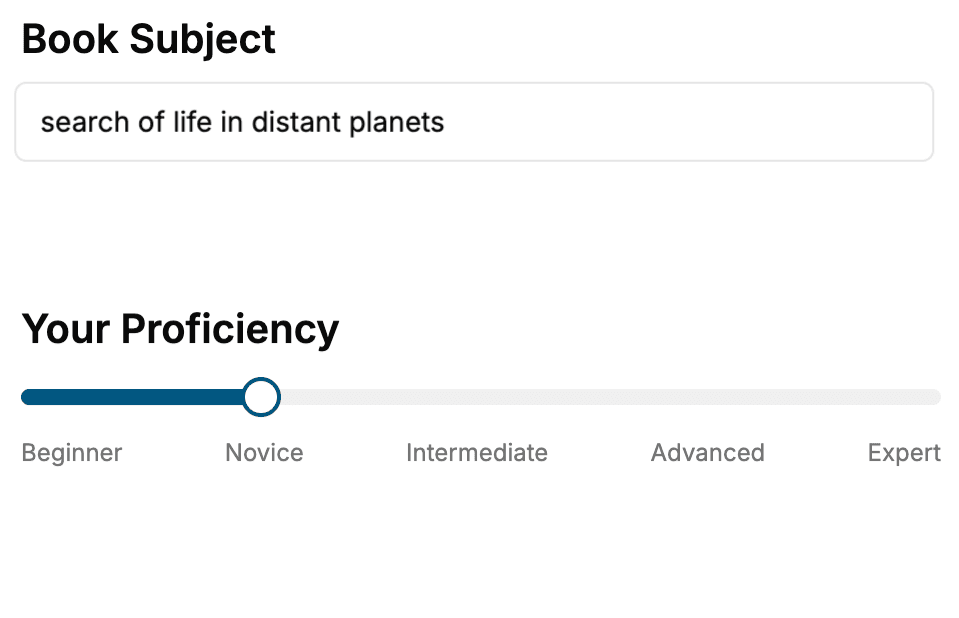
Select the focus of your Python book and share your background
- 2. Personalize your book
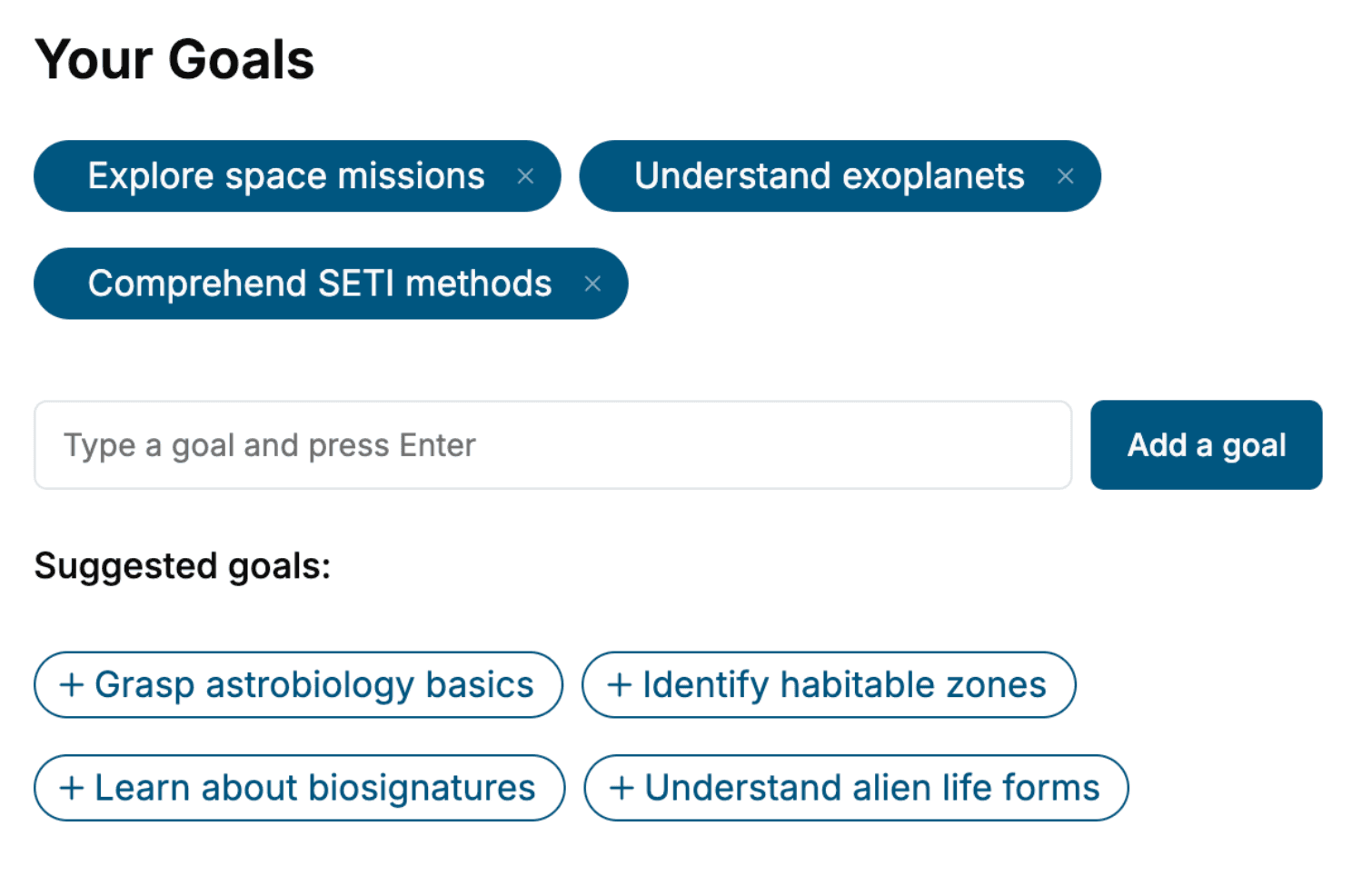
Specify your goals and choose sub-topics to include
- 3. Get your tailored book
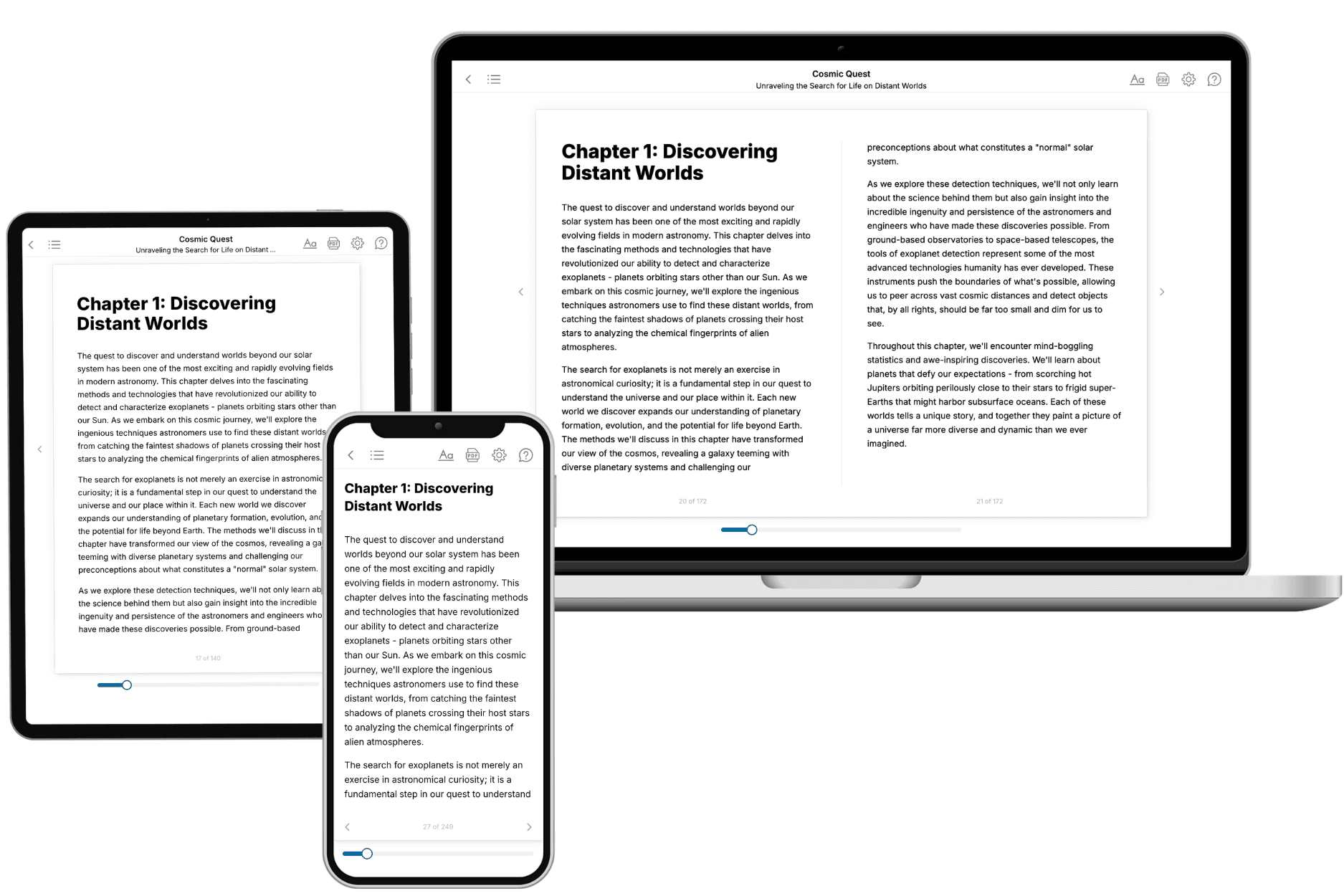
Your book is ready in 10 minutes. Read it online, download as EPUB or PDF, or send to Kindle.
Frequently asked questions
- What is TailoredRead?
TailoredRead creates complete, full-length nonfiction ebooks, written specifically for you. Tell us what you want to learn and why, and TailoredRead writes you a complete ebook on it, with charts, tables, and diagrams throughout. Read it online, on Kindle, or on any e-reader, or download it as a PDF or EPUB. Every book is written fresh the day you order it.
- How is the book tailored to me?
Before anything is written, you answer a few short questions about your goals, your background, and the topics you care about. Your book is then planned around your answers: written at your level, focused on your goals, and covering the topics you chose, instead of the one-size-fits-all book a store sells everyone.
- Will it read like generic AI content?
No. Your book isn't a chat transcript: it's planned chapter by chapter before a single word is written, told in a clear book voice, and explains ideas visually with charts, tables, and diagrams. After writing, every book goes through an editorial pass that polishes chapters so the book reads consistent from start to finish. Judge for yourself: browse thousands of sample books on our Explore Books page.
- How accurate is the content?
Our AI first checks whether your subject needs live research. Niche and fast-moving subjects are researched before writing, and the book plan and chapters are grounded in what it finds. After writing, every book goes through a quality pass that checks its facts and consistency, and researched books list their sources in a Notes section at the back.
- How long is the book?
You choose the length: Comprehensive (250-300 pages), Detailed (150-200 pages), Essential (70-100 pages), or Short (30-50 pages).
- Does the book include visuals?
Yes. Every book includes charts, tables, and diagrams: timelines, checklists, step-by-step guides, decision trees, comparison tables, matrices, and bar charts. A typical book includes dozens of these visual elements.
- Can I read it on Kindle? What formats can I download?
Yes. Every book can be read in our online reader or downloaded as a PDF or EPUB. The EPUB can be opened with Kindle, Apple Books, Kobo, and any e-reader. The Commercial and Author licenses also include an editable Word (DOCX) and Markdown download.
- How much does it cost?
About the price of a regular ebook. The exact price depends on your book's length and complexity, from $2 for the shortest books to $35 for the most comprehensive, and it's shown when you review your book, before you commit to anything. Each book is a one-time purchase, yours to keep, no subscription. Licenses that let you share, teach, or publish your book range from $35.99 to $49.99.
- Can I preview the book before purchasing?
Before you pay, you'll see what your book will cover: the title, a detailed description, the estimated length, and the complete chapter-by-chapter table of contents, so you know what you're getting before you decide. The full text itself is written after you purchase.
- How long does it take to create a book?
About 10 minutes. You can start reading the opening chapters while the rest is still being written.