Ubuntu Network Configuration
A Practical Guide to Modern Network Management for DevOps Engineers
Network configuration in Ubuntu can feel like navigating a maze of conflicting tools, outdated documentation, and mysterious connectivity failures that bring your infrastructure to a halt.
238 pages11 chaptersOct 29, 2025Linux
About this book
Whether you're managing cloud instances, building containerized environments, or orchestrating complex DevOps pipelines, networking issues can derail your entire workflow. This comprehensive guide cuts through the confusion by providing clear, practical approaches to Ubuntu network configuration in modern DevOps contexts. You'll master both traditional and contemporary networking tools—from netplan and systemd-networkd to network namespaces and virtual interfaces. Learn how to troubleshoot connectivity problems systematically, automate network provisioning with infrastructure-as-code principles, and implement secure, scalable network architectures. With real-world examples drawn from production environments, you'll discover how to configure networks for containers, virtual machines, and bare-metal servers. You'll understand the underlying principles that make networking work, enabling you to solve problems independently rather than copying commands blindly. By the end, you'll have the confidence to design, implement, and maintain robust network configurations that support your DevOps objectives and keep your systems running smoothly.
Table of contents
- IntroductionWhy Network Configuration Matters in DevOps, The Evolution of Ubuntu Networking, How to Use This BookRead below
- Chapter 1: Networking Fundamentals for UbuntuThe OSI Model and TCP/IP Stack, IP Addressing, Subnetting, and CIDR Notation, Routing and Gateway Concepts, DNS Resolution in Linux Systems
- Chapter 2: Ubuntu Network Configuration ToolsUnderstanding Netplan Architecture, Systemd-networkd and NetworkManager, Legacy Tools and Migration Strategies, Choosing the Right Tool for Your Environment
- Chapter 3: Basic Network ConfigurationConfiguring Static IP Addresses, DHCP Client Configuration, Managing Multiple Network Interfaces, DNS and Hostname Configuration
- Chapter 4: Advanced Network ConfigurationsVLAN Configuration and Tagging, Network Bonding and Link Aggregation, Bridge Interfaces for Virtual Networking, Virtual Interfaces and Dummy Devices
- Chapter 5: Network Troubleshooting and DiagnosticsA Systematic Troubleshooting Framework, Essential Diagnostic Tools: ip, ss, and ping, Packet Capture and Analysis with tcpdump, Common Connectivity Problems and Solutions
- Chapter 6: Container and Virtual Machine NetworkingUnderstanding Network Namespaces, Docker Network Configuration, Kubernetes Networking Fundamentals, Virtual Machine Network Integration
- Chapter 7: Network Security and FirewallsFirewall Concepts and Best Practices, UFW: Uncomplicated Firewall Configuration, iptables and nftables Deep Dive, Network Segmentation and Isolation
- Chapter 8: Cloud and Software-Defined NetworkingCloud Networking Fundamentals, VPC and Security Group Configuration, Software-Defined Networking Concepts, Overlay Networks and Tunneling
- Chapter 9: Network Configuration AutomationInfrastructure-as-Code Principles, Ansible for Network Configuration, Terraform and Cloud Network Provisioning, Cloud-init for Initial Network Setup
- Chapter 10: Performance Tuning and MonitoringKey Network Performance Metrics, Monitoring Tools and Dashboards, Kernel Parameters and Network Tuning, Identifying and Resolving Bottlenecks
- Chapter 11: Integrating Network Configuration with DevOps WorkflowsNetwork Configuration in CI/CD Pipelines, Testing and Validating Network Configurations, Version Control for Network Configurations, Deployment Strategies and Rollback Procedures
- ConclusionKey Takeaways and Best Practices, Continuing Your Network Configuration Journey
- Glossary
- Further Reading and Resources
Introduction
Network configuration sits at the heart of every DevOps operation, yet it remains one of the most frustrating aspects of infrastructure management. A misconfigured network interface can bring down an entire production environment. A forgotten firewall rule can expose sensitive services to the internet. An outdated networking tool can conflict with modern container orchestration platforms, creating mysterious failures that consume hours of troubleshooting time. These scenarios aren't hypothetical—they happen daily in organizations around the world, costing time, money, and sometimes customer trust.
Ubuntu has become the dominant Linux distribution for cloud infrastructure, container deployments, and DevOps workflows. According to cloud provider statistics, Ubuntu powers more than half of all Linux instances in major cloud platforms[1]. This popularity stems from its balance of stability, modern package availability, and strong community support. However, Ubuntu's networking stack has undergone significant changes in recent years, transitioning from traditional tools like ifupdown to modern declarative systems like netplan and systemd-networkd. This evolution has created a knowledge gap where documentation becomes outdated quickly, and engineers find themselves navigating conflicting advice from different eras of Ubuntu development.
This book bridges that gap by providing a comprehensive, practical guide to Ubuntu network configuration specifically designed for DevOps engineers and system administrators working in modern production environments. You'll learn not just which commands to run, but why networking works the way it does, enabling you to troubleshoot independently and make informed architectural decisions. The focus throughout is on real-world applicability—the configurations, troubleshooting techniques, and automation strategies that actually matter when you're managing infrastructure at scale. Whether you're provisioning cloud instances, building container platforms, or maintaining hybrid infrastructure, this book will give you the networking foundation you need to work confidently and effectively.
Why Network Configuration Matters in DevOps
DevOps practices emphasize automation, repeatability, and rapid deployment cycles. Yet network configuration often remains a manual, error-prone process that creates bottlenecks in otherwise streamlined workflows. When developers can provision application infrastructure with a single command but network connectivity requires manual intervention, the entire deployment pipeline slows down. When network configurations aren't version-controlled alongside application code, environments drift apart, creating the dreaded "works on my machine" problem at the infrastructure level. The network layer must be treated with the same rigor as application code to achieve true DevOps maturity.
Consider a typical microservices deployment scenario. Your application consists of dozens of containerized services that need to communicate with each other, connect to databases, and expose APIs to external clients. Each service might run across multiple nodes for redundancy. This architecture requires careful network configuration:
- Service discovery mechanisms so containers can find each other dynamically
- Network policies that enforce security boundaries between services
- Load balancing to distribute traffic across service instances
- DNS resolution that works consistently across environments
- Firewall rules that protect services without blocking legitimate traffic
Without solid networking fundamentals, this architecture becomes fragile and difficult to troubleshoot. A misconfigured DNS resolver might cause intermittent failures that only appear under load. Incorrect MTU settings could create mysterious packet loss. Missing firewall rules might work in development but fail in production. These issues are particularly insidious because they often manifest as application-layer problems, leading teams to spend hours debugging application code when the root cause lies in network configuration. Understanding networking deeply allows you to identify and resolve these issues quickly, often in minutes rather than hours.
Network configuration also plays a critical role in security. Every exposed network interface represents a potential attack surface. Every firewall rule either protects your infrastructure or creates a vulnerability. In modern cloud environments, network security groups and software-defined networking add additional layers of complexity. A DevOps engineer who understands networking can implement defense-in-depth strategies, segment networks appropriately, and configure firewalls that balance security with operational needs. Conversely, poor network configuration can undermine even the most secure application code, exposing services that should remain internal or allowing lateral movement within your infrastructure.
Performance optimization represents another critical area where network configuration matters. Network throughput, latency, and packet loss directly impact application performance. A database query that takes milliseconds locally might take seconds over a poorly configured network. Video streaming services require careful bandwidth management and quality-of-service configurations. High-frequency trading systems need microsecond-level latency optimization. While not every application requires extreme performance tuning, understanding how to measure, analyze, and optimize network performance gives you the tools to address bottlenecks when they arise. This knowledge becomes especially valuable as infrastructure scales and network complexity increases.
Finally, network configuration affects operational reliability and disaster recovery. When network issues occur—and they will—your ability to troubleshoot systematically determines how quickly you can restore service. Can you quickly identify whether a connectivity problem stems from routing, DNS, firewalls, or application configuration? Do you have the monitoring and diagnostic tools in place to detect network issues before they impact users? Is your network configuration documented and version-controlled so you can roll back problematic changes? These operational concerns directly impact your organization's uptime and your team's stress levels during incidents. Mastering network configuration isn't just about making things work—it's about making them work reliably, predictably, and maintainably over time.
The DevOps movement has transformed how we build and deploy software, but networking often lags behind in adopting these practices. This book aims to change that by showing you how to apply infrastructure-as-code principles, automated testing, and continuous deployment practices to network configuration. When networking becomes as automated and reliable as your application deployments, you unlock new levels of operational efficiency and can focus your energy on delivering value rather than fighting infrastructure fires.
The Evolution of Ubuntu Networking
Understanding Ubuntu's networking evolution helps explain why you'll encounter different configuration approaches in various tutorials, documentation, and existing infrastructure. Ubuntu's networking stack has undergone several major transitions, each introducing new tools while maintaining backward compatibility with older systems. This layered history creates confusion for engineers who need to know which approach to use for new deployments versus maintaining legacy systems. The transition from ifupdown to netplan represents the most significant recent change, fundamentally altering how network configuration is managed.
In Ubuntu's early years and through the 14.04 LTS release, network configuration centered on the /etc/network/interfaces file and the ifupdown package. This approach used imperative configuration—you specified commands to bring interfaces up and down. While straightforward for simple configurations, this system became unwieldy for complex networking scenarios involving VLANs, bridges, and bonding. Each network feature required different syntax and often conflicting configuration approaches. Engineers needed to understand the specific order of operations and dependencies between network components, making configurations fragile and difficult to maintain.
Ubuntu 16.04 introduced systemd-networkd as an alternative networking backend, part of the broader systemd initiative to standardize Linux system management. This brought declarative configuration where you describe the desired network state rather than the steps to achieve it. However, Ubuntu also continued supporting NetworkManager, a desktop-focused tool that provided GUI-based network management. This created a situation where Ubuntu systems might use ifupdown, systemd-networkd, or NetworkManager depending on the installation type and administrator preferences. The lack of a unified approach led to confusion and inconsistent configurations across different Ubuntu deployments.
Ubuntu 17.10 marked a turning point with the introduction of netplan, a network configuration abstraction layer that became the default in Ubuntu 18.04 LTS. Netplan doesn't replace systemd-networkd or NetworkManager; instead, it provides a unified YAML-based configuration format that generates appropriate configurations for either backend. This architecture offers several advantages:
- Declarative syntax using human-readable YAML files
- Backend flexibility allowing you to switch between systemd-networkd and NetworkManager
- Validation capabilities that catch configuration errors before applying changes
- Consistent interface across different Ubuntu versions and deployment types
- Integration with cloud-init for automated cloud instance provisioning
Despite netplan becoming the default, you'll still encounter older configuration methods in production environments. Ubuntu 16.04 LTS received support until 2021, and many organizations run even older releases in specialized environments. Additionally, countless tutorials and documentation still reference ifupdown configurations because they were written before netplan's adoption. This creates a practical challenge: you need to understand both legacy and modern approaches. When troubleshooting an existing system, you must first identify which networking system it uses before attempting configuration changes. Applying netplan commands to an ifupdown-based system won't work, and vice versa.
The evolution continues with ongoing developments in network management. Ubuntu's networking stack now integrates deeply with container runtimes like Docker and Kubernetes, requiring sophisticated virtual networking capabilities. Network namespaces, virtual Ethernet pairs, and overlay networks have become standard tools in the DevOps engineer's toolkit. Cloud providers have introduced their own networking abstractions—VPCs, security groups, and software-defined networking—that layer on top of Ubuntu's native networking. Understanding this evolution helps you make informed decisions about which tools and approaches to use for new projects while maintaining the ability to work with legacy systems.
This historical context also explains why network configuration can feel fragmented and confusing. You're not dealing with a single, coherent system but rather layers of tools built over two decades of Linux networking evolution. Each layer solved real problems but also added complexity. The good news is that modern Ubuntu releases have converged on netplan as the standard interface, providing a clearer path forward. However, the underlying systems—systemd-networkd, NetworkManager, and the Linux kernel's networking stack—remain important to understand because netplan ultimately generates configurations for these components. When troubleshooting deep networking issues, you'll often need to look beyond netplan to the underlying systems it manages.
Looking forward, Ubuntu's networking continues to evolve with emerging technologies. Network function virtualization, eBPF-based networking, and service mesh architectures represent the next wave of networking innovation. While these technologies build on the fundamentals covered in this book, they also introduce new abstractions and capabilities. By understanding both the historical evolution and current best practices, you'll be well-positioned to adopt new networking technologies as they mature while maintaining existing infrastructure effectively. The key is building a solid foundation in networking principles that transcends any specific tool or configuration format.
How to Use This Book
This book is structured to serve both as a learning resource and a practical reference. If you're new to Ubuntu networking or coming from other Linux distributions, reading sequentially from beginning to end will build your knowledge progressively. Each chapter builds on concepts introduced in previous chapters, moving from fundamental networking principles through basic configuration, advanced topics, and finally to automation and integration with DevOps workflows. However, if you're facing a specific networking challenge or need to implement a particular configuration, the book is organized so you can jump directly to relevant chapters and find actionable solutions.
The early chapters establish essential foundations. Chapter 1 covers networking fundamentals including the OSI model, IP addressing, routing, and DNS. Even if you have networking experience, reviewing these concepts in the context of Ubuntu and DevOps practices provides valuable context for later chapters. Chapter 2 explores Ubuntu's networking tools in depth, explaining netplan's architecture, the differences between systemd-networkd and NetworkManager, and when to use each approach. This chapter also addresses migration strategies for legacy systems, helping you understand how to transition older configurations to modern tools without disrupting production services.
Chapters 3 and 4 focus on practical configuration tasks. Chapter 3 covers basic configurations like static IP addresses, DHCP, multiple interfaces, and DNS setup—the everyday tasks you'll perform regularly. Chapter 4 advances to more complex scenarios including VLANs, network bonding, bridge interfaces, and virtual networking. These chapters emphasize hands-on examples with complete configuration files you can adapt to your environment. Each configuration includes explanations of what each parameter does and why you might choose different options, moving beyond simple copy-paste solutions to genuine understanding.
The middle chapters address critical operational concerns. Chapter 5 presents a systematic troubleshooting framework and introduces essential diagnostic tools. Rather than providing a list of commands to memorize, this chapter teaches you how to think about network problems methodically, identifying root causes efficiently. Chapter 6 covers container and virtual machine networking, essential knowledge for modern DevOps environments. You'll learn about network namespaces, Docker networking modes, Kubernetes networking fundamentals, and how to integrate VMs into your network architecture. Chapter 7 tackles security, covering firewall configuration with UFW, iptables, and nftables, plus network segmentation strategies that protect your infrastructure without impeding legitimate traffic.
Later chapters connect networking to broader DevOps practices. Chapter 8 explores cloud and software-defined networking, addressing the unique challenges of cloud environments including VPC configuration, security groups, and overlay networks. Chapter 9 focuses on automation, showing how to manage network configurations with Ansible, Terraform, and cloud-init. This chapter demonstrates how to apply infrastructure-as-code principles to networking, enabling version control, automated testing, and consistent deployments across environments. Chapter 10 covers performance tuning and monitoring, teaching you how to measure network performance, identify bottlenecks, and optimize configurations for your specific workloads.
Chapter 11 brings everything together by showing how to integrate network configuration into CI/CD pipelines and DevOps workflows. You'll learn strategies for testing network configurations, implementing deployment pipelines, and handling rollbacks when changes cause problems. The conclusion synthesizes key takeaways and provides guidance for continuing your networking education beyond this book. Throughout all chapters, you'll find:
- Complete configuration examples with detailed explanations
- Real-world scenarios drawn from production environments
- Troubleshooting tips for common problems and edge cases
- Best practices based on industry experience and community standards
- Security considerations integrated into every topic
- Performance implications of different configuration choices
To get the most from this book, consider setting up a test environment where you can experiment with configurations safely. Virtual machines, cloud instances, or even Docker containers provide excellent platforms for practicing network configuration without risking production systems. Many examples include commands that modify network settings—running these on a production server without understanding their effects could cause outages. A test environment lets you make mistakes, observe their consequences, and develop intuition about how networking works. The investment in a test environment pays dividends in confidence and competence when you need to make changes to production infrastructure.
The book assumes you have basic Linux command-line familiarity and understand fundamental DevOps concepts like version control, automation, and infrastructure-as-code. You don't need to be a networking expert—the book explains networking concepts as needed—but some exposure to Linux system administration will help you follow along more easily. Code examples use standard Ubuntu LTS releases, primarily focusing on Ubuntu 20.04 and 22.04, which represent the versions most commonly deployed in production environments as of this writing. While specific commands and configuration formats may evolve in future Ubuntu releases, the underlying principles and troubleshooting approaches remain applicable across versions.
Finally, remember that networking is a hands-on skill that improves with practice. Reading about network configuration provides knowledge, but actually configuring networks, troubleshooting problems, and observing how changes affect system behavior builds expertise. Use this book as a guide and reference, but complement it with practical experience. Set up test scenarios, break things intentionally to see what happens, and experiment with different configuration approaches. The combination of theoretical understanding from this book and practical experience from hands-on work will make you a confident, capable network engineer who can handle whatever challenges your DevOps environment presents.
Notes
Introduction
- 1. Canonical Ltd, Ubuntu in the Cloud: Market Analysis Report, 2023
This is the end of the free sample. The full book has 11 chapters.
Want this book written for you?
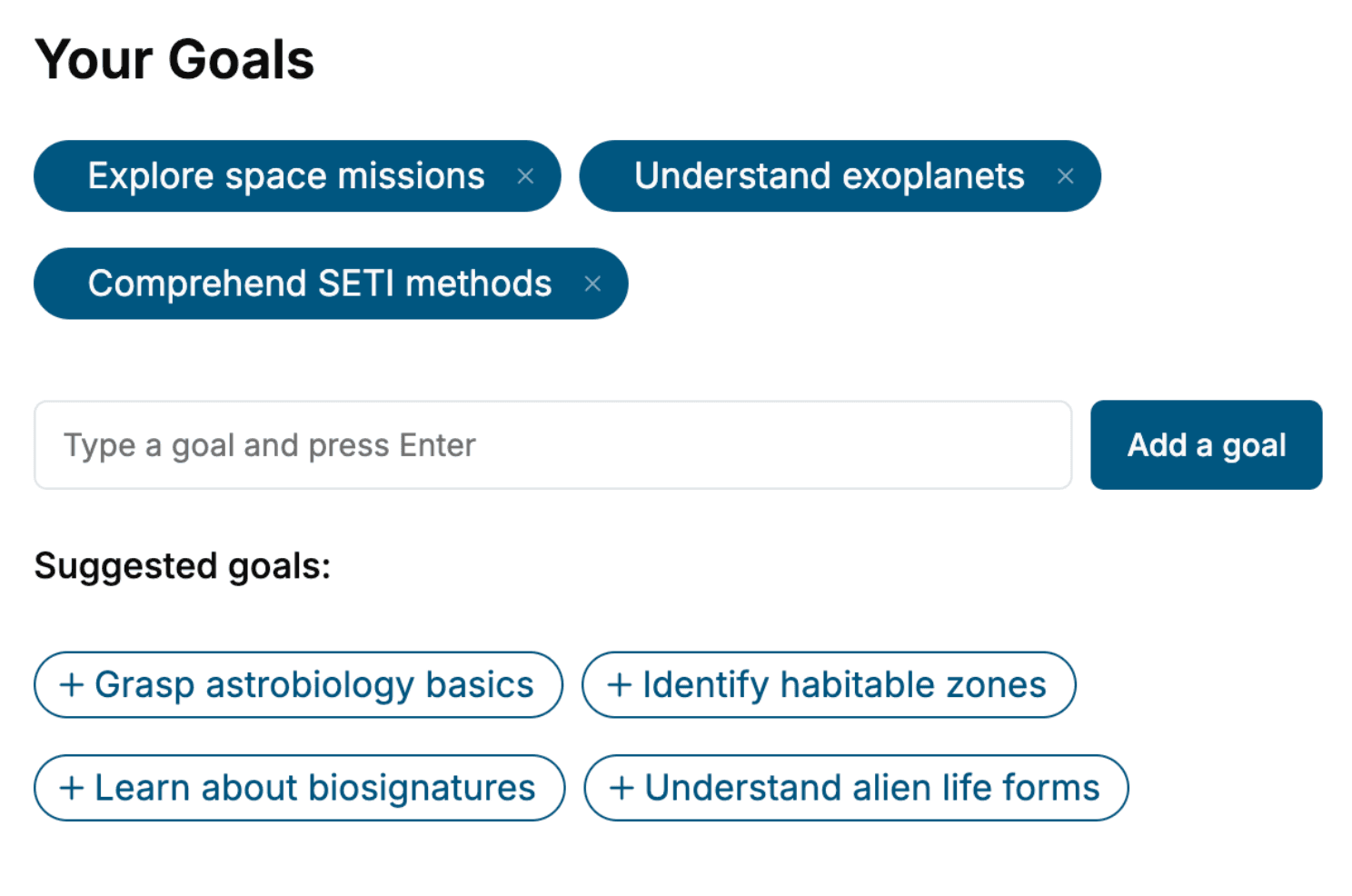
Tell us your goals and background, and get your own version of this book, tailored by AI to you.






Benefits of AI-tailored books
- Read one book, not ten:
- all the Linux knowledge you need, gathered into a single book.
- Save days of learning:
- tell us your goals, choose your topics, and the whole book is built around them.
- Learn effortlessly:
- Linux book written for your specific background and expertise.
- Understand at a glance:
- includes charts, tables, timelines, checklists, decision trees, and more.
- Stay current:
- written the day you order it, not years ago.
- Trust what you read:
- every book is checked for accuracy, with real research when your subject needs it.
Create your unique book in 3 steps
- 1. Select your focus
Select the focus of your Linux book and share your background
- 2. Personalize your book
Specify your goals and choose sub-topics to include
- 3. Get your tailored book
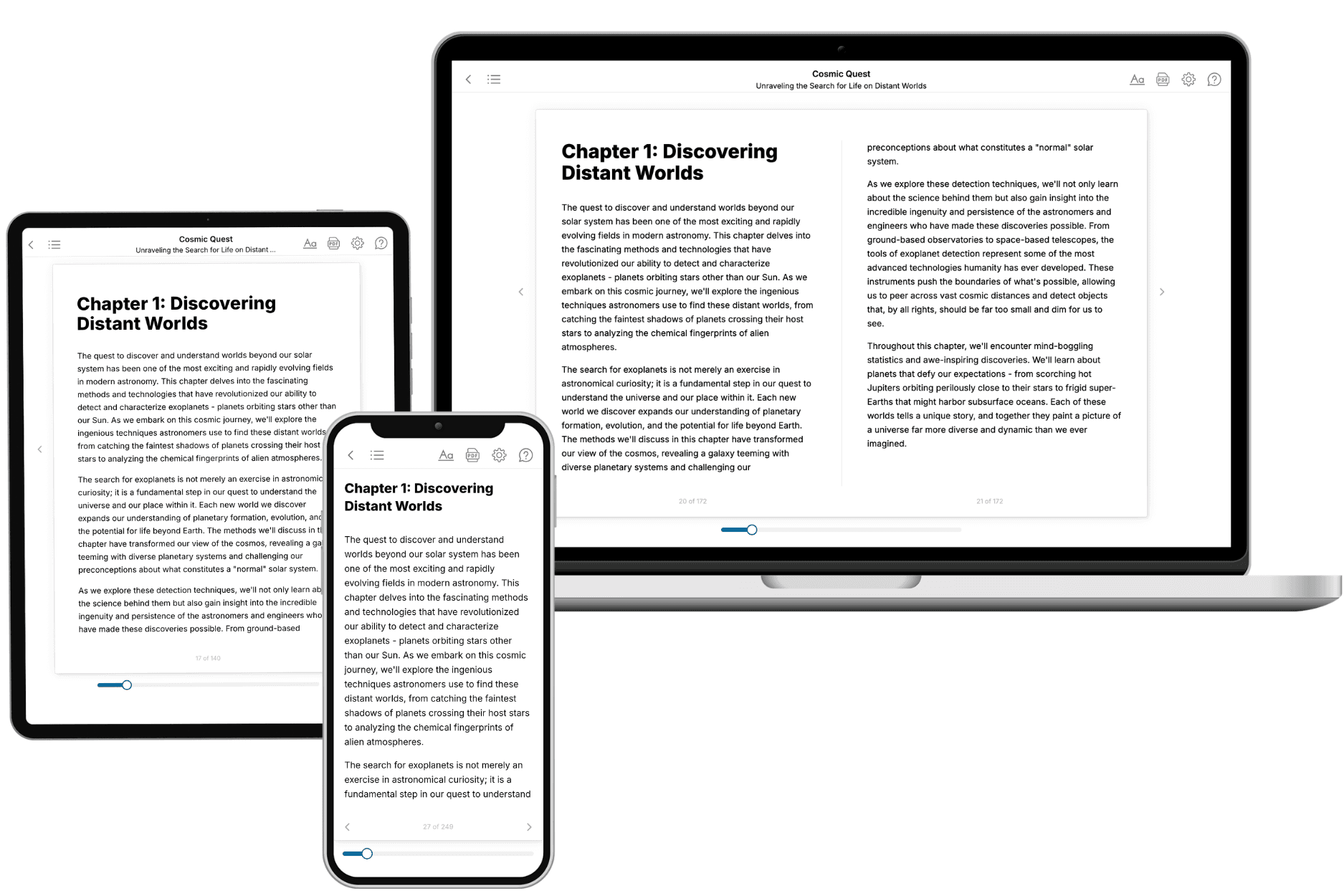
Your book is ready in 10 minutes. Read it online, download as EPUB or PDF, or send to Kindle.

Frequently asked questions
- What is TailoredRead?
TailoredRead creates complete, full-length nonfiction ebooks, written specifically for you. Tell us what you want to learn and why, and TailoredRead writes you a complete ebook on it, with charts, tables, and diagrams throughout. Read it online, on Kindle, or on any e-reader, or download it as a PDF or EPUB. Every book is written fresh the day you order it.
- How is the book tailored to me?
Before anything is written, you answer a few short questions about your goals, your background, and the topics you care about. Your book is then planned around your answers: written at your level, focused on your goals, and covering the topics you chose, instead of the one-size-fits-all book a store sells everyone.
- Will it read like generic AI content?
No. Your book isn't a chat transcript: it's planned chapter by chapter before a single word is written, told in a clear book voice, and explains ideas visually with charts, tables, and diagrams. After writing, every book goes through an editorial pass that polishes chapters so the book reads consistent from start to finish. Judge for yourself: browse thousands of sample books on our Explore Books page.
- How accurate is the content?
Our AI first checks whether your subject needs live research. Niche and fast-moving subjects are researched before writing, and the book plan and chapters are grounded in what it finds. After writing, every book goes through a quality pass that checks its facts and consistency, and researched books list their sources in a Notes section at the back.
- How long is the book?
You choose the length: Comprehensive (250-300 pages), Detailed (150-200 pages), Essential (70-100 pages), or Short (30-50 pages).
- Does the book include visuals?
Yes. Every book includes charts, tables, and diagrams: timelines, checklists, step-by-step guides, decision trees, comparison tables, matrices, and bar charts. A typical book includes dozens of these visual elements.
- Can I read it on Kindle? What formats can I download?
Yes. Every book can be read in our online reader or downloaded as a PDF or EPUB. The EPUB can be opened with Kindle, Apple Books, Kobo, and any e-reader. The Commercial and Author licenses also include an editable Word (DOCX) and Markdown download.
- How much does it cost?
About the price of a regular ebook. The exact price depends on your book's length and complexity, from $2 for the shortest books to $35 for the most comprehensive, and it's shown when you review your book, before you commit to anything. Each book is a one-time purchase, yours to keep, no subscription. Licenses that let you share, teach, or publish your book range from $35.99 to $49.99.
- Can I preview the book before purchasing?
Before you pay, you'll see what your book will cover: the title, a detailed description, the estimated length, and the complete chapter-by-chapter table of contents, so you know what you're getting before you decide. The full text itself is written after you purchase.
- How long does it take to create a book?
About 10 minutes. You can start reading the opening chapters while the rest is still being written.