Virtual Desktop Infrastructure Mastery
Deploy, Manage, and Optimize VDI Solutions with Windows Server 2012 R2
Deploying Virtual Desktop Infrastructure can feel overwhelming when you're juggling multiple technologies, licensing considerations, and performance requirements.
207 pages10 chaptersJan 3, 2026Virtualization
About this book
This comprehensive guide cuts through the complexity and provides a practical roadmap for implementing VDI solutions using Windows Server 2012 R2. You'll learn how to architect scalable environments, configure Remote Desktop Services, optimize user experience, and apply DevOps practices to streamline operations. Whether you're planning your first VDI deployment or enhancing an existing environment, this book covers everything from infrastructure design and capacity planning to security hardening and performance tuning. Real-world scenarios and practical examples demonstrate how to avoid common pitfalls and achieve reliable, cost-effective virtual desktop solutions. By combining traditional infrastructure knowledge with modern DevOps methodologies, you'll gain the skills needed to deliver enterprise-grade VDI environments that meet both business and user requirements.
Table of contents
- IntroductionWhy Virtual Desktop Infrastructure Matters Today, The Windows Server 2012 R2 Advantage, Integrating DevOps with VDI Operations, How to Use This BookRead below
- Chapter 1: VDI Fundamentals and ArchitectureUnderstanding Virtual Desktop Infrastructure, Core Architecture Components, Deployment Models: Hosted vs. Streamed
- Chapter 2: Windows Server 2012 R2 VDI CapabilitiesHyper-V as Your Virtualization Foundation, Remote Desktop Services Architecture, Understanding VDI Licensing Models
- Chapter 3: Infrastructure Planning and DesignAssessing Your Capacity Requirements, Designing Your Network Infrastructure, Storage Strategy for VDI Environments, Planning for High Availability and Disaster Recovery
- Chapter 4: Deploying Your VDI EnvironmentSetting Up Core Infrastructure, Configuring the Connection Broker, Deploying Remote Desktop Session Hosts, Configuring Client Access and Connections
- Chapter 5: Optimizing User ExperiencePerformance Tuning for Responsiveness, Graphics and Multimedia Optimization, Managing Bandwidth and Latency
- Chapter 6: Security and ComplianceBuilding a Secure VDI Architecture, Implementing Access Controls and Authentication, Encryption and Secure Communications, Meeting Compliance and Regulatory Requirements
- Chapter 7: Automation and DevOps PracticesPowerShell Scripting for VDI Automation, Configuration Management and Infrastructure as Code, Implementing Continuous Integration and Deployment
- Chapter 8: Monitoring, Maintenance, and ManagementMonitoring Tools and Metrics, Performance Analysis and Troubleshooting, Patch Management and Updates, Supporting Users and Managing Issues
- Chapter 9: Cost Optimization and ScalingAnalyzing and Reducing VDI Costs, Resource Pooling and Consolidation, Scaling Your VDI Environment
- Chapter 10: Real-World Implementation ScenariosEnterprise-Scale VDI Deployment, Supporting Remote and Distributed Workforces, Handling Specialized Workloads and Applications
- ConclusionKey Takeaways for VDI Success, Your Next Steps Forward
- Appendix: Quick Reference and ResourcesEssential PowerShell Commands, Common Issues and Solutions, Further Reading and Resources
Introduction
Virtual Desktop Infrastructure has transformed how organizations deliver computing resources to their workforce. Instead of managing hundreds or thousands of physical desktops scattered across offices, you can centralize desktop management in your data center and deliver virtual desktops to users wherever they work. This shift fundamentally changes the economics, security, and flexibility of enterprise computing. Yet despite these advantages, many IT professionals approach VDI implementation with trepidation, concerned about complexity, performance challenges, and the learning curve associated with new technologies.
Windows Server 2012 R2 represents a mature platform for VDI deployments, offering native capabilities through Hyper-V and Remote Desktop Services that eliminate the need for expensive third-party solutions in many scenarios. The platform provides robust virtualization, connection brokering, session management, and user profile handling without requiring additional licensing beyond your existing Windows Server infrastructure. For organizations already invested in Microsoft technologies, this native approach reduces both capital expenditure and operational complexity while delivering enterprise-grade virtual desktop experiences.
This book bridges the gap between theoretical VDI concepts and practical implementation. You'll find detailed guidance on architecture decisions, capacity planning, deployment procedures, and ongoing management tasks. More importantly, you'll discover how to apply modern DevOps practices to VDI operations, automating repetitive tasks, implementing infrastructure as code, and establishing continuous improvement processes. Whether you're deploying your first VDI environment or optimizing an existing implementation, the strategies and techniques presented here will help you deliver reliable, performant, and cost-effective virtual desktop solutions.
The journey from traditional desktop management to VDI requires careful planning and execution. You'll need to understand not just the technology components, but also how they interact to deliver seamless user experiences. Performance bottlenecks can emerge from storage systems, network infrastructure, or resource contention. Security considerations multiply when desktop environments become centralized targets. User acceptance depends on responsiveness that matches or exceeds physical desktop performance. This introduction sets the stage for addressing these challenges systematically throughout the chapters ahead.
Why Virtual Desktop Infrastructure Matters Today
The traditional model of desktop computing places significant burdens on IT departments. Each physical workstation requires individual provisioning, patching, security hardening, and eventual replacement. When users encounter problems, technicians must physically visit desks or remotely connect to distributed machines with varying configurations. Data security becomes challenging when sensitive information resides on devices that leave the building daily. Hardware refresh cycles demand substantial capital investment every three to five years. These operational realities drive organizations toward centralized desktop delivery models that address these pain points systematically.
VDI fundamentally changes the desktop management equation by separating the computing environment from the physical endpoint device. Your users access their desktops through thin clients, repurposed PCs, tablets, or even personal devices, while the actual desktop operating system runs in your data center. This architecture delivers several compelling advantages:
- Centralized management: Deploy patches, updates, and applications once to master images rather than thousands of individual machines
- Enhanced security: Keep corporate data within the data center perimeter rather than distributed across endpoint devices
- Hardware flexibility: Extend the useful life of endpoint devices since processing happens centrally
- Business continuity: Enable users to access their desktops from any location with network connectivity
- Rapid provisioning: Deploy new desktops in minutes rather than hours or days
The shift toward remote and hybrid work models has accelerated VDI adoption dramatically. Organizations that previously viewed VDI as a niche solution for specific use cases now recognize it as essential infrastructure for workforce flexibility. When employees work from home offices, coffee shops, or client sites, VDI provides consistent access to corporate resources without exposing sensitive data to unsecured networks. The COVID-19 pandemic demonstrated that organizations with mature VDI implementations could transition to remote work almost overnight, while those dependent on physical desktops struggled with laptop shortages and VPN capacity constraints.
Cost considerations drive many VDI initiatives, though the financial picture requires careful analysis. While VDI reduces endpoint hardware costs and extends device lifecycles, it increases data center infrastructure requirements for compute, storage, and networking. Licensing costs vary significantly depending on your chosen approach and existing Microsoft agreements. The total cost of ownership calculation must account for both capital expenditure and operational expenses over a multi-year period. Organizations typically find that VDI delivers positive ROI when they factor in reduced help desk calls, faster provisioning times, improved security posture, and enhanced business continuity capabilities.
Compliance and regulatory requirements increasingly favor centralized desktop models. Industries subject to regulations like HIPAA, PCI-DSS, or GDPR face stringent data protection requirements that become easier to satisfy when sensitive information never leaves the data center. Audit trails improve when you can log all access to virtual desktops centrally. Data loss prevention becomes more effective when users cannot copy files to local devices. For organizations in regulated industries, these compliance benefits often justify VDI implementation even before considering operational advantages.
The environmental impact of IT infrastructure receives growing attention from both corporate sustainability initiatives and regulatory frameworks. VDI contributes to reduced energy consumption by replacing power-hungry desktop PCs with efficient thin clients that draw a fraction of the electricity. Centralized computing resources in modern data centers operate more efficiently than distributed desktop hardware. Extended hardware lifecycles reduce electronic waste from frequent desktop replacements. While data center infrastructure requires significant power, the overall environmental footprint typically decreases compared to traditional desktop deployments, particularly when organizations leverage energy-efficient data center designs.
User experience remains the ultimate measure of VDI success. Technical teams can architect brilliant infrastructure, but if users perceive their virtual desktops as slow or unreliable, the implementation fails. Modern VDI platforms have largely overcome the performance limitations that plagued early implementations. Protocol improvements deliver responsive experiences even over moderate bandwidth connections. Graphics remoting technologies support multimedia content and even CAD applications. USB redirection enables peripheral device usage. The key lies in proper capacity planning, infrastructure design, and ongoing performance monitoring to ensure consistent user experiences that meet or exceed physical desktop expectations.
The Windows Server 2012 R2 Advantage
Windows Server 2012 R2 represents Microsoft's mature approach to VDI, incorporating lessons learned from earlier Remote Desktop Services implementations and competitive pressures from VMware Horizon and Citrix Virtual Apps and Desktops. The platform integrates Hyper-V virtualization, Remote Desktop Services for session brokering and management, and comprehensive management tools into a cohesive solution. For organizations already standardized on Windows Server infrastructure, this native integration eliminates the complexity of introducing third-party hypervisors or connection brokers while leveraging existing administrative expertise and tooling.
The licensing model for Windows Server 2012 R2 VDI provides significant cost advantages compared to third-party solutions. Organizations with Software Assurance on their Windows desktop licenses gain Virtual Desktop Access (VDA) rights, allowing them to deploy virtual desktops without additional per-user licensing costs. Remote Desktop Services Client Access Licenses (RDS CALs) enable connection brokering and session management. This licensing structure means that many organizations can implement comprehensive VDI solutions using entitlements they already own, dramatically reducing the total cost of ownership compared to solutions requiring separate hypervisor and connection broker licenses.
Hyper-V in Windows Server 2012 R2 delivers enterprise-grade virtualization capabilities that rival dedicated hypervisor platforms. The platform supports up to 64 virtual processors and 1TB of memory per virtual machine, accommodating even demanding desktop workloads. Live migration enables moving running virtual desktops between hosts without user disruption. Hyper-V Replica provides disaster recovery capabilities through asynchronous replication to secondary sites. Storage Spaces allows building resilient storage pools from commodity hardware. These features combine to create a robust foundation for VDI implementations without requiring separate virtualization products.
Remote Desktop Services architecture in Windows Server 2012 R2 provides the connection brokering, session management, and user profile handling essential for VDI deployments. The RD Connection Broker manages user connections to virtual desktop collections, handling load balancing and reconnection to existing sessions. RD Web Access delivers browser-based access to published desktops and applications. RD Gateway enables secure external access without requiring VPN connections. RD Licensing tracks and enforces client access licenses. These components work together to deliver complete VDI functionality:
- Session brokering: Intelligently routes users to available virtual desktops based on load and availability
- Personal desktop assignment: Maintains persistent associations between users and specific virtual machines
- Pooled desktop management: Provisions temporary desktops from master images for non-persistent scenarios
- RemoteApp integration: Publishes individual applications alongside full desktop sessions
- User profile management: Synchronizes user settings and data across sessions
The Remote Desktop Protocol (RDP) has evolved significantly through version 8.1 included with Windows Server 2012 R2. Modern RDP delivers impressive performance even over constrained network connections through adaptive compression, intelligent caching, and bandwidth optimization. RemoteFX enhances the protocol with GPU virtualization for graphics-intensive applications, USB redirection for peripheral devices, and multimedia redirection that offloads video playback to client devices. These protocol improvements enable VDI to support diverse workloads from basic office productivity to specialized applications requiring graphics acceleration or peripheral hardware.
Integration with Active Directory and Group Policy provides familiar management paradigms for Windows administrators. You can apply the same security policies, software deployment mechanisms, and user configurations to virtual desktops that you use for physical machines. This consistency reduces the learning curve for IT staff and ensures that security standards apply uniformly across your environment. PowerShell integration enables automation of deployment, configuration, and management tasks using scripting skills that Windows administrators already possess. The ability to leverage existing expertise and tooling accelerates implementation and reduces operational overhead.
Windows Server 2012 R2 includes performance monitoring and diagnostic tools specifically designed for VDI environments. Performance Monitor counters track virtual desktop resource utilization, session counts, and protocol performance. Event logs capture detailed information about connection attempts, authentication events, and system errors. Remote Desktop Services Manager provides real-time visibility into active sessions and resource consumption. These built-in tools give you the observability needed to identify performance bottlenecks, capacity constraints, and configuration issues before they impact users significantly.
The platform's maturity means extensive documentation, community knowledge, and third-party tool support. Microsoft's TechNet documentation covers architecture patterns, deployment procedures, and troubleshooting guidance. Community forums contain solutions to common implementation challenges. Third-party vendors offer complementary tools for profile management, application layering, and performance optimization that integrate seamlessly with Windows Server 2012 R2 VDI deployments. This ecosystem reduces implementation risk and provides resources for overcoming obstacles that inevitably arise during deployment and operation.
Integrating DevOps with VDI Operations
Traditional VDI operations often rely heavily on manual processes for image management, capacity adjustments, and troubleshooting. Administrators manually create master images, test them in isolated environments, and deploy them through GUI-based tools. When performance issues arise, troubleshooting involves manually checking multiple systems and correlating logs. This approach works for small deployments but becomes unsustainable as VDI environments scale to hundreds or thousands of virtual desktops. DevOps practices offer a better path forward by emphasizing automation, infrastructure as code, continuous integration, and collaborative workflows that improve both efficiency and reliability.
Infrastructure as code transforms VDI deployment from a series of manual steps into repeatable, version-controlled configurations. Instead of clicking through wizards to configure connection brokers or session hosts, you define infrastructure components in PowerShell scripts or Desired State Configuration (DSC) documents. These code artifacts live in version control systems like Git, providing change history, rollback capabilities, and collaboration workflows. When you need to deploy additional capacity or rebuild failed components, you execute scripts rather than following documentation that may be outdated. This approach eliminates configuration drift, ensures consistency across environments, and dramatically reduces deployment time.
Continuous integration principles apply to VDI image management by automating the build, test, and deployment pipeline for master images. Rather than manually installing applications and updates on a master virtual machine, you define the desired configuration in code and use automation tools to build images consistently. Automated testing validates that applications launch correctly, performance meets thresholds, and security configurations apply properly. When tests pass, the pipeline automatically promotes images to production collections. This workflow reduces the time required to deploy updates from days to hours while improving quality through consistent testing.
Monitoring and observability practices from DevOps culture enhance VDI operations by providing comprehensive visibility into system health and user experience. Traditional monitoring focuses on infrastructure metrics like CPU utilization and memory consumption. DevOps-influenced monitoring adds application-level metrics, user experience indicators, and business metrics. You track not just whether virtual desktops are running, but whether users can log in successfully, how long applications take to launch, and whether performance meets service level objectives. This comprehensive observability enables proactive problem identification and data-driven capacity planning.
Collaboration between infrastructure teams, application teams, and operations staff improves when you adopt DevOps practices. Shared version control repositories provide visibility into infrastructure changes. Automated deployment pipelines reduce handoff friction between teams. ChatOps practices bring operational activities into shared communication channels where multiple team members can observe and contribute. Blameless post-incident reviews focus on systemic improvements rather than individual mistakes. These cultural shifts reduce silos and improve overall VDI service quality through better communication and shared responsibility.
Configuration management tools like PowerShell DSC enable declarative infrastructure management where you specify desired states rather than imperative procedures. For VDI environments, this means defining how session hosts should be configured and letting automation tools enforce those configurations continuously. When configuration drift occurs due to manual changes or software updates, DSC automatically remediates the deviation. This self-healing capability reduces operational overhead and improves consistency across large VDI deployments. The following example shows a simple DSC configuration for a session host:
Configuration RDSHConfig {
    Node "SessionHost01" {
        WindowsFeature RDS-RD-Server {
            Ensure = "Present"
            Name = "RDS-RD-Server"
        }

        Registry DisableServerManager {
            Ensure = "Present"
            Key = "HKLM:\SOFTWARE\Microsoft\ServerManager"
            ValueName = "DoNotOpenServerManagerAtLogon"
            ValueData = "1"
        }
    }
}
Automated testing validates VDI infrastructure changes before they reach production users. Unit tests verify that PowerShell scripts execute without errors and produce expected outputs. Integration tests confirm that components like connection brokers and session hosts communicate correctly. Smoke tests validate that users can log in and launch applications after infrastructure changes. Performance tests ensure that response times remain within acceptable thresholds. This testing pyramid catches issues early in the deployment pipeline when they're cheaper and easier to fix, reducing the risk of changes that impact user productivity.
The feedback loops central to DevOps philosophy accelerate VDI improvement cycles. Monitoring data flows into dashboards that operations teams review regularly. User experience metrics inform capacity planning and optimization efforts. Incident post-mortems identify systemic weaknesses that become backlog items for infrastructure improvements. This continuous feedback and improvement cycle prevents VDI environments from stagnating and ensures they evolve to meet changing business requirements. Organizations that embrace these practices find that their VDI implementations become more reliable and efficient over time rather than accumulating technical debt.
How to Use This Book
This book follows a logical progression from foundational concepts through planning, deployment, optimization, and ongoing operations. Each chapter builds on previous material while remaining useful as a standalone reference for specific topics. If you're new to VDI, reading sequentially from beginning to end provides comprehensive coverage of everything you need to know. If you're already familiar with VDI concepts but need specific guidance on Windows Server 2012 R2 implementation details, you can jump directly to relevant chapters. The extensive cross-referencing throughout the text helps you navigate to related topics when you need additional context.
The early chapters establish foundational knowledge essential for successful VDI implementation. Chapter 1 covers VDI fundamentals and architecture patterns, ensuring you understand core concepts before diving into implementation details. Chapter 2 explores Windows Server 2012 R2 capabilities specifically, highlighting features and licensing considerations that influence architecture decisions. Chapter 3 addresses infrastructure planning and design, helping you make informed decisions about capacity, networking, storage, and high availability before you begin deployment. These chapters provide the conceptual framework and planning guidance that prevents costly mistakes during implementation.
The middle chapters focus on practical implementation and optimization. Chapter 4 walks through the actual deployment process, from infrastructure setup through client configuration. Chapter 5 addresses user experience optimization, covering performance tuning, graphics handling, and bandwidth management. Chapter 6 tackles security and compliance, providing guidance on building secure VDI architectures that meet regulatory requirements. Chapter 7 introduces automation and DevOps practices that streamline operations. These chapters contain the detailed procedures and configuration examples you'll reference repeatedly during implementation and ongoing management.
The later chapters address operational concerns and real-world scenarios. Chapter 8 covers monitoring, maintenance, and management practices that keep VDI environments running smoothly. Chapter 9 explores cost optimization and scaling strategies that improve ROI and accommodate growth. Chapter 10 presents real-world implementation scenarios that demonstrate how the concepts and techniques from earlier chapters apply to specific use cases. These chapters help you transition from initial deployment to mature, well-managed VDI operations that deliver consistent value to your organization.
Throughout the book, you'll find practical examples that illustrate concepts with concrete implementations. PowerShell scripts demonstrate automation techniques you can adapt to your environment. Configuration examples show specific settings and their effects. Architecture diagrams visualize component relationships and data flows. Troubleshooting scenarios walk through diagnostic processes for common issues. These examples bridge the gap between abstract concepts and practical implementation, giving you templates and patterns you can apply directly to your VDI projects.
The book assumes you have intermediate knowledge of Windows Server administration and basic familiarity with virtualization concepts. You should be comfortable with Active Directory, Group Policy, and PowerShell fundamentals. If you're new to these technologies, consider reviewing introductory materials before tackling VDI implementation. The book does not assume prior VDI experience, though familiarity with Remote Desktop Services or similar technologies provides helpful context. Technical depth increases progressively throughout the book, starting with accessible explanations and building toward advanced optimization and automation techniques.
Hands-on practice reinforces the concepts presented in each chapter. Consider building a lab environment where you can experiment with configurations and test procedures before implementing them in production. Virtualization platforms like Hyper-V or VMware Workstation enable creating complete VDI environments on a single physical machine for learning purposes. Microsoft provides evaluation licenses for Windows Server that give you 180 days to explore features without purchasing licenses. This practical experience transforms theoretical knowledge into operational competence and builds confidence for production deployments.
The appendix provides quick reference materials you'll return to frequently during implementation and operations. Essential PowerShell commands offer ready-to-use scripts for common tasks. The troubleshooting guide addresses frequent issues with diagnostic procedures and solutions. Resource lists point you toward additional documentation, community forums, and tools that complement the material in this book. Bookmark these reference sections for quick access when you need specific information without reading entire chapters.
Your journey toward VDI mastery begins with understanding why virtual desktop infrastructure matters and how Windows Server 2012 R2 provides the capabilities you need. The chapters ahead will equip you with the knowledge and skills to design, deploy, and manage VDI environments that deliver reliable, secure, and performant virtual desktops to your users. Whether you're supporting a small remote workforce or deploying enterprise-scale VDI for thousands of users, the principles and practices in this book will guide you toward successful implementations that meet both technical and business objectives.
This is the end of the free sample. The full book has 10 chapters.
Want this book written for you?
Tell us your goals and background, and get your own version of this book, tailored by AI to you.


Benefits of AI-tailored books
- Read one book, not ten:
- all the Virtualization knowledge you need, gathered into a single book.
- Save days of learning:
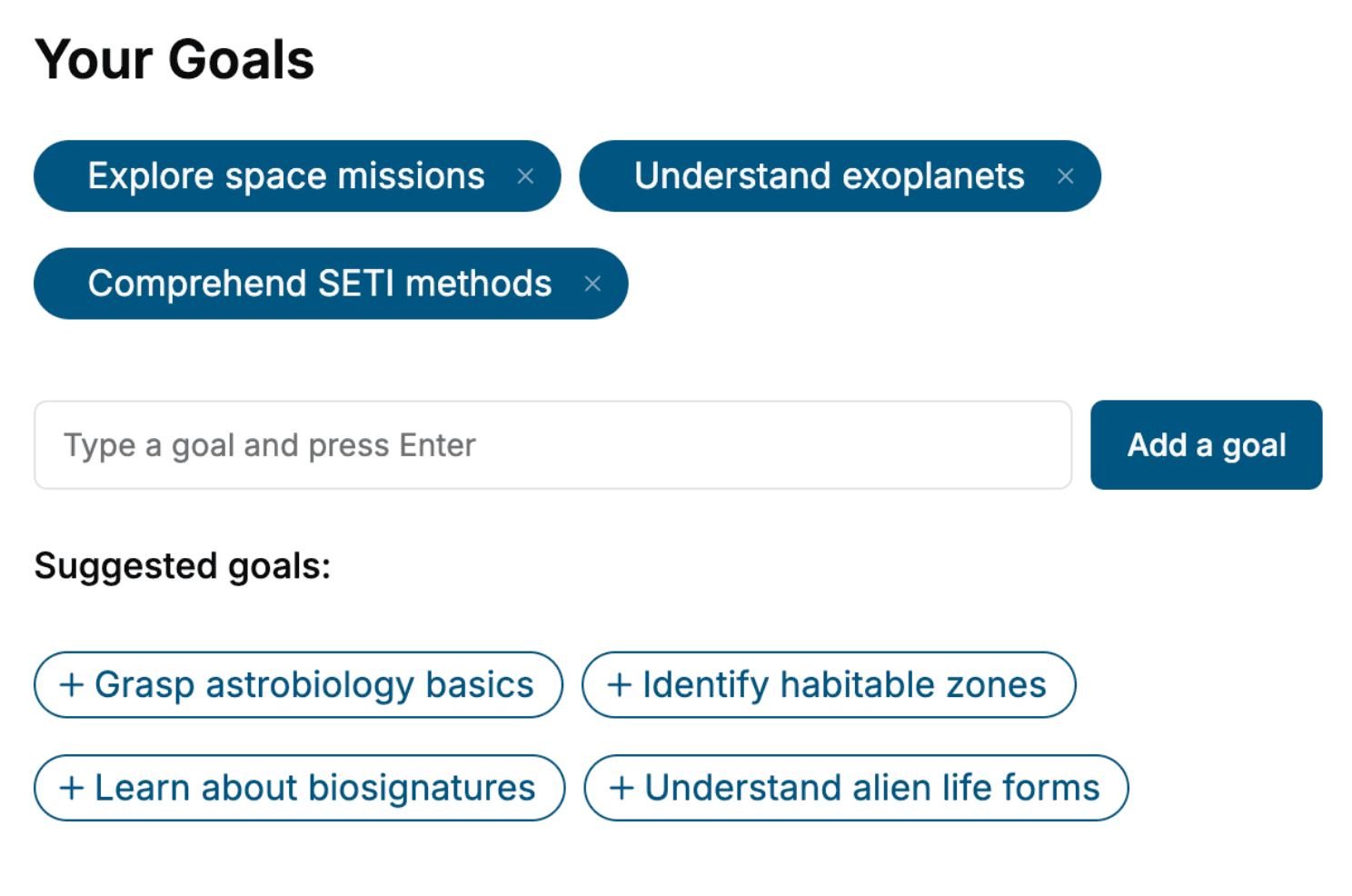
- tell us your goals, choose your topics, and the whole book is built around them.
- Learn effortlessly:
- Virtualization book written for your specific background and expertise.
- Understand at a glance:
- includes charts, tables, timelines, checklists, decision trees, and more.
- Stay current:
- written the day you order it, not years ago.
- Trust what you read:
- every book is checked for accuracy, with real research when your subject needs it.
Create your unique book in 3 steps
- 1. Select your focus
Select the focus of your Virtualization book and share your background
- 2. Personalize your book
Specify your goals and choose sub-topics to include
- 3. Get your tailored book
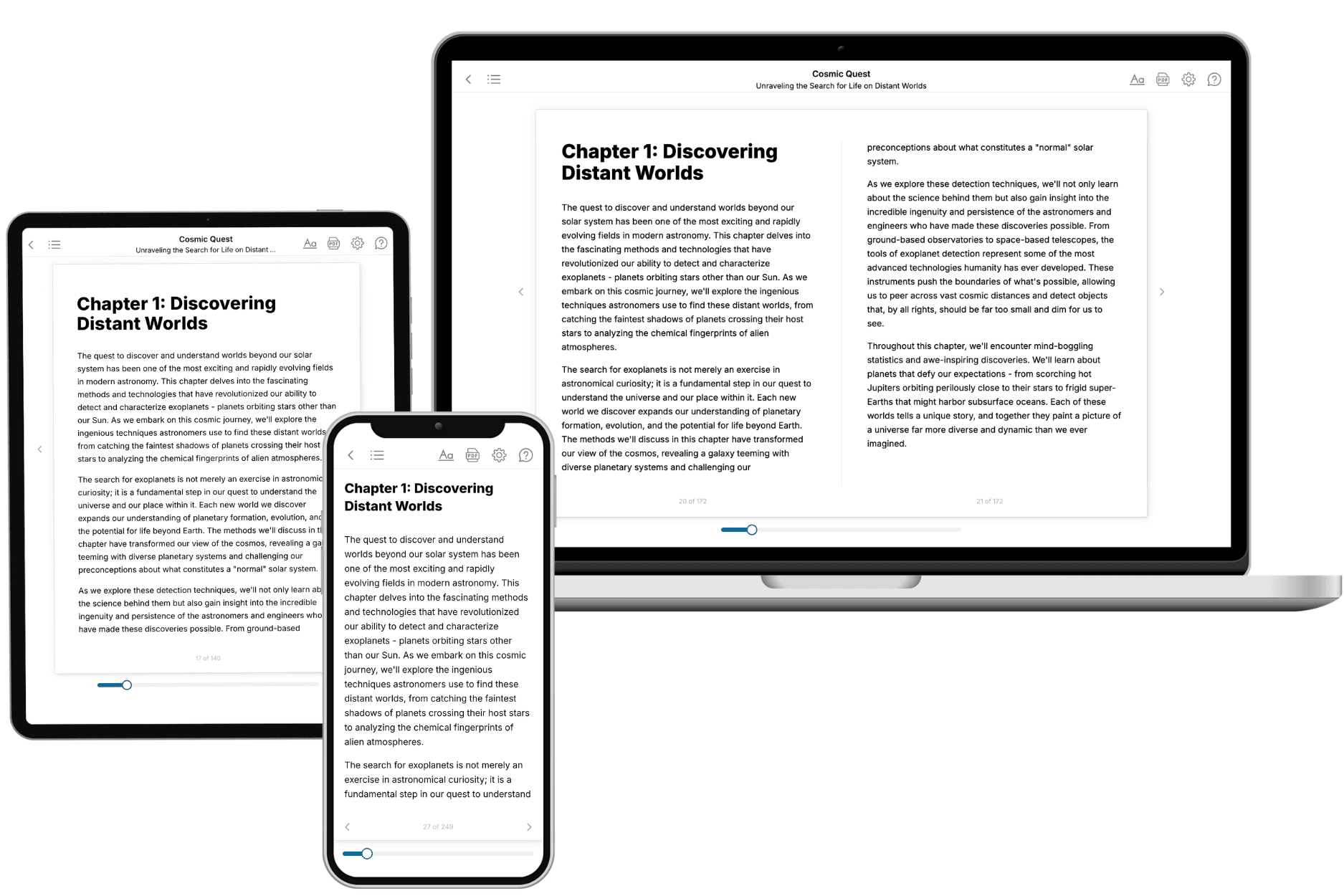
Your book is ready in 10 minutes. Read it online, download as EPUB or PDF, or send to Kindle.

Frequently asked questions
- What is TailoredRead?
TailoredRead creates complete, full-length nonfiction ebooks, written specifically for you. Tell us what you want to learn and why, and TailoredRead writes you a complete ebook on it, with charts, tables, and diagrams throughout. Read it online, on Kindle, or on any e-reader, or download it as a PDF or EPUB. Every book is written fresh the day you order it.
- How is the book tailored to me?
Before anything is written, you answer a few short questions about your goals, your background, and the topics you care about. Your book is then planned around your answers: written at your level, focused on your goals, and covering the topics you chose, instead of the one-size-fits-all book a store sells everyone.
- Will it read like generic AI content?
No. Your book isn't a chat transcript: it's planned chapter by chapter before a single word is written, told in a clear book voice, and explains ideas visually with charts, tables, and diagrams. After writing, every book goes through an editorial pass that polishes chapters so the book reads consistent from start to finish. Judge for yourself: browse thousands of sample books on our Explore Books page.
- How accurate is the content?
Our AI first checks whether your subject needs live research. Niche and fast-moving subjects are researched before writing, and the book plan and chapters are grounded in what it finds. After writing, every book goes through a quality pass that checks its facts and consistency, and researched books list their sources in a Notes section at the back.
- How long is the book?
You choose the length: Comprehensive (250-300 pages), Detailed (150-200 pages), Essential (70-100 pages), or Short (30-50 pages).
- Does the book include visuals?
Yes. Every book includes charts, tables, and diagrams: timelines, checklists, step-by-step guides, decision trees, comparison tables, matrices, and bar charts. A typical book includes dozens of these visual elements.
- Can I read it on Kindle? What formats can I download?
Yes. Every book can be read in our online reader or downloaded as a PDF or EPUB. The EPUB can be opened with Kindle, Apple Books, Kobo, and any e-reader. The Commercial and Author licenses also include an editable Word (DOCX) and Markdown download.
- How much does it cost?
About the price of a regular ebook. The exact price depends on your book's length and complexity, from $2 for the shortest books to $35 for the most comprehensive, and it's shown when you review your book, before you commit to anything. Each book is a one-time purchase, yours to keep, no subscription. Licenses that let you share, teach, or publish your book range from $35.99 to $49.99.
- Can I preview the book before purchasing?
Before you pay, you'll see what your book will cover: the title, a detailed description, the estimated length, and the complete chapter-by-chapter table of contents, so you know what you're getting before you decide. The full text itself is written after you purchase.
- How long does it take to create a book?
About 10 minutes. You can start reading the opening chapters while the rest is still being written.