Web Components Mastery
Build Reusable, Encapsulated UI Elements for Modern Web Development
Imagine building UI components once and using them everywhere—across projects, teams, and even different frameworks—without worrying about style conflicts or dependency management.
238 pages12 chaptersNov 22, 2025Web Development
About this book
Web Components make this possible by leveraging native browser APIs to create truly encapsulated, reusable elements. This book takes you beyond the basics to master Web Components as a professional developer. You'll learn how Custom Elements, Shadow DOM, and HTML Templates work together to solve real architectural challenges. Discover practical patterns for composition, lifecycle management, and state handling that rival framework-based approaches. Explore how to integrate Web Components with React, Vue, and Angular, and understand when they're the right choice for your project. Whether you're building design systems, component libraries, or modernizing legacy applications, this guide provides the knowledge and patterns you need to build Web Components that scale. With hands-on examples and real-world scenarios, you'll gain the confidence to make Web Components a core part of your development toolkit.
Table of contents
- IntroductionWhy Web Components Matter Now, What You'll Learn in This Book, How to Use This Book, Prerequisites and AssumptionsRead below
- Chapter 1: Understanding Web Components FundamentalsWhat Are Web Components?, The Three Pillars: Custom Elements, Shadow DOM, and Templates, Browser Support and Polyfills, Web Components vs. Framework Components
- Chapter 2: Custom Elements: Creating Your First ComponentCustom Element Basics and Naming Conventions, Lifecycle Hooks: connectedCallback, disconnectedCallback, and More, Managing Attributes and Properties, Building Your First Custom Element
- Chapter 3: Shadow DOM: Encapsulation and Style IsolationIntroduction to Shadow DOM, Creating and Attaching Shadow Trees, Style Encapsulation and Preventing Leakage, Shadow DOM Best Practices and Gotchas
- Chapter 4: HTML Templates and Slots: Composition PatternsHTML Templates: Inert Markup and Cloning, Slots: Basic Composition and Content Distribution, Named Slots and Complex Layouts, Advanced Slot Patterns and Composition Strategies
- Chapter 5: State Management and ReactivityManaging Component State, Observing Attribute Changes with attributeChangedCallback, Creating Reactive Properties and Getters/Setters, State Management Patterns for Complex Components
- Chapter 6: Events and Communication Between ComponentsDispatching and Listening to Custom Events, Event Bubbling, Capturing, and Shadow DOM Boundaries, Parent-Child and Sibling Component Communication, Event-Driven Architecture Patterns
- Chapter 7: Styling Web Components: CSS StrategiesInternal Styles and CSS-in-JS Approaches, CSS Custom Properties for Theming and Customization, External Stylesheets and Constructable Stylesheets, Styling Best Practices and Avoiding Common Pitfalls
- Chapter 8: Web Components with Modern FrameworksUsing Web Components in React, Using Web Components in Vue, Using Web Components in Angular, Framework Interoperability and Best Practices
- Chapter 9: Testing Web ComponentsTesting Strategies for Web Components, Unit Testing with Jest and Testing Libraries, Integration Testing and DOM Interactions, Accessibility Testing and ARIA Attributes
- Chapter 10: Building a Design System with Web ComponentsDesign System Principles and Component Architecture, Structuring a Component Library, Documentation, Storybook, and Developer Experience, Versioning, Maintenance, and Evolution
- Chapter 11: Performance Optimization and Advanced PatternsPerformance Considerations and Metrics, Lazy Loading and Code Splitting, Advanced Patterns: Mixins, Decorators, and Composition, Memory Management and Cleanup
- Chapter 12: Real-World Examples and Case StudiesBuilding Form Components, Data Visualization and Complex Components, Case Study: Migrating Legacy Code to Web Components
- ConclusionKey Takeaways and Next Steps, The Future of Web Components
- Appendix: Resources and ReferencesUseful Libraries and Tools, Further Reading and Learning Resources, Glossary of Terms
Introduction
The web development landscape has transformed dramatically over the past decade. Frameworks come and go, build tools evolve, and best practices shift with each passing year. Yet beneath this constant change lies a fundamental challenge that every developer faces: how do you build UI components that remain useful, maintainable, and reusable across projects, teams, and technology stacks? Web Components offer a compelling answer to this question by leveraging native browser APIs to create truly encapsulated, framework-agnostic elements that work anywhere HTML works.
Web Components represent a collection of browser standards that enable you to create custom, reusable HTML elements with their own encapsulated functionality and styling. Unlike framework-specific components that lock you into a particular ecosystem, Web Components are built on native browser APIs that have achieved widespread support across modern browsers. This means the components you build today will continue working tomorrow, regardless of which JavaScript framework dominates the conversation. The three core technologies—Custom Elements, Shadow DOM, and HTML Templates—work together to solve real architectural problems that have plagued web developers for years: style conflicts, naming collisions, and the inability to share components across different technology stacks.
This book is designed for front-end developers who already understand JavaScript, HTML, and CSS fundamentals and are ready to take their component architecture skills to the next level. You've likely worked with framework components in React, Vue, or Angular, and you understand the value of component-based development. Now you're ready to explore how Web Components can complement or even replace framework-specific solutions in certain scenarios. Whether you're building a design system that needs to work across multiple frameworks, creating a component library for long-term maintenance, or simply want to reduce your dependency on external frameworks, this book will give you the knowledge and practical patterns you need to succeed.
Throughout these pages, you'll move beyond basic tutorials to explore real-world patterns, performance considerations, and architectural decisions that matter in production environments. You'll learn not just how to build Web Components, but when to use them, how to test them effectively, and how to integrate them with existing frameworks and tooling. Each chapter builds on the previous one, taking you from fundamental concepts to advanced patterns and real-world case studies. By the end, you'll have the confidence to make Web Components a core part of your development toolkit and the expertise to build components that truly scale.
Why Web Components Matter Now
The timing for mastering Web Components has never been better. Browser support has reached a critical threshold where all modern browsers—Chrome, Firefox, Safari, and Edge—fully support the Web Components specifications without requiring polyfills[1]. This widespread native support means you can confidently use Web Components in production applications without worrying about compatibility issues or performance penalties from polyfills. The standards have matured, the rough edges have been smoothed out, and the developer experience has improved significantly since the early days of the specification.
Framework fatigue has become a real concern in the web development community. Developers and organizations are increasingly wary of betting their entire codebase on a single framework that might fall out of favor or undergo breaking changes. Web Components offer a strategic hedge against this uncertainty. Because they're built on browser standards rather than framework-specific abstractions, they provide a stable foundation that transcends framework trends. A Web Component you build today will work with React 18, Vue 3, Angular 15, and whatever frameworks emerge in the future. This longevity makes them particularly valuable for design systems, component libraries, and any code you expect to maintain for years.
The rise of micro-frontends and polyglot architectures has created new challenges for component sharing. Modern organizations often have multiple teams working with different technology stacks, making it difficult to share UI components across projects. Web Components solve this problem elegantly by providing a common component interface that works regardless of the underlying framework. Consider a large enterprise with some teams using React, others using Angular, and legacy applications built with jQuery. With Web Components, you can build a shared component library once and use it everywhere, eliminating duplicate effort and ensuring consistent user experiences across all applications.
Performance considerations have also shifted in favor of Web Components for certain use cases. While frameworks like React and Vue provide excellent developer experiences, they come with runtime overhead. Every framework component carries the weight of the framework's runtime, reconciliation algorithms, and virtual DOM implementations. For simple, reusable UI elements like buttons, inputs, or cards, this overhead can be unnecessary. Web Components leverage native browser APIs with minimal runtime cost, resulting in smaller bundle sizes and faster initial load times. A design system built with Web Components can deliver the same functionality as a framework-based system with significantly less JavaScript to download and parse.
The ecosystem around Web Components has matured considerably. Libraries like Lit provide lightweight abstractions that make building Web Components more ergonomic without sacrificing the benefits of native APIs. Build tools like Vite and Rollup have excellent support for bundling Web Components. Testing libraries have adapted to handle Shadow DOM and custom elements effectively. Documentation tools like Storybook work seamlessly with Web Components. This mature ecosystem means you're not pioneering in uncharted territory—you're building on established patterns and tools that have been battle-tested in production environments.
Web Components also align well with modern web development principles like progressive enhancement and accessibility. Because they're just HTML elements, they can be rendered server-side and enhanced client-side, making them compatible with server-side rendering strategies. They work naturally with semantic HTML and ARIA attributes, making it easier to build accessible components. The encapsulation provided by Shadow DOM actually helps with accessibility by preventing style conflicts that might interfere with screen readers or keyboard navigation. These characteristics make Web Components a solid choice for building inclusive, performant web applications.
Perhaps most importantly, Web Components represent a shift toward platform-based development. Rather than relying on abstractions built on top of the web platform, you're working directly with browser APIs that are designed, implemented, and optimized by browser vendors. This means better performance, better debugging tools, and better long-term stability. As the web platform continues to evolve with new APIs and capabilities, Web Components will naturally benefit from these improvements without requiring framework updates or migrations. Learning Web Components isn't just about mastering a specific technology—it's about deepening your understanding of the web platform itself.
The business case for Web Components is equally compelling. Organizations that invest in Web Components can reduce their dependency on specific frameworks, making it easier to adopt new technologies or migrate legacy applications. They can build component libraries that serve multiple projects and teams without requiring everyone to use the same framework. They can reduce bundle sizes and improve performance, leading to better user experiences and potentially better conversion rates. These practical benefits make Web Components not just a technical choice, but a strategic one that can deliver real business value over time.
What You'll Learn in This Book
This book takes a comprehensive, practical approach to mastering Web Components. You'll start by understanding the fundamental technologies that make Web Components work: Custom Elements for defining new HTML tags, Shadow DOM for encapsulation and style isolation, and HTML Templates for efficient markup reuse. Rather than treating these as separate topics, you'll learn how they work together to solve real architectural challenges. Each concept is introduced with clear explanations, then reinforced with practical examples that demonstrate how to apply the technology in real-world scenarios.
The early chapters focus on building a solid foundation. You'll create your first custom element, understanding the lifecycle hooks that allow components to respond to being added to or removed from the DOM. You'll explore how to manage attributes and properties, learning the important distinctions between these two ways of configuring components. You'll dive deep into Shadow DOM, understanding not just how to create shadow trees, but why encapsulation matters and how to leverage it effectively. You'll master HTML templates and slots, learning composition patterns that rival anything available in modern frameworks. These foundational chapters ensure you understand not just the "how" but the "why" behind each Web Components technology.
As you progress through the book, you'll tackle more advanced topics that separate basic Web Components from production-ready ones. State management and reactivity are covered in depth, showing you how to build components that respond intelligently to changes without requiring external state management libraries. You'll learn event-driven architecture patterns that enable clean communication between components. The styling chapters go beyond basic CSS to explore theming strategies, CSS custom properties, and constructable stylesheets. These intermediate chapters give you the tools to build sophisticated, maintainable components that handle complex requirements.
Framework integration receives dedicated attention because most real-world projects involve working with existing frameworks. You'll learn the specific techniques and gotchas for using Web Components with React, Vue, and Angular. Each framework has its own quirks when it comes to custom elements—React's synthetic event system, Vue's v-model binding, Angular's change detection—and you'll learn how to work with these systems rather than against them. This knowledge is crucial for teams that want to adopt Web Components incrementally or build component libraries that serve multiple frameworks.
Testing is treated as a first-class concern throughout the book. You'll learn strategies for unit testing Web Components, including how to test components with Shadow DOM and how to verify that slots and templates work correctly. Integration testing techniques show you how to test component interactions and event communication. Accessibility testing ensures your components work for all users. The testing chapters provide practical examples using popular tools like Jest and Testing Library, giving you patterns you can apply immediately in your own projects.
The later chapters focus on real-world application and advanced patterns. You'll explore how to build a complete design system with Web Components, including component architecture, documentation strategies, and versioning approaches. Performance optimization techniques show you how to lazy load components, manage memory effectively, and measure the impact of your optimizations. Advanced patterns like mixins, decorators, and composition strategies give you tools for handling complex requirements without creating unmaintainable code. These chapters bridge the gap between understanding Web Components and using them effectively in production environments.
Throughout the book, you'll encounter concrete examples and case studies that demonstrate how Web Components solve real problems. You'll see how to build form components that handle validation and accessibility. You'll explore data visualization components that manage complex state and rendering. You'll examine a case study of migrating legacy code to Web Components, learning the strategies and patterns that make such migrations successful. These practical examples ensure you're not just learning theory—you're building the skills and intuition needed to apply Web Components effectively in your own projects.
By the end of this book, you'll have a comprehensive understanding of Web Components that goes far beyond basic tutorials. You'll know when to use Web Components and when other solutions might be more appropriate. You'll have a toolkit of patterns and techniques for building components that are maintainable, performant, and truly reusable. You'll understand how to integrate Web Components into existing projects and how to build new projects with Web Components as a foundation. Most importantly, you'll have the confidence to make architectural decisions about component design and the expertise to implement those decisions effectively.
How to Use This Book
This book is structured to support both sequential reading and targeted learning. If you're new to Web Components, reading the chapters in order will give you a solid progression from fundamentals to advanced topics. Each chapter builds on concepts introduced in previous chapters, creating a learning path that gradually increases in complexity. The early chapters establish the foundation you need to understand later material, so even if you're tempted to skip ahead to more advanced topics, taking the time to work through the fundamentals will pay dividends as you progress.
For developers who already have some Web Components experience, the book works equally well as a reference. Each chapter is designed to stand alone as much as possible, with cross-references to related concepts in other chapters. If you're specifically interested in styling strategies, you can jump directly to Chapter 7. If you need to integrate Web Components with React, Chapter 8 has you covered. The detailed table of contents and clear chapter structure make it easy to find the information you need when you need it. This flexibility makes the book useful not just for initial learning, but as an ongoing resource you can return to as you encounter new challenges.
The code examples throughout the book are designed to be practical and immediately applicable. Rather than contrived examples that demonstrate syntax but don't reflect real-world usage, you'll find examples that solve actual problems you're likely to encounter. Each example includes enough context to understand why the code is structured the way it is, not just what the code does. You're encouraged to type out the examples yourself rather than just reading them—the act of writing code reinforces learning and helps you internalize the patterns. Many examples also include variations or extensions that show how to adapt the pattern to different requirements.
Throughout the book, you'll find different types of content designed to enhance your learning:
- Code examples demonstrate specific techniques and patterns with working implementations
- Blockquotes highlight important concepts, best practices, or common pitfalls to avoid
- Lists break down complex processes into clear, actionable steps
- Footnotes provide references to specifications, research, or additional resources for deeper exploration
Each chapter includes practical exercises and challenges, though they're integrated into the narrative rather than separated into distinct sections. As you read about a concept, you'll often find suggestions for how to experiment with it or extend it. These informal exercises encourage active learning and help you develop intuition about how Web Components behave. You don't need to complete every exercise to benefit from the book, but engaging with them will deepen your understanding and give you hands-on experience with the concepts being discussed.
The book assumes you have a development environment set up with a modern browser and a code editor. You don't need any special build tools or frameworks to work through most of the examples—Web Components work directly in browsers without compilation or transpilation. However, later chapters that cover testing, framework integration, and build optimization will assume you have Node.js installed and are comfortable with npm or yarn. If you're not familiar with these tools, the relevant chapters include brief setup instructions to get you started.
Consider keeping a project alongside your reading where you can experiment with the concepts you're learning. This could be a simple component library, a personal project that could benefit from Web Components, or even just a collection of experimental components. Having a place to apply what you're learning immediately will help solidify your understanding and give you a portfolio of components to reference later. The book's examples are designed to be starting points that you can adapt and extend for your own purposes, so don't hesitate to modify them to fit your specific needs or interests.
Finally, remember that mastering Web Components is a journey, not a destination. The technology continues to evolve, new patterns emerge, and the ecosystem grows. This book gives you a solid foundation and the tools to continue learning as the landscape changes. The references and resources in the appendix point you toward communities, documentation, and tools that will help you stay current. The goal isn't just to teach you Web Components as they exist today, but to give you the understanding and skills to adapt as the technology evolves and to make informed decisions about when and how to use Web Components in your own work.
Prerequisites and Assumptions
This book assumes you have intermediate experience with front-end web development. You should be comfortable writing JavaScript, including ES6+ features like classes, arrow functions, destructuring, and modules. You don't need to be a JavaScript expert, but you should understand fundamental concepts like scope, closures, and asynchronous programming. The book uses modern JavaScript syntax throughout, so familiarity with const and let, template literals, and spread operators will make the examples easier to follow. If you find yourself struggling with the JavaScript syntax, consider reviewing ES6 fundamentals before diving deep into Web Components.
A solid understanding of HTML and CSS is essential. You should know how the DOM works, how elements are structured, and how CSS selectors and specificity function. Experience with CSS layout techniques like Flexbox and Grid will be helpful, though not strictly required. The book assumes you understand the box model, positioning, and how styles cascade and inherit. Since Web Components involve creating custom HTML elements and managing their styles, your existing HTML and CSS knowledge will be directly applicable. The better you understand these fundamentals, the more easily you'll grasp how Web Components extend and enhance them.
Experience with at least one modern JavaScript framework—React, Vue, Angular, or similar—will provide valuable context. While you don't need to be a framework expert, understanding component-based architecture, props or attributes, state management, and lifecycle concepts will help you see how Web Components compare to framework-specific solutions. Many of the patterns and problems Web Components address will be familiar if you've built applications with frameworks. This background will help you understand not just how Web Components work, but when they offer advantages over framework-specific approaches and when frameworks might be a better choice.
The book assumes you're comfortable using the command line and have basic familiarity with development tools. You should know how to navigate directories, run commands, and install packages with npm or yarn. Later chapters that cover testing and build optimization assume you can set up and configure tools like Jest, Rollup, or Vite. You don't need to be a build tool expert—the book provides guidance for the necessary configurations—but you should be comfortable following setup instructions and troubleshooting basic tool issues. If you've set up a modern JavaScript project before, you have the skills you need.
No prior experience with Web Components is required. The book starts from the fundamentals and builds up to advanced topics. If you've experimented with Web Components before but want to deepen your understanding, you'll find the comprehensive coverage valuable. If you've never written a custom element, you'll learn everything you need to know. The book does assume you understand why component-based development is valuable—if you're still writing applications with jQuery and global functions, you might want to explore component-based architecture with a framework first before diving into Web Components.
From a tooling perspective, you'll need:
- A modern web browser (Chrome, Firefox, Safari, or Edge) with developer tools
- A code editor with JavaScript and HTML support (VS Code, WebStorm, Sublime Text, etc.)
- Node.js and npm (version 14 or later recommended) for chapters covering testing and build tools
- Basic familiarity with browser developer tools for debugging and inspecting elements
The book uses TypeScript syntax in some examples, particularly in later chapters covering advanced patterns and testing. However, TypeScript knowledge is not required. The examples are annotated to explain the type syntax, and the concepts apply equally to JavaScript. If you're comfortable with JavaScript, you'll be able to follow along and adapt the examples to plain JavaScript if you prefer. That said, TypeScript's type system can make Web Components more maintainable, so exposure to the TypeScript examples might inspire you to explore it further for your own projects.
Finally, this book assumes you're interested in building production-quality components, not just learning syntax. The focus is on practical patterns, real-world challenges, and architectural decisions that matter in actual projects. If you're looking for a quick reference or a surface-level introduction, this might not be the right book. But if you want to truly master Web Components and understand how to use them effectively in professional development, you're in the right place. The investment you make in working through this material will pay off in your ability to build better, more maintainable components and make informed architectural decisions in your projects.
Notes
Introduction
- 1. Can I Use: Custom Elements v1, Shadow DOM v1, and HTML Templates show 95%+ global browser support as of 2024
This is the end of the free sample. The full book has 12 chapters.
Want this book written for you?
Tell us your goals and background, and get your own version of this book, tailored by AI to you.


Benefits of AI-tailored books
- Read one book, not ten:
- all the Web Development knowledge you need, gathered into a single book.
- Save days of learning:
- tell us your goals, choose your topics, and the whole book is built around them.
- Learn effortlessly:
- Web Development book written for your specific background and expertise.
- Understand at a glance:
- includes charts, tables, timelines, checklists, decision trees, and more.
- Stay current:
- written the day you order it, not years ago.
- Trust what you read:
- every book is checked for accuracy, with real research when your subject needs it.
Create your unique book in 3 steps
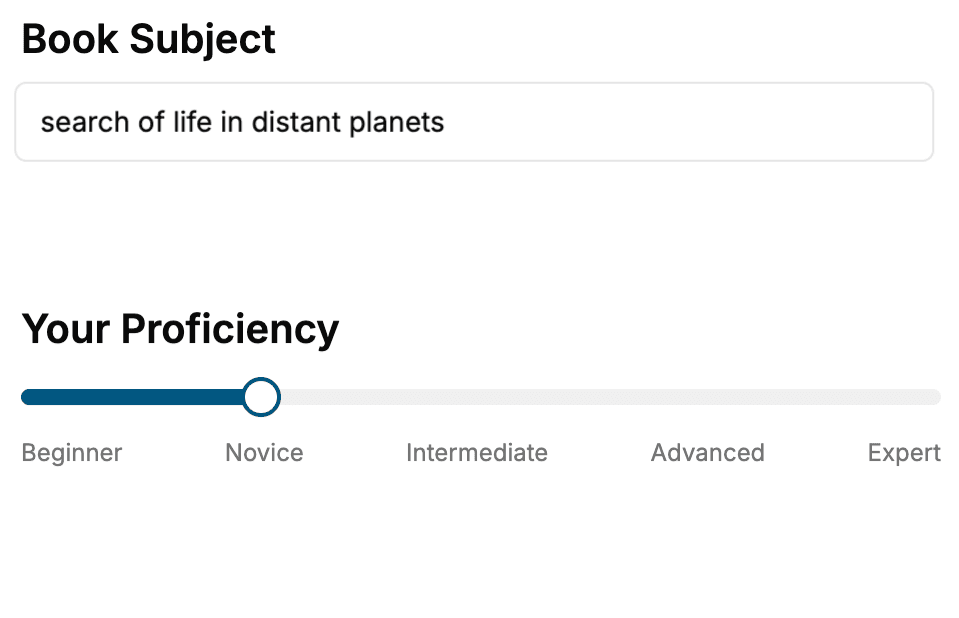
- 1. Select your focus
Select the focus of your Web Development book and share your background
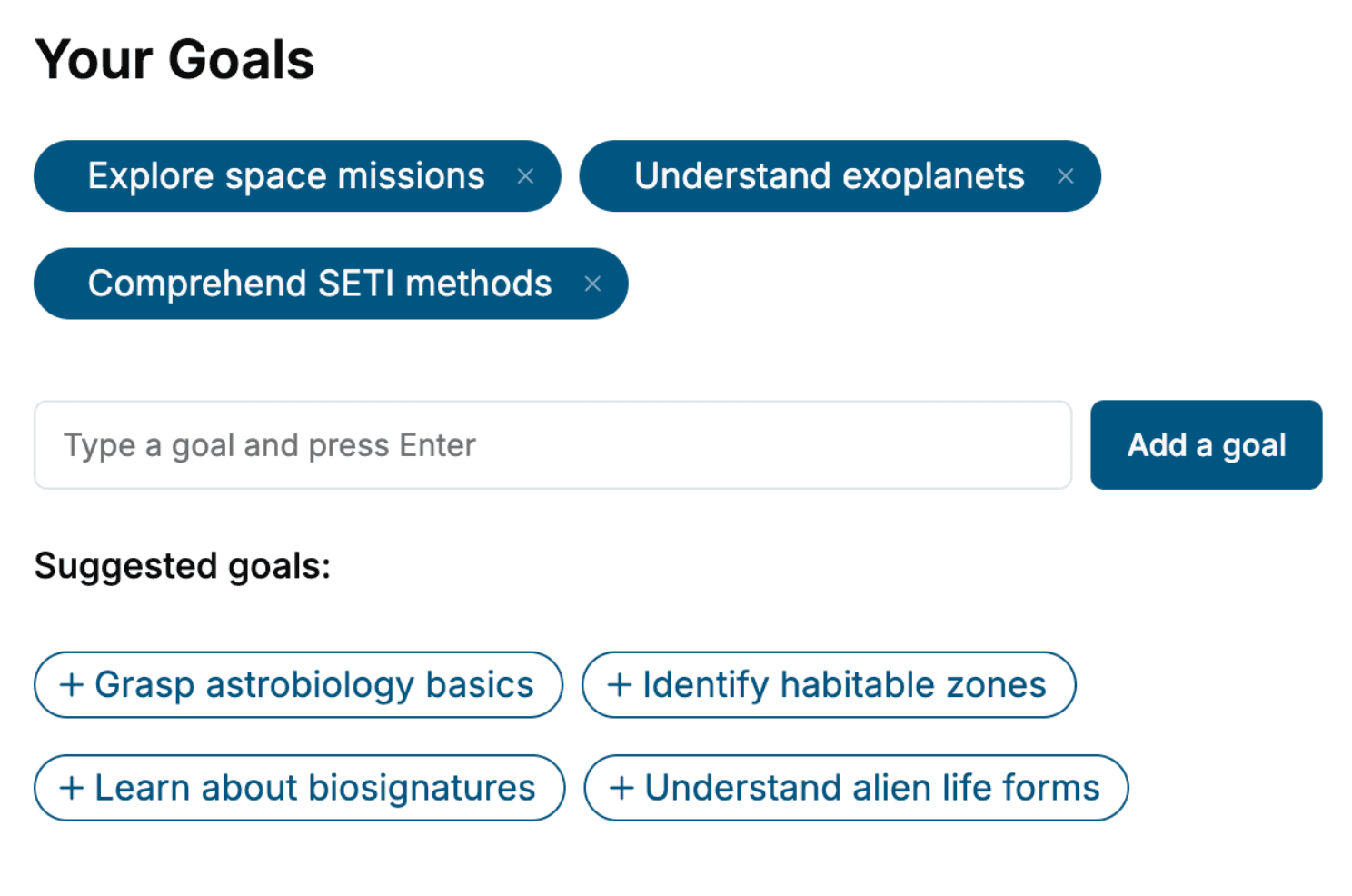
- 2. Personalize your book
Specify your goals and choose sub-topics to include
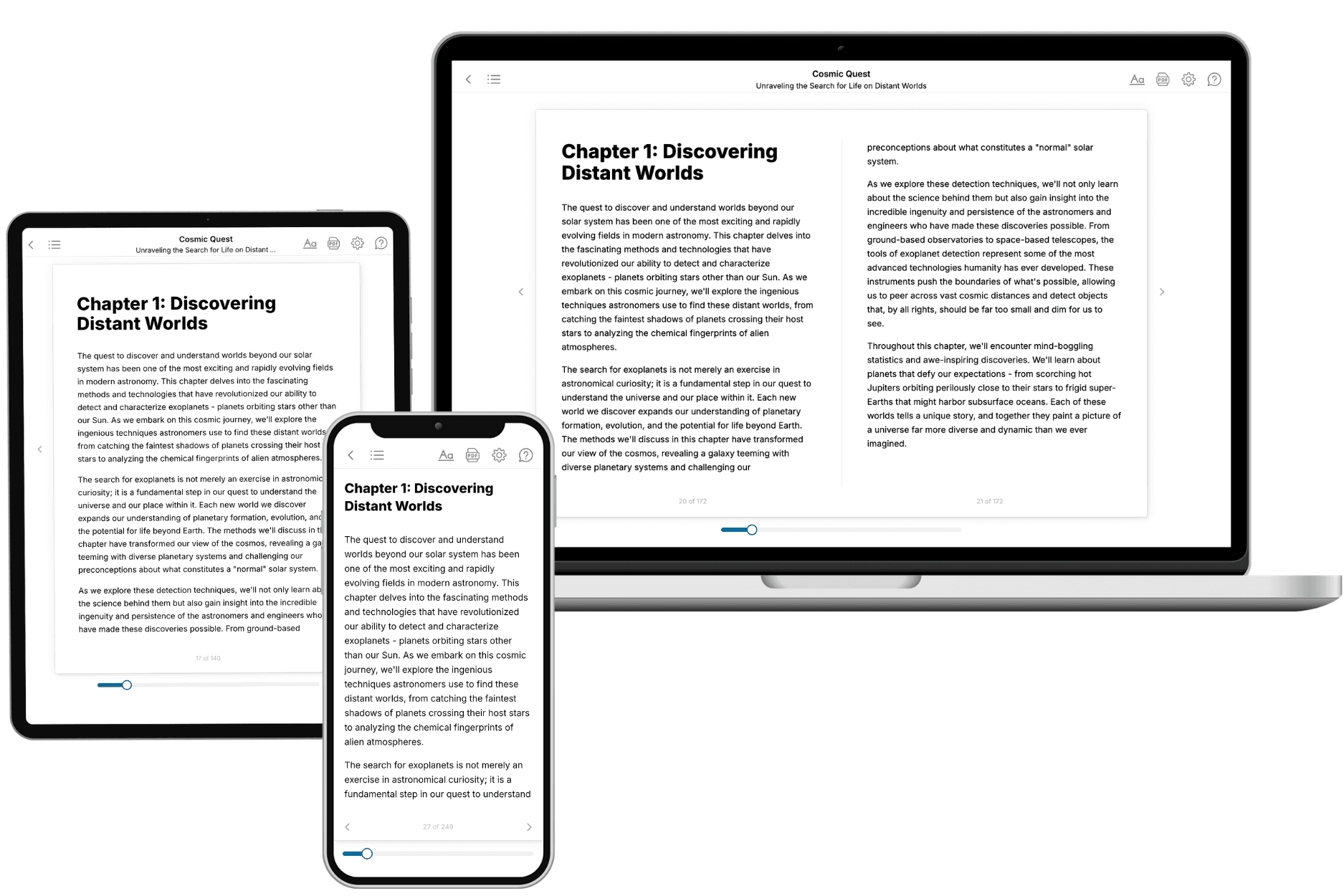
- 3. Get your tailored book
Your book is ready in 10 minutes. Read it online, download as EPUB or PDF, or send to Kindle.
Frequently asked questions
- What is TailoredRead?
TailoredRead creates complete, full-length nonfiction ebooks, written specifically for you. Tell us what you want to learn and why, and TailoredRead writes you a complete ebook on it, with charts, tables, and diagrams throughout. Read it online, on Kindle, or on any e-reader, or download it as a PDF or EPUB. Every book is written fresh the day you order it.
- How is the book tailored to me?
Before anything is written, you answer a few short questions about your goals, your background, and the topics you care about. Your book is then planned around your answers: written at your level, focused on your goals, and covering the topics you chose, instead of the one-size-fits-all book a store sells everyone.
- Will it read like generic AI content?
No. Your book isn't a chat transcript: it's planned chapter by chapter before a single word is written, told in a clear book voice, and explains ideas visually with charts, tables, and diagrams. After writing, every book goes through an editorial pass that polishes chapters so the book reads consistent from start to finish. Judge for yourself: browse thousands of sample books on our Explore Books page.
- How accurate is the content?
Our AI first checks whether your subject needs live research. Niche and fast-moving subjects are researched before writing, and the book plan and chapters are grounded in what it finds. After writing, every book goes through a quality pass that checks its facts and consistency, and researched books list their sources in a Notes section at the back.
- How long is the book?
You choose the length: Comprehensive (250-300 pages), Detailed (150-200 pages), Essential (70-100 pages), or Short (30-50 pages).
- Does the book include visuals?
Yes. Every book includes charts, tables, and diagrams: timelines, checklists, step-by-step guides, decision trees, comparison tables, matrices, and bar charts. A typical book includes dozens of these visual elements.
- Can I read it on Kindle? What formats can I download?
Yes. Every book can be read in our online reader or downloaded as a PDF or EPUB. The EPUB can be opened with Kindle, Apple Books, Kobo, and any e-reader. The Commercial and Author licenses also include an editable Word (DOCX) and Markdown download.
- How much does it cost?
About the price of a regular ebook. The exact price depends on your book's length and complexity, from $2 for the shortest books to $35 for the most comprehensive, and it's shown when you review your book, before you commit to anything. Each book is a one-time purchase, yours to keep, no subscription. Licenses that let you share, teach, or publish your book range from $35.99 to $49.99.
- Can I preview the book before purchasing?
Before you pay, you'll see what your book will cover: the title, a detailed description, the estimated length, and the complete chapter-by-chapter table of contents, so you know what you're getting before you decide. The full text itself is written after you purchase.
- How long does it take to create a book?
About 10 minutes. You can start reading the opening chapters while the rest is still being written.