WebGL Fundamentals
Master 3D Graphics Programming with JavaScript and Modern Web APIs
You'll progress from setting up your first WebGL canvas to building complete 3D graphics systems with shaders, textures, and dynamic effects.
238 pages12 chaptersSep 4, 2026WebGL
About this book
This book bridges the gap between graphics theory and practical JavaScript implementation, giving you the hands-on skills to create interactive 3D applications in the browser. Each chapter combines clear explanations with working code examples you can run immediately. You'll learn how the GPU processes your data through the graphics pipeline, write vertex and fragment shaders that control rendering, manage buffers efficiently, and implement techniques like texture mapping and particle systems. By understanding WebGL's state management and debugging practices, you'll develop the confidence to troubleshoot issues and optimize your graphics code. Whether you're building games, data visualizations, or interactive experiences, this book provides the foundational knowledge and practical patterns you need to work effectively with modern web graphics APIs.
Table of contents
- IntroductionWhy WebGL Matters for Modern Web Development, What You'll Learn in This Book, How to Use This Book Effectively, Prerequisites and SetupRead below
- Chapter 1: WebGL Fundamentals and the Graphics PipelineWhat is WebGL and How It Works, Understanding the Graphics Pipeline, WebGL vs. Other Graphics APIs
- Chapter 2: Setting Up Your WebGL EnvironmentJavaScript Canvas Setup and Configuration, WebGL Context Initialization, Error Handling and Debugging Basics
- Chapter 3: Shaders: The Heart of GPU ProgrammingShader Fundamentals and GLSL, Vertex Shader Programming, Fragment Shader Programming, Shader Compilation Process
- Chapter 4: Managing Data with Buffers and AttributesBuffer Object Management, Vertex Attribute Binding and Layout, Transferring Data to the GPU
- Chapter 5: Uniforms and State ManagementUniform Variable Usage and Types, WebGL State Management, Transformation Matrices and Calculations
- Chapter 6: Coordinate Systems and Camera ControlCoordinate System Basics, Camera Control Systems, Projection and View Matrices
- Chapter 7: Textures and Surface MappingTexture Mapping Basics, Texture Coordinates and Interpolation, Texture Sampling and Filtering
- Chapter 8: Advanced Rendering TechniquesBlending and Transparency, Normal Vector Calculations and Lighting, Interpolation in Shaders
- Chapter 9: Mesh Data Structures and GeometryMesh Data Structure Design, Generating and Loading Geometry, Index Buffers and Efficient Rendering
- Chapter 10: Particle Systems and Dynamic EffectsParticle System Design Principles, Implementing Particle Systems in WebGL, Creating Visual Effects with Particles
- Chapter 11: Framebuffer Objects and Post-ProcessingFramebuffer Objects Fundamentals, Rendering to Textures, Post-Processing and Advanced Effects
- Chapter 12: Debugging and OptimizationWebGL Error Debugging Techniques, Performance Optimization Strategies, Cross-Platform Compatibility
- ConclusionYour Path Forward with WebGL
- Appendix: Quick Reference and ResourcesGLSL Quick Reference, WebGL API Reference, Further Reading and Learning Resources
Introduction
A browser tab running a 3D scene at sixty frames per second, spinning a car model or rendering a city skyline, is doing something that used to require a dedicated game engine and a compiled executable. That scene is likely built on WebGL, a JavaScript API that hands geometry and pixel logic straight to the graphics processing unit. No plugin, no download, no separate installer. Just a canvas element, a script tag, and code that speaks directly to hardware built for parallel math. This book exists to make that code make sense, from the first blank canvas to a working particle system with textures and lighting.
Graphics programming has a reputation for being intimidating, and some of that reputation is earned. WebGL exposes a lower level of control than most JavaScript APIs a working developer touches day to day. There is no automatic scene graph, no built-in camera object, no default lighting. Everything is explicit: you allocate buffers, you write shader programs, you set up matrices by hand. That explicitness is also the appeal. Once the pieces click together, you have precise control over exactly how each pixel on the screen gets its color, and that control is what separates a generic chart library from a custom-built visualization or game.
The chapters ahead follow a deliberate order, moving from setup to increasingly advanced techniques. Early chapters establish the canvas, the rendering context, and the shader pipeline. Middle chapters cover buffers, uniforms, coordinate spaces, and textures, the machinery that lets you place and dress 3D objects. Later chapters tackle particle systems, framebuffers, and performance debugging, the tools professionals reach for when building production-quality graphics. Each concept builds on the last, so skipping ahead without the earlier foundation tends to create more confusion than it saves time.
None of this requires a background in graphics or linear algebra beyond what gets introduced along the way. It does require patience with code that fails silently. WebGL is notorious for rendering a blank black canvas when something goes wrong, with no error message pointing at the problem. Part of what this book teaches is not just how to build things correctly the first time, but how to diagnose the moment they don't work, since that moment will happen often during the learning process.
Why WebGL Matters for Modern Web Development
Before WebGL existed, bringing real 3D graphics into a browser meant relying on plugins like Adobe Flash or Java applets, both of which required separate installation, carried security risks, and rendered inconsistently across operating systems. WebGL changed that by exposing GPU-accelerated rendering through a standard JavaScript API that ships in every major browser engine. It was based on OpenGL ES 2.0, a graphics standard already proven on mobile devices, which meant browser vendors could implement it without inventing a new graphics model from scratch[1]. The result is a graphics API that runs on desktops, laptops, tablets, and phones using the same code.
That cross-platform reach matters more than it might first appear. A single WebGL application, written once, runs on a Windows desktop, a Chromebook, an iPhone, and an Android tablet without recompilation. Compare that to native game development, where a studio typically maintains separate builds for consoles, desktop platforms, and mobile devices, each with its own toolchain and certification process. WebGL trades some raw performance and low-level access for that portability, and for most interactive graphics work, browsers, dashboards, product configurators, educational tools, casual games, that trade is worth making.
WebGL also removes the installation barrier that kills adoption for many interactive experiences. A link is enough. Someone visiting a product page can rotate a 3D model of a sneaker or a piece of furniture without installing anything, because the rendering happens inside the page they already opened. E-commerce sites use this to let shoppers examine products from every angle. Data visualization tools use it to render millions of points in a scatter plot that would choke a 2D canvas or an SVG-based chart. Museums and educational platforms use it to build interactive anatomy models or molecular viewers that run on a shared laptop in a classroom.
Gaming is the most visible use case, but far from the only one. Consider the following breakdown of where WebGL shows up in production software today, illustrated in the chart below to give a sense of relative weight across common use cases.
| Use case | Relative prevalence | |
|---|---|---|
| Games and interactive entertainment | 30 | |
| Data visualization and dashboards | 25 | |
| Product visualization and e-commerce | 20 | |
| Maps and geospatial rendering | 15 | |
| Scientific and medical visualization | 10 |
Mapping applications are a particularly good example of WebGL working invisibly. Modern web mapping libraries render millions of vector tiles, building outlines, and elevation data using WebGL under the hood, letting a browser tilt and rotate a 3D city view smoothly as someone zooms and pans. Before WebGL, this kind of rendering either required a native application or produced visibly choppy, low-resolution results in the browser. The same GPU acceleration that makes a game run smoothly is what makes a map feel responsive instead of sluggish.
WebGL also underpins newer standards without disappearing. WebXR, the API that powers browser-based virtual and augmented reality experiences, relies on WebGL (or its successor, WebGPU) to actually draw what a headset displays. Understanding WebGL's pipeline, buffers, and shaders is not a dead-end skill tied to one API; it is the conceptual foundation beneath a growing set of browser graphics technologies. Even as WebGPU emerges as a lower-level alternative, the mental model of vertices, shaders, and the graphics pipeline carries over directly.
There is also a practical career dimension worth naming plainly. Roles in creative coding, data visualization engineering, game development for the web, and front-end teams building rich product experiences increasingly list WebGL or related libraries as a desired skill. Understanding the raw API, rather than only a higher-level library built on top of it, gives you the ability to debug problems those libraries can't solve for you, and to build custom effects no library ships with out of the box. That depth of understanding is exactly what the chapters ahead aim to build, one layer of the pipeline at a time.
Finally, WebGL rewards curiosity in a way few web APIs do. Because rendering happens visually and immediately, a small change to a shader or a matrix produces an instant, visible result on screen. That feedback loop, change code, refresh, see the difference, makes experimentation genuinely enjoyable rather than abstract. Many developers who stick with WebGL describe this immediacy as part of what keeps them engaged past the initial learning curve, and it is a good reason to keep a browser tab open and follow along with code while working through this book.
What You'll Learn in This Book
The path through this book moves in a specific direction: from raw setup toward increasingly expressive visual effects, with each chapter adding a capability the next one depends on. The graphics pipeline, the sequence of stages that turns a list of 3D points into colored pixels on screen, gets introduced early because everything else is really just controlling different stages of that pipeline. Once that mental model is in place, every later topic, shaders, buffers, textures, lighting, becomes a specific answer to the question which stage of the pipeline am I adjusting right now, and how?
Shaders occupy a central place in the curriculum because they are where the real creative and technical control lives. A vertex shader decides where each point of geometry ends up on screen; a fragment shader decides what color each resulting pixel gets. GLSL, the C-like language shaders are written in, gets covered in enough depth to write and debug real shader code, not just copy working examples. By the end of the shader chapters, writing a shader that displaces geometry based on a sine wave, or one that blends two textures based on distance from the camera, should feel like a reasonable weekend exercise rather than an act of guesswork.
Data management gets its own sustained attention because it is where many beginners lose momentum. Buffer objects, the mechanism for moving vertex data from JavaScript arrays into GPU memory, and vertex attributes, the wiring that tells a shader how to interpret that data, are unglamorous but unavoidable. Get the attribute layout wrong and a model renders as a scrambled mess or nothing at all. This book spends real time on that plumbing so it becomes routine rather than a recurring source of silent failure.
Once the fundamentals are solid, the book turns to spatial reasoning: coordinate systems, transformation matrices, and camera control. This is the material that lets a flat triangle become a positioned, rotated object viewed from a chosen angle in 3D space. The concepts here (model matrix, view matrix, projection matrix) sound abstract until you see them multiply together to place a cube exactly where you want it and view it from exactly the angle you choose. Worked examples throughout this section build a small, reusable camera system you can carry into your own projects.
Texturing follows naturally, since a 3D object with correct geometry but no surface detail still looks unfinished. Chapters on texture mapping, texture coordinates, and sampling cover how a flat image wraps onto a 3D surface convincingly, including the filtering choices that determine whether a texture looks crisp or blurry up close and from a distance. Lighting and transparency build directly on top of that, introducing the Phong lighting model and blending techniques that give surfaces the appearance of depth and material rather than flat, unlit color.
The second half of the book shifts from individual techniques to assembled systems. Mesh data structures and index buffers show how real 3D models, not just single triangles, get organized and rendered efficiently. Particle systems combine everything learned so far, buffers, shaders, and per-object state, into effects like fire, smoke, or falling snow. Framebuffer objects then open the door to render-to-texture techniques and post-processing, the category of effects, blur, glow, color grading, that operate on an already-rendered image rather than raw geometry.
The closing technical chapter addresses something most tutorials skip: what happens when things go wrong in production. Debugging WebGL applications, interpreting the errors the API does provide, and using tools like the KHR_debug extension to catch problems early, gets treated as a skill in its own right. Performance optimization and cross-platform compatibility round this out, since a demo that runs perfectly on one desktop machine can behave very differently on a budget phone or an older laptop GPU.
Across all twelve chapters, the goal stays consistent: build understanding through code you can actually run, not abstract description alone. Each concept gets paired with a working example, so the theory of how a fragment shader interpolates color across a triangle sits right next to the GLSL code that does it. By the final chapter, the goal is not memorized facts about WebGL but a working intuition for how to take an idea, a rotating logo, a data visualization, a small game, and build it from a blank canvas up.
The checklist below summarizes the core capabilities this book aims to leave you with by the final chapter, useful as a self-assessment once you've worked through the material.
Core capabilities covered by this book
- Initialize a WebGL context and manage its state correctly
- Write, compile, and link vertex and fragment shaders in GLSL
- Package and transfer geometry data using buffer objects and attributes
- Control per-draw values with uniform variables
- Build and apply model, view, and projection matrices
- Implement a controllable 3D camera
- Load and sample textures with appropriate filtering
- Apply lighting, transparency, and interpolation for realistic surfaces
- Design mesh structures and use index buffers efficiently
- Build a working particle system
- Use framebuffer objects for render-to-texture and post-processing
- Debug WebGL errors and optimize for cross-platform performance
How to Use This Book Effectively
Reading a graphics programming book without running the code is close to reading a recipe without ever turning on the stove. The concepts in WebGL, particularly matrix transformations and shader logic, only become intuitive once you've watched them succeed and fail on an actual screen. Every code example in this book is meant to be typed or copied into a real browser tab, run, and then deliberately broken. Change a number in a matrix and watch what happens to an object's position. Comment out a line in a shader and see what disappears or turns black. That kind of experimentation builds understanding faster than reading alone ever will.
A practical setup makes this much easier. Keep a text editor and a browser open side by side, and use a simple local development server rather than opening HTML files directly from disk, since some browsers restrict how local files can load resources like images for textures. Browser developer tools matter enormously here: the JavaScript console will surface shader compilation errors and runtime warnings that are otherwise invisible, and getting comfortable reading those messages early prevents a lot of confusion later when a canvas renders as unexplained black.
The chapters are sequential by design, and skipping around is riskier here than in many technical books. A concept introduced in the chapter on buffers and attributes gets used without re-explanation in the chapter on textures. Someone with prior graphics experience, perhaps from Unity, Three.js, or native OpenGL, may be tempted to skim the early chapters on context setup and the pipeline. That's reasonable, but even experienced readers should slow down for the shader and buffer chapters, since WebGL's specific conventions (which axis points where, how attributes bind to locations, how buffers get updated) differ in small but consequential ways from other graphics stacks.
Treat the code examples as starting points, not museum pieces. After finishing a chapter's examples as written, go back and modify them: change a triangle's color based on time, swap a static camera position for one that orbits automatically, load a different texture image. These small modifications force you to actually understand the code rather than pattern-match it, and they surface gaps in understanding much faster than passively reading the finished version does. Keep a running personal file of small WebGL snippets you build this way; it becomes a useful reference the next time you start a new graphics project from scratch.
Pace matters more than speed. WebGL has a steep initial learning curve concentrated in the first few chapters, context setup, shader compilation, buffer wiring, because these are the parts with no visual feedback until every piece is correct. It is common to write forty lines of setup code and see nothing but a blank canvas until the final line is fixed. Resist the urge to rush through this stretch. Once a single triangle renders correctly on screen for the first time, most of what follows becomes an additive process of building on a working foundation rather than fighting an unresponsive one.
The decision tree below offers a simple way to decide how to move through the book depending on your background, since a beginner and an experienced graphics programmer will reasonably want different starting points.
Choosing your starting point
- Have you used a 3D graphics API before (OpenGL, Direct3D, Three.js)?
- No Start at the graphics pipeline chapter and read every chapter in full order
- Yes Have you specifically written raw GLSL shaders before?
- No Skim setup chapters, then slow down starting at the shader chapter
- Yes Skim through the texture chapter, then slow down starting at lighting and mesh chapters
Whichever path fits, resist skipping the debugging chapter near the end. It is tempting to treat troubleshooting as an afterthought, something to look up only when a specific problem strikes. In practice, the systematic approach to diagnosing WebGL failures, checking shader compile logs, verifying buffer bindings, confirming uniform locations, applies to nearly every bug you'll hit throughout every earlier chapter too. Reading it after finishing the hands-on chapters, once you've already hit a few confusing failures yourself, tends to land better than reading it cold.
Finally, keep the appendix within easy reach rather than reading it front to back. The GLSL quick reference and WebGL API reference are built for lookup, not linear reading, the kind of material you check while typing code rather than absorb in one sitting. Bookmark those pages, or keep the relevant section open in a second tab, while working through the hands-on chapters. That habit turns the appendix into an active part of your workflow instead of a section skipped after the conclusion.
Prerequisites and Setup
This book assumes comfort with core JavaScript: functions, arrays, objects, and enough familiarity with the DOM to select an element and attach an event listener. None of the code here depends on a specific framework like React or Vue, and no build tooling like Webpack or Vite is required to follow along, though either can be layered in later if a project grows. Where JavaScript syntax gets slightly unusual, particularly around typed arrays like Float32Array, which are used constantly to package numeric data for the GPU, the relevant chapter explains the pattern rather than assuming prior exposure.
No prior graphics or linear algebra background is assumed, but a basic comfort with numbers and geometry helps. Concepts like vectors, matrices, and coordinate systems get explained from the ground up in the chapters where they first appear, with enough worked arithmetic to build intuition rather than only formulas. Someone who remembers basic trigonometry, sine, cosine, and how angles relate to circles, will find the camera and rotation material a little more familiar, but nothing here requires a university-level math course to follow.
On the software side, the requirements are minimal by design. Any modern browser, Chrome, Firefox, Edge, or Safari, supports WebGL by default, and no additional plugin or extension installation is needed. A text editor of choice is sufficient; nothing in this book depends on a specific IDE's features. For running local files without hitting browser security restrictions around loading images and other resources, a lightweight local server is recommended. Node.js, if already installed, makes this trivial through a simple static server package, though other lightweight alternatives work equally well.
Setting up a minimal working environment takes only a few steps, outlined below as a starting checklist before diving into the first chapter's context initialization code.
Setting up your WebGL development environment
- Choose a modern browser - Install or update Chrome, Firefox, Edge, or Safari to a recent version, since all support WebGL by default and include strong developer tools for inspecting errors.
- Pick a text editor - Use any editor you're comfortable with; syntax highlighting for JavaScript and GLSL is helpful but not required to follow the examples.
- Set up a local server - Install a lightweight static file server (a simple Node.js package works well) so HTML files load correctly instead of triggering browser security restrictions on local files.
- Create a project folder - Set up a folder with an index.html file, a script.js file, and a subfolder for any images used as textures in later chapters.
- Verify WebGL support - Open the browser's developer console and confirm that requesting a WebGL context from a canvas element returns a valid object rather than null.
Verifying that last step matters more than it might seem. Support for WebGL is nearly universal on modern hardware and browsers, but certain configurations, older devices, some virtual machines, or browsers running with hardware acceleration explicitly disabled, can fail to provide a context. Testing this early, before writing any substantial code, avoids the frustrating experience of debugging what looks like a shader or buffer problem when the actual issue is that no context was ever created in the first place.
A note on hardware expectations: WebGL runs on integrated graphics chips found in ordinary laptops, not just dedicated gaming GPUs. The examples throughout this book are deliberately modest in scale, single objects, small particle counts, simple scenes, and will run smoothly on years-old consumer hardware. Performance becomes a real concern only in the later chapters covering large particle systems and post-processing effects, and those chapters address optimization directly when the relevant techniques get introduced.
Version differences are worth a brief mention. This book focuses on WebGL 1.0, based on OpenGL ES 2.0, because it has the widest browser and device support and because its concepts transfer directly to WebGL 2.0 and, with some adaptation, to WebGPU. Code written against WebGL 1.0 will run essentially everywhere a browser runs today. Where a WebGL 2.0 feature offers a meaningfully better way to accomplish something covered in this book, it gets mentioned as an aside, but the core teaching stays grounded in the version with the broadest reach.
One last practical habit worth building from day one: save every working example before modifying it. Graphics code fails silently often enough that having a known-good version to revert to, rather than trying to debug backward from a broken state with no memory of what changed, saves considerable frustration. A simple habit of copying a working file before experimenting, or committing to version control if already comfortable with Git, pays for itself within the first few chapters.
With the environment in place and expectations set, the next step is opening an actual browser tab and building a rendering context from nothing, the first concrete task waiting in the chapter ahead.
Notes
Introduction
- 1. Khronos Group, "WebGL Specification," Khronos Group, 2011
This is the end of the free sample. The full book has 12 chapters.
Want this book written for you?
Tell us your goals and background, and get your own version of this book, tailored by AI to you.


Benefits of AI-tailored books
- Read one book, not ten:
- all the WebGL knowledge you need, gathered into a single book.
- Save days of learning:
- tell us your goals, choose your topics, and the whole book is built around them.
- Learn effortlessly:
- WebGL book written for your specific background and expertise.
- Understand at a glance:
- includes charts, tables, timelines, checklists, decision trees, and more.
- Stay current:
- written the day you order it, not years ago.
- Trust what you read:
- every book is checked for accuracy, with real research when your subject needs it.
Create your unique book in 3 steps
- 1. Select your focus
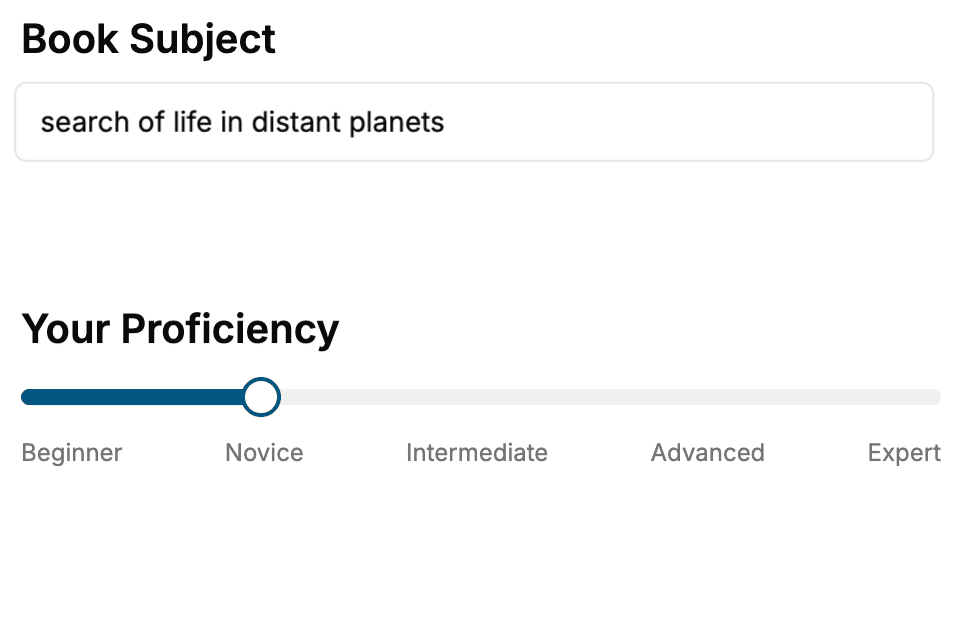
Select the focus of your WebGL book and share your background
- 2. Personalize your book
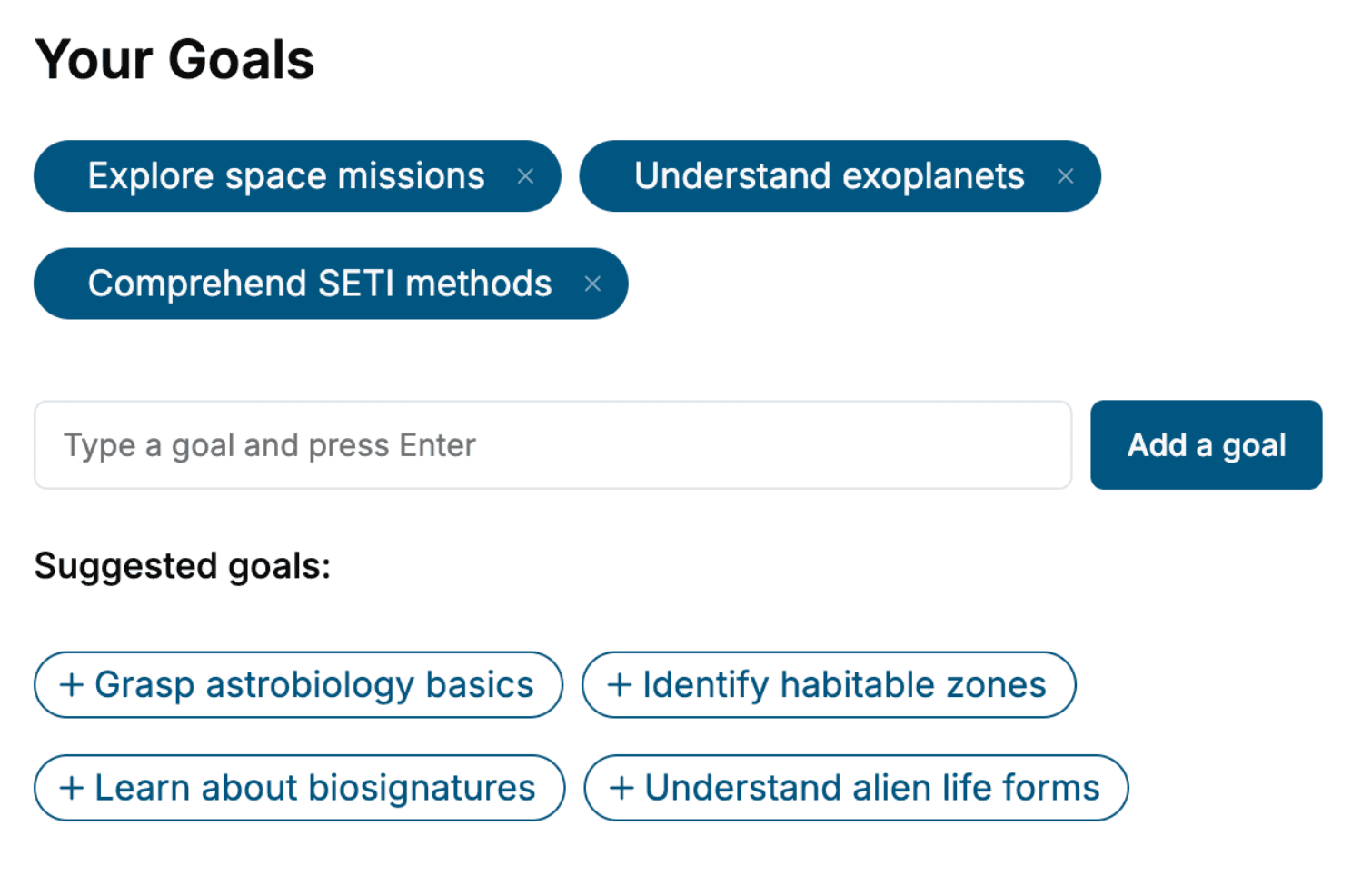
Specify your goals and choose sub-topics to include
- 3. Get your tailored book
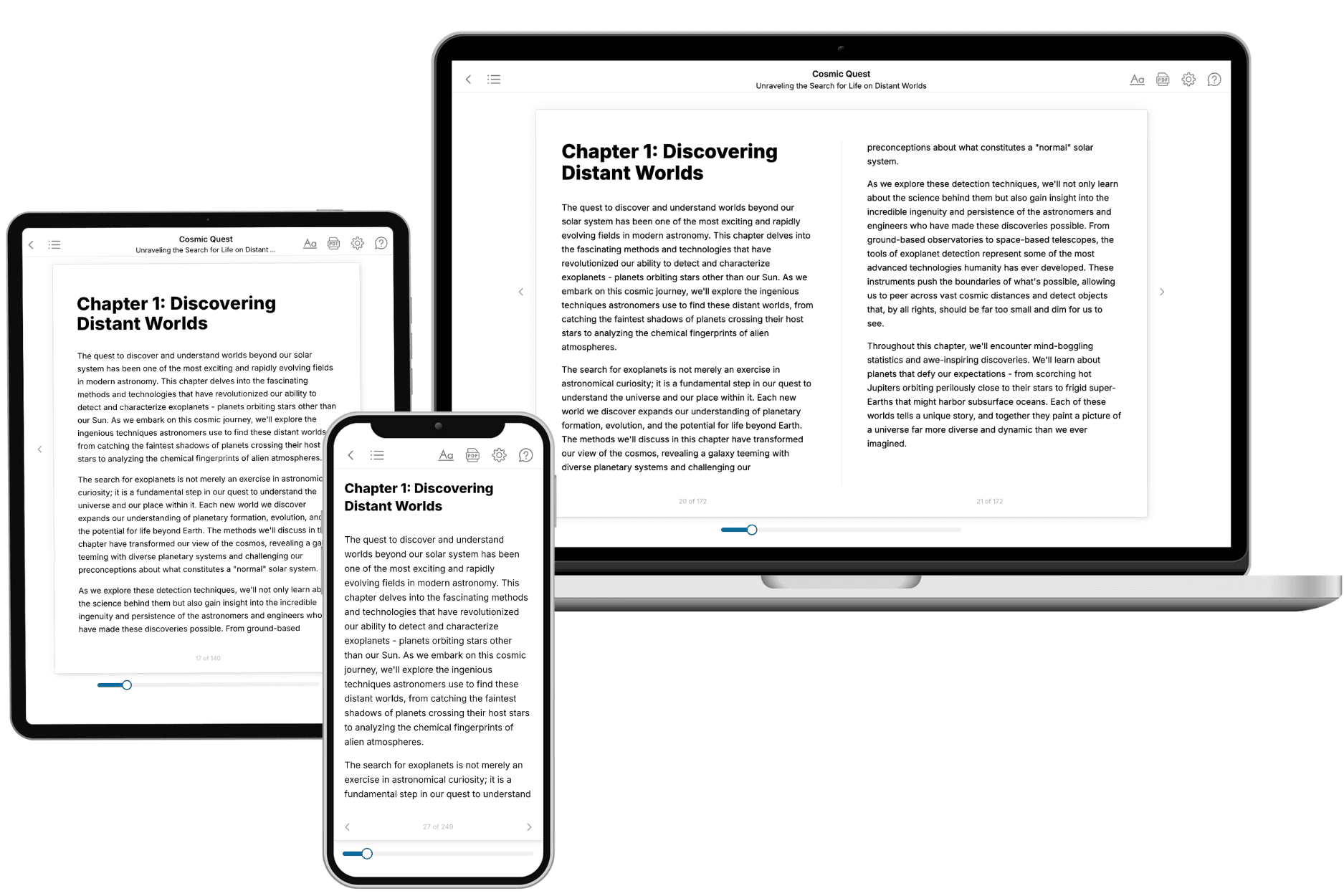
Your book is ready in 10 minutes. Read it online, download as EPUB or PDF, or send to Kindle.
Frequently asked questions
- What is TailoredRead?
TailoredRead creates complete, full-length nonfiction ebooks, written specifically for you. Tell us what you want to learn and why, and TailoredRead writes you a complete ebook on it, with charts, tables, and diagrams throughout. Read it online, on Kindle, or on any e-reader, or download it as a PDF or EPUB. Every book is written fresh the day you order it.
- How is the book tailored to me?
Before anything is written, you answer a few short questions about your goals, your background, and the topics you care about. Your book is then planned around your answers: written at your level, focused on your goals, and covering the topics you chose, instead of the one-size-fits-all book a store sells everyone.
- Will it read like generic AI content?
No. Your book isn't a chat transcript: it's planned chapter by chapter before a single word is written, told in a clear book voice, and explains ideas visually with charts, tables, and diagrams. After writing, every book goes through an editorial pass that polishes chapters so the book reads consistent from start to finish. Judge for yourself: browse thousands of sample books on our Explore Books page.
- How accurate is the content?
Our AI first checks whether your subject needs live research. Niche and fast-moving subjects are researched before writing, and the book plan and chapters are grounded in what it finds. After writing, every book goes through a quality pass that checks its facts and consistency, and researched books list their sources in a Notes section at the back.
- How long is the book?
You choose the length: Comprehensive (250-300 pages), Detailed (150-200 pages), Essential (70-100 pages), or Short (30-50 pages).
- Does the book include visuals?
Yes. Every book includes charts, tables, and diagrams: timelines, checklists, step-by-step guides, decision trees, comparison tables, matrices, and bar charts. A typical book includes dozens of these visual elements.
- Can I read it on Kindle? What formats can I download?
Yes. Every book can be read in our online reader or downloaded as a PDF or EPUB. The EPUB can be opened with Kindle, Apple Books, Kobo, and any e-reader. The Commercial and Author licenses also include an editable Word (DOCX) and Markdown download.
- How much does it cost?
About the price of a regular ebook. The exact price depends on your book's length and complexity, from $2 for the shortest books to $35 for the most comprehensive, and it's shown when you review your book, before you commit to anything. Each book is a one-time purchase, yours to keep, no subscription. Licenses that let you share, teach, or publish your book range from $35.99 to $49.99.
- Can I preview the book before purchasing?
Before you pay, you'll see what your book will cover: the title, a detailed description, the estimated length, and the complete chapter-by-chapter table of contents, so you know what you're getting before you decide. The full text itself is written after you purchase.
- How long does it take to create a book?
About 10 minutes. You can start reading the opening chapters while the rest is still being written.