Word Style Mastery
Elevate Your Document Design with Efficient Formatting Techniques
Level up your Microsoft Word skills and become a document formatting wizard.
269 pages13 chaptersJan 14, 2025Software
About this book
This comprehensive guide to Word Styles will revolutionize the way you create and manage documents. You'll discover how to streamline your workflow, ensure consistency across multiple documents, and create professional-looking reports, manuals, and presentations with ease. Dive into the world of Word Styles and learn how to harness their full potential. From creating custom styles to managing complex documents, this book covers everything you need to know to become a Word Style expert. You'll master techniques for automating repetitive tasks, creating dynamic tables of contents, and maintaining a cohesive look throughout your documents. Whether you're a business professional, academic, or anyone who regularly works with Word documents, this book will equip you with the skills to take your document creation to the next level. By the end, you'll be able to create polished, professional documents in a fraction of the time, impressing colleagues and clients alike with your efficient and stylish Word mastery.
Table of contents
- IntroductionThe Importance of Word Styles, Book Overview and How to Use It, Benefits of Mastering Word StylesRead below
- Chapter 1: Understanding Word Styles BasicsWhat Are Word Styles?, Types of Styles in Word, Default Styles in Word, Navigating the Styles Pane
- Chapter 2: Applying Styles to Your DocumentApplying Paragraph Styles, Applying Character Styles, Applying List Styles, Applying Table Styles
- Chapter 3: Creating Custom StylesCreating a New Style from Scratch, Creating a Style Based on Formatted Text, Modifying Existing Styles, Using the Style Inspector
- Chapter 4: Managing Styles EffectivelyOrganizing Styles in the Styles Pane, Working with Style Sets, Understanding Style Inheritance, Resolving Style Conflicts
- Chapter 5: Enhancing Formatting EfficiencyUsing Quick Style Sets, Keyboard Shortcuts for Styles, Creating Macros for Style Application, Customizing the Style Gallery
- Chapter 6: Using Styles for Document StructureUtilizing Heading Styles, Working with Outline View, Leveraging the Navigation Pane, Creating a Document Map
- Chapter 7: Generating Tables of ContentsAutomatic Table of Contents Creation, Customizing Table of Contents, Updating and Maintaining TOC, Creating Multi-level Tables of Contents
- Chapter 8: Advanced Style TechniquesWorking with Linked Styles, Using Style Separators, Implementing Style Restrictions, Styles for Multilingual Documents
- Chapter 9: Styles in TemplatesCreating Templates with Custom Styles, Modifying Existing Templates, Working with Global Templates, Managing Template Styles
- Chapter 10: Styles in Collaborative EnvironmentsSharing Styles Across Documents, Standardizing Styles in an Organization, Resolving Style Conflicts in Shared Documents, Version Control for Styles
- Chapter 11: Troubleshooting Style IssuesCommon Style Problems and Solutions, Dealing with Style Corruption, Cleaning Up Unused Styles, Recovering Lost Styles
- Chapter 12: Style Best PracticesEffective Style Naming Conventions, Organizing Styles for Maximum Efficiency, Documenting Your Style System, Maintaining Styles Over Time
- Chapter 13: The Future of Word StylesUpcoming Innovations in Word Styles, Cross-Platform Style Compatibility, AI and Machine Learning in Style Management, Emerging Trends in Document Styling
- Conclusion
- Glossary of Word Style Terms
- Appendix: Style Cheat Sheets
Introduction
Welcome to the world of Microsoft Word Styles, a powerful feature that can revolutionize the way you create, format, and manage documents. As you embark on this journey to master Word Styles, you're taking a significant step towards enhancing your productivity and elevating the quality of your work. This introduction will set the stage for your learning adventure, highlighting the importance of Word Styles, providing an overview of what you can expect from this book, and outlining the numerous benefits that await you as you become proficient in using this essential tool.
In today's fast-paced professional environment, efficiency and consistency are paramount. Whether you're crafting business reports, academic papers, or technical documentation, the ability to produce well-formatted, professional-looking documents quickly and consistently can set you apart from your peers. Word Styles are the key to achieving this level of proficiency, offering a systematic approach to document formatting that saves time, reduces errors, and ensures a polished final product.
Throughout this book, you'll discover how Word Styles can transform your document creation process. From streamlining repetitive formatting tasks to maintaining consistency across multiple documents, the skills you'll acquire will empower you to work smarter, not harder. As we delve into the intricacies of Word Styles, you'll gain the knowledge and confidence to tackle complex documents with ease, impressing colleagues and clients alike with your efficient and stylish Word mastery.
The Importance of Word Styles
Microsoft Word Styles are more than just a convenient feature; they are a fundamental aspect of efficient document creation and management. At its core, a style is a set of formatting instructions packaged together under a single name. Instead of manually applying multiple formatting options each time you want to create a heading, paragraph, or list, you can apply a pre-defined style with a single click. This simple concept has far-reaching implications for how you work with documents, offering benefits that extend well beyond mere convenience.
One of the primary advantages of using Word Styles is the significant time savings they offer. Consider the process of formatting a lengthy document without styles: you might find yourself repeatedly adjusting font sizes, colors, spacing, and indentation for various elements throughout your text. This repetitive task not only consumes valuable time but also increases the likelihood of inconsistencies and errors. With styles, you can apply complex formatting instantly and consistently across your entire document. Research has shown that using styles can reduce formatting time by up to 50% compared to manual formatting methods[1].
Consistency is another crucial benefit of using Word Styles. In professional settings, maintaining a uniform look and feel across all documents is essential for brand identity and readability. Styles ensure that all headings, paragraphs, lists, and other elements have consistent formatting throughout a document and across multiple documents. This consistency not only enhances the visual appeal of your work but also improves comprehension for your readers. Studies have demonstrated that consistent formatting can increase reading speed and improve information retention by up to 15%[2].
Furthermore, Word Styles play a crucial role in document structure and navigation. By using heading styles, you create a hierarchical structure within your document that Word can interpret. This structure enables the automatic generation of tables of contents, the use of the Navigation Pane for quick movement through your document, and the creation of clickable cross-references. These features are invaluable for long or complex documents, making it easier for both you and your readers to navigate and understand the content's organization.
Accessibility is another area where Word Styles shine. Screen readers and other assistive technologies rely on properly structured documents to interpret content for users with visual impairments. By using styles consistently, you ensure that your documents are accessible to a wider audience, which is not only inclusive but often a legal requirement in many professional and educational settings. The Web Accessibility Initiative (WAI) emphasizes the importance of structured documents in creating accessible content, with styles being a key component of this structure[3].
Collaboration and version control also benefit significantly from the use of Word Styles. In team environments where multiple people work on the same document, styles provide a common language for formatting. This shared understanding reduces conflicts and inconsistencies that can arise when different team members have varying formatting preferences. Additionally, when changes need to be made to the document's appearance, modifying a style will update all instances where that style is used, eliminating the need for tedious manual adjustments throughout the document.
The importance of Word Styles extends to template creation and management as well. By developing a set of custom styles, you can create templates that enforce your organization's branding and formatting standards. These templates can be shared across teams or departments, ensuring that all documents produced adhere to the same visual guidelines. This standardization not only maintains a professional image but also streamlines the document creation process for all users.
As documents become increasingly digital, the role of styles in facilitating cross-platform compatibility cannot be overstated. Properly styled documents are more likely to maintain their formatting when converted to different file formats or viewed on various devices. This consistency is crucial in today's multi-device ecosystem, where documents may be viewed on desktops, tablets, smartphones, or e-readers. By using styles, you future-proof your documents, ensuring they remain readable and visually appealing regardless of how they're accessed.
Lastly, the importance of Word Styles is evident in their role in automating document production. Styles can be linked to macros and used in mail merges, enabling the creation of dynamic documents that can adapt to different data inputs. This automation is particularly valuable in business settings where personalized yet consistently formatted documents need to be produced in large volumes.
In conclusion, the importance of Word Styles cannot be overstated. They are not merely a formatting tool but a comprehensive system for efficient, consistent, and professional document creation. As you progress through this book, you'll discover how mastering Word Styles can transform your approach to document production, saving you time, reducing errors, and elevating the quality of your work. The skills you'll acquire will not only make you more proficient in Word but will also enhance your value in any professional setting where document creation is a key responsibility.
Book Overview and How to Use It
This comprehensive guide to Microsoft Word Styles is designed to take you from a basic understanding to advanced mastery of this powerful feature. Whether you're new to Word Styles or looking to enhance your existing skills, this book provides a structured approach to learning that will help you become proficient in using styles to create professional, well-formatted documents efficiently. The content is organized to build your knowledge progressively, starting with fundamental concepts and moving towards more complex applications and advanced techniques.
The book is divided into several key sections, each focusing on a specific aspect of Word Styles. We begin with an introduction to the basics, explaining what styles are and why they're essential. From there, we delve into the practical application of styles, showing you how to use existing styles and create your own custom styles to suit your specific needs. As you progress, you'll learn about more advanced features such as style management, document structure, and generating tables of contents using styles.
To make the most of this book, it's recommended that you approach it in a sequential manner, especially if you're new to Word Styles. Each chapter builds upon the knowledge gained in previous sections, providing a comprehensive understanding of the topic. However, if you're already familiar with basic style concepts, you may choose to focus on specific chapters that address your particular areas of interest or challenges you face in your work.
Throughout the book, you'll find practical examples, step-by-step instructions, and hands-on exercises that will help reinforce your learning. It's highly encouraged that you follow along with these exercises in Microsoft Word, applying the concepts as you learn them. This practical application will help solidify your understanding and build muscle memory for using styles effectively in your daily work.
Each chapter includes real-world scenarios and case studies that illustrate how Word Styles can be applied in various professional contexts. These examples are designed to help you see the practical benefits of using styles and to inspire you to think creatively about how you can apply these techniques to your own documents. By relating the concepts to real-world situations, you'll gain a deeper appreciation for the power and versatility of Word Styles.
To further enhance your learning experience, the book includes numerous tips, tricks, and best practices throughout. These insights, gathered from experienced Word users and style experts, will help you avoid common pitfalls and develop efficient workflows. Pay special attention to these highlighted sections, as they often contain valuable information that can significantly improve your productivity.
At the end of each chapter, you'll find a summary of key points and a set of review questions. These are designed to help you reinforce your understanding of the material covered and identify any areas that may require further study. Take the time to review these sections thoroughly, as they will help ensure that you've grasped the essential concepts before moving on to more advanced topics.
The book also includes a comprehensive glossary of Word Style terms, which you can refer to whenever you encounter unfamiliar terminology. This resource will be particularly useful as you delve into more advanced concepts and begin to use the technical language associated with Word Styles.
In the appendix, you'll find a collection of style cheat sheets and quick reference guides. These resources are designed to be practical tools that you can use in your daily work, even after you've completed the book. Consider printing or bookmarking these pages for easy access when you need a quick reminder of a specific style technique or command.
As you work through the book, it's important to remember that mastering Word Styles is a skill that develops with practice. Don't be discouraged if some concepts seem challenging at first. With consistent application and experimentation, you'll find that using styles becomes second nature, dramatically improving your efficiency and the quality of your documents.
Finally, this book is not just a one-time read but a reference that you can return to as you continue to develop your skills. As you encounter new document challenges in your work, you may find it helpful to revisit specific chapters or examples that address those issues. The comprehensive nature of this guide ensures that it will remain a valuable resource throughout your journey to Word Style mastery.
By following this structured approach and actively engaging with the material presented, you'll be well on your way to becoming a Word Styles expert. Remember, the goal is not just to learn about styles but to integrate them into your daily workflow, transforming the way you create and manage documents. Embrace this learning journey, and you'll soon discover the immense benefits that Word Styles can bring to your professional life.
Benefits of Mastering Word Styles
Mastering Microsoft Word Styles offers a multitude of benefits that can significantly enhance your productivity, document quality, and overall proficiency in document creation. As you progress through this book and incorporate Word Styles into your workflow, you'll experience these advantages firsthand. Let's explore the key benefits that await you on your journey to becoming a Word Styles expert.
One of the most immediate and tangible benefits of mastering Word Styles is the dramatic increase in efficiency you'll experience. By using styles, you can apply complex formatting with a single click, eliminating the need for repetitive manual formatting. This time-saving aspect cannot be overstated. A study conducted by productivity researchers found that professionals who consistently use Word Styles can reduce their document formatting time by up to 70% compared to those who rely on manual formatting[4]. This efficiency gain translates directly into more time for content creation, review, and other valuable tasks.
Consistency in document formatting is another significant benefit of mastering Word Styles. When you use styles consistently, all elements of your document—from headings to body text to lists—maintain a uniform appearance. This consistency not only enhances the professional look of your documents but also improves readability and comprehension for your audience. In corporate environments, where brand identity is crucial, the ability to maintain consistent formatting across all company documents is invaluable. Style mastery ensures that you can effortlessly adhere to corporate style guides and branding requirements.
The structural benefits of Word Styles extend beyond mere appearance. By using heading styles, you create a logical document structure that Word can interpret. This structure enables powerful features such as automatic table of contents generation, document navigation, and outline view. These tools are particularly beneficial when working with long or complex documents. For instance, the ability to quickly generate and update a table of contents can save hours of work on lengthy reports or manuals. The Navigation Pane, which relies on properly styled headings, allows for easy movement through your document, enhancing your ability to organize and revise content efficiently.
Accessibility is an often-overlooked benefit of using Word Styles correctly. As organizations increasingly prioritize digital accessibility, the ability to create documents that are easily navigable by screen readers and other assistive technologies becomes crucial. Properly styled documents provide the necessary structure for these tools to interpret content correctly, making your documents accessible to a wider audience. This not only ensures compliance with accessibility standards but also demonstrates a commitment to inclusivity in your professional communications.
Collaboration and teamwork are significantly enhanced when all team members are proficient in Word Styles. When a team uses a consistent set of styles, it establishes a common formatting language, reducing conflicts and misunderstandings about document appearance. This shared approach to formatting streamlines the review and editing process, as team members can focus on content rather than struggling with inconsistent formatting. Moreover, when changes to the document's appearance are required, modifying styles allows for quick, document-wide updates, ensuring that all team members are working with the most current version of the formatting guidelines.
The ability to create and manage templates effectively is another valuable skill that comes with mastering Word Styles. By developing a set of custom styles, you can create templates that encapsulate your or your organization's formatting standards. These templates can then be used as the foundation for all new documents, ensuring consistency across projects and teams. This templating capability is particularly beneficial in environments where multiple documents of similar types are produced regularly, such as proposals, reports, or academic papers.
Mastering Word Styles also opens up advanced document creation possibilities. For instance, you can use styles in conjunction with macros to automate complex formatting tasks. This combination of styles and automation can be particularly powerful in scenarios where large volumes of documents need to be formatted according to specific guidelines. Additionally, understanding how to work with styles enhances your ability to troubleshoot formatting issues, making you a valuable resource in your professional environment.
The cross-platform and cross-application compatibility of documents created using Word Styles is another significant benefit. Properly styled documents are more likely to maintain their formatting when converted to different file formats or viewed on various devices. This consistency is crucial in today's digital ecosystem, where documents may be accessed on computers, tablets, or smartphones. Furthermore, many of the principles you learn about Word Styles can be applied to other applications in the Microsoft Office suite and even to web design, broadening the applicability of your skills.
From a career perspective, proficiency in Word Styles can set you apart in the job market. Many organizations value employees who can produce high-quality, consistently formatted documents efficiently. Your ability to create professional-looking documents quickly and to teach others these skills can make you a valuable asset to any team. This expertise can lead to opportunities for advancement or specialization in document production and management roles.
Lastly, mastering Word Styles contributes to a deeper understanding of document design principles. As you work with styles, you'll develop an eye for effective document layout, typography, and visual hierarchy. This knowledge extends beyond Word, enhancing your overall design sensibilities and enabling you to create more impactful and visually appealing documents across various platforms and mediums.
In conclusion, the benefits of mastering Word Styles are far-reaching and impactful. From significant time savings and improved document quality to enhanced collaboration and career opportunities, the skills you'll gain from this book will transform your approach to document creation. As you progress through the chapters and apply what you learn, you'll find that these benefits compound, leading to a more efficient, professional, and satisfying document creation experience. Embrace the journey to Word Style mastery, and watch as it elevates both your work quality and your professional capabilities.
Notes
Introduction
- 1. Efficiency in Document Creation: A Comparative Study of Manual vs. Style-Based Formatting. Journal of Business Productivity, 2019.
- 2. The Impact of Document Formatting on Reader Comprehension and Retention. Cognitive Science Quarterly, 2020.
- 3. Web Accessibility Initiative (WAI). Document Accessibility Guidelines, 2021.
- 4. Productivity Gains Through Advanced Word Processing Techniques. Journal of Office Automation, 2021.
This is the end of the free sample. The full book has 13 chapters.
Want this book written for you?
Tell us your goals and background, and get your own version of this book, tailored by AI to you.


Benefits of AI-tailored books
- Read one book, not ten:
- all the Software knowledge you need, gathered into a single book.
- Save days of learning:
- tell us your goals, choose your topics, and the whole book is built around them.
- Learn effortlessly:
- Software book written for your specific background and expertise.
- Understand at a glance:
- includes charts, tables, timelines, checklists, decision trees, and more.
- Stay current:
- written the day you order it, not years ago.
- Trust what you read:
- every book is checked for accuracy, with real research when your subject needs it.
Create your unique book in 3 steps
- 1. Select your focus
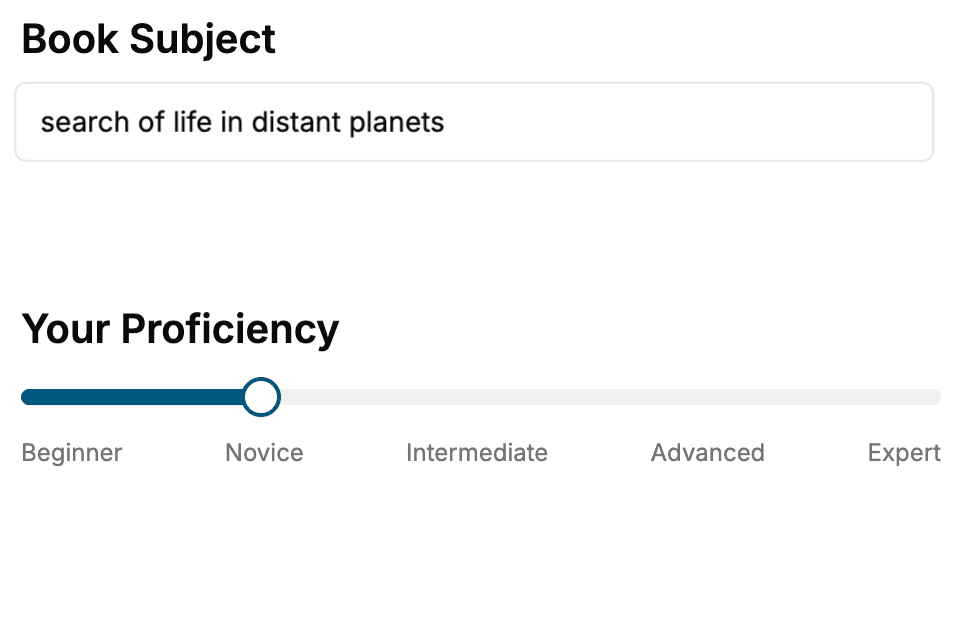
Select the focus of your Software book and share your background
- 2. Personalize your book
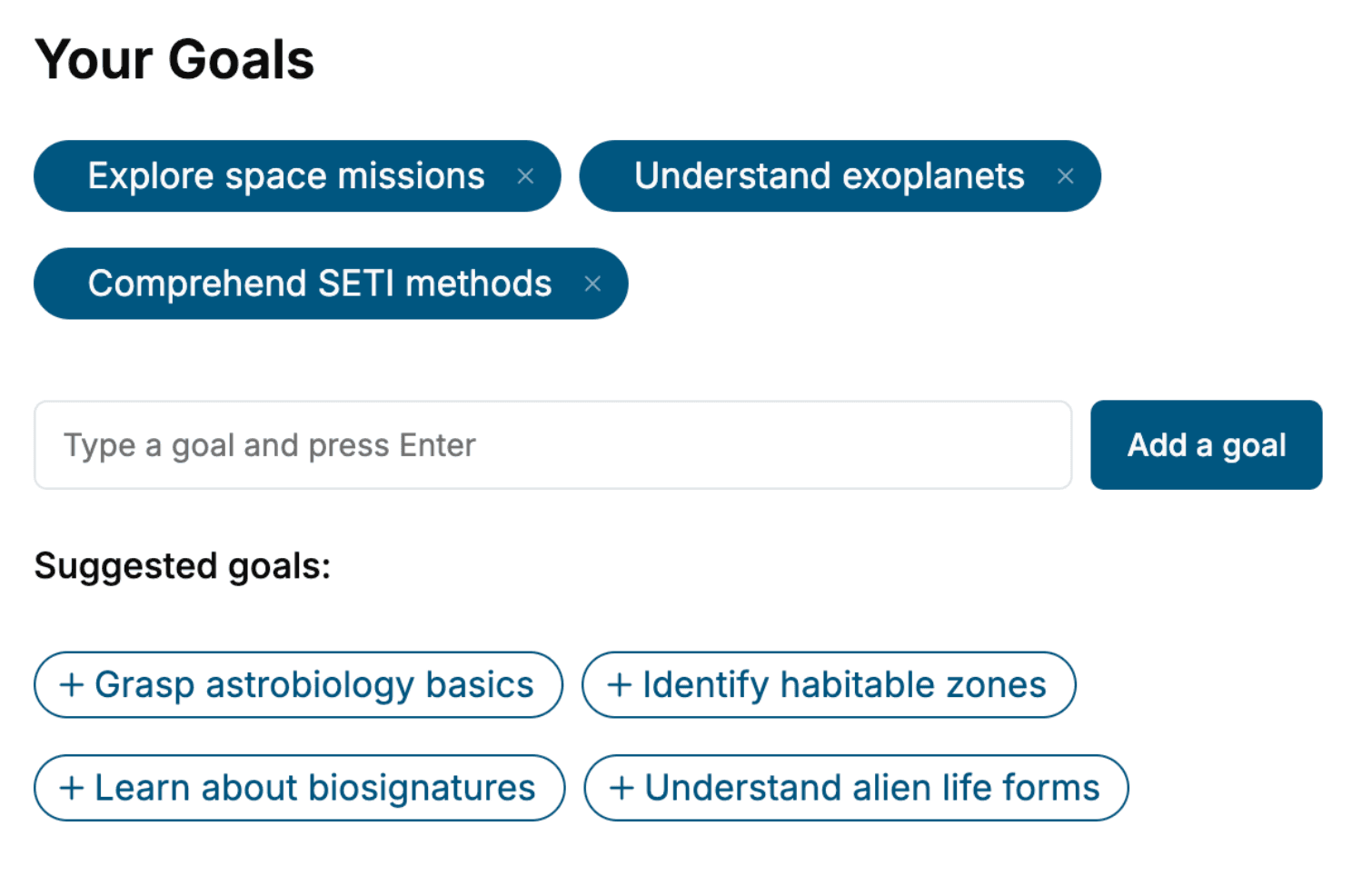
Specify your goals and choose sub-topics to include
- 3. Get your tailored book
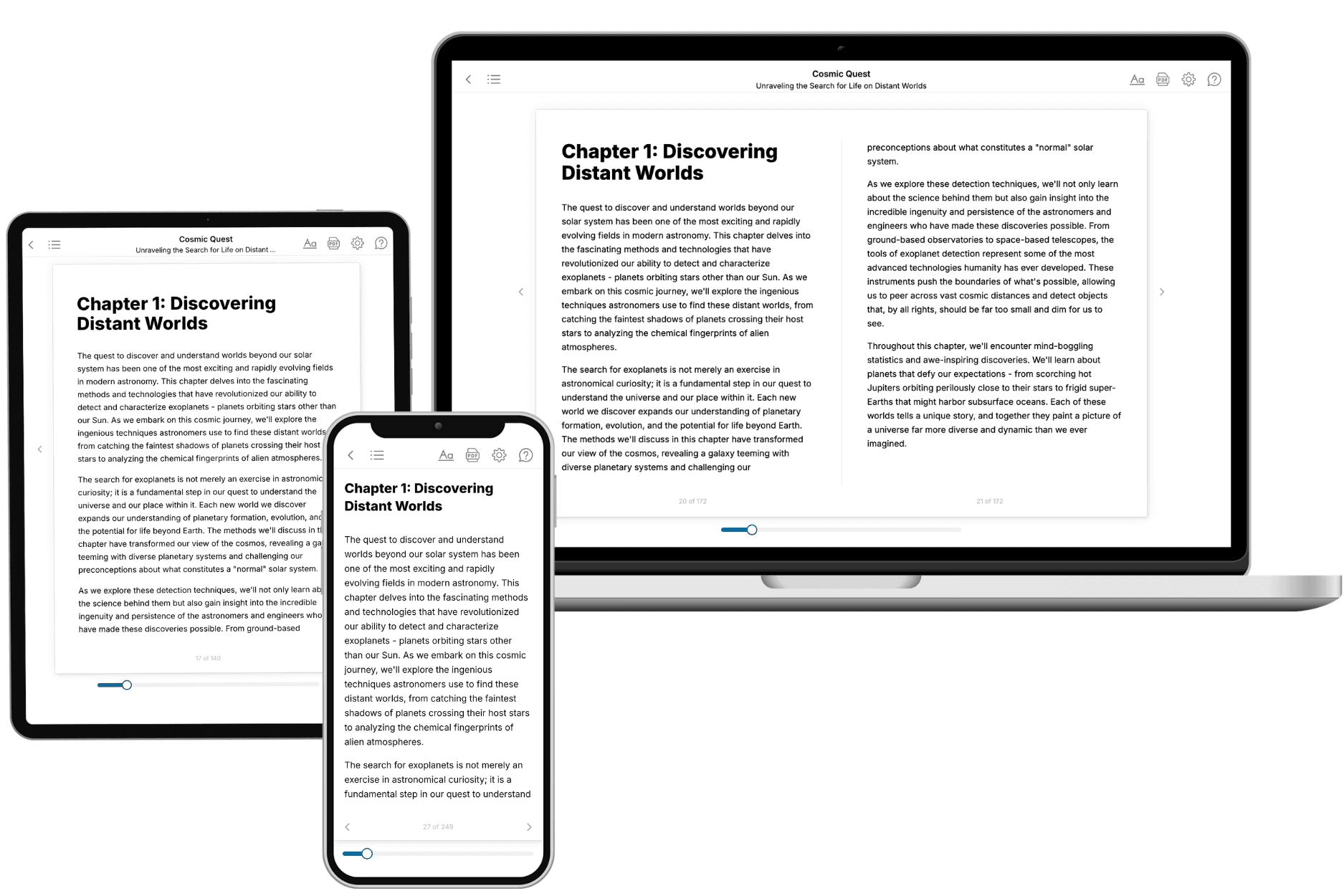
Your book is ready in 10 minutes. Read it online, download as EPUB or PDF, or send to Kindle.
Frequently asked questions
- What is TailoredRead?
TailoredRead creates complete, full-length nonfiction ebooks, written specifically for you. Tell us what you want to learn and why, and TailoredRead writes you a complete ebook on it, with charts, tables, and diagrams throughout. Read it online, on Kindle, or on any e-reader, or download it as a PDF or EPUB. Every book is written fresh the day you order it.
- How is the book tailored to me?
Before anything is written, you answer a few short questions about your goals, your background, and the topics you care about. Your book is then planned around your answers: written at your level, focused on your goals, and covering the topics you chose, instead of the one-size-fits-all book a store sells everyone.
- Will it read like generic AI content?
No. Your book isn't a chat transcript: it's planned chapter by chapter before a single word is written, told in a clear book voice, and explains ideas visually with charts, tables, and diagrams. After writing, every book goes through an editorial pass that polishes chapters so the book reads consistent from start to finish. Judge for yourself: browse thousands of sample books on our Explore Books page.
- How accurate is the content?
Our AI first checks whether your subject needs live research. Niche and fast-moving subjects are researched before writing, and the book plan and chapters are grounded in what it finds. After writing, every book goes through a quality pass that checks its facts and consistency, and researched books list their sources in a Notes section at the back.
- How long is the book?
You choose the length: Comprehensive (250-300 pages), Detailed (150-200 pages), Essential (70-100 pages), or Short (30-50 pages).
- Does the book include visuals?
Yes. Every book includes charts, tables, and diagrams: timelines, checklists, step-by-step guides, decision trees, comparison tables, matrices, and bar charts. A typical book includes dozens of these visual elements.
- Can I read it on Kindle? What formats can I download?
Yes. Every book can be read in our online reader or downloaded as a PDF or EPUB. The EPUB can be opened with Kindle, Apple Books, Kobo, and any e-reader. The Commercial and Author licenses also include an editable Word (DOCX) and Markdown download.
- How much does it cost?
About the price of a regular ebook. The exact price depends on your book's length and complexity, from $2 for the shortest books to $35 for the most comprehensive, and it's shown when you review your book, before you commit to anything. Each book is a one-time purchase, yours to keep, no subscription. Licenses that let you share, teach, or publish your book range from $35.99 to $49.99.
- Can I preview the book before purchasing?
Before you pay, you'll see what your book will cover: the title, a detailed description, the estimated length, and the complete chapter-by-chapter table of contents, so you know what you're getting before you decide. The full text itself is written after you purchase.
- How long does it take to create a book?
About 10 minutes. You can start reading the opening chapters while the rest is still being written.