Your Smartphone Companion
A Practical Guide to Mastering Your Device at Your Own Pace
Imagine confidently navigating your smartphone, sending emails, using apps, and solving problems without hesitation or frustration.
207 pages10 chaptersAug 2, 2026Smartphone
About this book
This practical guide is designed specifically for you—someone with a technical mind but new to smartphones. Rather than overwhelming you with jargon, this book breaks down essential skills into manageable, logical steps that respect your learning style and pace. You'll discover how to master your device's interface, set up secure communication, organize your home screen, and troubleshoot common issues. Each chapter builds on the previous one, allowing you to develop genuine confidence rather than just memorizing steps. Whether you're learning voice commands, setting up two-factor authentication, or recognizing phishing attempts, you'll find clear explanations that connect to concepts you already understand. This is your personal toolkit for smartphone mastery—practical, accessible, and designed to reduce technology anxiety while building real competence.
Table of contents
- IntroductionWhy This Book Is Different, Honoring Your Learning Style, How to Use This Guide, Reducing Technology Anxiety from Day OneRead below
- Chapter 1: Understanding Your SmartphoneWhat Your Smartphone Actually Is, Hardware Basics: Buttons, Ports, and Sensors, Your Operating System: iOS or Android
- Chapter 2: Navigating the User InterfaceMastering Touchscreen Gestures, Home Screen Organization Fundamentals, Essential App Navigation Patterns
- Chapter 3: Device Navigation and SettingsSettings Customization Guide, Notification Management Tips, Display, Sound, and Vibration Settings
- Chapter 4: Communication EssentialsEmail Setup and Management, Communication App Basics, Managing Contacts and Conversations
- Chapter 5: Voice Commands and Hands-Free ControlVoice Command Fundamentals, Setting Up Your Voice Assistant, Practical Uses for Voice Commands
- Chapter 6: Security FoundationsPassword Manager Essentials, Two-Factor Authentication Setup, Phishing Recognition Basics
- Chapter 7: Smartphone Security HardeningSecure WiFi Connection Practices, Managing App Permissions Safely, Phone Data Backup Methods
- Chapter 8: Accessibility and Comfort FeaturesUnderstanding Accessibility Features, Screen Reader Activation and Use, Accessibility Shortcuts Guide
- Chapter 9: Troubleshooting Common IssuesConnectivity Troubleshooting, Common App Problems and Solutions, Improving Phone Performance
- Chapter 10: Building Confidence and ComfortComfortable Learning Pace Strategies, Building Smartphone Confidence, Your Path Forward
- ConclusionYou've Built Real Mastery, Continuing Your Growth
- Appendix: Quick Reference GuideTouchscreen Gestures Quick Reference, Common Settings Locations, Troubleshooting Decision Flowchart
Introduction
Smartphones have been around for less than two decades, yet they have quietly become the most personal computing device most people own. More personal than a laptop, more immediate than a desktop, and more capable than anything that came before it in a pocket-sized form. For someone with a technical background, that fact alone is worth sitting with for a moment. The device you are holding is a networked computer, a camera, a navigation system, a communication hub, and a library, all running simultaneously on hardware smaller than a paperback book.
Coming to smartphones later than most people is not a disadvantage. In many ways, it is the opposite. You already understand how systems work, how components connect, and how logical structures behave. You have built things from scratch, read technical documentation, and debugged problems that had no obvious solution. Those skills transfer directly to learning a smartphone. The learning curve here is not about intelligence or aptitude. It is about familiarity, and familiarity is simply a matter of time and deliberate practice.
What tends to trip people up is not the technology itself but the way it is usually taught. Most smartphone guides assume either that you know nothing at all, or that you already know everything and just need a quick reminder. Neither approach works well for someone who thinks analytically, learns by understanding the underlying logic, and wants to move at a pace that feels controlled rather than rushed. This guide takes a different approach entirely. It treats you as the capable, curious person you are, and builds knowledge the way a well-designed system is built: from the foundation up, one layer at a time.
The chapters ahead cover everything from understanding what your smartphone actually is as a physical and software system, to navigating its interface, managing communications, setting up security, and solving problems on your own. Each topic connects to the next. Nothing is introduced without context, and nothing is left hanging without a practical application. By the time you reach the final chapter, you will not just know how to use your phone. You will understand it, and that understanding is what turns a frustrating device into a genuinely useful tool.
Why This Book Is Different
Most smartphone guides fall into one of two traps. The first is the screenshot-heavy manual approach, where every step is illustrated with an arrow pointing at a button, and the reader is expected to follow along without ever understanding why they are pressing that button. The second is the breezy lifestyle approach, full of enthusiasm and short on substance, written for someone who just wants to post photos and check social media. Neither of those books was written for someone who wants to genuinely understand what is happening on their device.
This guide was built around a specific kind of learner: someone who has a technical mind, who has worked with systems and structures before, and who finds it easier to learn something when the underlying logic is explained rather than hidden. If you have ever read a technical manual and thought, I just want to know how this actually works,
then this approach will feel familiar and comfortable. Concepts are explained from first principles, not just described as steps to memorize.
The structure of this book also reflects how real learning works. Each chapter builds on the one before it. Understanding your phone's hardware and operating system comes first, because that knowledge makes everything else easier to interpret. Navigation comes next, because you cannot manage settings or apps without knowing how to move around the interface. Security is introduced after communication, because you need to understand what you are protecting before you can protect it effectively. The sequence is intentional.
Another key difference is the tone. There is no condescension here, no assumption that you are confused or overwhelmed by default. Technology anxiety is real and worth addressing directly, but it is not treated as a permanent condition or a character flaw. It is treated as a normal response to unfamiliar territory, and the solution is straightforward: build familiarity through clear, logical steps. That is exactly what this guide does.
Practical examples appear throughout every chapter. Abstract explanations are always followed by concrete scenarios. For instance, when the guide explains how app permissions work, it does not just define the term. It walks through a specific situation, such as a flashlight app asking for access to your contacts, and explains why that request is suspicious and what to do about it. That kind of grounded, specific guidance is what makes knowledge stick.
Finally, this book respects your time. Each section is focused and purposeful. There is no padding, no repetition for the sake of length, and no filler content dressed up as advice. If a concept is covered, it is covered because it matters. If a step is included, it is included because skipping it would cause a real problem later. That discipline in structure reflects the same discipline you likely applied in your own technical work.
Honoring Your Learning Style
People with technical backgrounds tend to learn differently from the general population, and that difference is worth naming clearly. When you encounter a new system, your instinct is probably not to memorize a sequence of steps. Your instinct is to understand the model: how the pieces fit together, what each component is responsible for, and what happens when something goes wrong. That mental model approach is actually the most durable way to learn any technology, because it lets you reason through unfamiliar situations rather than searching for a memorized answer that may not apply.
This guide leans into that instinct. Before explaining how to change a setting, it explains what that setting controls and why it exists. Before describing how to set up two-factor authentication, it explains what problem two-factor authentication solves and why a password alone is not sufficient. That context is not extra information. It is the foundation that makes the practical steps meaningful rather than arbitrary.
Your background in architecture is also relevant here in a way that might not be immediately obvious. Architectural thinking involves understanding how a structure serves its users, how different systems within a building interact, and how design decisions at one level affect everything above and below it. Smartphone design follows similar logic. The operating system is the structural framework. Apps are the rooms and systems built on top of it. Settings are the controls that adjust how those systems behave. Thinking about your phone the way you might think about a well-designed building makes the whole thing more intuitive.
Self-taught developers also bring a specific advantage: comfort with iteration. You already know that the first attempt at something rarely produces the best result, and that debugging is a normal part of the process, not a sign of failure. That mindset applies directly to learning smartphone skills. If you tap the wrong thing, nothing catastrophic happens. The phone does not break. You can always go back, undo, or start over. Treating each interaction as an experiment rather than a test removes a significant amount of pressure.
One practical implication of honoring your learning style is that this guide does not force a single path through the material. The chapters are sequenced logically, and reading them in order will give you the most coherent experience. But if you already feel confident about a particular topic, you can move through it quickly or skip ahead. The cross-references throughout the text will point you back to relevant sections if you need them. You are in control of the pace and the depth.
It is also worth acknowledging that some topics in this guide will feel immediately familiar, while others will require more time. That variation is normal and expected. The chapters on security foundations and app permissions, for example, may feel intuitive given your technical background. The chapters on touchscreen gestures or voice assistants may require more hands-on practice before they feel natural. Neither experience is better or worse. They are just different parts of the same learning process.
Tip: Use What You Already Know
Your technical background is an asset here. When a new concept feels abstract, try mapping it to something you already understand. An operating system is like a building's structural framework. An app is like a room built on that framework. A setting is like a thermostat or a light switch that adjusts how that room behaves. These analogies are not perfect, but they give your brain a starting point.
How to Use This Guide
The most effective way to use this guide is with your smartphone in hand. Reading about touchscreen gestures without actually performing them is like reading about swimming without getting in the water. The concepts will make sense intellectually, but the muscle memory will not develop until you practice. Each chapter is designed to be read in short sessions, with pauses to try out what you have just learned before moving on to the next section.
The chapters follow a deliberate sequence, and that sequence matters. Here is a brief map of how the content is organized:
- Chapters 1 and 2 cover what your smartphone is and how to navigate its interface. These are the foundation for everything else.
- Chapter 3 covers the Settings app and how to customize your device's behavior, including notifications, display, and sound.
- Chapter 4 covers communication: email, SMS, and the apps you will use to stay in touch with people.
- Chapter 5 introduces voice assistants and hands-free control, which can be especially useful once you are comfortable with the basics.
- Chapters 6 and 7 cover security in two layers: the foundational credentials and authentication methods, followed by broader device hardening practices.
- Chapter 8 covers accessibility features, which are useful for everyone, not just users with specific needs.
- Chapter 9 gives you a systematic approach to troubleshooting common problems on your own.
- Chapter 10 addresses the longer arc of building confidence and designing a sustainable learning path forward.
If you encounter a term you do not recognize, the Appendix at the back of the book includes a quick reference guide for common gestures, settings locations, and a troubleshooting flowchart. These are designed for quick lookup, not deep reading. Think of them as the index and reference tables you would find at the back of a technical manual.
Each chapter also includes practical examples and, where relevant, specific steps you can follow immediately. These steps are written to be clear and direct, without assuming you have memorized anything from a previous session. If you put the book down for a week and come back to it, you should be able to pick up where you left off without needing to re-read earlier sections.
One approach that works well for this kind of learning is to set a small, specific goal for each session. Rather than sitting down with the intention of learning about security,
sit down with the intention of completing one specific task, such as setting up a password manager or enabling two-factor authentication on one account. Small, completed tasks build confidence faster than long, open-ended reading sessions. The chapter on building confidence covers this in more detail, but it is worth keeping in mind from the very beginning.
Getting Started Right Now
- Find your phone - Pick up your smartphone and make sure it is charged to at least 20%. You will want it available throughout your reading sessions.
- Identify your operating system - Look at the back of your phone or the box it came in. If it says Apple or iPhone, you are using iOS. If it says Samsung, Google, or another brand name, you are almost certainly using Android. The chapter on your operating system covers what this means in practice.
- Set a first goal - Decide on one specific thing you want to be able to do confidently by the end of your first reading session. Something small and concrete, like unlocking your phone and finding the Settings app, is a perfect starting point.
- Keep a small notebook nearby - Writing down questions as they arise, rather than stopping to search for answers immediately, keeps your reading flow intact. You can return to those questions at the end of each session.
Cross-references throughout the text point to related concepts in other chapters. When a topic is covered in depth elsewhere, the text will say so clearly, using the concept name rather than a chapter number. This keeps the reading experience clean and means you do not need to track chapter numbers in your head as you move through the material.
Finally, do not feel obligated to read every word of every section. If a topic feels immediately clear, move on. If a section feels dense, slow down and try the practical steps before continuing. The guide is designed to serve your learning, not the other way around. Use it the way you would use any good reference: selectively, purposefully, and at your own pace.
Reducing Technology Anxiety from Day One
Technology anxiety is more common than most people admit, and it affects people across the full spectrum of technical ability. Experienced software engineers feel it when they encounter an unfamiliar framework. Architects feel it when a new design tool changes its interface. The feeling is not a sign of incompetence. It is a sign that your brain is encountering something genuinely new and has not yet built the mental scaffolding to process it comfortably. That scaffolding builds with exposure, and this guide is designed to accelerate that process.
One of the most effective ways to reduce technology anxiety is to understand what can and cannot go wrong. With a smartphone, the realistic worst-case scenario for most actions is that you end up somewhere unexpected and need to navigate back. You cannot permanently damage the phone by tapping the wrong button. You cannot accidentally delete everything by opening the wrong app. The device is designed with multiple layers of confirmation for any action that has significant consequences, such as deleting a contact or resetting the phone to factory settings. Knowing this removes a significant source of hesitation.
Another source of anxiety is the feeling that everyone else already knows how to do this and you are the only one who does not. That feeling is almost never accurate. Millions of people are learning smartphone skills for the first time every year, at every age and background level.[1] The difference between people who learn quickly and people who struggle is rarely intelligence. It is almost always access to clear, patient instruction and a low-pressure environment to practice in. This guide provides the instruction. Your job is to create the low-pressure environment, which mostly means giving yourself permission to be a beginner for a while.
Perfectionism is a specific form of technology anxiety that affects technically minded people more than most. If you are accustomed to producing high-quality work, the experience of fumbling through an unfamiliar interface can feel disproportionately uncomfortable. The antidote is to reframe what success looks like during the learning phase. Success is not performing every action flawlessly on the first try. Success is completing the action eventually, understanding why it worked, and being able to repeat it. That standard is both achievable and genuinely meaningful.
It also helps to recognize that smartphones are designed to be forgiving. Most actions can be undone. Most mistakes can be corrected. The operating system saves your state constantly, so if you close an app mid-task, your progress is usually preserved. If you accidentally change a setting, you can change it back. If you delete a message, it often goes to a trash folder before being permanently removed. The system is built with the assumption that users will make mistakes, and it accommodates that assumption gracefully.
The chapter dedicated to building confidence and managing learning pace goes into much more depth on these strategies. But the core principle is simple enough to state here: the goal is not to eliminate discomfort entirely. Some discomfort is a normal part of learning anything new. The goal is to keep that discomfort at a level where it motivates rather than paralyzes. Small wins, clear goals, and a patient pace are the most reliable tools for staying in that productive zone.
Key takeaway: The Most Important Mindset Shift
Your phone cannot be broken by normal use. Tapping the wrong button, opening the wrong app, or changing a setting you did not mean to change will not cause permanent damage. Every action that matters has a confirmation step, and almost everything can be undone. Give yourself permission to explore without fear of breaking something.
One last thought before the first chapter begins. The fact that you are reading this guide at all is evidence of something important: you have already decided to engage with this technology rather than avoid it. That decision is the hardest part. Everything that follows is just practice, and practice, by definition, gets easier the more you do it. The phone in your hand is not an obstacle. It is a system waiting to be understood, and understanding systems is something you have been doing your whole life.
Notes
Introduction
- 1. GSMA Intelligence, "The Mobile Economy," GSMA, 2023
This is the end of the free sample. The full book has 10 chapters.
Want this book written for you?
Tell us your goals and background, and get your own version of this book, tailored by AI to you.


Benefits of AI-tailored books
- Read one book, not ten:
- all the Smartphone knowledge you need, gathered into a single book.
- Save days of learning:
- tell us your goals, choose your topics, and the whole book is built around them.
- Learn effortlessly:
- Smartphone book written for your specific background and expertise.
- Understand at a glance:
- includes charts, tables, timelines, checklists, decision trees, and more.
- Stay current:
- written the day you order it, not years ago.
- Trust what you read:
- every book is checked for accuracy, with real research when your subject needs it.
Create your unique book in 3 steps
- 1. Select your focus
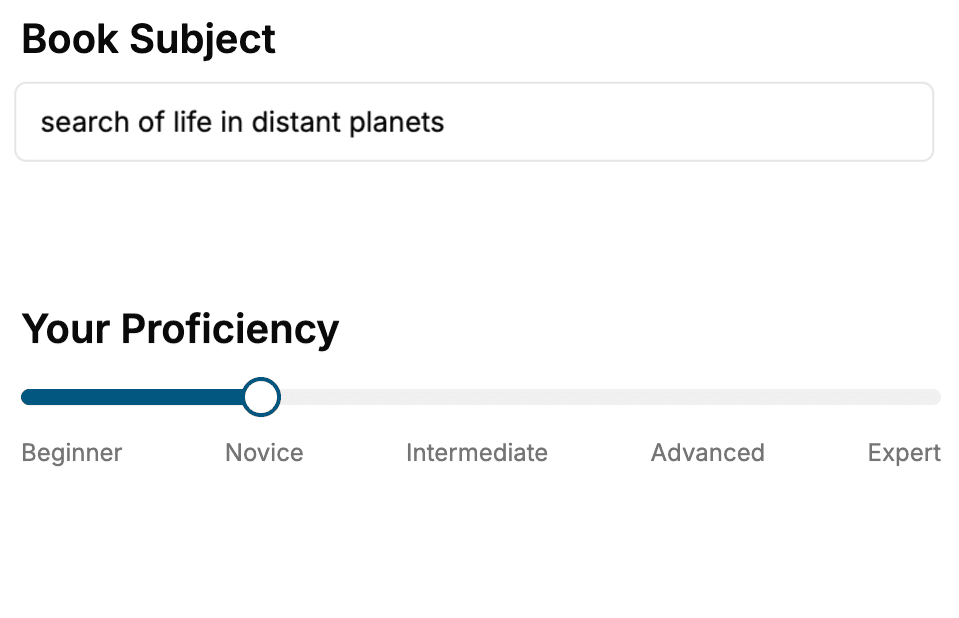
Select the focus of your Smartphone book and share your background
- 2. Personalize your book
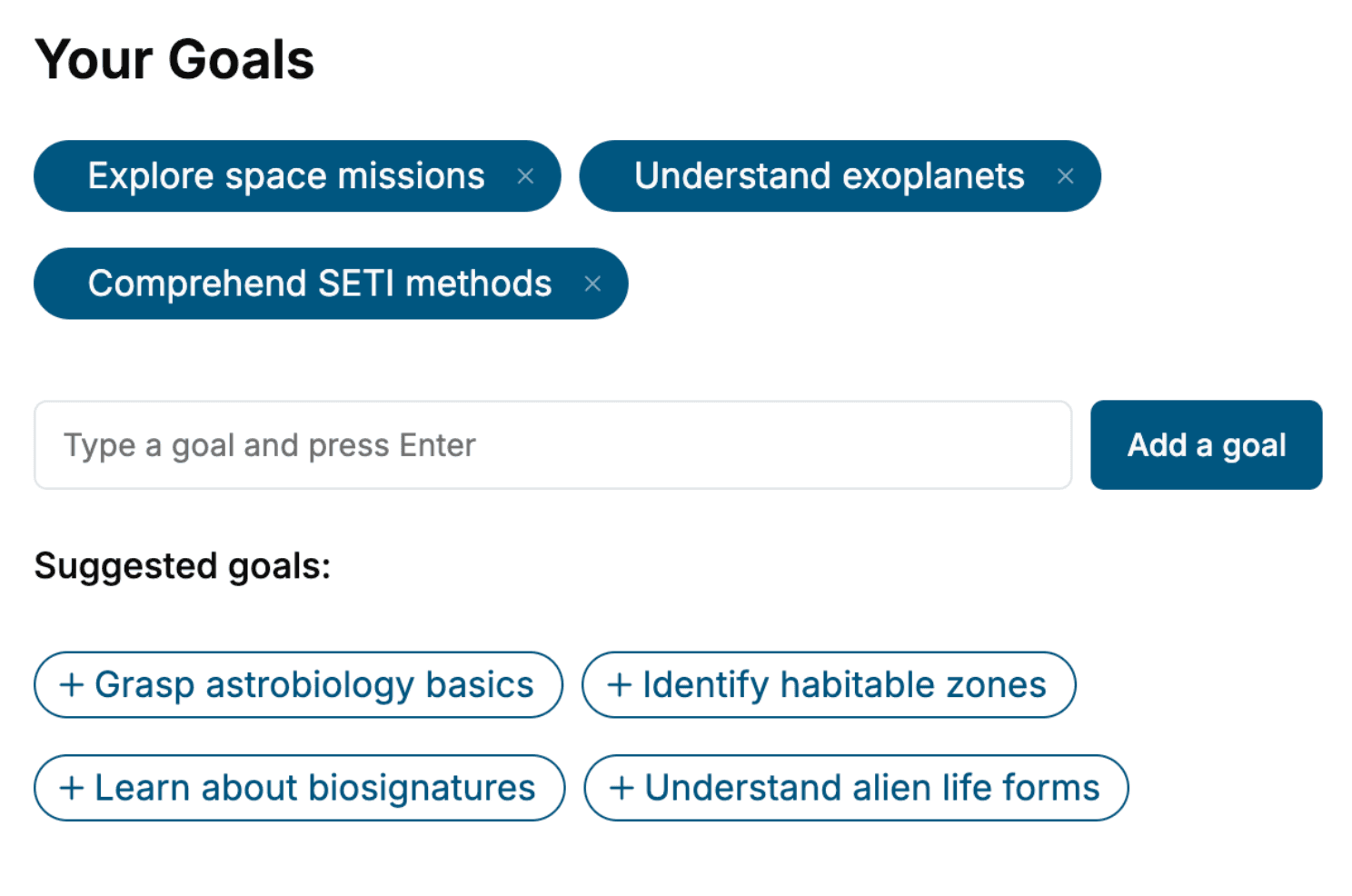
Specify your goals and choose sub-topics to include
- 3. Get your tailored book
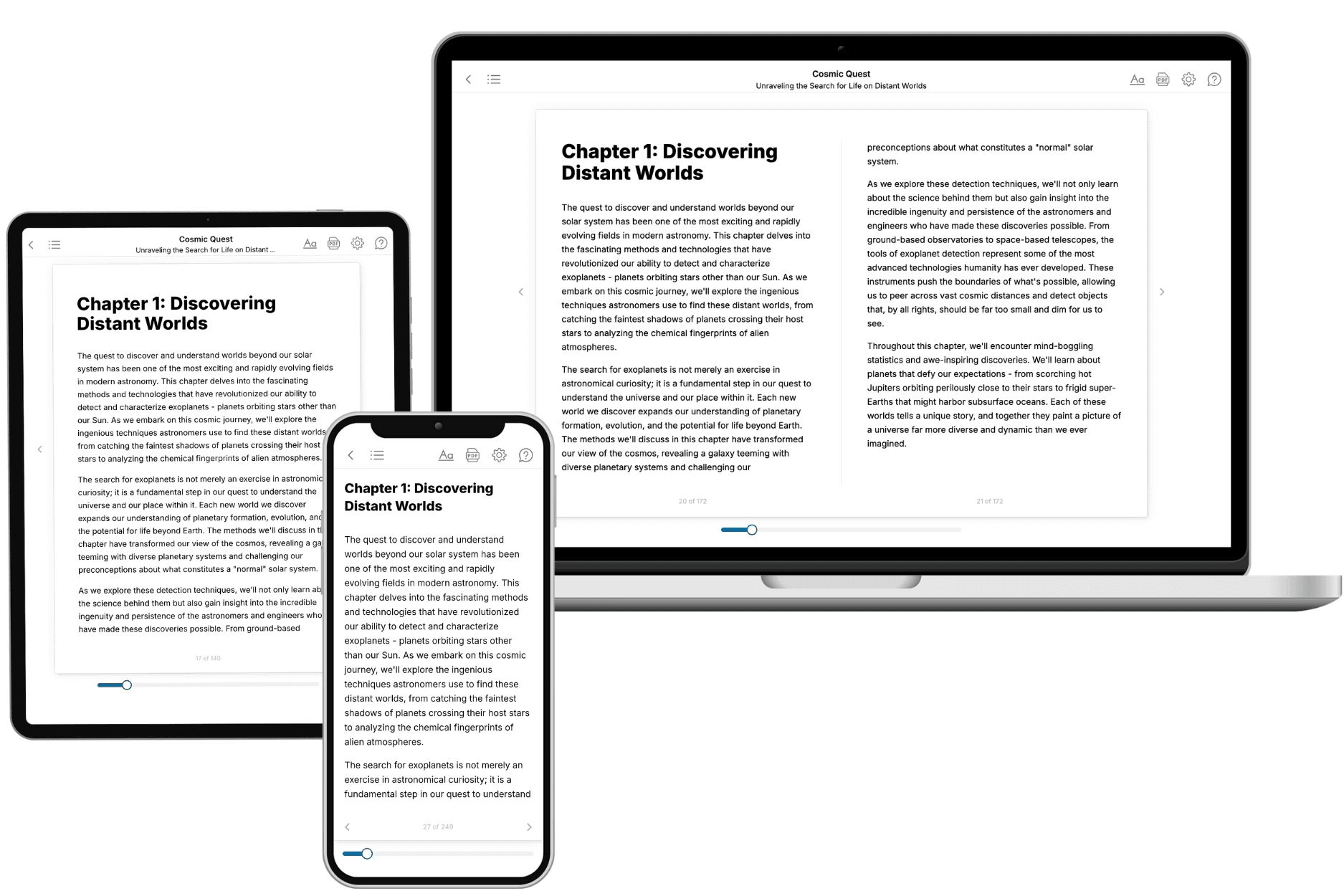
Your book is ready in 10 minutes. Read it online, download as EPUB or PDF, or send to Kindle.
Frequently asked questions
- What is TailoredRead?
TailoredRead creates complete, full-length nonfiction ebooks, written specifically for you. Tell us what you want to learn and why, and TailoredRead writes you a complete ebook on it, with charts, tables, and diagrams throughout. Read it online, on Kindle, or on any e-reader, or download it as a PDF or EPUB. Every book is written fresh the day you order it.
- How is the book tailored to me?
Before anything is written, you answer a few short questions about your goals, your background, and the topics you care about. Your book is then planned around your answers: written at your level, focused on your goals, and covering the topics you chose, instead of the one-size-fits-all book a store sells everyone.
- Will it read like generic AI content?
No. Your book isn't a chat transcript: it's planned chapter by chapter before a single word is written, told in a clear book voice, and explains ideas visually with charts, tables, and diagrams. After writing, every book goes through an editorial pass that polishes chapters so the book reads consistent from start to finish. Judge for yourself: browse thousands of sample books on our Explore Books page.
- How accurate is the content?
Our AI first checks whether your subject needs live research. Niche and fast-moving subjects are researched before writing, and the book plan and chapters are grounded in what it finds. After writing, every book goes through a quality pass that checks its facts and consistency, and researched books list their sources in a Notes section at the back.
- How long is the book?
You choose the length: Comprehensive (250-300 pages), Detailed (150-200 pages), Essential (70-100 pages), or Short (30-50 pages).
- Does the book include visuals?
Yes. Every book includes charts, tables, and diagrams: timelines, checklists, step-by-step guides, decision trees, comparison tables, matrices, and bar charts. A typical book includes dozens of these visual elements.
- Can I read it on Kindle? What formats can I download?
Yes. Every book can be read in our online reader or downloaded as a PDF or EPUB. The EPUB can be opened with Kindle, Apple Books, Kobo, and any e-reader. The Commercial and Author licenses also include an editable Word (DOCX) and Markdown download.
- How much does it cost?
About the price of a regular ebook. The exact price depends on your book's length and complexity, from $2 for the shortest books to $35 for the most comprehensive, and it's shown when you review your book, before you commit to anything. Each book is a one-time purchase, yours to keep, no subscription. Licenses that let you share, teach, or publish your book range from $35.99 to $49.99.
- Can I preview the book before purchasing?
Before you pay, you'll see what your book will cover: the title, a detailed description, the estimated length, and the complete chapter-by-chapter table of contents, so you know what you're getting before you decide. The full text itself is written after you purchase.
- How long does it take to create a book?
About 10 minutes. You can start reading the opening chapters while the rest is still being written.