Bézier Curves Mastery
The Complete Guide to Curves, Surfaces, and Smooth Graphics
What if the smooth curves you see in every digital design—from fonts to animations to 3D models—were built on a single elegant mathematical principle?
191 pages9 chaptersJan 24, 2026Computer Graphics
About this book
Bézier curves are the invisible foundation of modern computer graphics, yet many developers use them without fully understanding their power. This guide takes you beyond basic implementation to true mastery, revealing how these curves work, why they matter, and how to leverage them for professional-quality graphics. Whether you're building animation systems, designing fonts, creating 3D models, or optimizing rendering pipelines, you'll discover practical techniques grounded in solid mathematics. Learn to manipulate control points with precision, understand continuity conditions that separate amateur from professional results, and implement advanced concepts like rational curves and NURBS. With clear explanations, visual intuition, and real-world applications, this book transforms Bézier curves from a mysterious algorithm into a tool you control completely.
Table of contents
- IntroductionWhy Curves Matter in Graphics, A Brief History of Bézier Curves, What You'll Learn in This Book, How to Use This GuideRead below
- Chapter 1: Foundations of Bézier CurvesUnderstanding Parametric Curves, Control Points and Their Influence, The Mathematical Definition of Bézier Curves
- Chapter 2: Evaluating Bézier CurvesDe Casteljau's Algorithm, Bernstein Polynomials and Direct Evaluation, Numerical Stability and Precision
- Chapter 3: Curve Properties and AnalysisDerivatives and Tangent Vectors, Curvature and Geometric Properties, Bounding Boxes and Convex Hulls
- Chapter 4: Connecting Curves SmoothlyContinuity Conditions: C0, C1, and C2, Techniques for Joining Multiple Curves, Building Splines from Multiple Segments
- Chapter 5: Bézier Surfaces in 3DFrom Curves to Surfaces, Bicubic Bézier Surfaces, Evaluating and Rendering Surfaces
- Chapter 6: Advanced Curve TechniquesSubdivision and Refinement, Degree Reduction and Approximation, Fitting Curves to Point Data
- Chapter 7: Rational Bézier Curves and NURBSRational Bézier Curves and Weights, Representing Conic Sections, Introduction to NURBS
- Chapter 8: Implementation and OptimizationImplementing Bézier Curves in Code, Performance Optimization Strategies, Adaptive Rendering and Level of Detail
- Chapter 9: Real-World ApplicationsFont Design and Typography, Animation Paths and Motion Control, Applications in Modern Graphics Software
- ConclusionYour Path to Mastery, Next Steps in Your Graphics Journey
- Appendix: Mathematical ReferenceKey Formulas and Equations, Code Examples and Snippets
Introduction
Every smooth curve you encounter in digital design—from the elegant arc of a letter in your favorite font to the flowing motion path of an animated character—relies on a mathematical foundation that's both powerful and surprisingly accessible. Bézier curves represent one of the most significant innovations in computer graphics, transforming how we create, store, and manipulate curved shapes. Unlike pixel-based representations that require storing thousands of individual points, Bézier curves define smooth, infinitely scalable shapes using just a handful of control points. This efficiency makes them indispensable across virtually every domain of digital graphics, from vector illustration and font design to 3D modeling and animation systems.
Despite their ubiquity, many developers and designers use Bézier curves without fully understanding their underlying principles. You might know how to drag control handles in design software or call a curve-drawing function in your graphics library, but do you truly understand why the curve behaves the way it does? Can you predict how moving a control point will affect the shape? Do you know when to use cubic versus quadratic curves, or how to connect multiple curves with professional-quality smoothness? This gap between basic usage and deep understanding limits your ability to solve complex graphics problems, optimize performance, and create truly sophisticated visual systems.
This book bridges that gap by taking you from foundational concepts to advanced mastery. You'll develop both mathematical intuition and practical implementation skills, learning not just how Bézier curves work, but why they work that way. Whether you're building rendering engines, designing animation tools, creating font systems, or developing 3D modeling applications, you'll gain the knowledge to leverage Bézier curves with confidence and precision. The journey ahead combines rigorous mathematics with pragmatic engineering, always grounded in real-world applications that demonstrate why these concepts matter for your work.
Why Curves Matter in Graphics
The digital world is fundamentally discrete—composed of pixels, vertices, and discrete data points—yet the visual world we're trying to represent is continuous and smooth. This fundamental mismatch creates one of the central challenges in computer graphics: how do we efficiently represent smooth, curved shapes in a discrete computational environment? The naive approach of storing thousands of individual points along a curve quickly becomes impractical. A single curved path might require hundreds of coordinates to appear smooth, consuming significant memory and processing power. Worse, this representation doesn't scale—zoom in far enough, and the discrete nature becomes visible as jagged segments.
Bézier curves solve this problem elegantly through parametric representation. Instead of storing every point along a curve, you store only a small set of control points—typically four for a cubic curve—and use a mathematical formula to generate any point along the curve on demand. This approach offers several critical advantages:
- Scalability: The curve remains perfectly smooth at any zoom level or resolution
- Efficiency: Four control points can define a complex curve that would otherwise require hundreds of discrete coordinates
- Editability: Moving a single control point predictably reshapes the entire curve
- Precision: Mathematical representation eliminates rounding errors inherent in discrete approximations
Consider the practical implications in font design. A typical font contains hundreds of characters, each composed of multiple curved segments. The letter 'S' alone might contain a dozen or more curves. If each curve required storing hundreds of points, a single font file would balloon to megabytes in size. Instead, using Bézier curves, professional fonts store only control points, keeping file sizes manageable while maintaining perfect smoothness at any size—from tiny mobile screens to billboard-sized displays. This same principle applies across graphics domains: vector illustration software, animation systems, and 3D modeling tools all rely on parametric curves for efficient, scalable representation.
Beyond efficiency, Bézier curves provide intuitive control over shape. The control points don't just define the curve mathematically—they provide geometric handles that designers and developers can manipulate directly. Pull a control point away from the curve, and the curve bends toward it. Move it closer, and the curve straightens. This direct manipulation paradigm has become so fundamental to graphics software that most users interact with Bézier curves daily without even knowing their mathematical name. The pen tool in Adobe Illustrator, the path animations in After Effects, the vector shapes in Figma—all are Bézier curves under the hood.
The mathematical properties of Bézier curves also enable sophisticated analysis and manipulation. You can calculate the exact tangent direction at any point, measure curvature precisely, find intersection points between curves, and subdivide curves into smaller segments—all through well-defined algorithms. These capabilities support advanced features like automatic curve smoothing, collision detection in games, path-following animations, and adaptive rendering that adjusts detail based on viewing distance. Without understanding these properties, you're limited to using curves as black-box primitives, unable to implement these advanced features yourself.
In modern graphics pipelines, curves appear at multiple levels. At the highest level, designers create vector artwork using curve-based tools. These curves are then processed—perhaps subdivided for rendering, analyzed for collision detection, or converted to polygon meshes for 3D graphics. At the rendering stage, curves might be rasterized into pixels, or in modern vector graphics systems, rendered directly using GPU shaders. Understanding Bézier curves means understanding this entire pipeline, enabling you to optimize each stage and make informed architectural decisions about how your graphics system represents and processes curved shapes.
The importance of curves extends beyond static graphics into animation and motion. When you define an animation path—the trajectory an object follows over time—you're typically working with Bézier curves. The same mathematical framework that defines spatial curves also defines temporal curves, controlling how values change over time. An animation that accelerates smoothly from rest, moves at constant speed, then decelerates to a stop is following a Bézier curve through time. This unified framework means that mastering Bézier curves gives you control over both spatial form and temporal motion, two fundamental aspects of computer graphics.
A Brief History of Bézier Curves
The story of Bézier curves begins not in academia, but in the automotive industry of 1960s France. Pierre Bézier, an engineer at Renault, was grappling with a practical problem: how to design the smooth, flowing curves of car bodies using the emerging computer-aided design systems of the era. Traditional methods relied on physical templates and skilled craftsmen, but Renault wanted to modernize their design process with digital tools. Bézier developed a mathematical system that allowed designers to define curves using control points, creating a method that was both mathematically rigorous and intuitively usable by non-mathematicians[1].
What many don't realize is that Paul de Casteljau, working at Citroën (another French automotive company), had independently developed a nearly identical system several years earlier, around 1959. De Casteljau's algorithm for evaluating curves—which we'll explore in detail in Chapter 2—is actually more fundamental than Bézier's formulation, yet it remained proprietary to Citroën and wasn't published until much later. Bézier published his work in 1962, and his name became attached to the curves, though both men deserve credit for this innovation. This parallel development at competing automotive companies wasn't coincidental—the industry desperately needed better tools for designing complex curved surfaces[2].
The mathematical foundation for Bézier curves, however, predates both engineers by several decades. Bernstein polynomials, the mathematical basis for Bézier curves, were developed by Sergei Natanovich Bernstein in 1912 for entirely different purposes—proving the Weierstrass approximation theorem in mathematical analysis. Bernstein had no idea his polynomials would eventually revolutionize computer graphics. This illustrates a common pattern in applied mathematics: theoretical work developed for abstract purposes often finds unexpected practical applications decades later. The Bernstein basis provides Bézier curves with elegant mathematical properties that make them particularly well-suited for graphics applications.
During the 1970s and 1980s, Bézier curves transitioned from specialized CAD tools to mainstream computer graphics. The development of PostScript by Adobe in 1982 was a watershed moment—PostScript used cubic Bézier curves as the fundamental primitive for defining font outlines and vector graphics. This decision meant that every PostScript printer, and later every PDF viewer, needed to implement Bézier curve rendering. The TrueType font format, developed by Apple in the late 1980s, used quadratic Bézier curves for similar purposes. These widespread adoptions cemented Bézier curves as the standard representation for vector graphics across the industry.
The evolution continued with the development of NURBS (Non-Uniform Rational B-Splines) in the 1980s and 1990s, which extended Bézier curves with additional flexibility through rational formulations and knot vectors. NURBS became the standard for professional 3D modeling software, enabling precise representation of both free-form curves and exact geometric shapes like circles and ellipses. Modern graphics APIs and standards—SVG for web graphics, OpenGL and Direct3D for 3D rendering, and design tools like Illustrator and Figma—all build on this foundation established by Bézier and de Casteljau over sixty years ago.
Today, Bézier curves are so fundamental to computer graphics that they're often invisible. When you draw with the pen tool, adjust an animation curve, or view a scalable font, you're working with Bézier curves whether you realize it or not. The mathematical framework has proven remarkably durable—the same formulas developed for 1960s automotive design work perfectly for modern applications like GPU-accelerated vector rendering, real-time animation systems, and procedural content generation. Understanding this history helps you appreciate why Bézier curves are designed the way they are: they emerged from practical engineering needs, not abstract mathematical exploration, which explains their intuitive usability alongside mathematical rigor.
What You'll Learn in This Book
This book is structured to take you from foundational understanding to advanced mastery through a carefully sequenced progression. You'll start with the core mathematical concepts that define Bézier curves, then build toward sophisticated techniques for analysis, manipulation, and optimization. Each chapter introduces concepts that build on previous material, so even if you're tempted to skip ahead to advanced topics, you'll find that the foundational chapters provide essential context and intuition. The goal isn't just to teach you formulas, but to develop your geometric intuition so you can predict curve behavior and solve novel problems.
Chapters 1-3 establish the mathematical and conceptual foundation. You'll learn what parametric curves are and why they're superior to other representations for graphics work. The concept of control points and their geometric influence will become second nature—you'll understand not just that moving a control point affects the curve, but precisely how and why. You'll master two different methods for evaluating curves: de Casteljau's algorithm, which provides geometric intuition and numerical stability, and direct evaluation using Bernstein polynomials, which offers computational efficiency. You'll also learn to analyze curve properties like tangent vectors, curvature, and bounding volumes—essential skills for implementing collision detection, rendering optimization, and geometric analysis.
Chapters 4-5 address the challenge of building complex shapes from multiple curves. A single Bézier curve can only represent a limited range of shapes, so professional graphics work requires connecting multiple curves smoothly. You'll learn the mathematical conditions for different levels of smoothness—C0 continuity (curves touch), C1 continuity (tangents align), and C2 continuity (curvature matches)—and practical techniques for achieving each level. This knowledge separates amateur results, where curves connect with visible kinks, from professional-quality graphics with imperceptible transitions. You'll then extend these concepts into three dimensions, learning how Bézier surfaces work and how to evaluate and render them efficiently.
Chapters 6-7 introduce advanced techniques that extend the basic Bézier framework. Curve subdivision lets you break curves into smaller pieces for adaptive rendering or detailed analysis. Degree reduction approximates high-degree curves with simpler ones for performance optimization. Curve fitting solves the inverse problem: given a set of points (perhaps from user input or scanned data), how do you find the Bézier curve that best approximates them? You'll then explore rational Bézier curves, which add weights to control points, enabling exact representation of circles, ellipses, and other conic sections—shapes that standard Bézier curves can only approximate. This leads naturally to NURBS, the industry-standard extension used in professional 3D modeling software.
Chapters 8-9 focus on practical implementation and real-world applications. You'll see concrete code examples showing how to implement the algorithms you've learned, with attention to numerical precision, performance optimization, and practical engineering concerns. You'll learn strategies for adaptive rendering that adjusts curve tessellation based on viewing distance and curvature, ensuring smooth appearance without wasting computational resources on invisible detail. Finally, you'll explore how Bézier curves are used in specific domains—font design, animation systems, and modern graphics software—seeing how theoretical concepts translate into production systems.
Throughout the book, you'll encounter specific, actionable examples rather than abstract theory. When discussing control point influence, you'll see exact numerical examples showing how moving a point by specific amounts affects the curve shape. When learning about continuity conditions, you'll see both correct and incorrect examples with visual comparisons. When implementing algorithms, you'll see complete code with explanations of why each step is necessary. This practical focus ensures you can immediately apply what you learn to your own projects, whether you're building graphics engines, design tools, or animation systems.
By the end of this book, you'll have developed several interconnected skills:
- Mathematical understanding: You'll know the formulas and can derive them when needed
- Geometric intuition: You'll predict curve behavior by visualizing control point influence
- Implementation ability: You'll write efficient, numerically stable code for curve operations
- Analytical skills: You'll analyze curve properties and solve geometric problems
- Optimization expertise: You'll make informed trade-offs between quality and performance
- Application knowledge: You'll understand how curves are used in production systems
This combination of theory and practice, mathematics and engineering, abstract concepts and concrete examples, will transform Bézier curves from mysterious black boxes into tools you control completely. You'll move beyond simply using curve libraries to understanding how they work internally, enabling you to debug problems, optimize performance, and implement custom solutions when standard libraries don't meet your needs. This deep understanding is what separates developers who use graphics tools from those who build them.
How to Use This Guide
This book is designed for intermediate developers and mathematicians who already have foundational knowledge of computer graphics and mathematics. You should be comfortable with basic linear algebra (vectors, matrices, dot products), understand coordinate systems and transformations, and have experience programming in at least one language commonly used for graphics work. If you've implemented basic 2D or 3D rendering, worked with graphics APIs, or studied computer graphics at an introductory level, you have the necessary background. The book assumes you understand why graphics programming matters and are ready to dive deep into one specific, crucial topic rather than surveying the entire field.
The chapters are designed to be read sequentially, especially on your first pass through the material. Each chapter builds on concepts introduced earlier, and skipping ahead may leave you confused about terminology or missing essential context. However, the book is also structured to serve as a reference after your initial reading. Each chapter is relatively self-contained, with cross-references when it relies on earlier material. If you need to refresh your understanding of a specific topic—say, how to calculate curve tangents or implement subdivision—you can jump directly to that section. The mathematical reference appendix provides quick access to key formulas without surrounding explanation.
As you read, you'll encounter three types of content that serve different purposes:
- Mathematical explanations provide the theoretical foundation, showing you the formulas and why they work
- Geometric intuition helps you visualize what the mathematics means in terms of curve shape and behavior
- Implementation guidance shows you how to translate theory into working code with attention to practical concerns
The code examples throughout the book use pseudocode that resembles modern programming languages but avoids language-specific details. This approach makes the algorithms accessible regardless of whether you work in C++, JavaScript, Python, or another language. The pseudocode emphasizes algorithmic structure and mathematical operations rather than language syntax or library-specific APIs. When you implement these algorithms in your language of choice, you'll need to adapt them to your specific context—choosing appropriate data structures, handling edge cases, and integrating with your existing codebase. The appendix provides more complete code examples in specific languages for reference.
Each chapter includes concrete examples with specific numbers to make abstract concepts tangible. When learning about control point influence, you'll see examples like: "Moving control point P1 from (1, 1) to (1, 2) shifts the curve's midpoint approximately 0.375 units upward." These specific examples help you build intuition about magnitudes and relationships. Work through these examples yourself—calculate the values, plot the curves, verify the results. This active engagement cements understanding far better than passive reading. Consider keeping a notebook or digital document where you work through examples and note insights.
The book includes visual descriptions of curves and their properties, but you'll benefit greatly from creating your own visualizations. Use graphing software, write simple plotting code, or even sketch curves by hand to develop geometric intuition. When you read about how a cubic curve with specific control points behaves, plot it yourself and experiment with moving the control points. This hands-on exploration transforms abstract descriptions into concrete understanding. Many concepts that seem complex when described in text become obvious when you see them visually and interact with them.
For the mathematical content, you don't need to memorize every formula, but you should understand what each formula represents and when to use it. The goal is conceptual mastery rather than rote memorization. If you understand that the derivative of a Bézier curve gives you the tangent vector, and you know how to compute derivatives, you can always look up the specific formula when needed. But if you don't understand what a tangent vector represents or why you'd want to compute it, having the formula memorized doesn't help. Focus on understanding the concepts, and use the formulas as tools to implement those concepts.
As you progress through the book, consider working on a practical project that applies what you're learning. This could be implementing a curve editor, building a simple animation system, creating a font rendering engine, or adding curve-based features to an existing project. Applying concepts immediately to real problems reveals gaps in understanding and forces you to grapple with practical concerns that pure theory glosses over. You'll encounter edge cases, numerical precision issues, and performance challenges that deepen your understanding beyond what reading alone provides. The book's structure supports this approach—early chapters give you enough knowledge to start a basic implementation, while later chapters add sophistication and optimization.
Finally, remember that mastery comes through practice and iteration. Your first implementation of de Casteljau's algorithm might be slow or numerically unstable. Your first attempt at curve fitting might produce poor results. This is normal and expected. Use these initial attempts as learning opportunities—debug them, optimize them, compare them to reference implementations, and iterate. The combination of theoretical understanding from this book and practical experience from your own implementations will develop the deep, intuitive mastery that makes you truly proficient with Bézier curves. The journey from understanding to mastery requires both study and practice, and this book provides the foundation for both.
This is the end of the free sample. The full book has 9 chapters.
Want this book written for you?
Tell us your goals and background, and get your own version of this book, tailored by AI to you.


Benefits of AI-tailored books
- Read one book, not ten:
- all the Computer Graphics knowledge you need, gathered into a single book.
- Save days of learning:
- tell us your goals, choose your topics, and the whole book is built around them.
- Learn effortlessly:
- Computer Graphics book written for your specific background and expertise.
- Understand at a glance:
- includes charts, tables, timelines, checklists, decision trees, and more.
- Stay current:
- written the day you order it, not years ago.
- Trust what you read:
- every book is checked for accuracy, with real research when your subject needs it.
Create your unique book in 3 steps
- 1. Select your focus
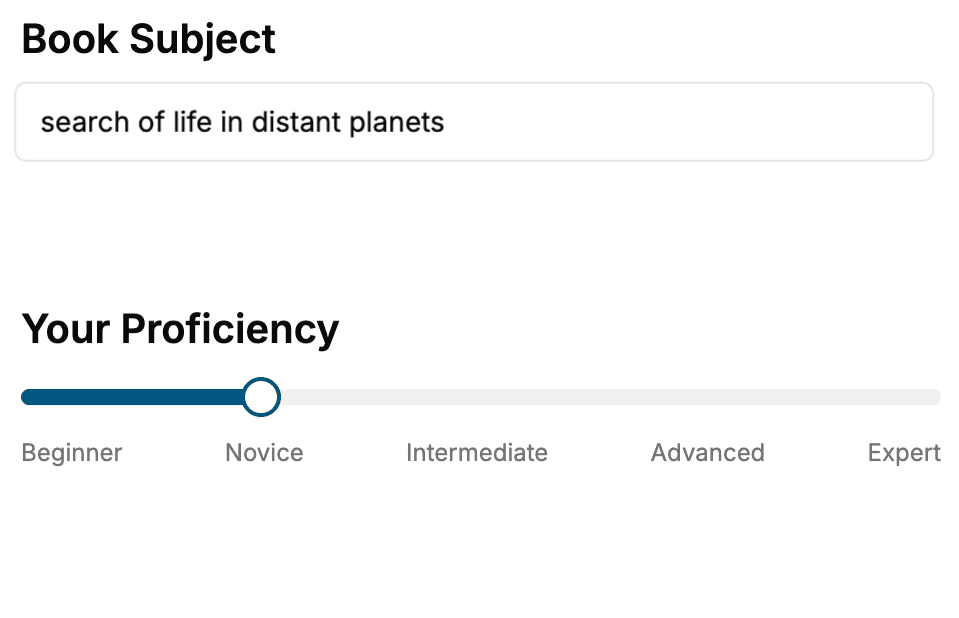
Select the focus of your Computer Graphics book and share your background
- 2. Personalize your book
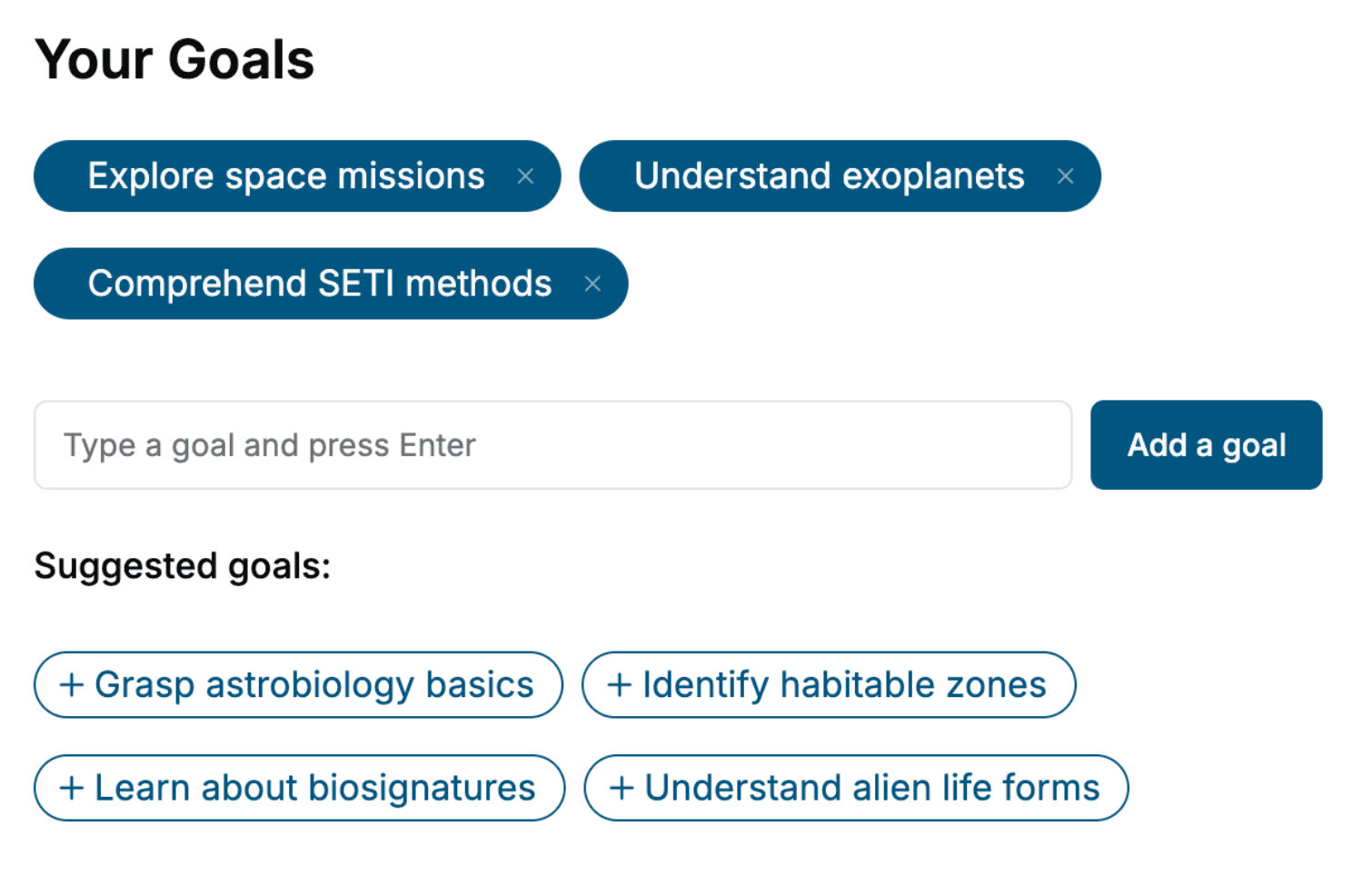
Specify your goals and choose sub-topics to include
- 3. Get your tailored book
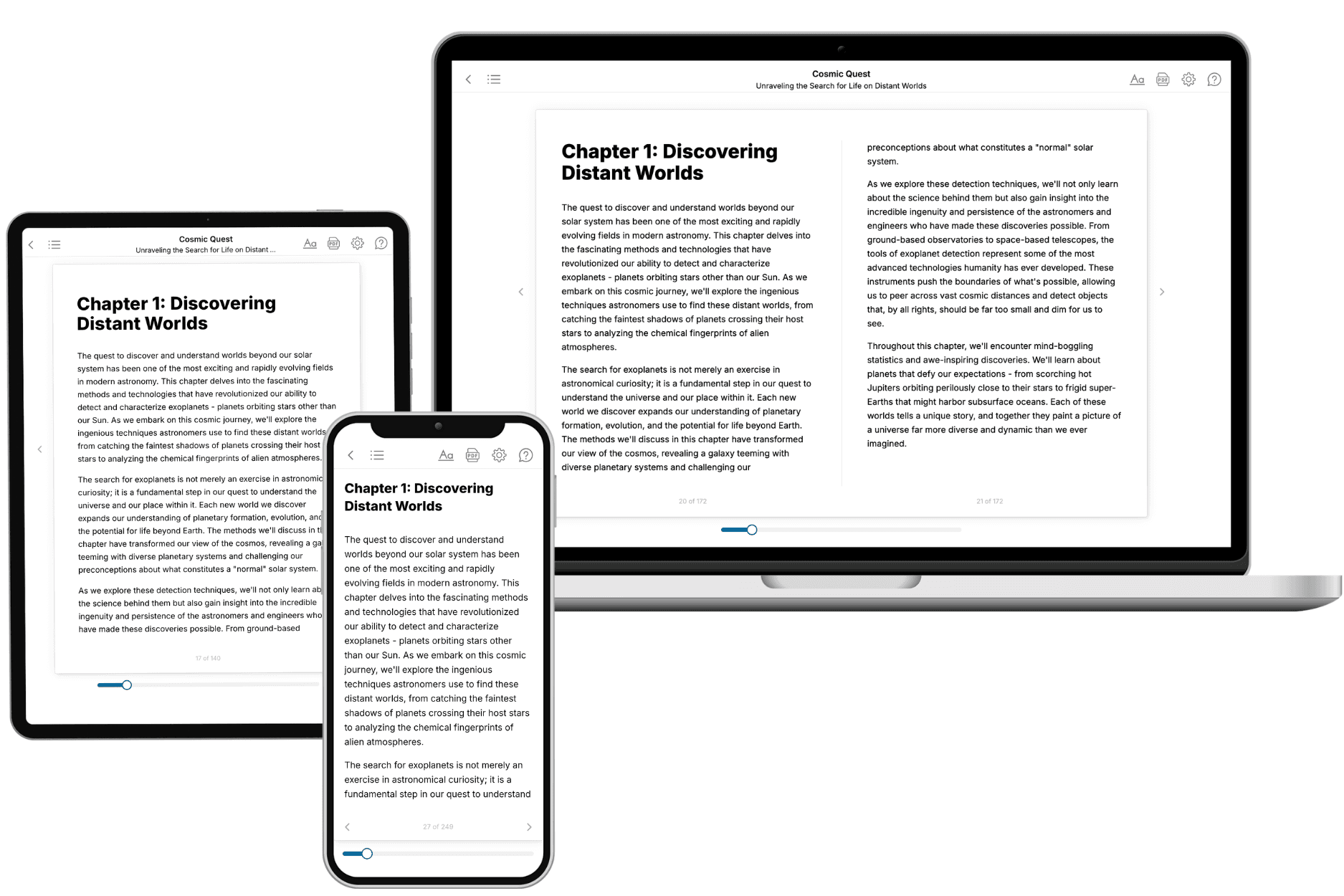
Your book is ready in 10 minutes. Read it online, download as EPUB or PDF, or send to Kindle.
Frequently asked questions
- What is TailoredRead?
TailoredRead creates complete, full-length nonfiction ebooks, written specifically for you. Tell us what you want to learn and why, and TailoredRead writes you a complete ebook on it, with charts, tables, and diagrams throughout. Read it online, on Kindle, or on any e-reader, or download it as a PDF or EPUB. Every book is written fresh the day you order it.
- How is the book tailored to me?
Before anything is written, you answer a few short questions about your goals, your background, and the topics you care about. Your book is then planned around your answers: written at your level, focused on your goals, and covering the topics you chose, instead of the one-size-fits-all book a store sells everyone.
- Will it read like generic AI content?
No. Your book isn't a chat transcript: it's planned chapter by chapter before a single word is written, told in a clear book voice, and explains ideas visually with charts, tables, and diagrams. After writing, every book goes through an editorial pass that polishes chapters so the book reads consistent from start to finish. Judge for yourself: browse thousands of sample books on our Explore Books page.
- How accurate is the content?
Our AI first checks whether your subject needs live research. Niche and fast-moving subjects are researched before writing, and the book plan and chapters are grounded in what it finds. After writing, every book goes through a quality pass that checks its facts and consistency, and researched books list their sources in a Notes section at the back.
- How long is the book?
You choose the length: Comprehensive (250-300 pages), Detailed (150-200 pages), Essential (70-100 pages), or Short (30-50 pages).
- Does the book include visuals?
Yes. Every book includes charts, tables, and diagrams: timelines, checklists, step-by-step guides, decision trees, comparison tables, matrices, and bar charts. A typical book includes dozens of these visual elements.
- Can I read it on Kindle? What formats can I download?
Yes. Every book can be read in our online reader or downloaded as a PDF or EPUB. The EPUB can be opened with Kindle, Apple Books, Kobo, and any e-reader. The Commercial and Author licenses also include an editable Word (DOCX) and Markdown download.
- How much does it cost?
About the price of a regular ebook. The exact price depends on your book's length and complexity, from $2 for the shortest books to $35 for the most comprehensive, and it's shown when you review your book, before you commit to anything. Each book is a one-time purchase, yours to keep, no subscription. Licenses that let you share, teach, or publish your book range from $35.99 to $49.99.
- Can I preview the book before purchasing?
Before you pay, you'll see what your book will cover: the title, a detailed description, the estimated length, and the complete chapter-by-chapter table of contents, so you know what you're getting before you decide. The full text itself is written after you purchase.
- How long does it take to create a book?
About 10 minutes. You can start reading the opening chapters while the rest is still being written.