Design for All
A Designer's Guide to Creating Accessible and Inclusive Digital Experiences
Imagine a world where every digital interface you create is effortlessly usable by everyone, regardless of their abilities or circumstances.
315 pages16 chaptersMar 21, 2025User Experience
About this book
In "Design for All," you'll discover how to turn this vision into reality, elevating your design skills to new heights of inclusivity and user-centricity. As a designer, you have the power to shape digital experiences that truly serve all users. This comprehensive guide will take you on a journey through the multifaceted world of accessibility design, from mastering screen reader compatibility to crafting intuitive keyboard navigation. You'll learn to see your designs through the eyes of diverse users, including those with visual, auditory, motor, or cognitive differences. Packed with practical techniques, real-world examples, and expert insights, "Design for All" will empower you to create designs that not only meet accessibility standards but also delight users with their thoughtfulness and usability. By the end of this book, you'll have the knowledge and tools to confidently tackle any accessibility challenge, ensuring that your designs are truly inclusive and user-friendly for all.
Table of contents
- IntroductionWhy Accessibility Matters in Design, Book Overview and How to Use It, The Benefits of Accessible Design for All Users, The Designer's Role in Creating Inclusive ExperiencesRead below
- Chapter 1: Foundations of AccessibilityDefining Accessibility in Digital Design, Understanding Diverse User Needs, Overview of Assistive Technologies, Introduction to WCAG Guidelines
- Chapter 2: Visual Design for AccessibilityColor Contrast and Readability, Typography and Legibility, Designing for Color Blindness, Layout and Visual Hierarchy for Clarity
- Chapter 3: Optimizing for Screen ReadersUnderstanding Screen Reader Basics, Semantic HTML Structure, Introduction to ARIA Roles and States, Testing with Screen Readers
- Chapter 4: Designing for Keyboard NavigationKeyboard Navigation Basics, Focus Management and Visual Indicators, Implementing Skip Links, Designing Effective Keyboard Shortcuts
- Chapter 5: Mastering Alt TextThe Importance of Alt Text, Writing Effective Alt Text, Describing Complex Images and Infographics, Handling Decorative Images
- Chapter 6: Accessible Form DesignStructuring Accessible Forms, Designing Clear Labels and Instructions, Accessible Error Handling and Validation, Designing Accessible Form Controls
- Chapter 7: Making Multimedia AccessibleVideo Captions and Transcripts, Audio Descriptions for Video Content, Creating Accessible Audio Experiences, Accessible Media Player Design
- Chapter 8: Responsive Design and AccessibilityMobile Accessibility Considerations, Creating Accessible Responsive Layouts, Designing Appropriate Touch Targets, Handling Device Orientation Changes
- Chapter 9: Creating Accessible ContentWriting in Plain Language, Structuring Content for Accessibility, Designing Descriptive Link Text, Creating Accessible Documents and PDFs
- Chapter 10: WCAG 2.1 Guidelines: A Deep DiveThe Perceivable Principle, The Operable Principle, The Understandable Principle, The Robust Principle
- Chapter 11: Designing Accessible NavigationAccessible Navigation Patterns, Wayfinding and Orientation Cues, Designing Accessible Mega Menus, Implementing Accessible Breadcrumbs
- Chapter 12: Inclusive Design PatternsAccessible Modal Dialogs, Designing Accessible Accordions and Tabs, Creating Accessible Carousels, Accessible Data Tables and Charts
- Chapter 13: Designing for NeurodiversityUnderstanding Cognitive Accessibility, Designing for Attention Disorders, Considerations for Users on the Autism Spectrum, Design Strategies for Dyslexia
- Chapter 14: Accessible IconographyPrinciples of Accessible Icon Design, Using Icon Fonts Accessibly, Implementing Accessible SVG Icons, Providing Text Alternatives for Icons
- Chapter 15: Accessibility Testing and ToolsManual Accessibility Testing Techniques, Automated Accessibility Testing Tools, Conducting Accessibility User Testing, Ongoing Accessibility Monitoring
- Chapter 16: Integrating Accessibility into Your WorkflowCollaborating with Development Teams, Accessibility in Design Handoff, Documenting Accessibility Requirements, Continuous Learning in Accessibility
- ConclusionThe Future of Accessibility in Design, Maintaining an Ongoing Commitment to Inclusive Design
- Glossary of Accessibility Terms
- Further Resources
Introduction
Welcome to "Design for All: A Designer's Guide to Creating Accessible and Inclusive Digital Experiences." This comprehensive guide is designed to empower you, as a mid-level designer, to elevate your skills and create digital experiences that are truly inclusive and accessible to all users. In an increasingly digital world, the importance of accessibility in design cannot be overstated. By embracing accessible design principles, you have the power to make a significant impact on the lives of millions of users, ensuring that everyone, regardless of their abilities or circumstances, can engage with and benefit from the digital products you create.
Throughout this book, you'll discover that accessibility is not a constraint on your creativity, but rather an opportunity to innovate and enhance your designs. By considering the diverse needs of all users from the outset of your design process, you'll not only meet legal and ethical standards but also create superior user experiences that benefit everyone. This introduction will lay the foundation for your journey into accessible design, exploring why it matters, how this book will guide you, the wide-ranging benefits of accessible design, and your crucial role as a designer in creating inclusive digital experiences.
Why Accessibility Matters in Design
Accessibility in design is not just a nice-to-have feature; it's a fundamental aspect of creating equitable and inclusive digital experiences. In today's digital-first world, where technology permeates every aspect of our lives, ensuring that digital products and services are accessible to all users is more critical than ever. According to the World Health Organization, over one billion people worldwide live with some form of disability[1]. This significant portion of the global population faces potential barriers when interacting with digital interfaces that haven't been designed with accessibility in mind.
Accessibility matters because it directly impacts people's ability to access information, perform essential tasks, and participate fully in modern society. For instance, a visually impaired user relying on a screen reader may be unable to navigate a poorly structured website, preventing them from accessing crucial information or services. Similarly, a user with motor disabilities might struggle to interact with a touch-based interface that doesn't offer alternative input methods. By prioritizing accessibility, you ensure that your designs don't inadvertently exclude or discriminate against any user group.
Moreover, accessibility is increasingly becoming a legal requirement in many jurisdictions. Laws such as the Americans with Disabilities Act (ADA) in the United States, the Equality Act in the UK, and the European Accessibility Act in the EU mandate that digital products and services be accessible to people with disabilities[2]. Failing to meet these requirements can result in legal consequences and damage to a company's reputation. As a designer, understanding and implementing accessibility principles helps protect your clients or employers from these risks while also demonstrating a commitment to social responsibility.
Beyond legal compliance, designing for accessibility often leads to innovations that benefit all users. Many features originally designed for accessibility have become mainstream and are now appreciated by a wide range of users. For example, closed captions, initially developed for deaf and hard-of-hearing individuals, are now widely used in noisy environments or by people learning a new language. Similarly, voice commands, designed to assist users with motor disabilities, have become a convenient feature for many able-bodied users.
Accessibility in design also aligns with the principles of universal design, which aims to create products and environments that are usable by all people, to the greatest extent possible, without the need for adaptation or specialized design. By adopting this approach, you create more flexible, adaptable, and user-friendly designs that can accommodate a wider range of user needs and preferences. This not only improves the user experience for people with disabilities but also enhances usability for all users, including those facing temporary limitations (such as a broken arm) or situational constraints (like using a device in bright sunlight).
Furthermore, prioritizing accessibility can lead to significant business benefits. By making digital products accessible, companies can tap into a larger market, improve customer satisfaction, and enhance their brand image. According to a study by the Click-Away Pound Survey, 71% of disabled customers with access needs will click away from a website that they find difficult to use, taking their business elsewhere[3]. This represents a substantial loss of potential revenue and highlights the economic importance of accessible design.
As a designer, understanding why accessibility matters is the first step towards creating truly inclusive digital experiences. It challenges you to think beyond the "average" user and consider the diverse needs, abilities, and contexts of all potential users. This mindset shift not only makes your designs more accessible but often results in more innovative, flexible, and user-friendly solutions that benefit everyone. By embracing accessibility, you position yourself as a forward-thinking designer who creates products that are not just visually appealing, but also ethical, inclusive, and future-proof.
Book Overview and How to Use It
"Design for All" is structured to provide you with a comprehensive understanding of accessibility in digital design, starting from the foundational concepts and progressing to advanced techniques and practical applications. This book is designed to be both a learning resource and a reference guide that you can return to throughout your design career. Each chapter builds upon the knowledge from previous sections, allowing you to gradually develop your expertise in accessible design.
The book begins with an exploration of the foundations of accessibility, introducing key concepts, guidelines, and the diverse needs of users. You'll gain insights into various types of disabilities and how they impact digital interactions. This foundational knowledge will help you understand the 'why' behind accessibility best practices and empower you to make informed design decisions.
As you progress through the book, you'll delve into specific aspects of accessible design, including visual design considerations, optimizing for screen readers, designing for keyboard navigation, and creating accessible multimedia experiences. Each chapter provides in-depth explanations, practical tips, and real-world examples to illustrate how these principles can be applied in your design work. You'll learn how to create designs that are not only compliant with accessibility standards but also provide an excellent user experience for all users.
To help you apply the concepts you've learned, the book includes numerous case studies, exercises, and hands-on projects. These practical elements are designed to reinforce your understanding and give you experience in solving real-world accessibility challenges. You'll have the opportunity to analyze existing designs, identify accessibility issues, and propose solutions, helping you develop critical thinking skills in the context of accessible design.
Throughout the book, you'll find "Designer's Tips" boxes that provide quick, actionable advice and best practices. These tips are designed to be easily referenced and applied to your daily work. Additionally, "Common Pitfalls" sections highlight frequent mistakes in accessibility design and how to avoid them, helping you sidestep common issues as you develop your skills.
The book also includes in-depth discussions on more advanced topics such as ARIA (Accessible Rich Internet Applications) attributes, creating accessible animations, and designing for cognitive accessibility. These sections will help you take your accessibility skills to the next level and tackle more complex design challenges.
To make the most of this book, it's recommended that you read it sequentially, as each chapter builds upon the knowledge from previous sections. However, each chapter is also designed to stand alone, allowing you to use the book as a reference guide for specific accessibility topics as needed in your work. The comprehensive glossary at the end of the book provides quick definitions of key terms, making it easy to refresh your memory on specific concepts.
As you progress through the book, try to apply the concepts you're learning to your current design projects. Experiment with the techniques described and use the provided checklists and guidelines to evaluate your work. Remember that becoming proficient in accessible design is an ongoing process, and this book is designed to support you at every stage of that journey.
Finally, the book concludes with a chapter on integrating accessibility into your design workflow and collaborating with development teams. This section will help you advocate for accessibility in your organization and ensure that the accessible designs you create are implemented effectively.
By the time you finish "Design for All," you'll have a comprehensive understanding of accessibility in digital design and the practical skills to create truly inclusive digital experiences. Whether you're working on websites, mobile apps, or other digital products, you'll be equipped to design with confidence, knowing that your work can be used and appreciated by the widest possible audience.
The Benefits of Accessible Design for All Users
While the primary goal of accessible design is to ensure that people with disabilities can use digital products effectively, the benefits of this approach extend far beyond this specific user group. Accessible design creates better experiences for all users, regardless of their abilities or circumstances. This section explores the wide-ranging benefits of accessible design and how it contributes to creating superior digital experiences for everyone.
One of the most significant benefits of accessible design is improved usability for all users. Many accessibility features enhance the overall user experience, making digital products easier to navigate, understand, and interact with. For example, clear and consistent navigation structures, which are crucial for users with cognitive disabilities, also help all users find information more quickly and easily. Similarly, ensuring sufficient color contrast between text and background improves readability not just for users with visual impairments, but for anyone using a device in bright sunlight or on a low-quality display.
Accessible design often leads to more flexible and adaptable interfaces. For instance, designs that work well with keyboard navigation, essential for users with motor disabilities, also benefit power users who prefer keyboard shortcuts for efficiency. Responsive designs that adapt to different screen sizes and orientations, initially developed to accommodate users with low vision who need to zoom in, now benefit all users across a variety of devices, from smartphones to large desktop monitors.
Another significant advantage of accessible design is improved SEO (Search Engine Optimization). Many accessibility best practices, such as using semantic HTML, providing descriptive alt text for images, and creating a logical content structure, align perfectly with SEO best practices. This means that accessible websites often rank higher in search engine results, benefiting businesses and users alike by making content more discoverable[4].
Accessible design also contributes to better content quality. When designers focus on making content clear, concise, and easy to understand for users with cognitive disabilities, they often end up creating content that is more engaging and effective for all users. This includes using plain language, breaking content into manageable chunks, and providing clear headings and subheadings – all practices that enhance readability and information retention for everyone.
From a technical perspective, accessible design often results in cleaner, more efficient code. This is because accessibility requires a more thoughtful approach to HTML structure and CSS styling. The resulting code is typically easier to maintain and update, which can lead to faster load times and better performance – benefits that all users appreciate.
Accessible design also supports better device compatibility. By ensuring that interfaces work well with assistive technologies like screen readers, designers often create products that are more compatible with a wide range of devices and browsers. This includes emerging technologies like voice assistants and smart displays, which rely on many of the same principles as traditional assistive technologies.
Moreover, accessible design supports situational limitations that all users may experience at some point. For example, captions on videos, crucial for deaf users, also benefit users watching content in noisy environments or those who need to keep the sound off. Similarly, voice control features, essential for users with motor disabilities, are incredibly useful for anyone using a device while their hands are occupied, such as while cooking or driving.
From a business perspective, accessible design expands market reach. By creating products that can be used by people with a wide range of abilities, companies can tap into a larger customer base. This is particularly important given the aging global population, as many people develop age-related impairments that affect their ability to use digital products.
Lastly, accessible design fosters innovation. The constraints imposed by accessibility requirements often lead designers to think more creatively and develop novel solutions that benefit all users. Many features we now take for granted, such as voice recognition and predictive text, were initially developed with accessibility in mind but have since become mainstream features appreciated by a wide range of users.
In conclusion, the benefits of accessible design extend far beyond ensuring usability for people with disabilities. By creating products that are more usable, flexible, discoverable, and innovative, accessible design enhances the digital experience for all users. As you progress through this book and implement accessible design principles in your work, keep in mind that you're not just designing for a specific group – you're creating better digital experiences for everyone.
The Designer's Role in Creating Inclusive Experiences
As a designer, you play a crucial role in shaping the digital world and determining how people interact with technology. Your decisions have the power to either enable or hinder users' ability to access information, complete tasks, and participate in the digital aspects of modern life. In the context of accessibility and inclusive design, your role becomes even more significant. You are not just a creator of visual aesthetics, but an advocate for user needs, a problem solver, and a key player in ensuring digital equality.
One of your primary responsibilities is to champion accessibility from the very beginning of the design process. Too often, accessibility is treated as an afterthought, leading to retrofitted solutions that are less effective and more costly to implement. By considering accessibility from the outset, you can integrate inclusive design principles seamlessly into your work, resulting in more elegant and effective solutions. This proactive approach also helps to shift the perception of accessibility from a burdensome requirement to an integral part of good design.
As a designer, you are uniquely positioned to bridge the gap between user needs and technical implementation. Your role involves translating accessibility requirements into visual and interactive design elements that developers can implement. This requires not only a deep understanding of accessibility principles but also the ability to communicate these concepts effectively to both non-technical stakeholders and development teams. By creating detailed design specifications that include accessibility considerations, you ensure that the final product remains true to the inclusive vision you've crafted.
Another critical aspect of your role is to advocate for diverse user needs within your organization or client projects. This may involve educating colleagues or clients about the importance of accessibility, pushing back against decisions that could exclude certain users, and consistently highlighting the business and ethical benefits of inclusive design. Your unique perspective as a designer allows you to illustrate how seemingly small design decisions can have significant impacts on user experience for people with disabilities.
As a designer focused on accessibility, you also have the responsibility to stay informed about evolving accessibility standards, emerging assistive technologies, and best practices in inclusive design. The field of digital accessibility is continually evolving, and staying up-to-date ensures that your designs remain relevant and effective. This ongoing learning also positions you as a valuable resource within your team or organization, able to provide guidance on complex accessibility issues.
Your role extends to conducting and advocating for accessibility testing throughout the design process. This includes manual testing of your designs using assistive technologies, as well as facilitating user testing sessions with individuals who have disabilities. By directly observing how users with different abilities interact with your designs, you gain invaluable insights that inform more inclusive solutions. This hands-on experience also deepens your empathy and understanding, making you a more effective advocate for accessible design.
In creating inclusive experiences, you must also consider the broader context of users' lives and the potential barriers they may face. This holistic approach involves thinking beyond individual interface elements to consider the entire user journey, including factors like device usage, environmental conditions, and potential stress or anxiety associated with using digital products. By addressing these broader concerns, you create designs that are not just technically accessible, but truly inclusive and user-friendly.
As a designer, you have the power to influence the direction of products and services. Use this influence to ensure that accessibility is considered a core feature rather than an optional add-on. Advocate for allocating appropriate time and resources to accessibility efforts, and help your team or clients understand the long-term benefits of building accessible products from the ground up.
Finally, remember that your role in creating inclusive experiences extends beyond your professional work. By consistently applying accessibility principles in your designs, you contribute to raising the overall standard of digital accessibility. You become part of a larger movement towards a more inclusive digital world, influencing other designers and setting expectations for what good design should encompass.
In conclusion, your role as a designer in creating inclusive experiences is multifaceted and crucial. You are not just a creator of interfaces, but a champion for user needs, an educator, an innovator, and a key player in ensuring digital equality. By embracing this role and consistently applying the principles of accessible design that you'll learn in this book, you have the power to make a significant positive impact on the lives of users, regardless of their abilities or circumstances. As you progress through your career, let this responsibility guide your decisions and inspire you to continually push for more inclusive digital experiences.
Notes
Introduction
- 1. World Health Organization, Disability and health fact sheet, 2021
- 2. J. Lazar and others, Ensuring Digital Accessibility through Process and Policy, Morgan Kaufmann, 2015
- 3. Click-Away Pound Survey, The Click-Away Pound Report 2019, 2019
- 4. L. Moreno and P. Martinez, "Overlapping factors in search engine optimization and web accessibility," Online Information Review, 2013
This is the end of the free sample. The full book has 16 chapters.
Want this book written for you?
Tell us your goals and background, and get your own version of this book, tailored by AI to you.






Benefits of AI-tailored books
- Read one book, not ten:
- all the User Experience knowledge you need, gathered into a single book.
- Save days of learning:
- tell us your goals, choose your topics, and the whole book is built around them.
- Learn effortlessly:
- User Experience book written for your specific background and expertise.
- Understand at a glance:
- includes charts, tables, timelines, checklists, decision trees, and more.
- Stay current:
- written the day you order it, not years ago.
- Trust what you read:
- every book is checked for accuracy, with real research when your subject needs it.
Create your unique book in 3 steps
- 1. Select your focus
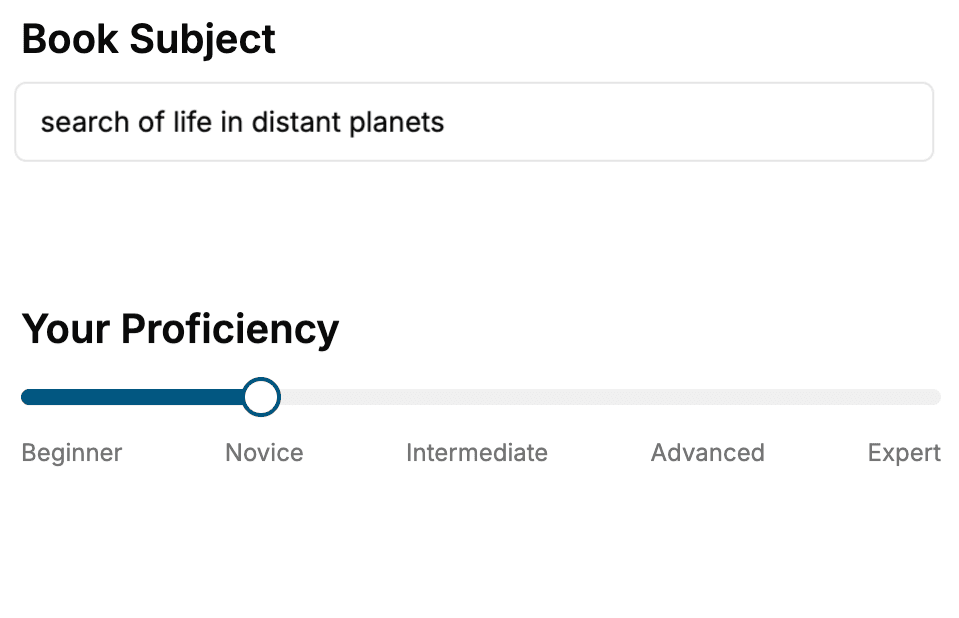
Select the focus of your User Experience book and share your background
- 2. Personalize your book
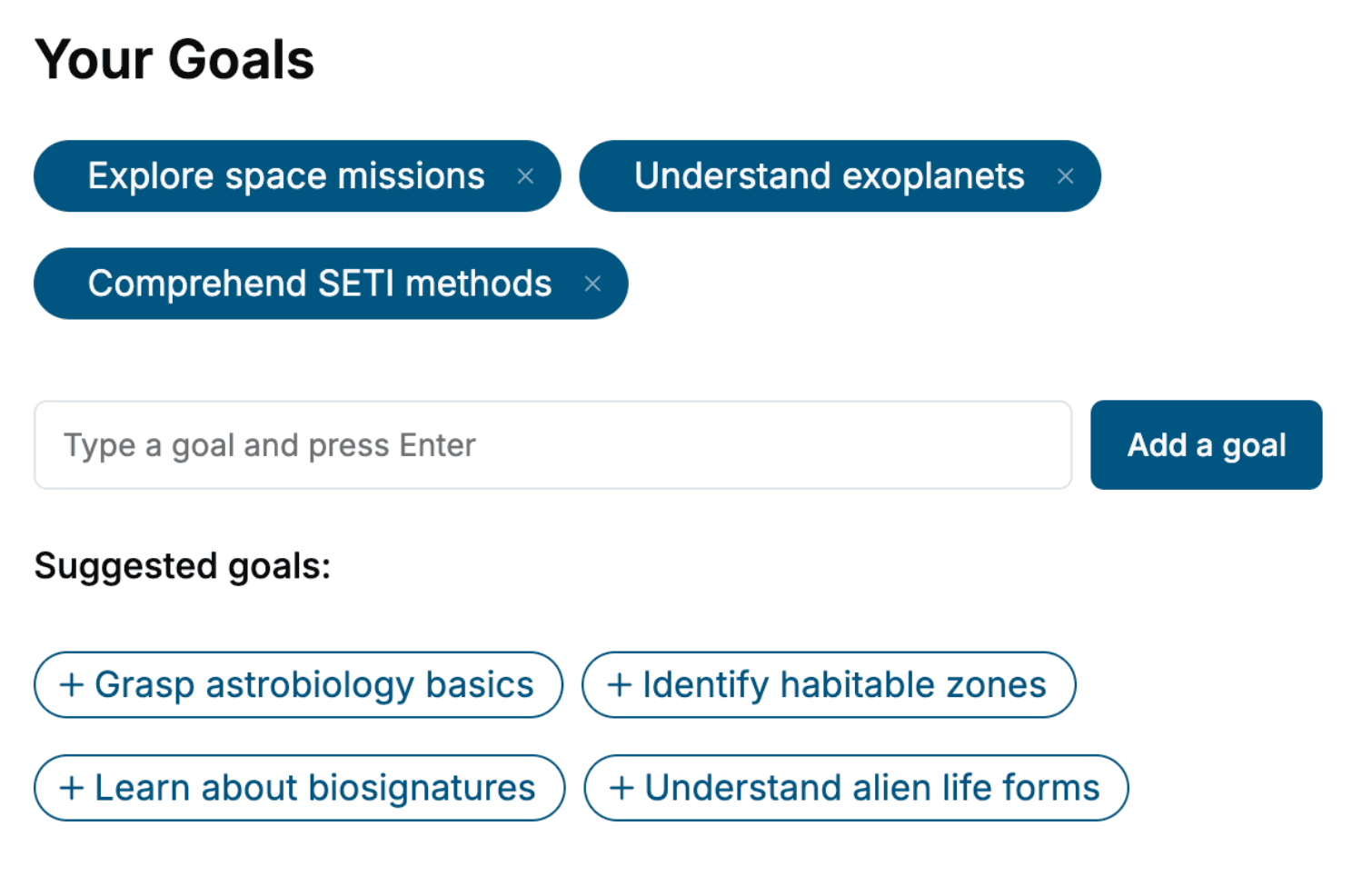
Specify your goals and choose sub-topics to include
- 3. Get your tailored book
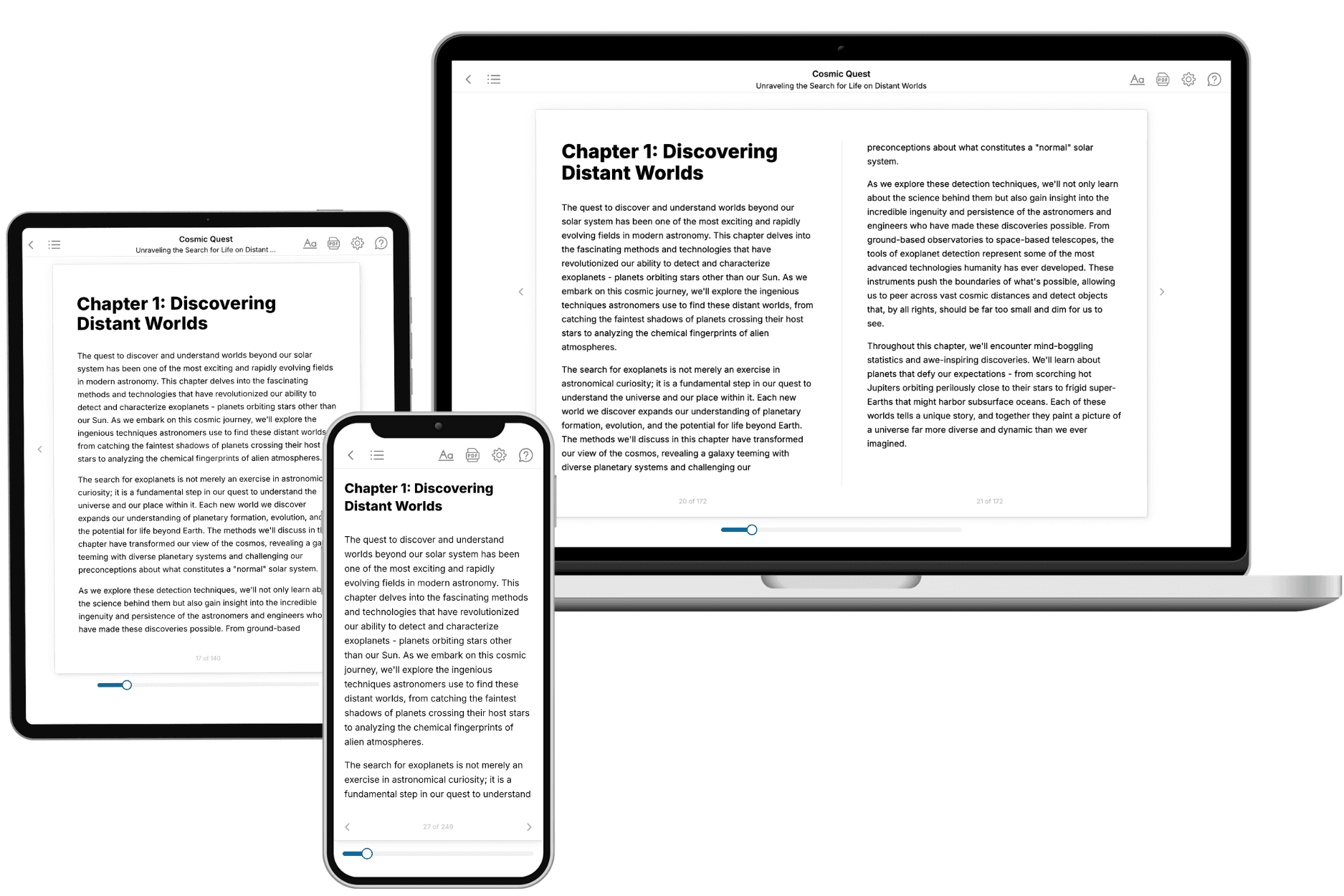
Your book is ready in 10 minutes. Read it online, download as EPUB or PDF, or send to Kindle.
Frequently asked questions
- What is TailoredRead?
TailoredRead creates complete, full-length nonfiction ebooks, written specifically for you. Tell us what you want to learn and why, and TailoredRead writes you a complete ebook on it, with charts, tables, and diagrams throughout. Read it online, on Kindle, or on any e-reader, or download it as a PDF or EPUB. Every book is written fresh the day you order it.
- How is the book tailored to me?
Before anything is written, you answer a few short questions about your goals, your background, and the topics you care about. Your book is then planned around your answers: written at your level, focused on your goals, and covering the topics you chose, instead of the one-size-fits-all book a store sells everyone.
- Will it read like generic AI content?
No. Your book isn't a chat transcript: it's planned chapter by chapter before a single word is written, told in a clear book voice, and explains ideas visually with charts, tables, and diagrams. After writing, every book goes through an editorial pass that polishes chapters so the book reads consistent from start to finish. Judge for yourself: browse thousands of sample books on our Explore Books page.
- How accurate is the content?
Our AI first checks whether your subject needs live research. Niche and fast-moving subjects are researched before writing, and the book plan and chapters are grounded in what it finds. After writing, every book goes through a quality pass that checks its facts and consistency, and researched books list their sources in a Notes section at the back.
- How long is the book?
You choose the length: Comprehensive (250-300 pages), Detailed (150-200 pages), Essential (70-100 pages), or Short (30-50 pages).
- Does the book include visuals?
Yes. Every book includes charts, tables, and diagrams: timelines, checklists, step-by-step guides, decision trees, comparison tables, matrices, and bar charts. A typical book includes dozens of these visual elements.
- Can I read it on Kindle? What formats can I download?
Yes. Every book can be read in our online reader or downloaded as a PDF or EPUB. The EPUB can be opened with Kindle, Apple Books, Kobo, and any e-reader. The Commercial and Author licenses also include an editable Word (DOCX) and Markdown download.
- How much does it cost?
About the price of a regular ebook. The exact price depends on your book's length and complexity, from $2 for the shortest books to $35 for the most comprehensive, and it's shown when you review your book, before you commit to anything. Each book is a one-time purchase, yours to keep, no subscription. Licenses that let you share, teach, or publish your book range from $35.99 to $49.99.
- Can I preview the book before purchasing?
Before you pay, you'll see what your book will cover: the title, a detailed description, the estimated length, and the complete chapter-by-chapter table of contents, so you know what you're getting before you decide. The full text itself is written after you purchase.
- How long does it take to create a book?
About 10 minutes. You can start reading the opening chapters while the rest is still being written.