Docker in NetBeans
Master Container Development and Deployment in Your Favorite IDE
Stop struggling with environment inconsistencies and deployment headaches.
222 pages11 chaptersApr 13, 2026Docker
About this book
This practical guide shows you how to harness Docker's power directly within NetBeans, transforming how you develop, test, and deploy applications. You'll move beyond basic container concepts to master real-world workflows that professional development teams use daily. Learn to build optimized images, manage multi-container applications with Docker Compose, integrate containers into your CI/CD pipeline, and implement security best practices—all while staying in the IDE you already know. Whether you're containerizing a legacy application or building cloud-native services, you'll gain the skills to work confidently with Docker in NetBeans and deliver applications faster with fewer surprises in production.
Table of contents
- IntroductionWhy Docker Matters for Modern Development, The NetBeans Advantage, What You'll Learn in This Book, How to Use This GuideRead below
- Chapter 1: Docker FundamentalsContainers vs. Virtual Machines, Understanding Docker Architecture, Images and Containers: The Core Concepts, The Docker Ecosystem
- Chapter 2: Setting Up Docker and NetBeansInstalling Docker on Your System, Configuring NetBeans for Docker, Essential Docker Plugins and Extensions, Running Your First Container
- Chapter 3: Building Docker ImagesDockerfile Fundamentals, Writing Effective Dockerfiles, Building Images from NetBeans, Optimizing Image Size and Performance
- Chapter 4: Managing Containers in NetBeansContainer Lifecycle Management, NetBeans Container Management Tools, Debugging Applications in Containers, Container Networking Basics
- Chapter 5: Docker Compose for DevelopmentDocker Compose Fundamentals, Writing Effective Compose Files, Managing Multi-Container Applications, Using Docker Compose in NetBeans
- Chapter 6: Containerizing Your ApplicationsContainerizing Java Applications, Containerizing Web Applications, Working with Databases in Containers, Containerizing Legacy Applications
- Chapter 7: Docker Registries and Image DistributionUnderstanding Docker Registries, Pushing Images to Registries, Working with Private Registries, Registry Integration in NetBeans
- Chapter 8: Security Best PracticesSecuring Docker Images, Container Runtime Security, Managing Secrets and Credentials, Scanning for Vulnerabilities
- Chapter 9: CI/CD Integration with DockerCI/CD Pipeline Fundamentals, Integrating Docker into Your Pipeline, Automated Testing with Containers, Automating Deployment Workflows
- Chapter 10: Advanced Docker TechniquesMulti-Stage Builds for Efficiency, Advanced Networking Configurations, Persistent Storage and Volume Management, Performance Tuning and Optimization
- Chapter 11: Troubleshooting and Best PracticesCommon Docker Issues and Solutions, Advanced Debugging Techniques, Development Best Practices, Preparing Containers for Production
- ConclusionRecap of Key Learnings, Your Next Steps, Continued Learning and Resources
- Appendix: Quick ReferenceEssential Docker Commands, Dockerfile Instruction Reference, Docker Compose Configuration Reference
Introduction
There is a moment every developer knows well. You spend hours building something that works perfectly on your machine. You push it to a colleague, a staging server, or a production environment, and suddenly nothing works the way it should. Dependencies are missing, environment variables are wrong, the Java version is slightly different, or some obscure library behaves differently on a different operating system. This is the "works on my machine" problem, and it has been frustrating development teams for decades. Docker was built specifically to eliminate it.
Docker packages your application along with everything it needs to run: the runtime, the libraries, the configuration, and the dependencies. That entire bundle travels together as a container, and it behaves the same way whether it runs on your laptop, your teammate's workstation, a cloud server, or a CI/CD pipeline. The environment inconsistency problem does not just shrink with Docker. It disappears. That is a genuinely transformative shift in how software gets built and delivered.
NetBeans has been a trusted IDE for Java developers for many years, and it continues to evolve as a capable, full-featured development environment. What many developers do not realize is that NetBeans integrates with Docker in ways that make containerized development feel natural and efficient. You do not need to constantly switch between your IDE and a terminal window. You can build images, manage containers, inspect logs, and connect to running services without ever leaving the editor you already know. This book is about making that integration work for you in practical, everyday development.
This guide is written for intermediate developers who are comfortable with Java and familiar with NetBeans but want to bring Docker into their workflow in a meaningful way. You do not need prior Docker experience to follow along, though some familiarity with the command line will help. The goal is not just to explain what Docker is, but to show you how to use it effectively inside NetBeans, from your first container all the way through to production-ready deployments and CI/CD automation.
Why Docker Matters for Modern Development
Software development has grown dramatically more complex over the past decade. Applications no longer run as a single monolithic process on a single server. They depend on databases, message queues, caching layers, external APIs, and microservices that each have their own runtime requirements. Managing all of those dependencies consistently across development, testing, and production environments used to require significant manual effort, careful documentation, and a lot of tribal knowledge. Docker changes that equation entirely.
At its core, Docker is a containerization platform. A container is a lightweight, isolated environment that packages an application and all of its dependencies into a single, portable unit. Unlike a virtual machine, a container does not include a full operating system. It shares the host system's kernel while keeping its own filesystem, processes, and network interfaces isolated. This makes containers fast to start, small in size, and efficient in resource usage compared to traditional virtualization.[1]
The practical impact of this is significant. Consider a team of five developers working on a Java web application that connects to a PostgreSQL database and a Redis cache. Without Docker, each developer needs to install and configure PostgreSQL and Redis locally, match the exact versions used in production, and keep those installations updated as the project evolves. With Docker, the entire environment is defined in a single configuration file. Any developer can spin up the full stack with one command and be confident it matches what everyone else is running.
A 2023 survey by Stack Overflow found that Docker is the most used non-language tool among professional developers, with over 52% of respondents reporting regular use. Its adoption has grown steadily every year since its public release in 2013.[2]
Docker also matters because it bridges the gap between development and production. One of the most common sources of production bugs is the difference between the environment where code was written and the environment where it runs. When your container image is the same artifact that gets tested and deployed, that gap closes. What passes tests in your pipeline is exactly what lands in production, byte for byte. This consistency reduces deployment risk and makes rollbacks straightforward.
For teams adopting microservices or cloud-native architectures, Docker is essentially a prerequisite. Platforms like Kubernetes, AWS ECS, Google Cloud Run, and Azure Container Instances all operate on container images. Learning Docker is not just about solving today's environment problems. It is about building the foundational skills that modern cloud deployment requires. Even if you are working on a traditional monolithic application today, containerizing it prepares you for the architectural patterns that are increasingly standard across the industry.
Speed is another compelling reason to adopt Docker. Containers start in seconds rather than the minutes a virtual machine might take. Developers can spin up a fresh database for testing, run their test suite against it, and tear it down again in the time it used to take just to boot a VM. This kind of fast feedback loop has a real impact on productivity and code quality. When testing is fast and reliable, developers run tests more often, catch bugs earlier, and ship with more confidence.
Finally, Docker enables a cleaner separation between application code and infrastructure concerns. Your Dockerfile describes exactly how your application should be built and run. That description lives in version control alongside your code. New team members can onboard faster because the environment setup is automated and documented in code rather than in a wiki page that may or may not be up to date. Infrastructure becomes reproducible, auditable, and reviewable just like any other part of your codebase.
The NetBeans Advantage
When developers think about Docker tooling, they often picture a terminal window and a series of command-line instructions. That approach works, but it creates friction. Switching context between your IDE and a terminal, remembering the exact syntax for various Docker commands, and manually correlating container output with your source code all add cognitive overhead to your workflow. NetBeans reduces that friction by bringing Docker operations directly into the IDE environment where you already spend most of your time.
NetBeans has supported Docker integration for several years, and the tooling has matured considerably. Through the Services window, you can connect to a local or remote Docker host, browse running containers, inspect images, view container logs, and manage the full container lifecycle without opening a terminal. This visual interface is particularly useful when you are managing multiple containers simultaneously or when you need to quickly check the state of your environment during a debugging session.
One of the most practical advantages of working with Docker inside NetBeans is the ability to attach a debugger to a running container. Debugging containerized applications used to require manual configuration of remote debugging ports and careful coordination between your IDE settings and your container startup parameters. NetBeans streamlines this process, allowing you to set breakpoints in your source code and step through execution even when your application is running inside a container. This is a significant quality-of-life improvement for any developer doing serious work with containers.
NetBeans also integrates well with Maven and Gradle, the build tools most Java developers use. This means you can incorporate Docker image builds directly into your project's build lifecycle. A Maven plugin like dockerfile-maven-plugin or jib-maven-plugin can build and push Docker images as part of a standard mvn package or mvn deploy command, all triggered from within NetBeans. Your container build becomes part of your normal development workflow rather than a separate manual step.
The NetBeans plugin ecosystem extends Docker support further. Plugins are available for Docker Compose integration, Kubernetes deployment, and cloud provider tooling. These extensions mean that as your needs grow beyond basic container management, NetBeans can grow with you. You are not locked into a minimal toolset. The IDE can serve as a central hub for your entire containerized development workflow, from writing code to pushing images to a registry to monitoring deployed services.
It is worth acknowledging that some developers prefer VS Code or IntelliJ IDEA for Docker work, and those are excellent tools. But if NetBeans is already your IDE of choice, there is no reason to switch. The Docker integration available in NetBeans is capable, well-maintained, and sufficient for professional-grade container development. This book is built on the premise that you should be able to do serious Docker work without abandoning the tools you already know and trust.
Beyond the specific Docker features, NetBeans offers the broader advantages of a mature Java IDE: intelligent code completion, refactoring tools, integrated version control, and a project management system that understands Maven and Gradle project structures natively. When you combine these capabilities with Docker integration, you get a development environment that handles both the application code and the infrastructure configuration in one place. That combination is genuinely powerful for day-to-day development work.
What You'll Learn in This Book
This book takes you from Docker fundamentals all the way through advanced techniques and production-ready practices. Each chapter builds on the previous one, so by the time you reach the end, you will have a complete picture of how Docker fits into a professional development workflow inside NetBeans. Here is a clear map of what each part of the book covers and what you will be able to do after working through it.
Chapters 1 and 2 lay the foundation. Chapter 1 covers Docker fundamentals: how containers differ from virtual machines, how Docker's architecture works, and what images, containers, and registries actually are. Chapter 2 walks you through installing Docker on your system and configuring NetBeans to work with it, including the plugins and extensions that make the integration smooth. By the end of these two chapters, you will have a working Docker environment connected to NetBeans and a clear mental model of how the pieces fit together.
Chapters 3 and 4 focus on building and managing containers. Chapter 3 covers Dockerfiles in depth, from basic syntax to optimization techniques that reduce image size and improve build performance. Chapter 4 covers container lifecycle management inside NetBeans, including the visual tools available for monitoring and controlling containers, and the critical skill of debugging applications that are running inside containers.
Chapters 5 and 6 move into real-world application scenarios. Chapter 5 introduces Docker Compose, the tool for defining and running multi-container applications. You will learn how to write Compose files that describe complex environments and how to manage them from within NetBeans. Chapter 6 applies these skills to specific application types: Java applications, web applications, database-backed services, and legacy applications that were not originally designed for containers.
The following topics are covered in the remaining chapters:
- Chapter 7 covers Docker registries, including Docker Hub, private registries, and how to push and pull images from within NetBeans.
- Chapter 8 addresses security best practices for container images and runtime environments, including secrets management and vulnerability scanning.
- Chapter 9 shows how to integrate Docker into CI/CD pipelines for automated testing and deployment.
- Chapter 10 explores advanced techniques including multi-stage builds, custom networking, volume management, and performance tuning.
- Chapter 11 provides a practical troubleshooting guide covering common issues, debugging strategies, and best practices for production readiness.
Throughout the book, the focus is on practical, working examples rather than abstract theory. Every major concept is illustrated with concrete code samples, real Dockerfile examples, and step-by-step instructions you can follow in your own NetBeans environment. The goal is not just to explain Docker but to give you the hands-on experience that builds genuine confidence and competence.
By the time you finish this book, you will be able to containerize any Java or web application, manage complex multi-container environments with Docker Compose, push images to registries, integrate Docker into automated pipelines, and troubleshoot the issues that come up in real development work. These are skills that translate directly into faster development cycles, more reliable deployments, and a smoother experience for everyone on your team.
You will also come away with a set of best practices that reflect how professional development teams actually use Docker. This is not a book about Docker in isolation. It is about Docker as part of a complete, professional development workflow, and NetBeans as the environment where that workflow lives. The combination of solid fundamentals, practical examples, and IDE-specific guidance is what makes this book different from a generic Docker tutorial.
How to Use This Guide
This book is designed to be read sequentially, especially if you are new to Docker. The early chapters build the conceptual foundation and environment setup that later chapters depend on. If you try to jump straight to Chapter 5 on Docker Compose without understanding images and containers, you will likely find yourself confused by terminology and missing context. The investment in the fundamentals pays off quickly as the later chapters move faster and go deeper.
That said, if you already have Docker experience and are primarily interested in the NetBeans-specific integration, you can use the book more selectively. Chapters 2, 4, and 5 contain the most NetBeans-specific content. Chapters 8, 9, and 10 cover topics that are valuable regardless of which IDE you use. The appendix at the back of the book serves as a quick reference for Docker commands, Dockerfile instructions, and Compose configuration options, which you will likely return to regularly even after finishing the main content.
To get the most out of this guide, follow along with the examples in your own NetBeans environment. Reading about Docker is useful, but actually building images, running containers, and debugging applications is where the real learning happens. Each chapter includes examples you can run yourself, and working through them hands-on will solidify your understanding far more effectively than passive reading alone.
Here is a suggested approach for working through each chapter:
- Read the chapter through once to get the overall picture before trying any examples.
- Go back and work through each code example or step-by-step instruction in your own environment.
- Experiment with variations on the examples. Change a Dockerfile instruction, modify a Compose file, or try a different base image to see what happens.
- If something does not work as expected, consult Chapter 11 for troubleshooting guidance before moving on.
The code examples in this book use Java applications as the primary context, since NetBeans is primarily a Java IDE and most readers will be working in that ecosystem. However, the Docker concepts and techniques apply equally to other languages and frameworks. If you are working with a PHP application, a Node.js service, or a Python script, the Dockerfile syntax and container management principles are the same. Only the specific base images and build commands differ.
Throughout the book, you will encounter several recurring visual cues that signal different types of content. Code blocks show Dockerfile instructions, shell commands, and configuration files exactly as you should write them. Blockquotes highlight important notes, real-world examples, or statistics worth paying attention to. Bold text marks key terms when they are first introduced. These formatting choices are intentional and designed to make the content easier to scan and reference when you return to a chapter later.
One practical note on versions: Docker and NetBeans both release updates regularly, and specific menu locations or plugin names may shift slightly between versions. The concepts and workflows in this book are stable and will remain relevant across versions, but if a specific UI element looks different in your version of NetBeans, a quick search of the NetBeans documentation will usually clarify the current location. The Docker CLI commands shown throughout the book follow standard Docker syntax that has been stable for several years and is unlikely to change significantly.
Finally, do not worry if some concepts take time to click. Docker introduces a genuinely different way of thinking about application environments, and that mental shift takes a little time to settle in. The first time you write a Dockerfile, it may feel unfamiliar. By the third or fourth time, it will feel natural. By the time you are writing multi-stage builds and Compose files from memory, you will wonder how you ever developed without containers. That progression is normal, and this book is designed to support you through each stage of it.
Notes
Introduction
- 1. Docker Inc, "What is a Container?," Docker Documentation, 2023
- 2. Stack Overflow Developer Survey 2023
This is the end of the free sample. The full book has 11 chapters.
Want this book written for you?
Tell us your goals and background, and get your own version of this book, tailored by AI to you.


Benefits of AI-tailored books
- Read one book, not ten:
- all the Docker knowledge you need, gathered into a single book.
- Save days of learning:
- tell us your goals, choose your topics, and the whole book is built around them.
- Learn effortlessly:
- Docker book written for your specific background and expertise.
- Understand at a glance:
- includes charts, tables, timelines, checklists, decision trees, and more.
- Stay current:
- written the day you order it, not years ago.
- Trust what you read:
- every book is checked for accuracy, with real research when your subject needs it.
Create your unique book in 3 steps
- 1. Select your focus
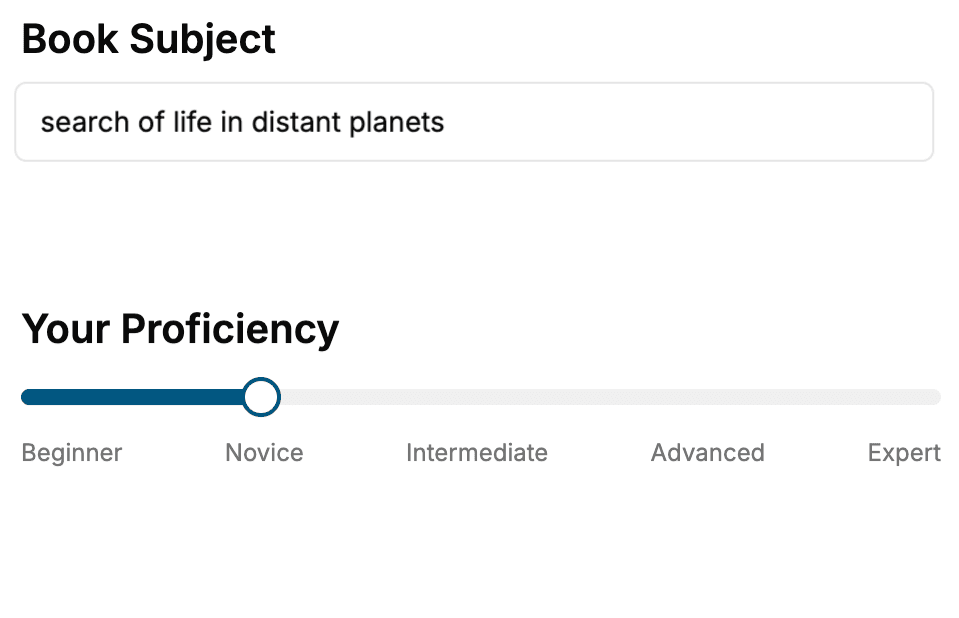
Select the focus of your Docker book and share your background
- 2. Personalize your book
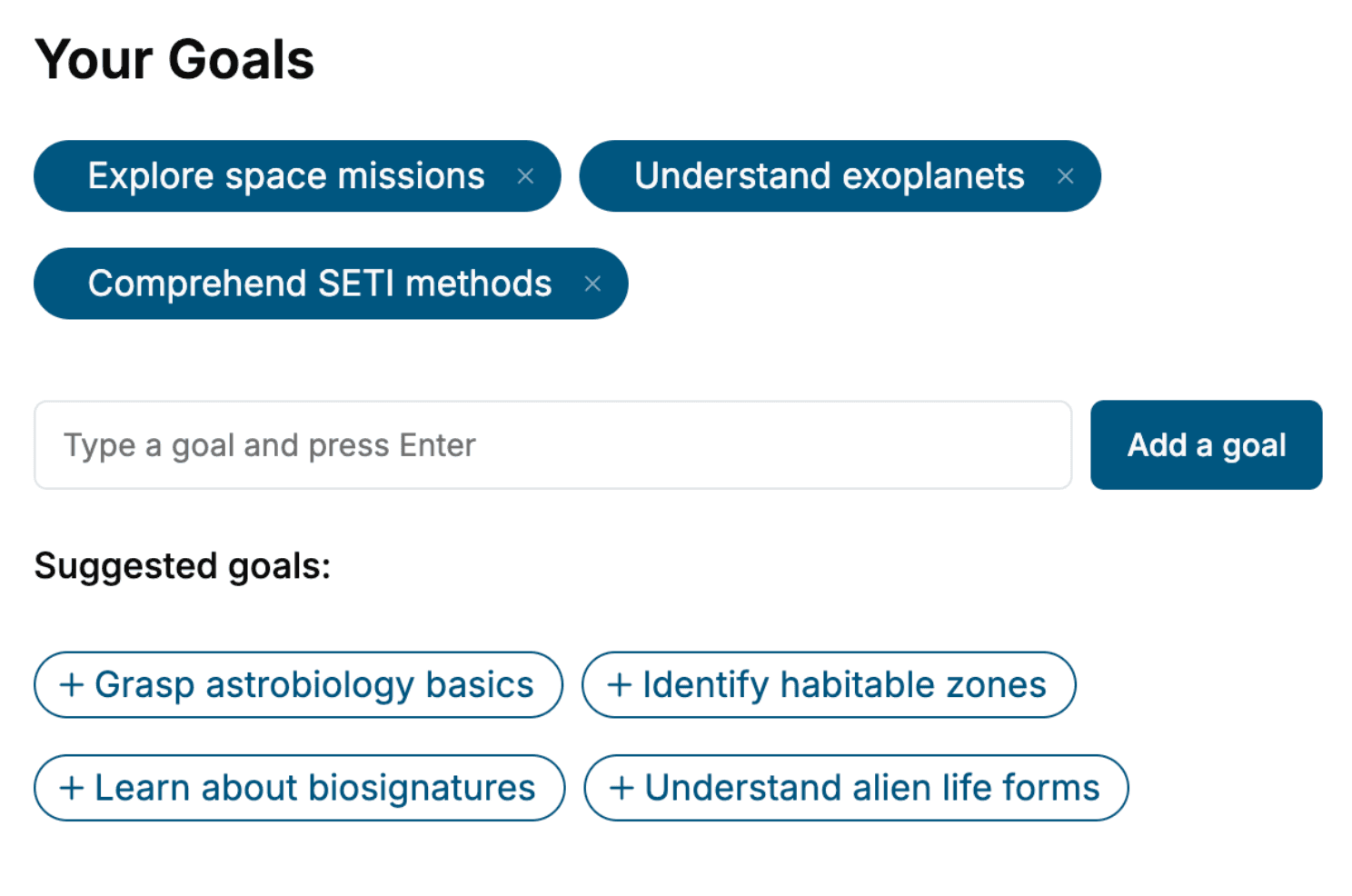
Specify your goals and choose sub-topics to include
- 3. Get your tailored book
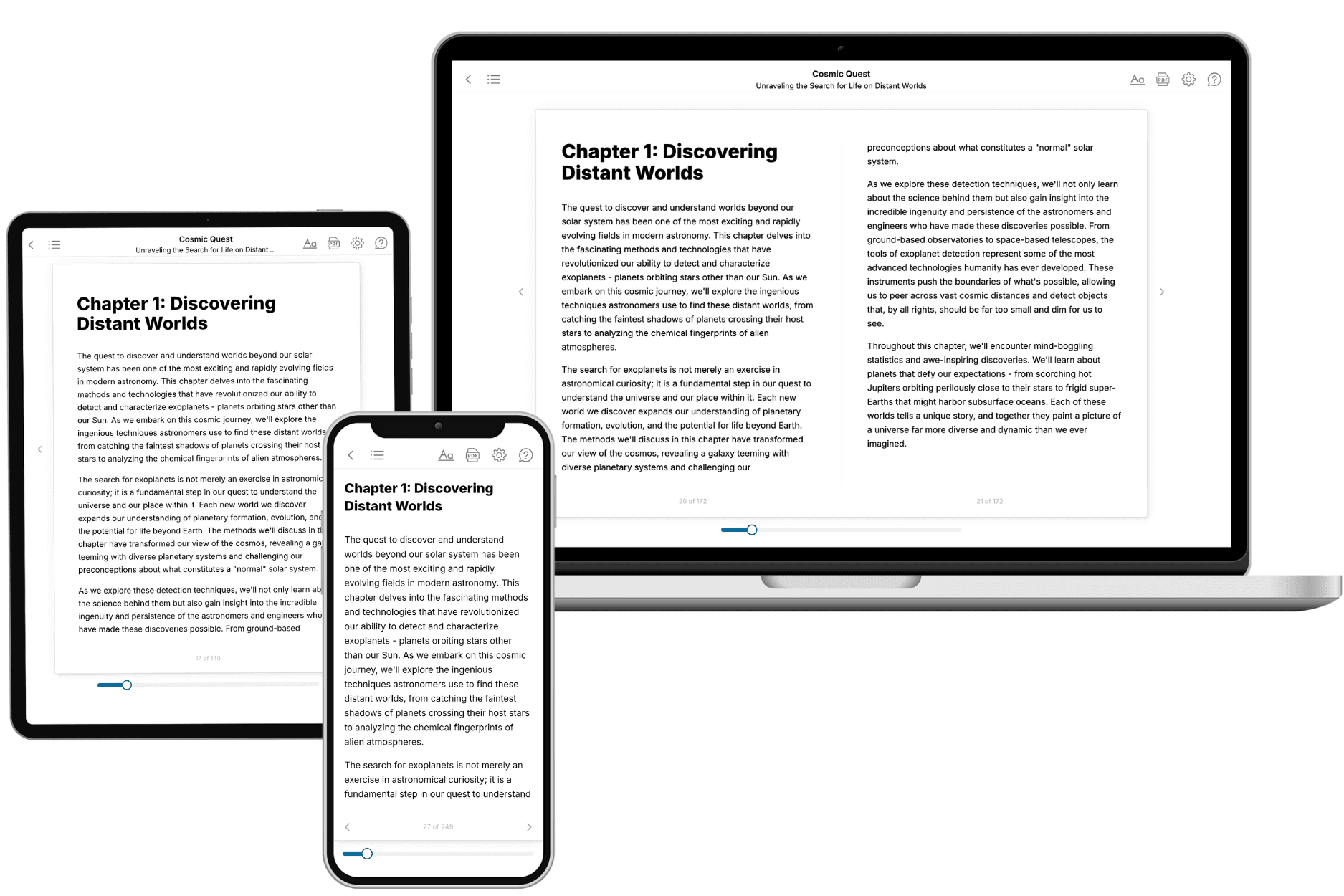
Your book is ready in 10 minutes. Read it online, download as EPUB or PDF, or send to Kindle.
Frequently asked questions
- What is TailoredRead?
TailoredRead creates complete, full-length nonfiction ebooks, written specifically for you. Tell us what you want to learn and why, and TailoredRead writes you a complete ebook on it, with charts, tables, and diagrams throughout. Read it online, on Kindle, or on any e-reader, or download it as a PDF or EPUB. Every book is written fresh the day you order it.
- How is the book tailored to me?
Before anything is written, you answer a few short questions about your goals, your background, and the topics you care about. Your book is then planned around your answers: written at your level, focused on your goals, and covering the topics you chose, instead of the one-size-fits-all book a store sells everyone.
- Will it read like generic AI content?
No. Your book isn't a chat transcript: it's planned chapter by chapter before a single word is written, told in a clear book voice, and explains ideas visually with charts, tables, and diagrams. After writing, every book goes through an editorial pass that polishes chapters so the book reads consistent from start to finish. Judge for yourself: browse thousands of sample books on our Explore Books page.
- How accurate is the content?
Our AI first checks whether your subject needs live research. Niche and fast-moving subjects are researched before writing, and the book plan and chapters are grounded in what it finds. After writing, every book goes through a quality pass that checks its facts and consistency, and researched books list their sources in a Notes section at the back.
- How long is the book?
You choose the length: Comprehensive (250-300 pages), Detailed (150-200 pages), Essential (70-100 pages), or Short (30-50 pages).
- Does the book include visuals?
Yes. Every book includes charts, tables, and diagrams: timelines, checklists, step-by-step guides, decision trees, comparison tables, matrices, and bar charts. A typical book includes dozens of these visual elements.
- Can I read it on Kindle? What formats can I download?
Yes. Every book can be read in our online reader or downloaded as a PDF or EPUB. The EPUB can be opened with Kindle, Apple Books, Kobo, and any e-reader. The Commercial and Author licenses also include an editable Word (DOCX) and Markdown download.
- How much does it cost?
About the price of a regular ebook. The exact price depends on your book's length and complexity, from $2 for the shortest books to $35 for the most comprehensive, and it's shown when you review your book, before you commit to anything. Each book is a one-time purchase, yours to keep, no subscription. Licenses that let you share, teach, or publish your book range from $35.99 to $49.99.
- Can I preview the book before purchasing?
Before you pay, you'll see what your book will cover: the title, a detailed description, the estimated length, and the complete chapter-by-chapter table of contents, so you know what you're getting before you decide. The full text itself is written after you purchase.
- How long does it take to create a book?
About 10 minutes. You can start reading the opening chapters while the rest is still being written.