Docker Windows Containers
Master Container Orchestration and DevOps on the Windows Platform
Many organizations assume Docker is exclusively a Linux technology, leaving their Windows infrastructure stuck in traditional deployment patterns.
222 pages11 chaptersJun 15, 2026Docker
About this book
This misconception costs enterprises millions in operational overhead and missed modernization opportunities. Docker Windows containers bridge this gap, enabling you to containerize legacy applications, reduce infrastructure costs, and accelerate your DevOps transformation—all while leveraging your existing Windows investments. This comprehensive guide walks you through everything from foundational concepts to production-grade deployments. You'll learn how Windows containers differ from their Linux counterparts, master image creation and optimization, configure networking for complex applications, and orchestrate containers at scale. Whether you're modernizing monolithic applications, building microservices, or integrating containers into your existing Windows environment, this book provides the practical knowledge and real-world strategies you need to succeed. Packed with hands-on examples and proven best practices, it's your complete roadmap to Docker mastery on the Windows platform.
Table of contents
- IntroductionWhy Windows Containers Matter, How to Use This Book, What You Need to KnowRead below
- Chapter 1: Understanding Docker and Windows ContainersDocker Fundamentals and Architecture, Windows Containers vs. Linux Containers, Process Isolation and Hyper-V Isolation
- Chapter 2: Setting Up Your Windows Container EnvironmentInstalling and Configuring Docker Desktop for Windows, Preparing Windows Server for Container Hosts, Understanding Licensing and Compliance
- Chapter 3: Building Windows Container ImagesWriting Effective Dockerfiles for Windows, Selecting and Using Windows Base Images, Optimizing Image Size and Performance
- Chapter 4: Managing Container Registries and ImagesSetting Up Private Container Registries, Scanning and Securing Container Images, Pushing, Pulling, and Managing Images
- Chapter 5: Networking Windows ContainersUnderstanding Windows Network Modes, Service Discovery and DNS Resolution, Overlay Networks and Multi-Host Communication
- Chapter 6: Running and Managing ContainersContainer Lifecycle and State Management, Resource Limits and Performance Tuning, Debugging and Troubleshooting Containers
- Chapter 7: Orchestrating with Docker SwarmInitializing and Configuring Docker Swarm, Deploying Services and Managing Replicas, Networking and Load Balancing in Swarm
- Chapter 8: Kubernetes on WindowsKubernetes Architecture and Windows Support, Setting Up Windows Nodes in Kubernetes, Scheduling and Running Windows Workloads
- Chapter 9: Security and ComplianceHardening Container Images and Runtime, Access Control and Authentication, Meeting Compliance and Regulatory Requirements
- Chapter 10: Monitoring, Logging, and ObservabilityMonitoring Container Health and Performance, Centralized Logging and Log Aggregation, Implementing Observability with Windows Containers
- Chapter 11: Integration with Windows InfrastructureIntegrating with Active Directory and Identity Services, Containerizing Legacy Windows Applications, Connecting to Enterprise Systems and Databases
- ConclusionKey Takeaways and Next Steps, The Future of Windows Containers
- Appendix: Quick Reference and ResourcesDocker and Kubernetes Command Reference, Common Issues and Solutions, Additional Learning Resources
Introduction
There is a persistent myth in the DevOps world that Docker is a Linux-only technology. Walk into almost any container workshop, browse through popular tutorials, or scan the documentation on most cloud platforms, and you will find the overwhelming majority of examples built on Linux images, Linux hosts, and Linux assumptions. For organizations running Windows-based infrastructure, this creates a frustrating gap between the promise of containerization and the practical reality of their environment. The good news is that this gap has been closing steadily, and today Windows containers are a mature, production-ready technology that deserves serious attention.
Windows containers have been available since Windows Server 2016, and with each subsequent release of Windows Server and Docker, the platform has grown more capable, more stable, and more deeply integrated with the broader container ecosystem. Organizations that have embraced Windows containers report significant reductions in infrastructure costs, faster deployment cycles, and a cleaner path toward modernizing applications that were never designed to run on Linux. These are not marginal gains. For enterprises with large Windows estates, the operational impact can be transformative.
This book exists because the available resources on Windows containers are scattered, incomplete, or aimed at audiences who are just getting started with Docker in general. If you already understand the basics of containerization and want to go deeper on the Windows-specific side of things, including image optimization, networking quirks, Kubernetes integration, Active Directory authentication, and production security hardening, this is the resource you have been looking for. Every chapter is built around practical, real-world scenarios drawn from the kinds of challenges that DevOps engineers and Windows administrators actually face in enterprise environments.
Throughout these pages, you will find concrete examples, working configurations, and honest discussions of the trade-offs involved in different approaches. Windows containers are not a perfect drop-in replacement for Linux containers, and pretending otherwise would do you a disservice. There are genuine differences in architecture, tooling, image size, and ecosystem maturity that you need to understand before making architectural decisions. This book will give you that understanding, along with the practical skills to act on it confidently.
Why Windows Containers Matter
The case for Windows containers starts with a simple observation: a large portion of enterprise software runs on Windows, and that is not going to change overnight. According to Statista, Windows Server holds a significant share of the server operating system market, and countless organizations depend on .NET Framework applications, COM components, IIS-hosted services, and Windows-specific APIs that simply cannot be ported to Linux without substantial rewriting.[1] For these organizations, the choice is not between Windows containers and Linux containers. It is between Windows containers and no containers at all.
The operational benefits of containerization are well established. Containers reduce the gap between development and production environments, eliminate the classic "it works on my machine" problem, and make deployments faster and more repeatable. When you apply these benefits to Windows workloads, the impact is just as real. A team that previously spent days provisioning Windows Server VMs, installing dependencies, and configuring IIS can instead build a container image once and deploy it anywhere in minutes. That kind of acceleration compounds over time into a meaningful competitive advantage.
Windows containers also open up a practical path for application modernization that does not require a full rewrite. Consider a common scenario: a company has a .NET Framework 4.8 application that powers a critical business process. Rewriting it in .NET 8 to run on Linux would take months and carry significant risk. Containerizing it as-is, however, can be done in days. Once it is running in a container, the team gains all the operational benefits of containerization while buying time to plan a more thorough modernization effort on their own schedule.
There is also a cost dimension worth considering. Traditional Windows Server deployments often involve significant over-provisioning. Servers are sized for peak load and then sit underutilized for most of their operational life. Containers allow much denser packing of workloads onto the same hardware, and when combined with orchestration platforms like Kubernetes, they enable dynamic scaling that matches resource consumption to actual demand. Organizations that have made this transition report infrastructure cost reductions in the range of 30 to 50 percent for containerized workloads.[2]
Beyond cost and modernization, Windows containers matter because they enable consistency across hybrid environments. Many enterprises run a mix of on-premises Windows infrastructure and cloud services. Windows containers work across Azure Kubernetes Service, Amazon EKS, Google GKE, and on-premises Kubernetes clusters, giving teams a single deployment model that spans their entire environment. This consistency reduces the cognitive overhead of managing different deployment pipelines for different environments and makes it easier to move workloads between them as business needs change.
It is also worth acknowledging the security angle. Traditional Windows Server deployments often involve large, long-lived VMs with broad attack surfaces. Containers, by contrast, are designed to be minimal and ephemeral. A well-built Windows container image contains only what the application needs to run, nothing more. Combined with runtime security controls and image scanning, this approach can meaningfully reduce the attack surface of Windows workloads. The security chapter of this book covers these practices in depth, but the key point is that containerization is not just an operational improvement. It can be a security improvement as well.
Finally, Windows containers matter because the ecosystem around them is maturing rapidly. Microsoft has invested heavily in container support across Windows Server, Azure, and developer tooling. Docker Desktop for Windows provides a polished development experience. Kubernetes has stable Windows node support. Tools like Helm, Prometheus, and Grafana work with Windows containers. The days when Windows containers felt like a second-class citizen in the container world are largely behind us, and the trajectory is clearly toward deeper integration and broader support.
Real-world example: A financial services firm running a portfolio of .NET Framework 4.7 applications on Windows Server 2019 containerized 14 of those applications over a six-month period. The result was a reduction from 40 dedicated VMs to 6 container hosts, a deployment time improvement from 4 hours to 12 minutes per release, and a 42% reduction in infrastructure licensing costs. None of the applications required code changes to containerize.
How to Use This Book
This book is organized as a progressive journey from foundational concepts to advanced production techniques. Each chapter builds on the ones before it, so reading from start to finish will give you the most coherent learning experience. That said, the book is also designed to serve as a reference. If you are already comfortable with Docker fundamentals and want to jump straight to Kubernetes on Windows or security hardening, each chapter is self-contained enough to be useful on its own.
Here is a quick map of what each part of the book covers, so you can navigate to what matters most for your current situation:
- Chapters 1 and 2 cover the foundational layer: how Docker works on Windows, the differences between process isolation and Hyper-V isolation, and how to set up a working development and production environment. If you are new to Windows containers specifically, start here.
- Chapters 3 and 4 focus on building and managing container images. You will learn how to write effective Dockerfiles for Windows, choose the right base images, optimize image size, and manage images in private registries.
- Chapters 5 and 6 cover the operational side of running containers: networking modes, service discovery, container lifecycle management, resource limits, and debugging techniques.
- Chapters 7 and 8 move into orchestration, covering Docker Swarm and Kubernetes respectively. These chapters are where the complexity increases significantly, and they include detailed guidance on Windows-specific configuration requirements.
- Chapters 9 and 10 address security, compliance, monitoring, and observability. These topics are often treated as afterthoughts in container books, but they are given full treatment here because they are critical for production deployments.
- Chapter 11 covers integration with existing Windows infrastructure, including Active Directory, legacy application modernization, and enterprise system connectivity.
Each chapter follows a consistent structure. It opens with a brief overview of what you will learn and why it matters, then moves through the core concepts with concrete examples and working configurations. Most chapters include at least one extended scenario that walks through a realistic problem and its solution. Chapters end with a summary of key points and, where appropriate, a checklist of actions to take before moving on.
The code examples throughout the book are written for Windows Server 2022 and Docker Engine 24.x unless otherwise noted. Where behavior differs between Windows Server versions or Docker releases, those differences are called out explicitly. All Dockerfiles, configuration files, and command examples have been tested in real environments. You should be able to copy them directly and have them work, though you will naturally need to adjust paths, image names, and environment-specific values to match your own setup.
If you are working through the book sequentially and building a hands-on lab environment as you go, the appendix contains a quick reference for all the Docker and Kubernetes commands used throughout the book, along with a troubleshooting guide for the most common issues you are likely to encounter. Keep it handy as you work through the examples.
One practical suggestion: do not just read the examples. Type them out, run them, break them, and fix them. The muscle memory of working with Windows containers in a real environment is something that reading alone cannot give you. Even if you do not have access to a Windows Server environment right now, Docker Desktop for Windows provides a capable local environment for most of the examples in the early chapters. The orchestration chapters will benefit from a more complete lab setup, and guidance on building one is included in Chapter 2.
How to approach the hands-on examples: Each major example in this book is designed to be runnable in a standard Windows Server 2022 environment with Docker installed. Where cloud resources are needed (such as Azure Container Registry or AKS), alternatives using local or open-source tools are provided so you can follow along without incurring cloud costs during learning.
For experienced practitioners who are using this book primarily as a reference, the index and the chapter summaries are your best navigation tools. Each subchapter title is descriptive enough to help you locate specific topics quickly. The appendix command reference is organized by topic area rather than alphabetically, which makes it easier to find related commands when you are working through a specific task.
What You Need to Know
This book is written for intermediate-level practitioners. It assumes you have some prior exposure to Docker and containerization concepts, and that you are comfortable working in a Windows Server environment. You do not need to be an expert in either area, but you should be familiar with the basics before diving in. This section is honest about what that means in practice, so you can assess your own readiness and fill any gaps before you start.
On the Docker side, you should be comfortable with the following concepts and tasks:
- Understanding what a container is and how it differs from a virtual machine
- Pulling and running images from Docker Hub using
docker run - Reading and writing basic Dockerfiles, including
FROM,RUN,COPY,EXPOSE, andCMDinstructions - Building images with
docker buildand tagging them appropriately - Using
docker ps,docker logs, anddocker execfor basic container inspection - Understanding the concept of container networking at a high level, including port mapping
- Working with Docker Compose for multi-container applications
If any of those items feel unfamiliar, it is worth spending a few hours with the official Docker documentation or a beginner-level Docker tutorial before starting this book. The concepts build on each other, and trying to learn Docker fundamentals and Windows-specific behavior simultaneously will make both harder to absorb. A solid grounding in the basics will make everything in this book click much faster.
On the Windows administration side, you should be comfortable with the following:
- Navigating and executing commands in PowerShell, including running scripts and working with the pipeline
- Understanding Windows Server roles and features at a conceptual level
- Basic networking concepts: IP addressing, DNS, ports, and firewall rules
- Working with Windows file system permissions and understanding the difference between local and domain accounts
- Familiarity with IIS at a basic level, including application pools and site configuration
- Understanding what Active Directory is and how domain-joined machines authenticate
You do not need deep expertise in all of these areas. For example, the Active Directory integration chapter explains the relevant concepts in enough detail that someone with only a passing familiarity with AD can follow along. But having a working mental model of how Windows authentication and networking work will help you understand why certain container configurations are necessary and what problems they are solving.
On the infrastructure and DevOps side, some familiarity with the following will be helpful, though not strictly required for the earlier chapters:
- Basic CI/CD concepts: what a pipeline is, what build and deploy stages do
- Version control with Git at a basic level
- A general understanding of what Kubernetes is, even if you have not used it directly
- Familiarity with cloud platforms, particularly Azure, since many examples reference Azure services
For the Kubernetes chapters specifically, some prior exposure to Kubernetes concepts will make the Windows-specific material easier to follow. If Kubernetes is entirely new to you, consider reading through the official Kubernetes documentation's "Concepts" section before tackling Chapters 7 and 8. The goal of those chapters is not to teach Kubernetes from scratch but to explain how Windows nodes and workloads fit into a Kubernetes cluster that you already understand at a conceptual level.
In terms of hardware and software requirements for following along with the examples, here is what you will need:
- A machine running Windows 10 Pro/Enterprise (version 1903 or later) or Windows 11 for development work with Docker Desktop
- For server-side examples: Windows Server 2019 or 2022 (Windows Server 2022 is recommended and used for most examples)
- At least 8 GB of RAM for development work; 16 GB or more is recommended for running orchestration examples locally
- Docker Desktop for Windows (version 4.x or later) for development environments
- Docker Engine for Windows Server for production and server-side examples
- PowerShell 5.1 or PowerShell 7.x (PowerShell 7 is recommended for its cross-platform consistency)
- Access to a container registry, either Docker Hub, Azure Container Registry, or a local registry for image management examples
One important note about Windows version compatibility: Windows containers have a strict compatibility requirement between the container image version and the host OS version. This is different from Linux containers, where a container built on Ubuntu can run on a CentOS host without issue. In Windows, a container built on Windows Server 2022 base images must run on a Windows Server 2022 host (or a compatible version). This compatibility matrix is explained in detail in Chapter 1, but it is worth knowing upfront because it affects how you set up your lab environment and how you think about image portability. Do not let it discourage you. Once you understand the pattern, it becomes straightforward to manage.
Finally, a word about licensing. Windows containers require valid Windows Server licenses for production use, and the licensing model has some nuances that differ from traditional VM licensing. Chapter 2 covers this in detail, but if you are evaluating Windows containers for your organization, it is worth looping in your licensing team early. Microsoft's licensing for containers has become more flexible over time, and in many cases the costs are lower than you might expect, but it is not something to leave as an afterthought when planning a production deployment.
Quick self-assessment: Before starting Chapter 1, try running a simple Windows container locally with the command
docker run mcr.microsoft.com/windows/nanoserver:ltsc2022 cmd /c echo Hello from Windows container. If that command runs successfully and prints the expected output, your environment is ready and your Docker fundamentals are solid. If it fails, the troubleshooting guide in the appendix covers the most common setup issues.
This is the end of the free sample. The full book has 11 chapters.
Want this book written for you?
Tell us your goals and background, and get your own version of this book, tailored by AI to you.


Benefits of AI-tailored books
- Read one book, not ten:
- all the Docker knowledge you need, gathered into a single book.
- Save days of learning:
- tell us your goals, choose your topics, and the whole book is built around them.
- Learn effortlessly:
- Docker book written for your specific background and expertise.
- Understand at a glance:
- includes charts, tables, timelines, checklists, decision trees, and more.
- Stay current:
- written the day you order it, not years ago.
- Trust what you read:
- every book is checked for accuracy, with real research when your subject needs it.
Create your unique book in 3 steps
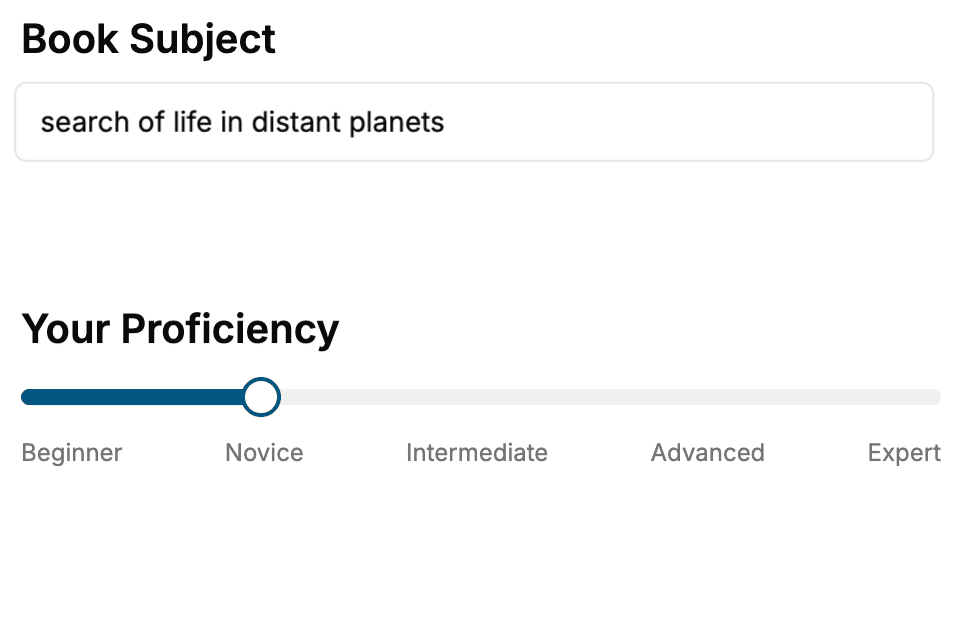
- 1. Select your focus
Select the focus of your Docker book and share your background
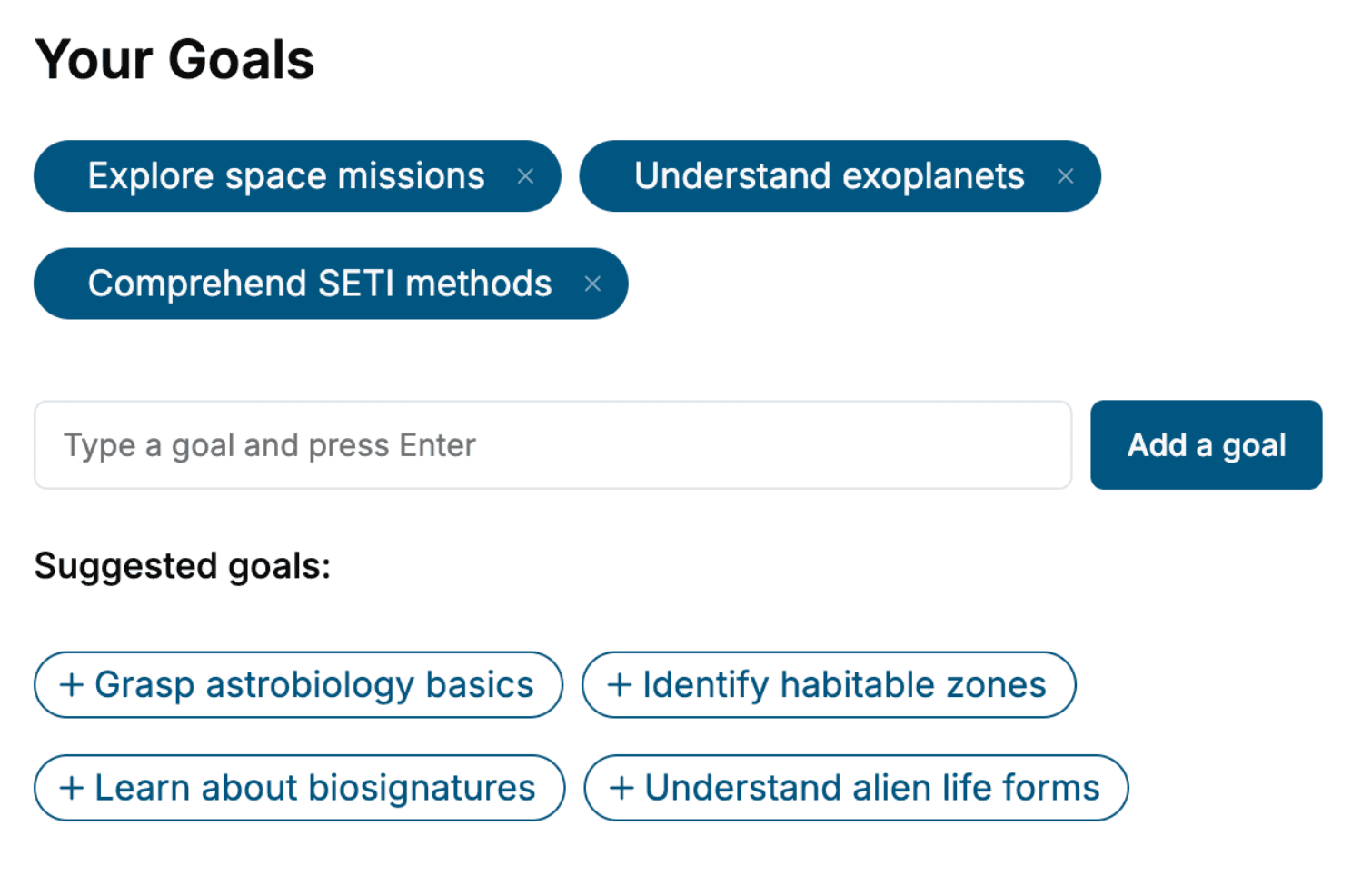
- 2. Personalize your book
Specify your goals and choose sub-topics to include
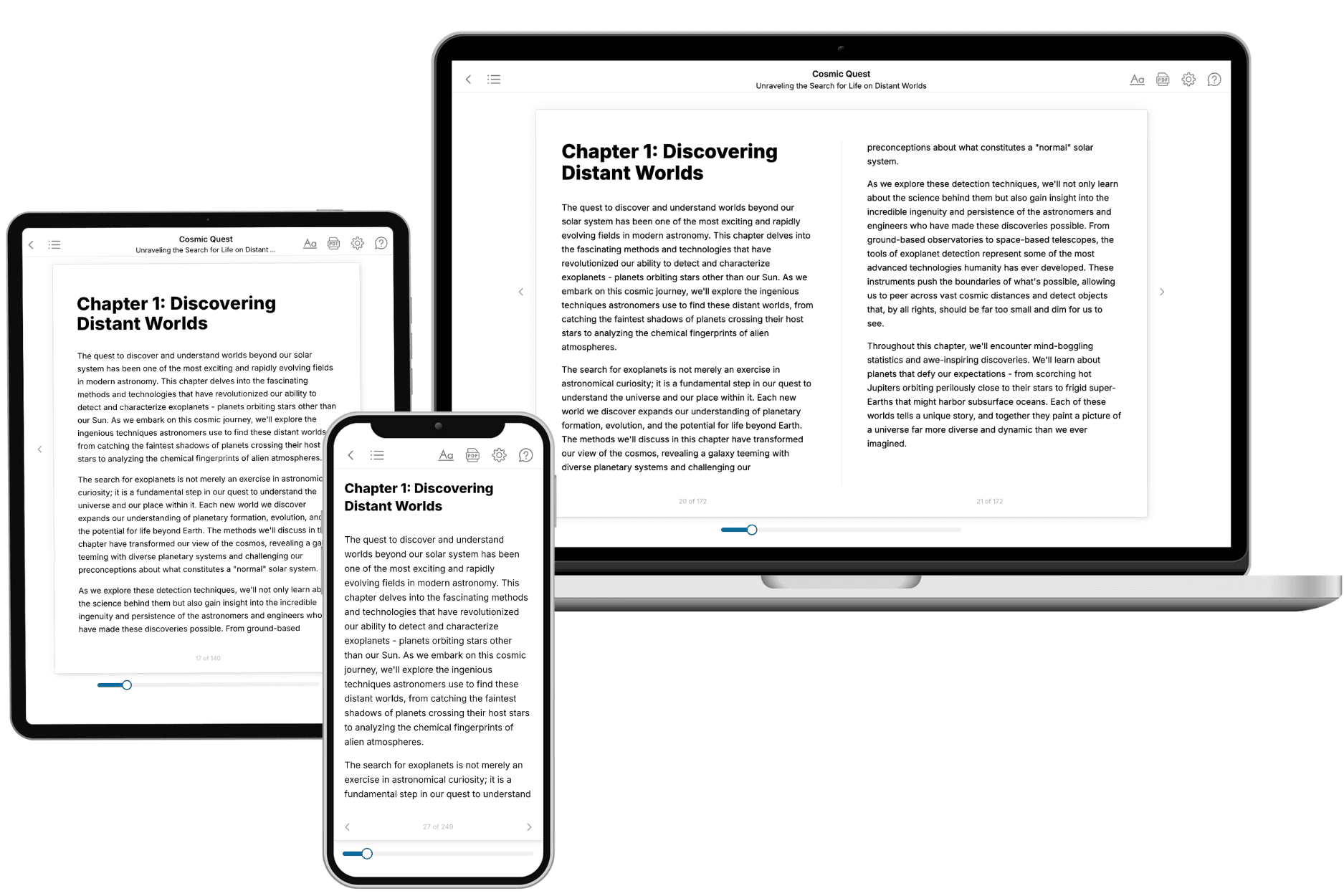
- 3. Get your tailored book
Your book is ready in 10 minutes. Read it online, download as EPUB or PDF, or send to Kindle.
Frequently asked questions
- What is TailoredRead?
TailoredRead creates complete, full-length nonfiction ebooks, written specifically for you. Tell us what you want to learn and why, and TailoredRead writes you a complete ebook on it, with charts, tables, and diagrams throughout. Read it online, on Kindle, or on any e-reader, or download it as a PDF or EPUB. Every book is written fresh the day you order it.
- How is the book tailored to me?
Before anything is written, you answer a few short questions about your goals, your background, and the topics you care about. Your book is then planned around your answers: written at your level, focused on your goals, and covering the topics you chose, instead of the one-size-fits-all book a store sells everyone.
- Will it read like generic AI content?
No. Your book isn't a chat transcript: it's planned chapter by chapter before a single word is written, told in a clear book voice, and explains ideas visually with charts, tables, and diagrams. After writing, every book goes through an editorial pass that polishes chapters so the book reads consistent from start to finish. Judge for yourself: browse thousands of sample books on our Explore Books page.
- How accurate is the content?
Our AI first checks whether your subject needs live research. Niche and fast-moving subjects are researched before writing, and the book plan and chapters are grounded in what it finds. After writing, every book goes through a quality pass that checks its facts and consistency, and researched books list their sources in a Notes section at the back.
- How long is the book?
You choose the length: Comprehensive (250-300 pages), Detailed (150-200 pages), Essential (70-100 pages), or Short (30-50 pages).
- Does the book include visuals?
Yes. Every book includes charts, tables, and diagrams: timelines, checklists, step-by-step guides, decision trees, comparison tables, matrices, and bar charts. A typical book includes dozens of these visual elements.
- Can I read it on Kindle? What formats can I download?
Yes. Every book can be read in our online reader or downloaded as a PDF or EPUB. The EPUB can be opened with Kindle, Apple Books, Kobo, and any e-reader. The Commercial and Author licenses also include an editable Word (DOCX) and Markdown download.
- How much does it cost?
About the price of a regular ebook. The exact price depends on your book's length and complexity, from $2 for the shortest books to $35 for the most comprehensive, and it's shown when you review your book, before you commit to anything. Each book is a one-time purchase, yours to keep, no subscription. Licenses that let you share, teach, or publish your book range from $35.99 to $49.99.
- Can I preview the book before purchasing?
Before you pay, you'll see what your book will cover: the title, a detailed description, the estimated length, and the complete chapter-by-chapter table of contents, so you know what you're getting before you decide. The full text itself is written after you purchase.
- How long does it take to create a book?
About 10 minutes. You can start reading the opening chapters while the rest is still being written.