Java Containerization Mastery
Build, Deploy, and Scale JVM Applications with Docker and Kubernetes
Navigate the complete journey from traditional Java deployment to modern containerized architectures.
238 pages11 chaptersNov 19, 2025Java
About this book
You'll start by understanding why containerization matters for Java applications and the fundamental concepts that make Docker and Kubernetes powerful. Through practical examples and real-world scenarios, you'll learn to create optimized Docker images specifically tuned for JVM workloads, avoiding common pitfalls that plague Java containers. You'll discover how to configure memory, garbage collection, and startup parameters for containerized environments, then progress to orchestrating multi-container applications with Kubernetes. The book covers security hardening, monitoring strategies, and CI/CD integration, ensuring your containerized Java applications are production-ready. Whether you're modernizing legacy applications or building new microservices, this guide provides the knowledge and practical skills to containerize Java effectively and confidently.
Table of contents
- IntroductionWhy Containerization Matters for Java, The Evolution of Java Deployment, What You'll Learn in This Book, How to Use This GuideRead below
- Chapter 1: Container FundamentalsWhat Are Containers and How Do They Work?, Containers vs. Virtual Machines, The Container Ecosystem and Standards
- Chapter 2: Docker EssentialsDocker Architecture and Components, Images, Layers, and Registries, Docker CLI Basics and Commands, Running and Managing Containers
- Chapter 3: Dockerizing Java ApplicationsChoosing the Right Base Images for JVM, Writing Effective Dockerfiles for Java, Build Context and Optimization Strategies, Building Your First Java Container
- Chapter 4: Optimizing Java Container ImagesMulti-Stage Builds for Smaller Images, JVM Memory Configuration in Containers, Optimizing Startup Performance, Reducing Image Size and Complexity
- Chapter 5: JVM Tuning for Containerized EnvironmentsGarbage Collection Tuning for Containers, Working with Resource Limits and Requests, Essential JVM Flags and Best Practices, Monitoring JVM Metrics in Containers
- Chapter 6: Container Security and HardeningImage Security Scanning and Vulnerability Management, Runtime Security and Access Control, Managing Secrets and Configuration, Container Security Best Practices
- Chapter 7: Introduction to KubernetesKubernetes Architecture and Core Concepts, Pods, Deployments, and Services, kubectl Basics and Cluster Interaction, Setting Up Local Kubernetes Development
- Chapter 8: Deploying Java Applications to KubernetesCreating Kubernetes Manifests for Java Apps, Resource Management and Scaling, Liveness and Readiness Probes, Rolling Updates and Rollbacks
- Chapter 9: Monitoring and Logging Containerized JavaContainer Logging Strategies and Tools, Metrics Collection and Monitoring, Distributed Tracing for Microservices, Building an Observability Stack
- Chapter 10: CI/CD Integration with ContainersAutomating Container Builds in CI/CD, Registry Management and Image Promotion, Automating Kubernetes Deployments, Testing Containerized Applications
- Chapter 11: Advanced Containerization PatternsSidecar and Init Container Patterns, Introduction to Service Mesh Concepts, Containerizing Stateful Java Applications
- ConclusionKey Takeaways and Next Steps, Continuing Your Containerization Journey
- Glossary
- Further Reading and Resources
Introduction
The landscape of Java application deployment has transformed dramatically over the past decade. What once required complex server configurations, manual dependency management, and environment-specific tweaks now flows through standardized containers that work consistently across development laptops, testing environments, and production clusters. This shift represents more than just a new deployment method—it fundamentally changes how you build, test, and deliver Java applications. Containerization has become the foundation of modern cloud-native architectures, enabling organizations to deploy faster, scale more efficiently, and maintain applications with greater reliability than traditional approaches ever allowed.
Java developers face unique challenges when adopting containerization. The JVM was designed in an era of dedicated servers with abundant resources, not the resource-constrained, ephemeral environments that containers provide. Memory management behaves differently when the JVM runs inside a container with strict limits. Garbage collection strategies that worked perfectly on traditional servers can cause performance problems or even container restarts in orchestrated environments. Startup times that seemed acceptable for long-running application servers become bottlenecks in container orchestration systems that frequently create and destroy instances. These challenges require specific knowledge and techniques that go beyond general containerization concepts.
This book bridges the gap between traditional Java development practices and modern containerized deployment. You'll gain practical skills for creating optimized Docker images, tuning JVM parameters for container environments, and deploying applications to Kubernetes clusters. The content focuses on real-world scenarios you'll encounter when containerizing Java applications, from simple Spring Boot services to complex microservice architectures. Each chapter builds on previous concepts while remaining practical and actionable, ensuring you can apply what you learn immediately to your projects. Whether you're modernizing legacy applications or building new cloud-native services, this guide provides the knowledge you need to succeed.
The journey from traditional deployment to containerization requires understanding both the technical mechanics and the strategic benefits. Containers solve genuine problems that Java developers face daily: inconsistent environments between development and production, complex dependency management, resource utilization inefficiencies, and slow deployment cycles. By the end of this book, you'll understand not just how to containerize Java applications, but why specific approaches work better than others, what trade-offs different strategies involve, and how to make informed decisions for your particular context. This foundation will serve you throughout your career as containerization continues to evolve and mature.
Why Containerization Matters for Java
Containerization addresses fundamental problems that have plagued Java deployment for decades. The classic it works on my machine
problem stems from environmental differences between development, testing, and production systems. Different Java versions, varying library dependencies, inconsistent system configurations, and subtle differences in operating system behavior all contribute to deployment failures and production incidents. Containers package your application with its entire runtime environment, ensuring that what runs on your laptop behaves identically in production. This consistency eliminates entire categories of deployment problems and dramatically reduces the time spent troubleshooting environment-specific issues.
Resource utilization improves significantly with containerization compared to traditional deployment models. Running multiple Java applications on a single server traditionally required careful isolation through application servers or virtual machines, both of which carry substantial overhead. Virtual machines require complete operating system instances, consuming gigabytes of memory and storage for each application. Application servers share a JVM but create complex dependency conflicts and versioning challenges. Containers provide lightweight isolation with minimal overhead, allowing you to run dozens of containerized Java applications on hardware that might support only a handful of virtual machines. This efficiency translates directly to reduced infrastructure costs and better hardware utilization.
Deployment speed and reliability increase dramatically when applications run in containers. Traditional Java deployment involves copying WAR or JAR files to servers, restarting application servers, and hoping that configuration files match the expected format. This process is error-prone, slow, and difficult to automate reliably. Container deployments work differently—you build an immutable image containing your application and all its dependencies, test that exact image, and deploy the same image to production. The deployment becomes a simple container replacement operation that completes in seconds rather than minutes. Rollbacks become equally simple: just redeploy the previous container image. This approach enables deployment practices like blue-green deployments and canary releases that would be complex or impossible with traditional methods.
Scalability becomes straightforward with containerized Java applications. Traditional scaling required provisioning new servers, installing and configuring the Java runtime, deploying your application, and configuring load balancers—a process that could take hours or days. Container orchestration platforms like Kubernetes can scale your application from three instances to thirty instances in seconds, automatically distributing them across available infrastructure and updating load balancer configurations. This capability enables you to handle traffic spikes efficiently and implement auto-scaling based on metrics like CPU usage, memory consumption, or custom application metrics. The ability to scale quickly and automatically transforms how you design and operate Java applications.
Development workflows improve when your team adopts containerization. Developers can run complete application stacks locally using the same container images that run in production, eliminating environment setup complexity. New team members can start contributing within hours instead of spending days configuring development environments. Testing becomes more reliable because tests run in containers that match production environments exactly. Continuous integration pipelines become simpler and faster because they use the same container images throughout the build, test, and deployment process. These workflow improvements compound over time, making teams more productive and reducing friction in the development process.
Microservice architectures become practical with containerization. Breaking monolithic Java applications into smaller, focused services offers many benefits, but managing dozens or hundreds of separate deployments would be impractical with traditional deployment methods. Containers make microservices manageable by providing consistent deployment mechanisms, efficient resource utilization, and orchestration tools that handle service discovery, load balancing, and failure recovery automatically. Each microservice runs in its own container with its own dependencies, eliminating version conflicts and allowing teams to choose the best tools for each service. This flexibility enables organizations to modernize applications incrementally, containerizing and extracting services from monoliths over time rather than requiring risky big-bang rewrites.
The cloud-native ecosystem has standardized on containers as the fundamental deployment unit. Major cloud providers offer managed Kubernetes services that handle infrastructure complexity while you focus on applications. Monitoring tools, logging systems, security scanners, and deployment automation all integrate seamlessly with containerized applications. Service meshes provide advanced networking capabilities like traffic splitting, circuit breaking, and mutual TLS authentication specifically for containerized microservices. By adopting containerization, you gain access to this entire ecosystem of tools and services that would require significant custom development with traditional deployment approaches. The investment in learning containerization pays dividends through access to these powerful capabilities.
Cost optimization becomes more achievable with containerized Java applications. Cloud infrastructure costs correlate directly with resource consumption, and containers enable much more efficient resource usage than virtual machines or dedicated servers. You can pack more applications onto less hardware, reducing compute costs. Container orchestration platforms can automatically scale applications down during low-traffic periods, eliminating waste from idle resources. Spot instances and preemptible VMs become viable for stateless containerized applications, offering substantial discounts compared to regular instances. These cost optimizations matter increasingly as organizations move more workloads to the cloud and seek to control infrastructure spending without sacrificing performance or reliability.
The Evolution of Java Deployment
Java deployment practices have evolved through several distinct eras, each addressing limitations of previous approaches. In the early days of Java enterprise applications, deployment meant copying WAR files to application servers like WebLogic, WebSphere, or JBoss. These heavyweight application servers provided shared infrastructure for multiple applications, including connection pooling, transaction management, and security frameworks. Administrators spent considerable time tuning application server configurations, managing shared resources, and troubleshooting conflicts between applications competing for the same JVM resources. This model worked reasonably well for organizations running a handful of large applications, but it created significant operational complexity and made deployments risky, time-consuming events that often required scheduled maintenance windows.
The rise of lightweight frameworks like Spring Boot marked a significant shift in Java deployment philosophy. Instead of deploying applications to shared application servers, developers began building self-contained executable JARs that embedded web servers like Tomcat or Jetty. This fat JAR
approach simplified deployment by eliminating application server configuration and allowing each application to run independently with its own embedded server. Deployment became as simple as running java -jar application.jar on a server. This model aligned better with microservice architectures and cloud deployment, but it introduced new challenges around process management, logging, monitoring, and resource allocation. Organizations needed tools to manage multiple Java processes, ensure they restarted after failures, and collect logs from distributed applications.
Virtual machines represented an attempt to solve environment consistency problems through infrastructure-level isolation. Tools like Vagrant allowed developers to define virtual machine configurations as code, ensuring that development environments matched production. Cloud providers offered virtual machine instances that could be provisioned programmatically, enabling infrastructure automation. However, virtual machines carried substantial overhead—each VM required a complete operating system, consuming gigabytes of memory and storage. Starting a VM took minutes, making rapid scaling impractical. Managing VM images required specialized tools and processes. While VMs improved consistency compared to bare metal servers, they remained too heavyweight for the rapid deployment cycles and efficient resource utilization that modern applications demand.
Configuration management tools like Puppet, Chef, and Ansible emerged to automate server configuration and application deployment. These tools allowed operations teams to define server configurations as code, ensuring consistency across environments and enabling automated provisioning. For Java applications, configuration management tools could install the correct Java version, deploy application files, configure system services, and manage application lifecycle. This approach worked well for organizations with stable infrastructure and infrequent deployments, but it struggled with the rapid change cycles of modern development. Configuration drift remained a problem as servers accumulated changes over time. Deployments still required careful orchestration to update configurations across multiple servers without causing downtime.
Platform-as-a-Service offerings like Heroku and Cloud Foundry abstracted infrastructure management entirely, allowing developers to deploy applications by pushing code to the platform. These platforms handled provisioning, scaling, load balancing, and monitoring automatically. For Java developers, PaaS platforms simplified deployment to a single command like git push heroku master. However, PaaS platforms imposed constraints on application architecture, limited customization options, and often charged premium prices compared to infrastructure-as-a-service alternatives. Organizations with specific requirements or cost sensitivities found PaaS platforms too restrictive, while those with simpler needs appreciated the operational simplicity they provided.
Docker's introduction in 2013 revolutionized deployment by providing lightweight, portable containers that addressed many limitations of previous approaches. Containers offered VM-like isolation without the overhead, starting in seconds rather than minutes and consuming megabytes rather than gigabytes. Docker's layered image format enabled efficient storage and distribution of application packages. The Dockerfile format provided a simple, declarative way to define container images as code. Most importantly, Docker containers ran identically across different environments, finally solving the consistency problem that had plagued deployment for decades. The Java community initially approached Docker cautiously, concerned about JVM behavior in containerized environments, but these concerns were addressed through JVM improvements and better understanding of container resource management.
Kubernetes emerged as the standard orchestration platform for containerized applications, providing sophisticated capabilities for managing containers at scale. Released by Google in 2014 based on their internal Borg system, Kubernetes offered declarative configuration, automatic scaling, self-healing, service discovery, and load balancing. For Java applications, Kubernetes provided a consistent deployment target across different cloud providers and on-premises infrastructure. The learning curve was steep, but the capabilities justified the investment for organizations running multiple containerized applications. Kubernetes became the foundation for cloud-native architectures, with major cloud providers offering managed Kubernetes services that handled cluster management complexity.
Modern Java deployment combines containerization with continuous delivery practices, creating deployment pipelines that automatically build, test, and deploy applications. Developers commit code to version control, triggering automated builds that create container images, run tests, scan for security vulnerabilities, and deploy to staging environments. Successful staging deployments can automatically promote to production or wait for manual approval. This approach enables organizations to deploy multiple times per day with confidence, dramatically reducing the time between writing code and delivering value to users. The combination of containers, orchestration, and automation represents the current state of the art in Java deployment, though the ecosystem continues to evolve with innovations like service meshes, serverless containers, and improved developer tools.
Understanding this evolution helps you appreciate why containerization has become the dominant deployment approach. Each previous method addressed specific problems but introduced new limitations. Containers and orchestration platforms like Kubernetes provide the best balance of consistency, efficiency, flexibility, and operational simplicity that we've achieved so far. They're not perfect—complexity remains, especially for organizations new to these technologies—but they solve enough real problems that adoption continues to accelerate across organizations of all sizes. As a Java developer, understanding containerization is no longer optional; it's become a fundamental skill for building and deploying modern applications.
What You'll Learn in This Book
This book provides comprehensive coverage of containerizing Java applications, from fundamental concepts to advanced production patterns. You'll start by understanding container fundamentals—what containers are, how they differ from virtual machines, and why they matter for Java applications. This foundation ensures you understand the underlying technology rather than just memorizing commands. You'll learn Docker essentials including architecture, images, layers, and registries, gaining practical experience with the Docker CLI and container management. These early chapters establish the knowledge base you'll build on throughout the rest of the book, ensuring you understand not just what to do but why specific approaches work.
The core of the book focuses on Dockerizing Java applications effectively. You'll learn to choose appropriate base images for different Java application types, considering factors like image size, security, and compatibility. Writing effective Dockerfiles for Java requires understanding build context optimization, layer caching, and multi-stage builds—techniques that dramatically reduce image size and build times. You'll work through practical examples that demonstrate these concepts, building real Java applications into optimized container images. The examples progress from simple applications to more complex scenarios involving multiple dependencies, configuration management, and build tool integration with Maven and Gradle.
JVM-specific optimization receives extensive coverage because containerized Java applications require different tuning than traditional deployments. You'll learn to configure JVM memory settings appropriately for container resource limits, avoiding common pitfalls that cause out-of-memory errors or poor performance. Garbage collection tuning for containerized environments requires understanding how different collectors behave under container resource constraints. Startup performance optimization becomes critical in orchestrated environments where containers start and stop frequently. You'll learn specific JVM flags and configuration approaches that improve performance, reduce resource consumption, and increase reliability for containerized Java applications.
Security practices for containerized Java applications form a critical component of production readiness. You'll learn to scan container images for vulnerabilities, understanding how to interpret scan results and remediate identified issues. Runtime security involves configuring appropriate access controls, running containers with minimal privileges, and implementing security policies that prevent common attack vectors. Secrets management requires different approaches in containerized environments—you'll learn to handle sensitive configuration data like database passwords and API keys securely. The security chapter provides practical, actionable guidance that you can implement immediately to harden your containerized Java applications.
Kubernetes coverage begins with architecture and core concepts, ensuring you understand how Kubernetes manages containerized applications. You'll learn about pods, deployments, services, and other Kubernetes resources, understanding how they work together to provide orchestration capabilities. The kubectl command-line tool becomes your primary interface to Kubernetes clusters, and you'll gain proficiency with essential commands for deploying and managing applications. Setting up local Kubernetes development environments using tools like Minikube or kind allows you to experiment safely before deploying to production clusters. This hands-on approach ensures you develop practical skills rather than just theoretical knowledge.
Deploying Java applications to Kubernetes involves creating manifest files that describe your application's desired state. You'll learn to write deployment manifests that specify resource requirements, health checks, and scaling parameters. Liveness and readiness probes ensure Kubernetes can detect and recover from application failures automatically. Rolling updates and rollbacks enable zero-downtime deployments and quick recovery from problematic releases. The examples demonstrate these concepts with real Java applications, showing how to configure Spring Boot applications for Kubernetes deployment and how to troubleshoot common issues that arise during deployment.
Monitoring and logging containerized Java applications requires different approaches than traditional deployments. You'll learn to implement structured logging that works well with container log aggregation systems. Metrics collection involves exposing JVM and application metrics in formats that monitoring systems can consume. Distributed tracing becomes essential for understanding request flows through microservice architectures. You'll learn to build an observability stack using popular open-source tools, gaining visibility into your containerized Java applications' behavior and performance. This observability foundation enables you to detect and diagnose problems quickly in production environments.
CI/CD integration brings together containerization with automated deployment pipelines. You'll learn to automate container image builds in continuous integration systems, implementing best practices for image tagging and versioning. Registry management involves storing and organizing container images securely, implementing image promotion workflows that move images through testing stages to production. Automating Kubernetes deployments requires understanding deployment strategies and implementing appropriate testing at each stage. The CI/CD chapter provides practical examples using popular tools, showing how to build complete pipelines that take code commits through to production deployment automatically.
Advanced patterns covered in the final chapters prepare you for complex production scenarios. Sidecar containers enable separation of concerns by running supporting processes alongside your main application container. Init containers handle initialization tasks that must complete before your application starts. Service mesh concepts introduce advanced networking capabilities for microservice architectures. Containerizing stateful Java applications presents unique challenges around data persistence and state management. These advanced topics build on earlier chapters, showing how to apply containerization concepts to sophisticated architectural patterns. By the end of the book, you'll have the knowledge and skills to containerize any Java application confidently and deploy it to production successfully.
How to Use This Guide
This book is designed for progressive learning, with each chapter building on concepts introduced in previous chapters. If you're new to containerization, start from the beginning and work through chapters sequentially. The early chapters establish fundamental concepts that later chapters assume you understand. Skipping ahead might leave gaps in your knowledge that make advanced topics confusing. However, if you already have Docker experience and want to focus specifically on Java optimization or Kubernetes deployment, you can jump to those chapters after reviewing the table of contents to ensure you have the necessary background. Each chapter begins with a brief overview of prerequisites, helping you assess whether you're ready for that content.
Hands-on practice is essential for mastering containerization. The book includes numerous examples and exercises designed for you to work through on your own system. Set up a development environment with Docker installed before starting Chapter 2, and add Kubernetes (via Minikube or kind) before Chapter 7. Type the commands yourself rather than just reading them—muscle memory and troubleshooting experience are valuable parts of learning. When examples don't work as expected, resist the urge to immediately look for solutions. Spend time understanding error messages and investigating what went wrong. This troubleshooting experience builds problem-solving skills that will serve you well when facing unique challenges in your own projects.
The code examples in this book are intentionally simple and focused, demonstrating specific concepts without unnecessary complexity. Real applications will be more complex, but the principles remain the same. After working through an example, consider how you might apply the same concepts to your own applications. Try modifying examples to match your application's structure or requirements. Experiment with different approaches to understand trade-offs between various options. The goal isn't to memorize specific commands or configurations, but to understand underlying principles that you can apply flexibly to different situations. This deeper understanding enables you to make informed decisions rather than blindly following recipes.
Each chapter includes practical tips, common pitfalls, and best practices drawn from real-world experience. Pay attention to warnings about common mistakes—these represent problems that developers frequently encounter when containerizing Java applications. The best practices sections distill lessons learned from production deployments, helping you avoid problems before they occur. When the book presents multiple approaches to solving a problem, consider the trade-offs involved rather than assuming one approach is always superior. Context matters, and the best solution depends on your specific requirements, constraints, and priorities. Developing judgment about when to apply different techniques is as important as learning the techniques themselves.
Use this book as a reference after your initial read-through. The table of contents and index help you quickly locate information when you need to refresh your memory or solve a specific problem. Bookmark sections that are particularly relevant to your work. Add notes in the margins about how concepts apply to your specific context. Return to chapters periodically as you gain experience—you'll often notice details or implications that weren't apparent during your first reading. The book is designed to remain useful throughout your containerization journey, not just during initial learning. Keep it accessible for quick reference when you encounter challenges in your projects.
Supplement this book with hands-on experimentation and community resources. Join online communities focused on Docker, Kubernetes, and Java development to learn from others' experiences and share your own. Follow relevant blogs and podcasts to stay current with evolving best practices and new tools. Attend conferences or local meetups when possible to connect with other practitioners. The containerization ecosystem evolves rapidly, and staying engaged with the community helps you keep your skills current. This book provides a solid foundation, but continuous learning is essential in this fast-moving field. Use the knowledge gained here as a springboard for deeper exploration of topics that interest you or are particularly relevant to your work.
Consider working through this book with colleagues or study groups. Discussing concepts with others reinforces learning and exposes you to different perspectives. Pair programming through examples can be particularly effective, allowing you to learn from each other's approaches and troubleshooting strategies. If you're leading containerization adoption in your organization, use this book as a curriculum for team training. Work through chapters together, discussing how concepts apply to your specific applications and infrastructure. Building shared understanding across your team creates a foundation for successful containerization adoption and helps establish consistent practices.
Finally, be patient with yourself as you learn. Containerization represents a significant shift from traditional deployment approaches, and mastering it takes time and practice. You'll make mistakes, encounter confusing error messages, and occasionally feel overwhelmed by the complexity. This is normal and part of the learning process. Focus on understanding one concept at a time rather than trying to absorb everything at once. Celebrate small victories as you successfully containerize applications or solve challenging problems. The investment you're making in learning containerization will pay dividends throughout your career as these technologies continue to dominate modern application deployment. The skills you develop working through this book will serve you well for years to come.
This is the end of the free sample. The full book has 11 chapters.
Want this book written for you?
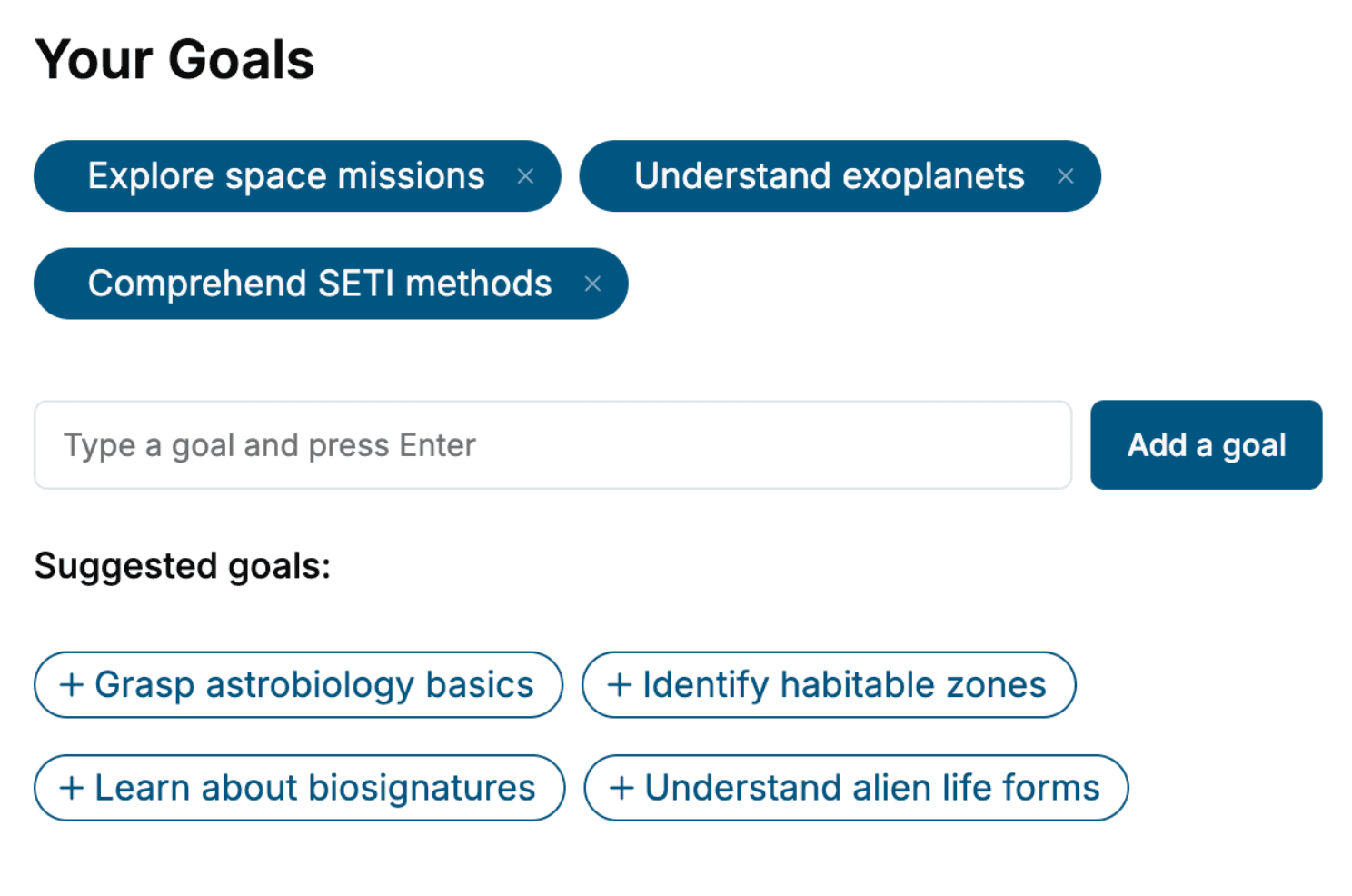
Tell us your goals and background, and get your own version of this book, tailored by AI to you.


Benefits of AI-tailored books
- Read one book, not ten:
- all the Java knowledge you need, gathered into a single book.
- Save days of learning:
- tell us your goals, choose your topics, and the whole book is built around them.
- Learn effortlessly:
- Java book written for your specific background and expertise.
- Understand at a glance:
- includes charts, tables, timelines, checklists, decision trees, and more.
- Stay current:
- written the day you order it, not years ago.
- Trust what you read:
- every book is checked for accuracy, with real research when your subject needs it.
Create your unique book in 3 steps
- 1. Select your focus
Select the focus of your Java book and share your background
- 2. Personalize your book
Specify your goals and choose sub-topics to include
- 3. Get your tailored book
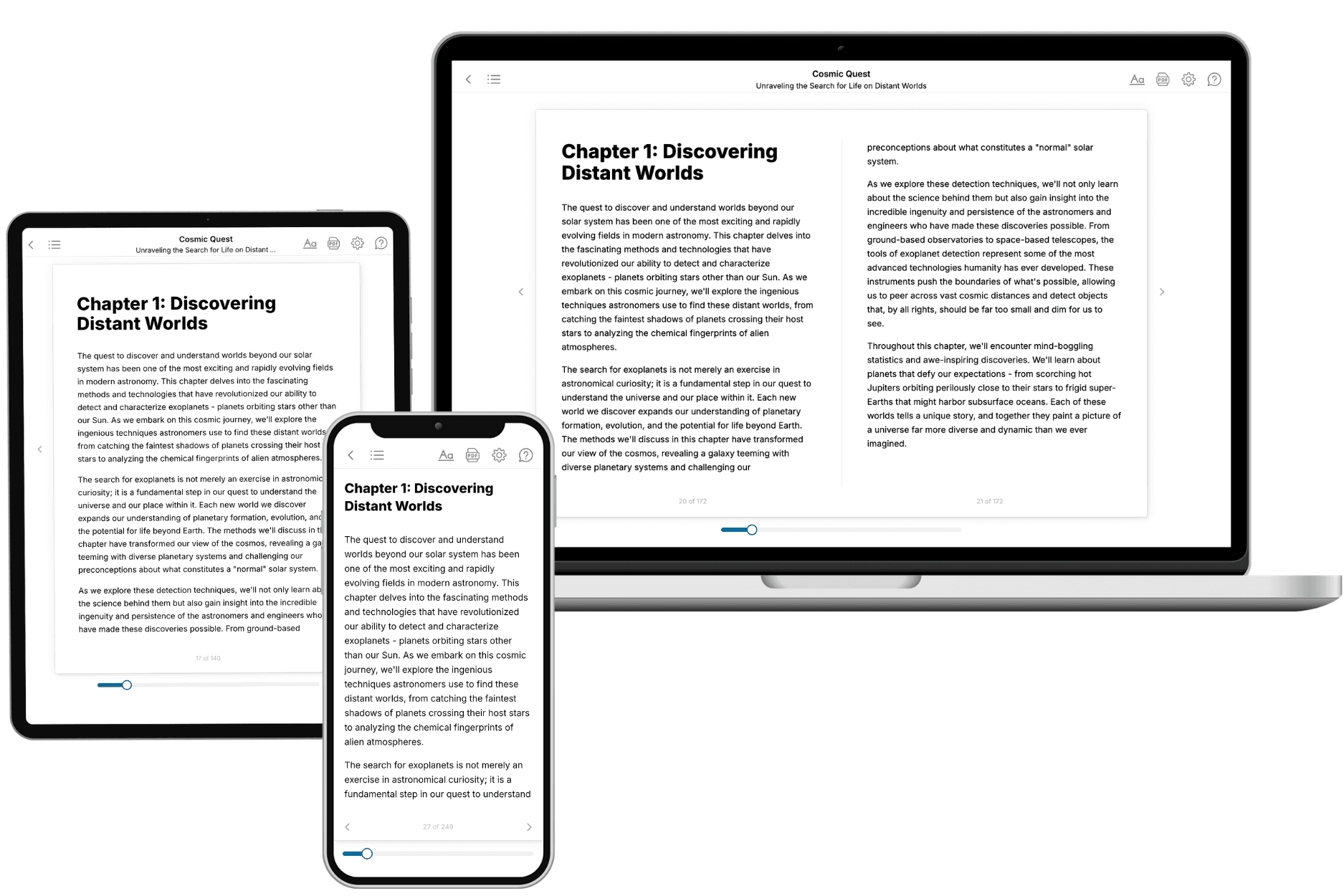
Your book is ready in 10 minutes. Read it online, download as EPUB or PDF, or send to Kindle.

Frequently asked questions
- What is TailoredRead?
TailoredRead creates complete, full-length nonfiction ebooks, written specifically for you. Tell us what you want to learn and why, and TailoredRead writes you a complete ebook on it, with charts, tables, and diagrams throughout. Read it online, on Kindle, or on any e-reader, or download it as a PDF or EPUB. Every book is written fresh the day you order it.
- How is the book tailored to me?
Before anything is written, you answer a few short questions about your goals, your background, and the topics you care about. Your book is then planned around your answers: written at your level, focused on your goals, and covering the topics you chose, instead of the one-size-fits-all book a store sells everyone.
- Will it read like generic AI content?
No. Your book isn't a chat transcript: it's planned chapter by chapter before a single word is written, told in a clear book voice, and explains ideas visually with charts, tables, and diagrams. After writing, every book goes through an editorial pass that polishes chapters so the book reads consistent from start to finish. Judge for yourself: browse thousands of sample books on our Explore Books page.
- How accurate is the content?
Our AI first checks whether your subject needs live research. Niche and fast-moving subjects are researched before writing, and the book plan and chapters are grounded in what it finds. After writing, every book goes through a quality pass that checks its facts and consistency, and researched books list their sources in a Notes section at the back.
- How long is the book?
You choose the length: Comprehensive (250-300 pages), Detailed (150-200 pages), Essential (70-100 pages), or Short (30-50 pages).
- Does the book include visuals?
Yes. Every book includes charts, tables, and diagrams: timelines, checklists, step-by-step guides, decision trees, comparison tables, matrices, and bar charts. A typical book includes dozens of these visual elements.
- Can I read it on Kindle? What formats can I download?
Yes. Every book can be read in our online reader or downloaded as a PDF or EPUB. The EPUB can be opened with Kindle, Apple Books, Kobo, and any e-reader. The Commercial and Author licenses also include an editable Word (DOCX) and Markdown download.
- How much does it cost?
About the price of a regular ebook. The exact price depends on your book's length and complexity, from $2 for the shortest books to $35 for the most comprehensive, and it's shown when you review your book, before you commit to anything. Each book is a one-time purchase, yours to keep, no subscription. Licenses that let you share, teach, or publish your book range from $35.99 to $49.99.
- Can I preview the book before purchasing?
Before you pay, you'll see what your book will cover: the title, a detailed description, the estimated length, and the complete chapter-by-chapter table of contents, so you know what you're getting before you decide. The full text itself is written after you purchase.
- How long does it take to create a book?
About 10 minutes. You can start reading the opening chapters while the rest is still being written.