KIND Mastery
Advanced Techniques for Kubernetes IN Docker
Struggling to streamline your Kubernetes development workflow?
300 pages16 chaptersMar 27, 2025KubernetesCreated by Chris
About this book
KIND Mastery: Advanced Techniques for Kubernetes IN Docker is your ultimate guide to conquering the complexities of Kubernetes IN Docker (KIND). This comprehensive resource dives deep into the intricacies of KIND architecture, empowering you to customize configurations, automate deployments, and optimize cluster creation with unparalleled efficiency. You'll gain the skills to enhance security, debug with precision, and scale applications seamlessly. From mastering Kubernetes networking to implementing cutting-edge GitOps workflows, this book equips you with the knowledge to elevate your containerized application management to new heights. Whether you're looking to contribute to the KIND project, develop custom controllers, or set up robust multi-cluster environments, KIND Mastery provides the advanced insights and practical strategies you need to become a true Kubernetes virtuoso.
Table of contents
- IntroductionOverview of KIND (Kubernetes IN Docker), Book Structure and How to Use It, Prerequisites and Setup, Learning Objectives and OutcomesRead below
- Chapter 1: KIND Architecture Deep DiveCore Components of KIND, Node Structure and Management, Container Runtime Integration, Networking Fundamentals in KIND
- Chapter 2: Mastering Custom KIND ConfigurationsAnatomy of a KIND Config File, Customizing Node Configurations, Advanced Networking Configurations, Optimizing Resource Allocation
- Chapter 3: Kubernetes Deployment Automation with KINDIntegrating KIND in CI/CD Pipelines, Automated Testing Strategies, Writing Efficient Deployment Scripts, Implementing GitOps Workflow with KIND
- Chapter 4: Kubernetes Security Hardening in KINDImplementing RBAC in KIND Clusters, Configuring Network Policies, Secrets Management Best Practices, Enhancing Pod Security
- Chapter 5: Efficient Kubernetes Debugging TechniquesAdvanced Log Analysis, Leveraging Kubernetes Debugging Tools, Effective Troubleshooting Strategies, Performance Profiling in KIND
- Chapter 6: Scaling Kubernetes Applications in KINDHorizontal Pod Autoscaling, Vertical Pod Autoscaling, Implementing Cluster Autoscaler, Load Testing and Capacity Planning
- Chapter 7: Seamless Docker Integration with KINDDocker Fundamentals for KIND, Efficient Image Management, Using Docker Compose with KIND, Optimizing with Multi-stage Builds
- Chapter 8: Kubernetes Networking Deep Dive in KINDUnderstanding CNI Plugins, Service Discovery and DNS, Implementing Ingress Controllers, Advanced Network Policies
- Chapter 9: Kubernetes Best Practices in KINDEffective Resource Management, Designing for High Availability, Monitoring and Logging Strategies, Disaster Recovery Planning
- Chapter 10: Optimized Cluster Creation and ManagementProper Cluster Sizing Techniques, Creating and Managing Multi-node Clusters, Implementing Resource Quotas, Utilizing Node Affinity and Anti-affinity
- Chapter 11: Enhancing CI/CD Pipelines with KINDIntegrating KIND in Various CI/CD Tools, Advanced Automated Testing Scenarios, Implementing Deployment Strategies, Optimizing Pipeline Performance
- Chapter 12: Resource Optimization in KINDSetting Appropriate Resource Limits, Implementing Pod Prioritization, Efficient Scheduling Techniques, Advanced Resource Monitoring
- Chapter 13: Kubernetes Monitoring Mastery in KINDSetting Up Prometheus in KIND, Creating Effective Grafana Dashboards, Implementing Alerting Strategies, Working with Custom Metrics
- Chapter 14: Kubernetes Performance Tuning in KINDOptimizing etcd Performance, API Server Performance Tuning, Enhancing Scheduler Performance, Improving Network Performance
- Chapter 15: Exploring Kubernetes Operators in KINDUnderstanding Kubernetes Operators, Developing Operators with Operator SDK, Working with Custom Resources, Best Practices for Operator Development
- Chapter 16: Contributing to the KIND ProjectUnderstanding the KIND Project Structure, Setting Up a Development Environment, Following Contribution Guidelines, Navigating the Code Review Process
- ConclusionKey Takeaways, Future Trends in Kubernetes and KIND
- AppendixComprehensive Troubleshooting Guide, Additional Resources and Tools
Introduction
Welcome to "KIND Mastery: Advanced Techniques for Kubernetes IN Docker." This comprehensive guide is designed to elevate your understanding and proficiency in using Kubernetes IN Docker (KIND), a powerful tool that has revolutionized the way developers interact with Kubernetes environments. As an experienced Computer Engineer with a BSc in Computer Science, you're already familiar with the fundamentals of containerization and orchestration. This book will take you on a journey to master advanced KIND concepts, enabling you to optimize your development workflows and enhance your containerized application management skills.
In today's rapidly evolving tech landscape, Kubernetes has become the de facto standard for container orchestration. However, setting up and managing Kubernetes clusters for development and testing purposes can be resource-intensive and complex. This is where KIND steps in, offering a lightweight, flexible, and efficient solution for running Kubernetes clusters inside Docker containers. By mastering KIND, you'll be able to streamline your development process, improve your testing methodologies, and gain a deeper understanding of Kubernetes internals.
Throughout this book, we'll explore advanced topics that will push your KIND expertise to new heights. From diving deep into KIND's architecture to customizing configurations for optimal performance, from automating Kubernetes deployments to implementing robust security measures, each chapter is designed to provide you with practical, actionable knowledge. You'll learn how to debug Kubernetes environments efficiently, scale applications effectively, and seamlessly integrate Docker with KIND and Kubernetes.
As we progress, we'll delve into more specialized areas such as Kubernetes networking within KIND, optimizing cluster creation and resource utilization, and implementing GitOps workflows. We'll also explore the world of Kubernetes operators, providing you with the skills to extend Kubernetes' capabilities and automate complex operational tasks.
By the end of this book, you'll have gained the advanced insights and practical strategies needed to become a true Kubernetes virtuoso. Whether you're looking to contribute to the KIND project, develop custom controllers, or set up robust multi-cluster environments, the knowledge you'll acquire here will be invaluable in your professional journey.
Let's embark on this exciting journey to master KIND and take your Kubernetes skills to the next level. The world of efficient, scalable, and manageable containerized applications awaits!
Overview of KIND (Kubernetes IN Docker)
Kubernetes IN Docker, commonly known as KIND, is a tool for running local Kubernetes clusters using Docker container "nodes." It was primarily designed to test Kubernetes itself, but has grown to be a widely-used solution for local development and continuous integration. KIND provides a fast and easy way to spin up Kubernetes clusters, making it an invaluable asset for developers, DevOps engineers, and anyone working with containerized applications.
At its core, KIND leverages Docker to create one or more containers that simulate Kubernetes nodes. These containers run a minimal, specially-configured Linux environment that includes all the necessary components to run Kubernetes. This approach offers several advantages:
- Lightweight: KIND clusters consume fewer resources compared to traditional virtual machine-based solutions.
- Portable: Since it's based on Docker, KIND can run on any system that supports Docker, including Linux, macOS, and Windows.
- Fast: Clusters can be created, destroyed, and recreated quickly, facilitating rapid development and testing cycles.
- Configurable: KIND allows for extensive customization of cluster configurations, enabling you to closely mirror production environments.
KIND's architecture is designed to closely emulate a real Kubernetes cluster. Each node in a KIND cluster is a Docker container running a custom image that includes the kubelet, container runtime, and other necessary Kubernetes components. The control plane components (API server, controller manager, scheduler) run as static pods within the control plane node container. This setup allows KIND to provide a high-fidelity Kubernetes experience while maintaining the convenience of running entirely on a local machine.
One of the key strengths of KIND is its ability to support multi-node clusters. You can easily create clusters with multiple worker nodes, allowing you to test more complex scenarios involving node affinity, pod distribution, and cluster-level features. This capability is particularly valuable when developing applications that need to be resilient across multiple nodes or when testing Kubernetes features that involve node-level operations.
KIND also excels in its integration with continuous integration (CI) systems. Its speed and lightweight nature make it ideal for running Kubernetes-based tests in CI pipelines. Many organizations use KIND to validate their Kubernetes manifests, test operators or controllers, and ensure their applications behave correctly in a Kubernetes environment, all as part of their automated testing processes.
Another significant aspect of KIND is its extensibility. While it comes with sensible defaults, KIND allows for deep customization through its configuration files. You can modify various aspects of the cluster, including:
- Networking setup
- API server configuration
- Node-specific settings
- Feature gates
- Container runtime settings
As we delve deeper into KIND throughout this book, you'll discover how to leverage these capabilities to their fullest extent. From basic cluster creation to advanced multi-node setups, from simple application deployments to complex GitOps workflows, KIND will serve as the foundation for exploring and mastering advanced Kubernetes concepts and techniques.
In the following sections, we'll explore the structure of this book and how to make the most of it, discuss the prerequisites for following along with the examples, and outline the learning objectives that will guide your journey through "KIND Mastery." By the end of this book, you'll have a comprehensive understanding of KIND and how to use it to enhance your Kubernetes development and testing processes.
Book Structure and How to Use It
"KIND Mastery: Advanced Techniques for Kubernetes IN Docker" is structured to provide a comprehensive and logical progression through advanced KIND and Kubernetes concepts. The book is designed to be both a learning tool and a reference guide, allowing you to either read it from cover to cover or jump to specific sections as needed. Here's an overview of how the book is organized and how you can make the most of its content:
1. Foundational Chapters (1-3): These chapters provide a deep dive into KIND's architecture, custom configurations, and deployment automation. They lay the groundwork for understanding how KIND operates and how to tailor it to your specific needs. Even if you're already familiar with KIND, these chapters will likely provide new insights and advanced techniques.
- Chapter 1: KIND Architecture Deep Dive
- Chapter 2: Mastering Custom KIND Configurations
- Chapter 3: Kubernetes Deployment Automation with KIND
2. Security and Debugging (Chapters 4-5): With a strong foundation in place, we'll move on to crucial topics of securing your KIND clusters and efficiently debugging Kubernetes environments. These skills are essential for any advanced Kubernetes practitioner.
- Chapter 4: Kubernetes Security Hardening in KIND
- Chapter 5: Efficient Kubernetes Debugging Techniques
3. Scaling and Integration (Chapters 6-8): Next, we'll explore how to scale applications within KIND, integrate Docker seamlessly, and dive deep into Kubernetes networking. These chapters focus on optimizing your Kubernetes applications and understanding the intricate details of container networking.
- Chapter 6: Scaling Kubernetes Applications in KIND
- Chapter 7: Seamless Docker Integration with KIND
- Chapter 8: Kubernetes Networking Deep Dive in KIND
4. Best Practices and Optimization (Chapters 9-10): These chapters focus on implementing Kubernetes best practices within KIND and optimizing your cluster creation and management processes. They'll help you refine your Kubernetes skills and create more efficient, manageable environments.
- Chapter 9: Kubernetes Best Practices in KIND
- Chapter 10: Optimized Cluster Creation and Management
5. Advanced Topics (Chapters 11-16): The final set of chapters covers a range of advanced topics, from enhancing CI/CD pipelines to exploring Kubernetes operators. These chapters will push your Kubernetes and KIND expertise to new heights.
- Chapter 11: Enhancing CI/CD Pipelines with KIND
- Chapter 12: Resource Optimization in KIND
- Chapter 13: Kubernetes Monitoring Mastery in KIND
- Chapter 14: Kubernetes Performance Tuning in KIND
- Chapter 15: Exploring Kubernetes Operators in KIND
- Chapter 16: Contributing to the KIND Project
Each chapter is designed to build upon the knowledge from previous chapters, but they can also stand alone as reference material. Throughout the book, you'll find:
- Practical examples and code snippets that you can try out in your own KIND environments
- In-depth explanations of complex concepts, broken down into digestible sections
- Best practices and tips derived from real-world experience
- Exercises and challenges to reinforce your learning
The appendix at the end of the book provides additional resources, including a comprehensive troubleshooting guide and a curated list of tools and further reading materials. This section can be particularly useful when you encounter specific issues or want to dive even deeper into certain topics.
Remember, mastering Kubernetes and KIND is a journey. Don't feel pressured to understand every concept immediately. Feel free to revisit chapters as needed, and use this book as a reference as you apply these concepts in your own projects. With practice and persistence, you'll find yourself becoming a true Kubernetes virtuoso, capable of leveraging KIND to its fullest potential in your development and testing workflows.
Prerequisites and Setup
Before diving into the advanced concepts covered in this book, it's important to ensure you have the necessary prerequisites in place. While "KIND Mastery" is designed for experienced Computer Engineers with a background in Computer Science, there are specific tools and foundational knowledge that will be crucial for following along with the examples and exercises. Let's break down what you'll need:
1. Technical Knowledge:
- Solid understanding of containerization concepts and Docker
- Familiarity with Kubernetes basics, including pods, services, deployments, and namespaces
- Comfort with command-line interfaces, particularly bash or PowerShell
- Basic understanding of networking concepts, including IP addressing, ports, and DNS
- Familiarity with YAML for configuration files
- Basic knowledge of Git for version control
2. Software Requirements:
- Docker: KIND requires Docker to be installed and running on your system. Ensure you have the latest stable version of Docker installed.
- Kubernetes CLI (kubectl): While KIND will install a version of kubectl, it's beneficial to have the latest stable version installed separately.
- KIND: Obviously, you'll need KIND itself. We'll be using the latest stable version throughout this book.
- Git: For version control and accessing example repositories.
- A text editor or IDE of your choice (e.g., Visual Studio Code, Sublime Text, or JetBrains GoLand)
3. Hardware Requirements: While KIND is relatively lightweight compared to other local Kubernetes solutions, running multiple nodes and complex applications can be resource-intensive. For the best experience, your system should meet or exceed the following specifications:
- CPU: 4 cores or more
- RAM: 8GB minimum, 16GB or more recommended
- Storage: At least 20GB of free disk space
- A stable internet connection for downloading necessary tools and container images
4. Operating System: KIND is cross-platform and can run on:
- Linux (recommended for the best performance and compatibility)
- macOS
- Windows (with Docker Desktop or WSL2)
5. Setup Instructions:
To get your environment ready for the advanced concepts we'll be exploring, follow these steps:
1. Install Docker:
Follow the official Docker installation guide for your operating system[1].
2. Install kubectl:
Follow the Kubernetes documentation to install kubectl[2].
3. Install KIND:
Use the official KIND installation guide[3]. Typically, this can be done with:
curl -Lo ./kind https://kind.sigs.k8s.io/dl/v0.11.1/kind-linux-amd64
chmod +x ./kind
sudo mv ./kind /usr/local/bin/kind
(Adjust the URL and commands as necessary for your OS)
4. Verify installations:
Run the following commands to ensure everything is installed correctly:
docker --version
kubectl version --client
kind version
5. Create a test cluster:
Run kind create cluster to create a basic cluster and ensure everything is working properly.
6. Additional Tools: While not strictly necessary, the following tools can enhance your Kubernetes development experience:
- Helm: A package manager for Kubernetes
- k9s: A terminal-based UI for managing Kubernetes clusters
- kubectx and kubens: Tools for switching between Kubernetes contexts and namespaces
By ensuring you have all these prerequisites in place, you'll be well-prepared to dive into the advanced concepts and techniques covered in "KIND Mastery." Remember, the key to mastering complex technologies like Kubernetes and KIND is practice. Don't hesitate to experiment with the commands and concepts as you encounter them in each chapter. The more hands-on experience you gain, the more proficient you'll become in leveraging KIND for your Kubernetes development and testing needs.
Learning Objectives and Outcomes
"KIND Mastery: Advanced Techniques for Kubernetes IN Docker" is designed to take your Kubernetes and KIND skills to the next level. By the end of this book, you will have gained a comprehensive understanding of advanced KIND concepts and their practical applications in real-world scenarios. Here are the key learning objectives and outcomes you can expect to achieve:
1. Master KIND Architecture:
- Understand the internal workings of KIND and how it simulates Kubernetes clusters
- Analyze the relationship between KIND nodes and Docker containers
- Explore the networking model used by KIND and how it differs from other Kubernetes setups
2. Advanced Cluster Configuration:
- Create custom KIND configurations for specific use cases
- Implement multi-node clusters with specialized roles
- Configure advanced networking options within KIND clusters
3. Automate Kubernetes Deployments:
- Develop scripts for automated cluster creation and tear-down
- Integrate KIND into CI/CD pipelines for Kubernetes-based projects
- Implement GitOps workflows using KIND
4. Enhance Kubernetes Security:
- Implement Role-Based Access Control (RBAC) in KIND clusters
- Configure network policies for enhanced security
- Manage secrets effectively in a KIND environment
5. Master Debugging Techniques:
- Utilize advanced logging and tracing tools within KIND clusters
- Implement effective troubleshooting strategies for Kubernetes applications
- Perform root cause analysis for complex Kubernetes issues
6. Scale Applications Effectively:
- Implement horizontal and vertical pod autoscaling in KIND
- Understand and apply Kubernetes resource management concepts
- Optimize application performance in resource-constrained environments
7. Deep Dive into Kubernetes Networking:
- Understand and configure Container Network Interface (CNI) plugins in KIND
- Implement advanced service discovery and DNS configurations
- Master Ingress controller setup and configuration in KIND
8. Optimize Resource Utilization:
- Implement resource quotas and limits effectively
- Utilize node affinity and anti-affinity for optimal pod placement
- Master Kubernetes Quality of Service (QoS) classes
9. Implement Advanced Monitoring:
- Set up comprehensive monitoring solutions using Prometheus and Grafana
- Develop custom metrics and alerts for Kubernetes applications
- Implement effective logging strategies for distributed applications
10. Explore Kubernetes Operators:
- Understand the Operator pattern and its benefits
- Develop custom Operators using the Operator SDK
- Test and debug Operators in KIND environments
11. Contribute to Open Source:
- Understand the KIND project structure and development workflow
- Learn how to contribute effectively to the KIND project
- Gain insights into Kubernetes development through KIND contributions
By achieving these learning objectives, you'll transform from an experienced Kubernetes user to a true Kubernetes virtuoso. You'll be equipped with the advanced knowledge and practical skills to tackle complex Kubernetes scenarios, optimize development workflows, and push the boundaries of what's possible with containerized applications. Whether you're aiming to enhance your professional capabilities, contribute to open-source projects, or innovate in the field of container orchestration, the mastery you'll gain from this book will be invaluable.
Remember, mastering these advanced concepts takes time and practice. As you progress through the book, take the time to experiment with the concepts in your own KIND environments. The hands-on experience you gain will be crucial in solidifying your understanding and developing the intuition needed to excel in complex Kubernetes environments. By the end of this journey, you'll not only have a deep understanding of KIND and Kubernetes but also the confidence to tackle any containerization challenge that comes your way.
This is the end of the free sample. The full book has 16 chapters.
Want this book written for you?
Tell us your goals and background, and get your own version of this book, tailored by AI to you.






Benefits of AI-tailored books
- Read one book, not ten:
- all the Kubernetes knowledge you need, gathered into a single book.
- Save days of learning:
- tell us your goals, choose your topics, and the whole book is built around them.
- Learn effortlessly:
- Kubernetes book written for your specific background and expertise.
- Understand at a glance:
- includes charts, tables, timelines, checklists, decision trees, and more.
- Stay current:
- written the day you order it, not years ago.
- Trust what you read:
- every book is checked for accuracy, with real research when your subject needs it.
Create your unique book in 3 steps
- 1. Select your focus
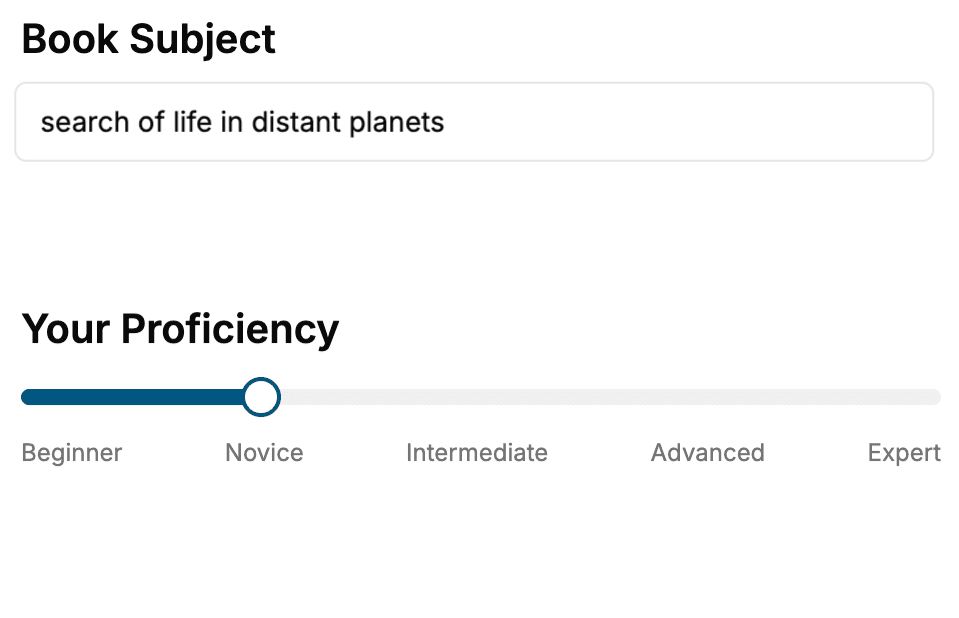
Select the focus of your Kubernetes book and share your background
- 2. Personalize your book
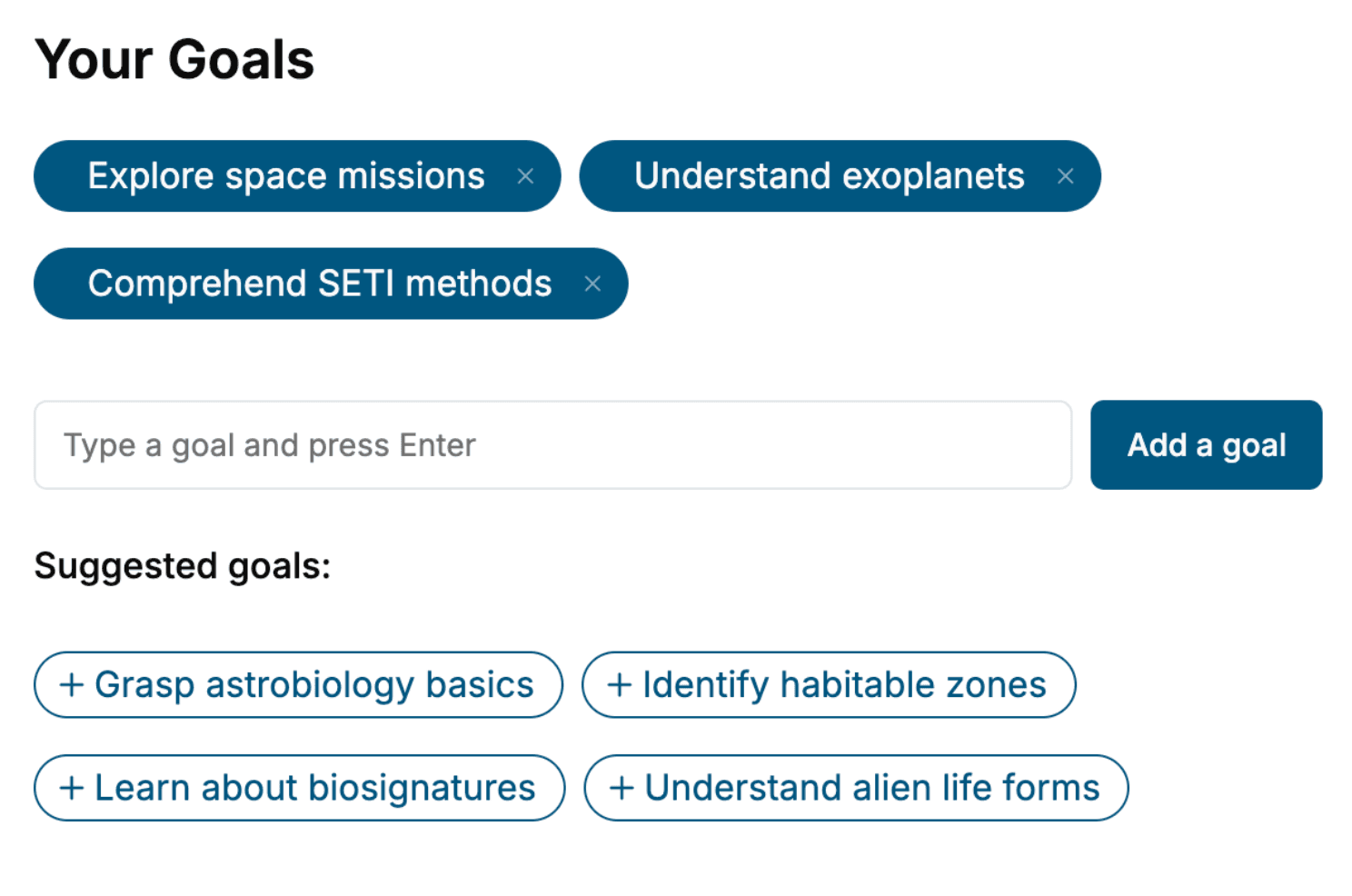
Specify your goals and choose sub-topics to include
- 3. Get your tailored book
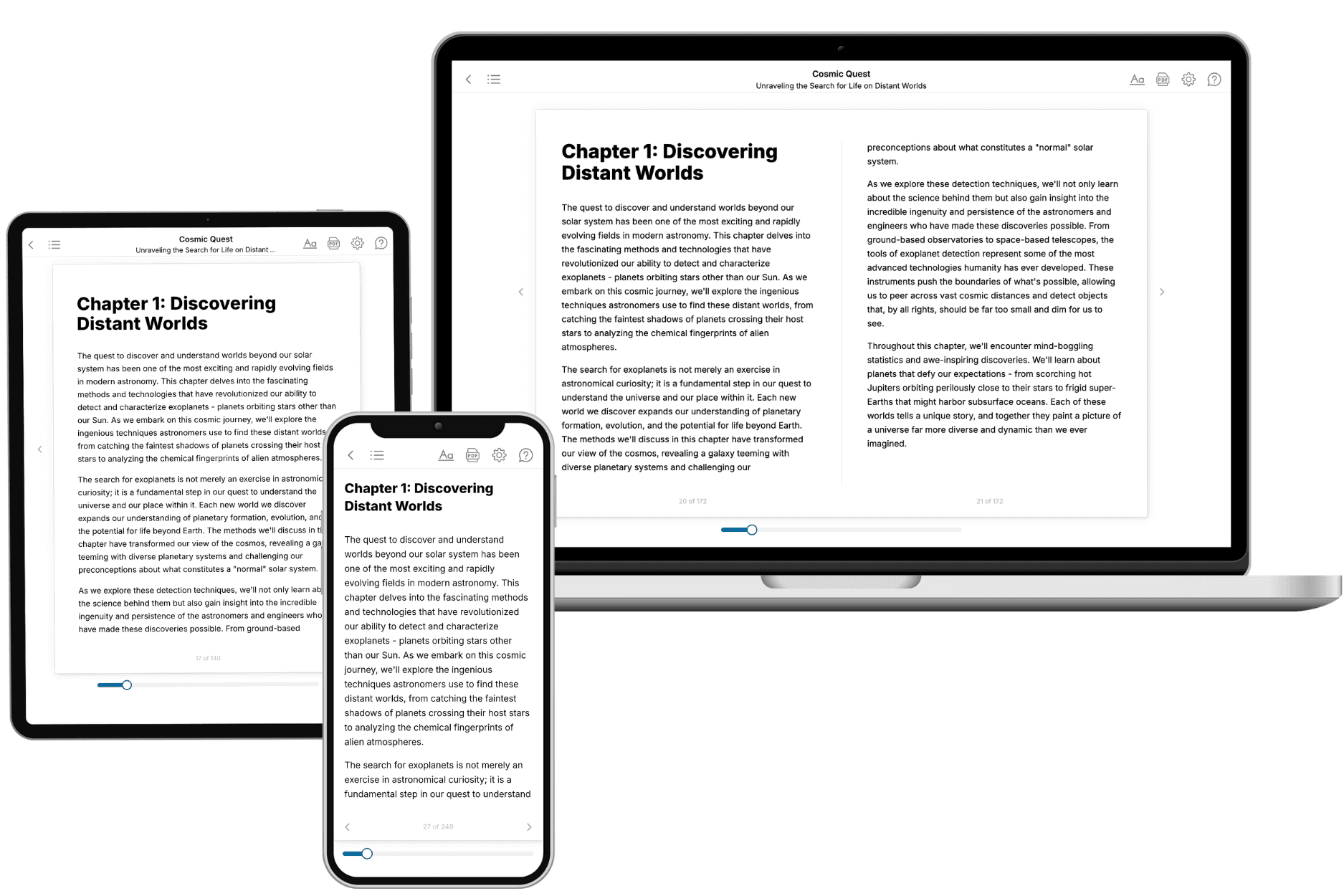
Your book is ready in 10 minutes. Read it online, download as EPUB or PDF, or send to Kindle.
Frequently asked questions
- What is TailoredRead?
TailoredRead creates complete, full-length nonfiction ebooks, written specifically for you. Tell us what you want to learn and why, and TailoredRead writes you a complete ebook on it, with charts, tables, and diagrams throughout. Read it online, on Kindle, or on any e-reader, or download it as a PDF or EPUB. Every book is written fresh the day you order it.
- How is the book tailored to me?
Before anything is written, you answer a few short questions about your goals, your background, and the topics you care about. Your book is then planned around your answers: written at your level, focused on your goals, and covering the topics you chose, instead of the one-size-fits-all book a store sells everyone.
- Will it read like generic AI content?
No. Your book isn't a chat transcript: it's planned chapter by chapter before a single word is written, told in a clear book voice, and explains ideas visually with charts, tables, and diagrams. After writing, every book goes through an editorial pass that polishes chapters so the book reads consistent from start to finish. Judge for yourself: browse thousands of sample books on our Explore Books page.
- How accurate is the content?
Our AI first checks whether your subject needs live research. Niche and fast-moving subjects are researched before writing, and the book plan and chapters are grounded in what it finds. After writing, every book goes through a quality pass that checks its facts and consistency, and researched books list their sources in a Notes section at the back.
- How long is the book?
You choose the length: Comprehensive (250-300 pages), Detailed (150-200 pages), Essential (70-100 pages), or Short (30-50 pages).
- Does the book include visuals?
Yes. Every book includes charts, tables, and diagrams: timelines, checklists, step-by-step guides, decision trees, comparison tables, matrices, and bar charts. A typical book includes dozens of these visual elements.
- Can I read it on Kindle? What formats can I download?
Yes. Every book can be read in our online reader or downloaded as a PDF or EPUB. The EPUB can be opened with Kindle, Apple Books, Kobo, and any e-reader. The Commercial and Author licenses also include an editable Word (DOCX) and Markdown download.
- How much does it cost?
About the price of a regular ebook. The exact price depends on your book's length and complexity, from $2 for the shortest books to $35 for the most comprehensive, and it's shown when you review your book, before you commit to anything. Each book is a one-time purchase, yours to keep, no subscription. Licenses that let you share, teach, or publish your book range from $35.99 to $49.99.
- Can I preview the book before purchasing?
Before you pay, you'll see what your book will cover: the title, a detailed description, the estimated length, and the complete chapter-by-chapter table of contents, so you know what you're getting before you decide. The full text itself is written after you purchase.
- How long does it take to create a book?
About 10 minutes. You can start reading the opening chapters while the rest is still being written.