Material Design Mastery
Create Beautiful, Functional User Interfaces That Users Love
Discover how to apply Material Design principles to create interfaces that are both beautiful and intuitive.
207 pages10 chaptersFeb 12, 2026User Experience
About this book
This guide walks you through the foundational concepts that make Material Design one of the most influential design systems in the industry. You'll learn how elevation, color, typography, and motion work together to create visual hierarchy and guide user behavior. Explore practical techniques for building responsive layouts that adapt seamlessly across devices, implementing accessible components that serve all users, and establishing design systems that scale across your entire product. Through real-world examples and actionable insights, you'll understand not just the "what" of Material Design, but the "why" behind each principle. Whether you're refining your current design practice or building your first Material Design system, this book provides the knowledge and confidence to create digital products that users find intuitive, beautiful, and a pleasure to use.
Table of contents
- IntroductionWhy Material Design Matters Today, What You'll Learn in This Book, How to Use This GuideRead below
- Chapter 1: Foundations of Material DesignUnderstanding Design Systems, The Core Principles of Material Design, The Evolution of Material Design
- Chapter 2: Elevation and DepthThe Elevation System Explained, Shadows and Lighting Effects, Using Elevation to Create Visual Hierarchy
- Chapter 3: Color Systems and PalettesColor Theory in Material Design, Building Your Color Palette, Semantic Colors and States, Contrast and Accessibility Standards
- Chapter 4: Typography and TextType Scales and Hierarchy, Selecting and Pairing Fonts, Readability and Legibility Best Practices
- Chapter 5: Motion and AnimationPrinciples of Purposeful Motion, Easing and Timing Functions, Common Animation Patterns, Performance and Optimization
- Chapter 6: Layout Systems and GridsGrid System Fundamentals, Responsive Breakpoints and Adaptation, Spacing, Margins, and Padding
- Chapter 7: Components and PatternsComponent Anatomy and States, Buttons, Inputs, and Form Elements, Navigation Patterns and Structures, Cards, Containers, and Surfaces
- Chapter 8: Accessibility and InclusivityWCAG Standards and Compliance, Designing for All Users, Testing and Validation Methods
- Chapter 9: Building Design SystemsDesign Tokens and Variables, Creating Component Libraries, Documentation and Guidelines
- Chapter 10: Implementation and Real-World ApplicationFrom Design to Code, Customizing Material Design for Your Brand, Real-World Case Studies and Examples
- ConclusionKey Takeaways, Your Next Steps
- Further Resources and References
Introduction
Design systems have transformed how we create digital products. They provide structure, consistency, and a shared language that bridges the gap between designers, developers, and stakeholders. Among these systems, Material Design stands out as one of the most comprehensive and widely adopted frameworks in the industry. Since its introduction by Google in 2014, Material Design has evolved from a set of visual guidelines into a sophisticated design language that powers millions of applications across web, mobile, and desktop platforms. Its influence extends far beyond Google's own products, shaping how designers and developers worldwide approach interface design.
What makes Material Design particularly valuable is its foundation in both aesthetic principles and practical functionality. Unlike purely visual style guides, Material Design addresses the complete spectrum of interface design challenges—from the physics of motion and the psychology of color to the technical requirements of responsive layouts and accessibility standards. It provides not just rules, but rationale. Each guideline exists for a reason, rooted in research about how users perceive, understand, and interact with digital interfaces. This combination of beauty and purpose creates experiences that feel intuitive and natural to users while remaining efficient to design and develop.
This book serves as your comprehensive guide to mastering Material Design principles and applying them effectively in your work. Whether you're refining existing skills or building your first Material Design system, you'll find practical insights, actionable techniques, and real-world examples that go beyond surface-level aesthetics. You'll learn not just what Material Design looks like, but why it works, how to implement it thoughtfully, and when to adapt its principles to serve your specific users and brand identity. The goal is to equip you with both the knowledge and confidence to create digital products that users find beautiful, intuitive, and genuinely enjoyable to use.
Why Material Design Matters Today
The digital landscape has become increasingly complex. Users interact with dozens of applications daily, switching between mobile devices, tablets, desktop computers, and emerging platforms like wearables and smart displays. This fragmentation creates a significant challenge: how do you design interfaces that feel familiar and intuitive across such diverse contexts? Material Design addresses this challenge by providing a unified design language that adapts gracefully across platforms while maintaining consistency. When users encounter Material Design patterns in one application, they bring that learned behavior to others, reducing cognitive load and improving overall usability across their digital experiences.
Consistency matters more than many designers realize. Research shows that users form judgments about an application's credibility and trustworthiness within milliseconds of first interaction[1]. Visual inconsistencies—misaligned elements, unpredictable interactions, or conflicting design patterns—create friction that erodes user confidence. Material Design eliminates these inconsistencies by establishing clear standards for everything from button styles to animation timing. This consistency doesn't just make interfaces prettier; it makes them more usable, more accessible, and ultimately more successful at achieving their goals. Users spend less time figuring out how things work and more time accomplishing what they came to do.
Beyond consistency, Material Design addresses the growing importance of accessibility and inclusive design. With over one billion people worldwide living with some form of disability[2], creating interfaces that work for everyone isn't just ethically important—it's a business imperative. Material Design bakes accessibility into its core principles rather than treating it as an afterthought. Color contrast ratios, touch target sizes, keyboard navigation patterns, and screen reader compatibility are all considered from the ground up. By following Material Design guidelines, you're not just creating beautiful interfaces; you're creating inclusive experiences that serve the broadest possible audience.
The practical benefits extend to development efficiency and team collaboration. When designers and developers share a common design language, communication becomes clearer and implementation becomes faster. Instead of debating whether a button should have rounded corners or how much shadow an elevated card needs, teams can reference established patterns and focus their energy on solving unique user problems. Material Design's comprehensive component libraries and design tokens mean that common interface elements don't need to be reinvented for each project. This efficiency allows teams to ship higher-quality products faster while maintaining consistency across their entire product ecosystem.
Material Design also evolves with the industry. The system has undergone significant updates since its initial release, incorporating feedback from millions of implementations and adapting to new technologies and user expectations. Material Design 2 introduced theming capabilities that allow brands to customize the system while maintaining its core principles. Material Design 3, the latest evolution, embraces dynamic color, improved accessibility features, and enhanced personalization options. This ongoing evolution means that investing time in learning Material Design isn't learning a static set of rules—it's developing a design thinking framework that will remain relevant as technology and user needs continue to change.
Perhaps most importantly, Material Design provides a foundation that you can build upon. While some designers worry that design systems constrain creativity, the opposite is often true. By handling routine design decisions through established patterns, Material Design frees you to focus creative energy where it matters most: understanding your users, solving their unique problems, and crafting experiences that delight them. The system provides guardrails that prevent common mistakes while leaving ample room for innovation, customization, and brand expression. You're not locked into making your product look exactly like every other Material Design application; you're equipped with proven principles that you can adapt to your specific context and goals.
The widespread adoption of Material Design also creates network effects that benefit everyone. When major platforms and applications use Material Design patterns, users become familiar with these patterns and expect them elsewhere. This familiarity reduces the learning curve for your products and increases user confidence. At the same time, the large community of designers and developers working with Material Design means abundant resources, tools, and shared knowledge. Questions have been asked and answered, edge cases have been discovered and documented, and best practices have been refined through millions of real-world implementations. You're not working in isolation; you're part of a global community advancing the practice of interface design.
What You'll Learn in This Book
This book takes you on a comprehensive journey through Material Design, structured to build your understanding progressively from foundational concepts to advanced implementation techniques. You'll start by exploring the core principles that underpin the entire system—the philosophy of material as a metaphor, the importance of bold graphic design, and the role of meaningful motion. These aren't abstract concepts; you'll see exactly how they translate into practical design decisions that improve user experiences. Understanding the "why" behind Material Design principles is crucial because it enables you to apply them thoughtfully rather than following rules blindly.
The early chapters focus on the fundamental building blocks of Material Design: elevation, color, and typography. You'll learn how the elevation system uses shadows and layers to create visual hierarchy and communicate relationships between interface elements. The color chapters go deep into Material Design's sophisticated approach to color systems, teaching you how to build accessible palettes that communicate meaning, establish brand identity, and guide user behavior. Typography coverage includes type scales, font selection strategies, and techniques for ensuring readability across different devices and contexts. Each topic includes specific, actionable guidance with real examples you can reference in your own work.
Motion and animation receive dedicated attention because they're often misunderstood or misapplied. You'll discover how Material Design uses motion not as decoration but as a functional tool that clarifies relationships, provides feedback, and guides attention. The chapters on motion cover easing functions, timing principles, and common animation patterns, along with performance considerations that ensure your animations enhance rather than hinder the user experience. You'll see examples of effective motion design and learn to recognize when animation adds value versus when it creates unnecessary distraction or delays.
Layout systems and responsive design form another crucial section of the book. You'll master Material Design's grid system, learning how to create layouts that adapt seamlessly across screen sizes from small mobile devices to large desktop displays. The coverage includes practical techniques for handling breakpoints, managing spacing and padding consistently, and ensuring your designs remain coherent and usable regardless of viewport dimensions. These skills are essential in today's multi-device world where users expect seamless experiences whether they're on their phone, tablet, or computer.
The components and patterns chapters provide detailed guidance on implementing Material Design's extensive library of interface elements. You'll explore the anatomy of components, understanding how they're constructed and how they behave in different states. Coverage includes buttons, form inputs, navigation patterns, cards, and containers—essentially all the building blocks you need to construct complete interfaces. For each component, you'll learn not just how to implement it correctly but when to use it and what alternatives might be more appropriate for specific use cases. This contextual understanding helps you make better design decisions rather than simply copying patterns without consideration.
Accessibility receives comprehensive treatment because creating inclusive experiences is fundamental to good design. You'll learn about WCAG standards and how Material Design helps you meet them, techniques for designing interfaces that work for users with various disabilities, and practical methods for testing and validating accessibility. This isn't presented as a compliance checklist but as an integral part of creating excellent user experiences. You'll see how accessibility improvements often benefit all users, not just those with disabilities, making your products better for everyone.
The later chapters address design systems and implementation, bridging the gap between design and development. You'll learn about design tokens and how they enable consistency across platforms, techniques for building and maintaining component libraries, and strategies for documenting your design system so teams can use it effectively. The implementation chapter provides practical guidance on translating designs into code, customizing Material Design to reflect your brand identity while maintaining its core principles, and real-world case studies that demonstrate how successful products have applied these concepts. By the end, you'll have a complete understanding of Material Design from philosophy to implementation.
How to Use This Guide
This book is designed to serve multiple purposes depending on your needs and experience level. If you're new to Material Design or design systems in general, reading sequentially from beginning to end provides the most comprehensive learning experience. Each chapter builds on concepts introduced in previous chapters, creating a logical progression from foundational principles to advanced implementation techniques. This approach ensures you develop a solid understanding of not just what Material Design looks like, but why it works and how to apply it effectively in your own projects. Take your time with each chapter, experiment with the concepts, and refer back to earlier sections as needed to reinforce your understanding.
For experienced designers and developers who already have some familiarity with Material Design, this book works equally well as a reference guide. The detailed table of contents and clear chapter structure make it easy to jump directly to topics relevant to your current challenges. Perhaps you're implementing a color system and need guidance on building accessible palettes, or you're working on animations and want to ensure your timing and easing choices align with Material Design principles. Each chapter is written to stand alone while still providing context and cross-references to related topics. Keep this book nearby as you work, consulting it when questions arise or when you need to validate your design decisions against established best practices.
The examples and code snippets throughout the book deserve special attention. These aren't generic illustrations; they're practical demonstrations of concepts applied to real-world scenarios. When you encounter an example, take time to understand not just what it shows but why it works. Consider how you might adapt the example to your own projects. If you're actively working on a design or development project, try implementing the techniques immediately rather than just reading about them. This hands-on practice solidifies understanding far more effectively than passive reading. The book includes examples in HTML and CSS where relevant, but the principles apply regardless of your specific technology stack.
Pay particular attention to the sections on accessibility and inclusive design, even if they're not your primary focus. These chapters contain insights that improve design quality for all users, not just those with disabilities. Many designers discover that considering accessibility constraints actually leads to clearer, more usable interfaces overall. The accessibility guidelines in Material Design aren't arbitrary rules; they're based on research about human perception, cognition, and interaction. Understanding these principles makes you a better designer regardless of whether you're explicitly focused on accessibility compliance.
The book includes numerous footnotes and references to additional resources. These aren't just academic citations; they're pathways to deeper understanding. When a topic particularly interests you or relates directly to challenges you're facing, follow these references to explore further. Material Design is a living system with extensive official documentation, community resources, and ongoing discussions. This book provides a comprehensive foundation, but the broader ecosystem offers even more depth on specific topics. Consider the references as starting points for continued learning rather than optional extras.
As you progress through the book, maintain a critical perspective. Material Design provides excellent guidelines, but it's not a rigid rulebook that must be followed without question. The goal is to understand the principles deeply enough that you can apply them thoughtfully, adapt them when necessary, and even know when to deviate from them for good reasons. The best designers don't blindly follow any system; they understand the reasoning behind guidelines and make informed decisions about when to follow them and when to chart their own path. Use this book to develop that level of understanding and judgment.
Finally, consider creating a personal reference system as you read. Whether it's digital notes, bookmarks, or a physical notebook, capturing key insights and examples that resonate with you creates a personalized resource you can return to repeatedly. Note which sections are most relevant to your current work, which examples you want to reference later, and which principles you want to focus on implementing first. This active engagement with the material transforms reading from a passive activity into an active learning process that produces lasting results. Your goal isn't just to finish this book; it's to internalize Material Design principles so thoroughly that they become second nature in your design work.
This is the end of the free sample. The full book has 10 chapters.
Want this book written for you?
Tell us your goals and background, and get your own version of this book, tailored by AI to you.


Benefits of AI-tailored books
- Read one book, not ten:
- all the User Experience knowledge you need, gathered into a single book.
- Save days of learning:
- tell us your goals, choose your topics, and the whole book is built around them.
- Learn effortlessly:
- User Experience book written for your specific background and expertise.
- Understand at a glance:
- includes charts, tables, timelines, checklists, decision trees, and more.
- Stay current:
- written the day you order it, not years ago.
- Trust what you read:
- every book is checked for accuracy, with real research when your subject needs it.
Create your unique book in 3 steps
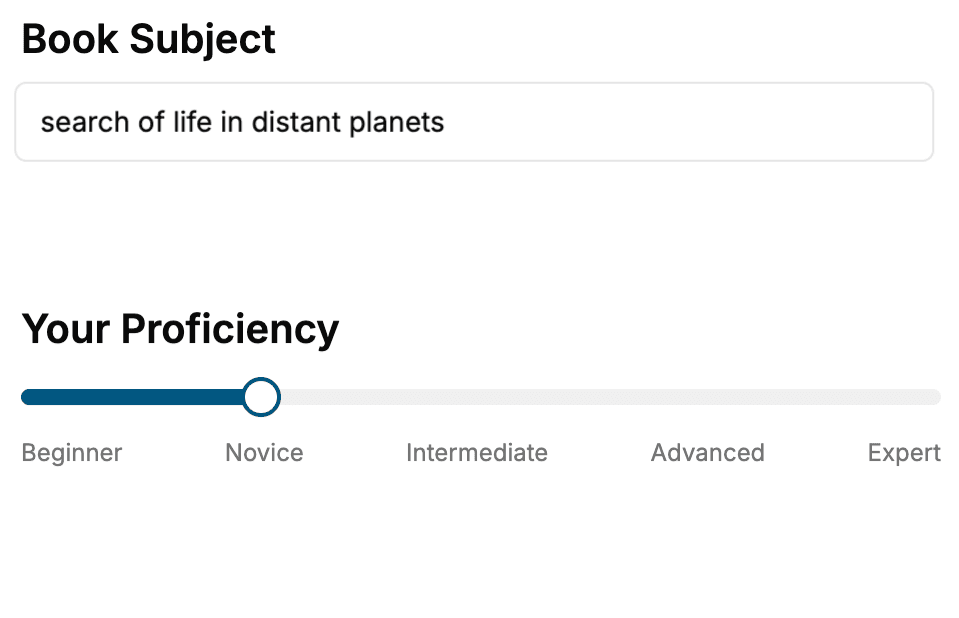
- 1. Select your focus
Select the focus of your User Experience book and share your background
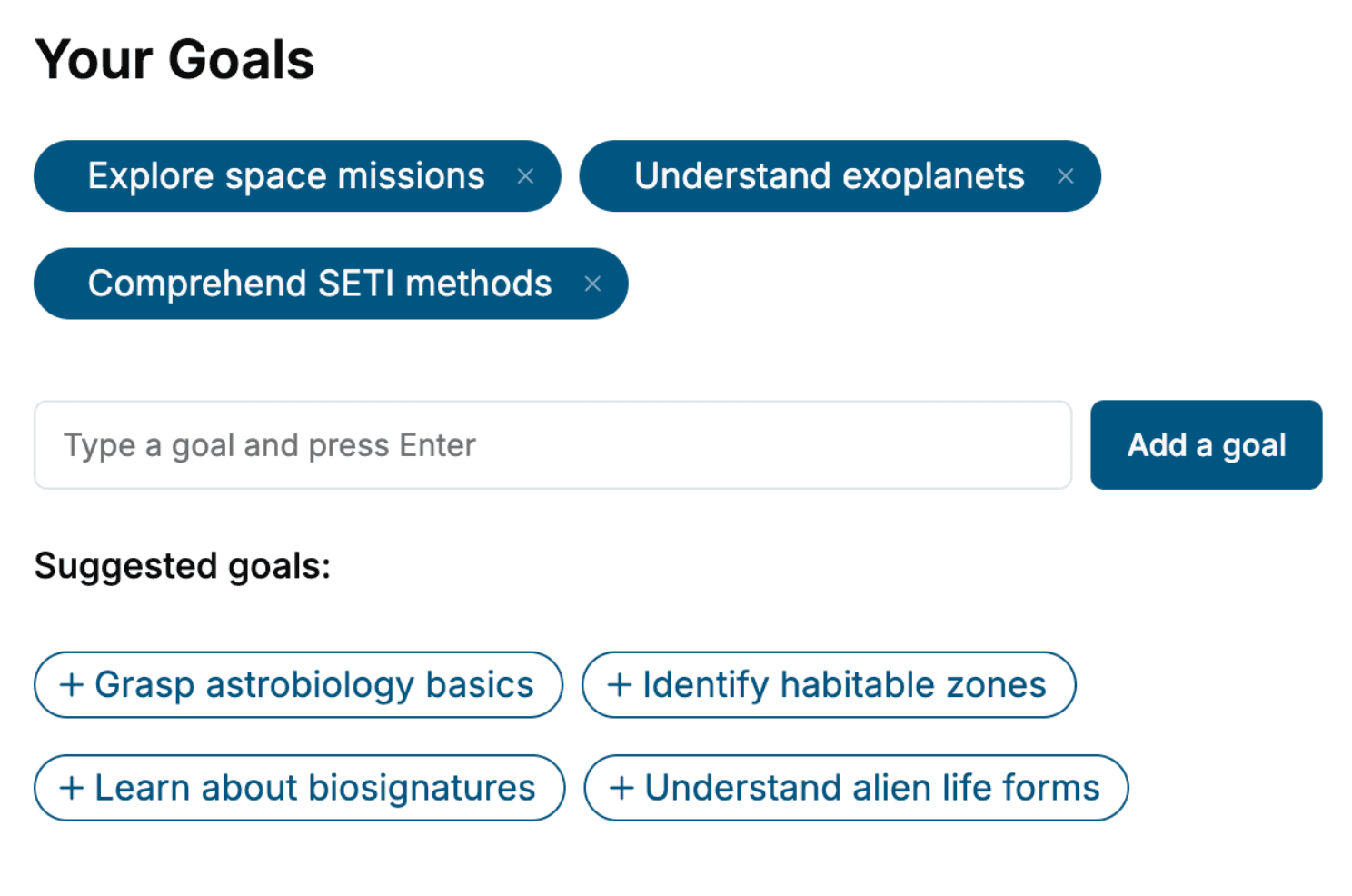
- 2. Personalize your book
Specify your goals and choose sub-topics to include
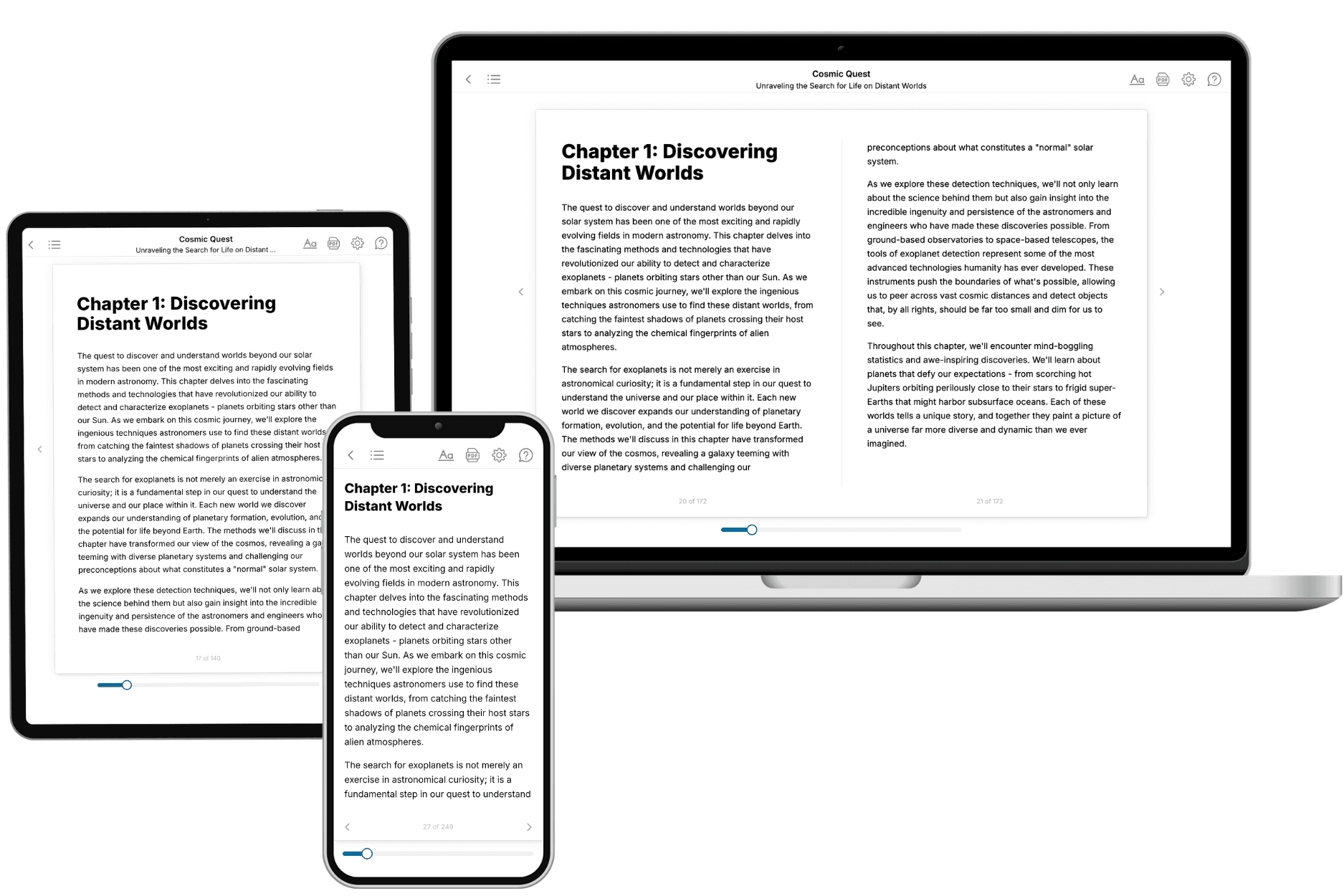
- 3. Get your tailored book
Your book is ready in 10 minutes. Read it online, download as EPUB or PDF, or send to Kindle.
Frequently asked questions
- What is TailoredRead?
TailoredRead creates complete, full-length nonfiction ebooks, written specifically for you. Tell us what you want to learn and why, and TailoredRead writes you a complete ebook on it, with charts, tables, and diagrams throughout. Read it online, on Kindle, or on any e-reader, or download it as a PDF or EPUB. Every book is written fresh the day you order it.
- How is the book tailored to me?
Before anything is written, you answer a few short questions about your goals, your background, and the topics you care about. Your book is then planned around your answers: written at your level, focused on your goals, and covering the topics you chose, instead of the one-size-fits-all book a store sells everyone.
- Will it read like generic AI content?
No. Your book isn't a chat transcript: it's planned chapter by chapter before a single word is written, told in a clear book voice, and explains ideas visually with charts, tables, and diagrams. After writing, every book goes through an editorial pass that polishes chapters so the book reads consistent from start to finish. Judge for yourself: browse thousands of sample books on our Explore Books page.
- How accurate is the content?
Our AI first checks whether your subject needs live research. Niche and fast-moving subjects are researched before writing, and the book plan and chapters are grounded in what it finds. After writing, every book goes through a quality pass that checks its facts and consistency, and researched books list their sources in a Notes section at the back.
- How long is the book?
You choose the length: Comprehensive (250-300 pages), Detailed (150-200 pages), Essential (70-100 pages), or Short (30-50 pages).
- Does the book include visuals?
Yes. Every book includes charts, tables, and diagrams: timelines, checklists, step-by-step guides, decision trees, comparison tables, matrices, and bar charts. A typical book includes dozens of these visual elements.
- Can I read it on Kindle? What formats can I download?
Yes. Every book can be read in our online reader or downloaded as a PDF or EPUB. The EPUB can be opened with Kindle, Apple Books, Kobo, and any e-reader. The Commercial and Author licenses also include an editable Word (DOCX) and Markdown download.
- How much does it cost?
About the price of a regular ebook. The exact price depends on your book's length and complexity, from $2 for the shortest books to $35 for the most comprehensive, and it's shown when you review your book, before you commit to anything. Each book is a one-time purchase, yours to keep, no subscription. Licenses that let you share, teach, or publish your book range from $35.99 to $49.99.
- Can I preview the book before purchasing?
Before you pay, you'll see what your book will cover: the title, a detailed description, the estimated length, and the complete chapter-by-chapter table of contents, so you know what you're getting before you decide. The full text itself is written after you purchase.
- How long does it take to create a book?
About 10 minutes. You can start reading the opening chapters while the rest is still being written.