UML Mastery
Design Better Software with Unified Modeling Language
Most developers struggle to bridge the gap between high-level design concepts and actual code implementation.
191 pages9 chaptersApr 16, 2026UML
About this book
You understand object-oriented principles, but translating those into clear, maintainable architectures remains challenging. Without a shared visual language, teams waste time debating design decisions and reworking code that could have been prevented with better upfront planning. This book teaches you how to use Unified Modeling Language as a practical tool for designing software systems that are easier to build, maintain, and scale. You'll learn which diagrams matter most, how to create them effectively, and—most importantly—how to use them to make better architectural decisions. Whether you're designing a new system from scratch or refactoring an existing codebase, you'll discover how UML diagrams reveal design flaws early, align teams around shared understanding, and accelerate development cycles. By the end, you'll have the skills to design systems with confidence and communicate those designs clearly to your team.
Table of contents
- IntroductionWhy UML Matters in Modern Software Development, What You'll Learn in This Book, How to Use This Book EffectivelyRead below
- Chapter 1: UML Fundamentals and Core ConceptsThe History and Evolution of UML, The Three Building Blocks of UML, Structural vs. Behavioral Diagrams, UML in Real-World Development
- Chapter 2: Class Diagrams: The Foundation of Object-Oriented DesignUnderstanding Class Diagram Elements, Modeling Relationships: Association, Aggregation, and Composition, Inheritance, Interfaces, and Abstract Classes, Best Practices for Creating Effective Class Diagrams
- Chapter 3: Use Case Diagrams: Connecting Business to DesignUse Case Diagram Fundamentals, Identifying Actors and Writing Effective Use Cases, Include, Extend, and Generalization Relationships, Using Use Cases to Drive Architectural Decisions
- Chapter 4: Sequence Diagrams: Visualizing Runtime BehaviorSequence Diagram Elements and Notation, Modeling Message Flows and Interactions, Lifelines, Activation Boxes, and Timing, Using Sequence Diagrams to Validate Design Patterns
- Chapter 5: State Diagrams: Modeling Object LifecyclesStates, Transitions, and Events, Designing Robust State Machines, Composite States and Concurrent Regions, Applying State Diagrams to Real Systems
- Chapter 6: Component and Deployment Diagrams: Scaling Your ArchitectureComponent Diagram Essentials, Modeling Interfaces and Component Dependencies, Deployment Diagrams and Physical Architecture, Designing Distributed and Scalable Systems
- Chapter 7: Collaboration and Communication DiagramsCollaboration Diagram Overview and Notation, Modeling Object Interactions and Message Sequences, When to Use Collaboration Diagrams vs. Sequence Diagrams, Using Collaboration Diagrams for Design Communication
- Chapter 8: Integrating UML into Your Design ProcessUML in Agile and Iterative Development, Effective Design Workflows with UML, Using UML for Team Communication and Alignment, UML Tools and Code Generation
- Chapter 9: Common Patterns and Anti-Patterns in UML DesignDesign Patterns and Their UML Representations, Architectural Patterns in UML, Common UML Mistakes and How to Avoid Them, Using UML to Guide Refactoring Efforts
- ConclusionYour Path to Mastering UML, Next Steps in Your Design Journey
- Appendix: Quick Reference GuideUML Diagram Symbols and Notation, Glossary of UML Terms, Further Learning Resources
Introduction
Picture this: your team has just spent three weeks building a new feature. The code compiles, the tests pass, and then someone asks a simple question in a code review: Why did you design it this way?
Suddenly, everyone has a different answer. The backend developer assumed one architecture, the frontend developer assumed another, and the tech lead had a third vision entirely. The feature works, but it's fragile, hard to extend, and nobody fully understands it. This scenario plays out in software teams every single day, and it's almost entirely preventable.
The root problem is rarely a lack of skill. Most developers understand object-oriented principles. They know what classes, interfaces, and inheritance are. They can write clean code when they know what to write. The real challenge is the gap between thinking about a design and communicating that design clearly to others. Without a shared visual language, design decisions live inside individual heads, get lost in long email threads, or get buried in documentation that nobody reads. Teams end up building first and discovering misalignments later, which is the most expensive time to find them.
That's exactly where the Unified Modeling Language comes in. UML is a standardized visual language for describing software systems. It gives you a set of diagrams and notations that any trained developer can read and understand, regardless of the programming language or platform they work with. Think of it like architectural blueprints for buildings. A blueprint doesn't build the house for you, but it ensures that the architect, the contractor, and the electrician are all working from the same shared understanding. UML does the same thing for software teams. It transforms abstract design thinking into concrete, communicable visuals that drive better decisions before a single line of code is written.
This book is built for developers and architects who already have a working knowledge of object-oriented design and want to use UML as a practical, everyday tool. You won't find pages of dry notation tables here. Instead, you'll find real-world examples, concrete design scenarios, and clear guidance on which diagrams to use, when to use them, and how to get the most value from each one. By the time you finish, UML won't feel like an academic exercise. It will feel like a natural extension of how you think about and communicate software design.
Why UML Matters in Modern Software Development
Some developers dismiss UML as a relic of the 1990s, something that belongs in waterfall projects and thick requirements documents. That view misses the point entirely. UML is not a methodology or a process. It's a language. And just like any language, its value depends entirely on how you use it. Used poorly, it produces bureaucratic diagrams that nobody looks at. Used well, it becomes one of the most powerful tools in a developer's communication toolkit.
The core value of UML is that it makes design decisions visible. When you sketch a class diagram, you're not just drawing boxes. You're making explicit choices about responsibilities, relationships, and boundaries. Those choices are now visible to your team, open to discussion, and easy to revise before they become expensive code. Research in software engineering consistently shows that defects found during design are significantly cheaper to fix than defects found during testing or production.[1] UML is one of the most effective ways to surface those defects early.
Modern software development has also grown dramatically more complex. Systems today are distributed across multiple services, deployed to cloud infrastructure, and built by teams spread across time zones. In that environment, shared understanding is not a nice-to-have. It's a survival requirement. UML provides a common vocabulary that cuts through ambiguity. When a developer in one city says I modeled this as a composition relationship,
a developer in another city knows exactly what that means, without needing a lengthy explanation.
UML also integrates naturally with modern development practices. Agile teams often use lightweight UML sketches during sprint planning to align on design before implementation begins. Architects use component and deployment diagrams to reason about scalability and infrastructure. Developers use sequence diagrams to trace through complex interactions and catch logic errors before they write a single method. The idea that UML is incompatible with agile or fast-moving teams is simply a myth rooted in misuse, not in the language itself.
Consider a concrete example. A team is building an e-commerce checkout system. Without any upfront design, developers start coding their individual pieces. Two weeks in, they discover that the payment service and the order service both assumed they were responsible for updating inventory. The result is a race condition that corrupts order data under load. A 30-minute sequence diagram session at the start of the sprint would have made this conflict visible immediately. That's not a hypothetical benefit. That's the kind of problem UML prevents in practice, every day, in real teams.
Beyond preventing mistakes, UML accelerates onboarding and knowledge transfer. When a new developer joins a team, handing them a well-structured class diagram of the core domain model is worth more than hours of verbal explanation. When a senior architect leaves, their design knowledge doesn't have to leave with them if it's captured in diagrams. UML creates a living record of design intent that outlasts any individual contributor. That institutional memory is one of the most underrated benefits of consistent diagramming practice.
Finally, UML matters because software design is fundamentally a communication problem. The best architecture in the world is worthless if your team can't understand it, agree on it, or build it consistently. UML gives you the tools to communicate design with precision and clarity. That's not a legacy skill. That's a timeless one.
What You'll Learn in This Book
This book covers the full spectrum of UML diagrams that matter most in real-world software development. The focus is always practical. Every diagram type is introduced with clear notation, illustrated with concrete examples, and connected to the kinds of design decisions you actually face on the job. Here's a clear picture of what each part of the book covers and what you'll be able to do after reading it.
Chapter 1: UML Fundamentals and Core Concepts. Before diving into specific diagrams, you'll build a solid foundation. You'll learn where UML came from, how it evolved into the standard it is today, and how its building blocks fit together. You'll also get a clear map of the two major diagram categories: structural diagrams that describe what a system is, and behavioral diagrams that describe what a system does. This mental model will guide everything that follows.
Chapter 2: Class Diagrams. Class diagrams are the backbone of object-oriented design. You'll learn how to model classes, attributes, methods, and the full range of relationships between them, including association, aggregation, composition, inheritance, and interfaces. More importantly, you'll learn how to use class diagrams to make deliberate design decisions that lead to maintainable, extensible code. By the end of this chapter, you'll be able to look at a class diagram and immediately understand the design intent behind it.
Chapters 3 through 7 cover the remaining core diagram types, each with its own focus area:
- Use Case Diagrams (Chapter 3): How to capture system requirements visually and use them to drive architectural decisions that solve real business problems.
- Sequence Diagrams (Chapter 4): How to model runtime interactions between objects, trace message flows, and validate your design before writing code.
- State Diagrams (Chapter 5): How to model the lifecycle of objects that change state over time, from simple workflows to complex concurrent systems.
- Component and Deployment Diagrams (Chapter 6): How to design and communicate the physical and logical structure of distributed systems.
- Collaboration Diagrams (Chapter 7): How to model object interactions from a structural perspective and when to choose this approach over sequence diagrams.
Chapter 8: Integrating UML into Your Design Process. Knowing how to draw diagrams is only half the battle. This chapter focuses on how to weave UML into your actual workflow, whether you're working in an agile sprint, leading a design review, or onboarding a new team member. You'll also get a practical overview of the best UML tools available today, including options for collaborative diagramming and code generation.
Chapter 9: Patterns and Anti-Patterns. This chapter bridges UML and design patterns, showing you how classic patterns like Observer, Strategy, and Factory look when expressed in UML. You'll also learn the most common UML mistakes developers make and how to avoid them. This chapter is particularly valuable if you're using UML to guide refactoring efforts on an existing codebase.
Throughout the book, you'll encounter a consistent set of learning tools designed to make the content stick. Each chapter includes annotated diagram examples, before-and-after design comparisons, and specific guidance on what to do and what to avoid. The goal is not just to teach you UML notation. The goal is to change how you think about software design, so that you approach every new system with a clearer, more structured mental model.
By the end of this book, you'll be able to read and create all major UML diagram types with confidence. You'll know which diagram to reach for in any given design situation. You'll be able to use diagrams to facilitate productive design conversations with your team. And you'll have a set of practical habits that make your design process faster, clearer, and more reliable. That's the transformation this book is built to deliver.
How to Use This Book Effectively
This book is designed to be read sequentially, especially if you're new to UML or haven't used it systematically before. The chapters build on each other in a deliberate way. The foundational concepts in Chapter 1 inform everything that follows. The class diagram skills in Chapter 2 show up again in later chapters when modeling patterns and component relationships. Reading straight through gives you the most coherent learning experience.
That said, if you already have experience with certain diagram types, feel free to move faster through those sections or use them as reference material. Each chapter is self-contained enough to stand on its own. If you're a developer who uses sequence diagrams regularly but has never worked with state diagrams, you can jump directly to Chapter 5 without losing context. The same applies if you're an architect who wants to focus specifically on component and deployment diagrams for a current project.
One of the most important habits to build while reading this book is to draw as you go. Don't just read the diagram examples. Recreate them. Then modify them. Try applying the concepts to a system you're currently working on or have worked on recently. The difference between passively understanding UML and actively using it is enormous. Diagramming is a skill, and like any skill, it develops through practice. Even rough sketches on paper or a whiteboard are valuable. You don't need specialized software to start.
Here are some specific ways to get the most out of each chapter:
- Before reading: Think of a real system or feature you've worked on recently. Keep it in mind as a reference point as you read through the concepts.
- While reading: When you encounter a diagram example, pause and trace through it. Ask yourself what design decisions it reveals and what questions it raises.
- After reading: Try to create at least one diagram from the chapter using your own system as the subject. Even a rough draft will reveal gaps in your understanding and force you to think more precisely.
- With your team: Share diagrams you create with a colleague and ask for feedback. The conversation that follows is often more valuable than the diagram itself.
The appendix at the back of the book is a quick reference guide covering UML symbols, notation, and a glossary of key terms. Use it whenever you need a fast reminder of a specific notation detail without re-reading an entire chapter. It's also a useful handout for team members who are new to UML and need a starting point.
A note on tools: this book doesn't require any specific software. The examples are presented as clear, readable diagrams that you can recreate in any UML tool or even by hand. Chapter 8 covers the most popular UML tools in detail, including free and commercial options, so you can choose what fits your workflow. For now, a whiteboard or a piece of paper is all you need to get started.
You'll also notice that this book takes a deliberately opinionated stance on certain design decisions. UML is a flexible language, and there are often multiple valid ways to model the same system. Where there are meaningful tradeoffs, this book explains them clearly and recommends a specific approach based on practical experience. Those recommendations are not rules. They're starting points. As you gain experience, you'll develop your own judgment about when to follow them and when to adapt them to your specific context.
Finally, approach this book with a specific goal in mind. The developers who get the most out of UML are the ones who connect it to a real problem they're trying to solve. Maybe you want to improve how your team communicates design decisions. Maybe you're designing a new system and want to think through the architecture before writing code. Maybe you're refactoring a legacy codebase and need a way to map what exists before changing it. Whatever your goal, keep it front and center as you read. UML is a tool, and tools are most powerful when you know exactly what you're trying to build.
The best time to draw a diagram is before you write the code. The second best time is right now, while you still remember why you made the decisions you did.
Software design is one of the most intellectually rewarding parts of the development craft. It's where creativity meets structure, where abstract ideas become concrete systems, and where the decisions you make today shape the experiences of users for years to come. UML won't make those decisions for you, but it will give you a clearer, sharper way to think through them and communicate them to the people who matter. That's a skill worth developing. Let's get started.
Notes
Introduction
- 1. Barry W. Boehm, Software Engineering Economics, Prentice-Hall. Estimated cost of fixing defects increases by 10x-100x as development progresses from design to production, 1981
This is the end of the free sample. The full book has 9 chapters.
Want this book written for you?
Tell us your goals and background, and get your own version of this book, tailored by AI to you.


Benefits of AI-tailored books
- Read one book, not ten:
- all the UML knowledge you need, gathered into a single book.
- Save days of learning:
- tell us your goals, choose your topics, and the whole book is built around them.
- Learn effortlessly:
- UML book written for your specific background and expertise.
- Understand at a glance:
- includes charts, tables, timelines, checklists, decision trees, and more.
- Stay current:
- written the day you order it, not years ago.
- Trust what you read:
- every book is checked for accuracy, with real research when your subject needs it.
Create your unique book in 3 steps
- 1. Select your focus
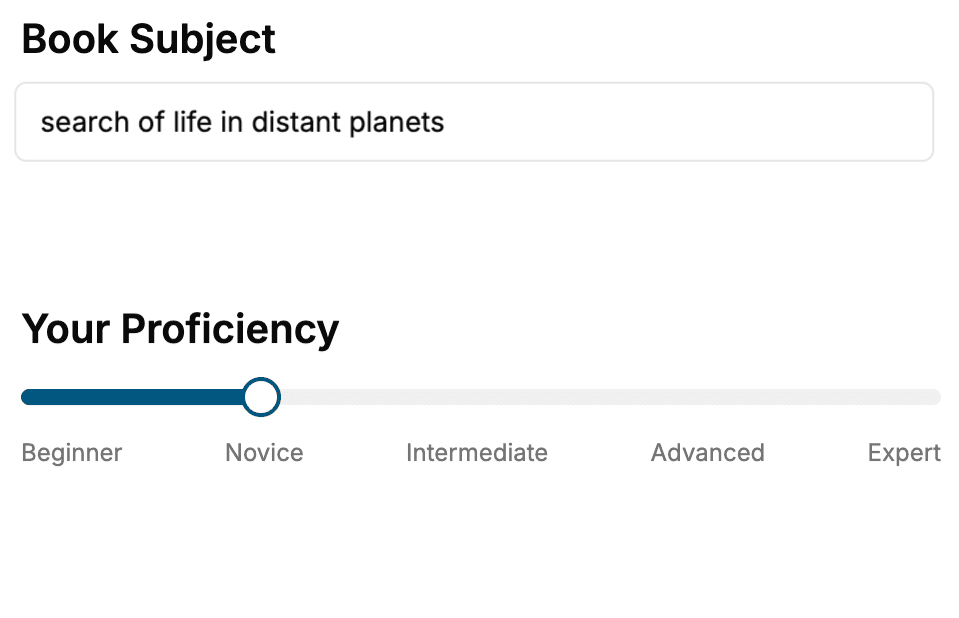
Select the focus of your UML book and share your background
- 2. Personalize your book
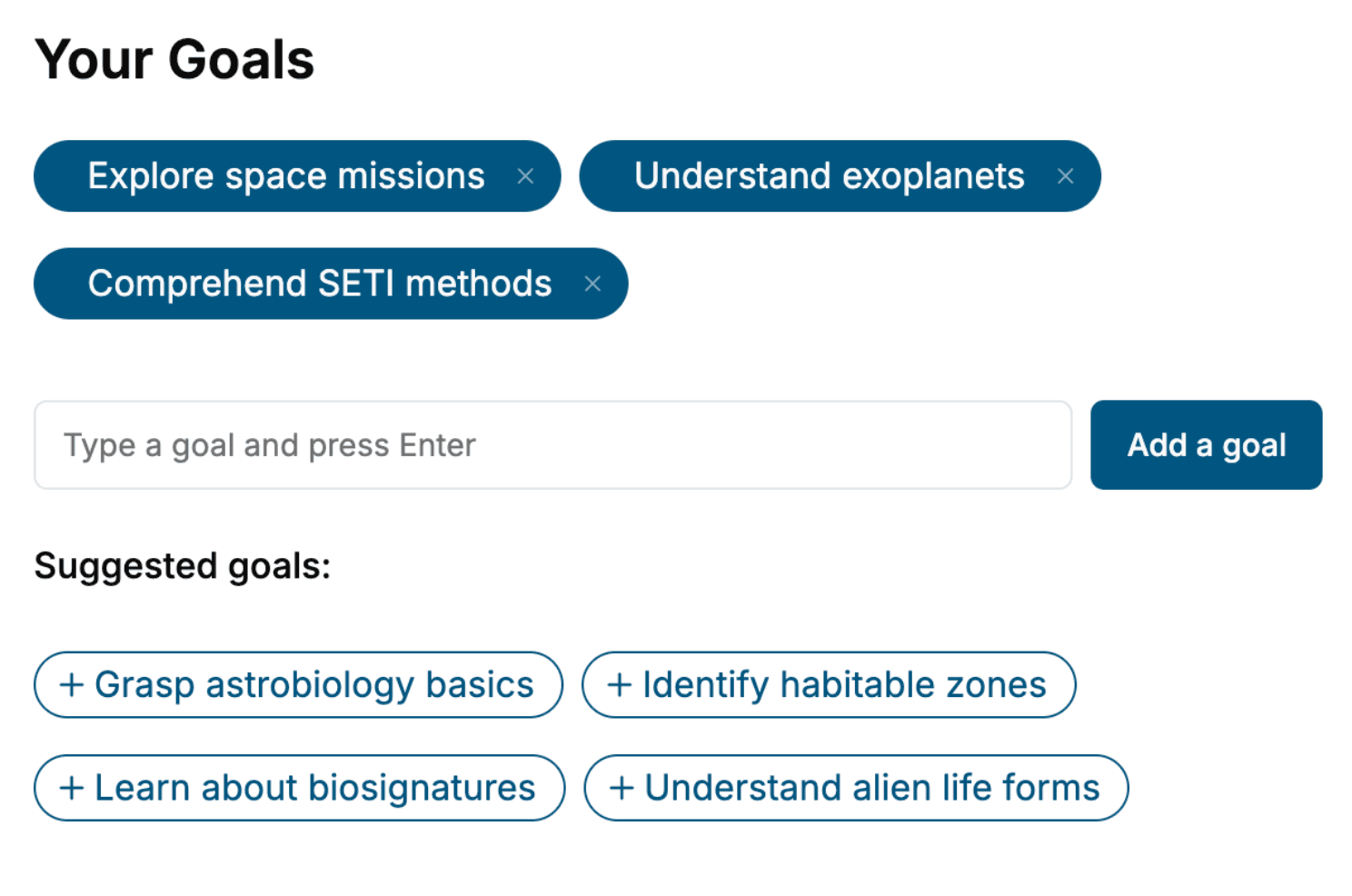
Specify your goals and choose sub-topics to include
- 3. Get your tailored book
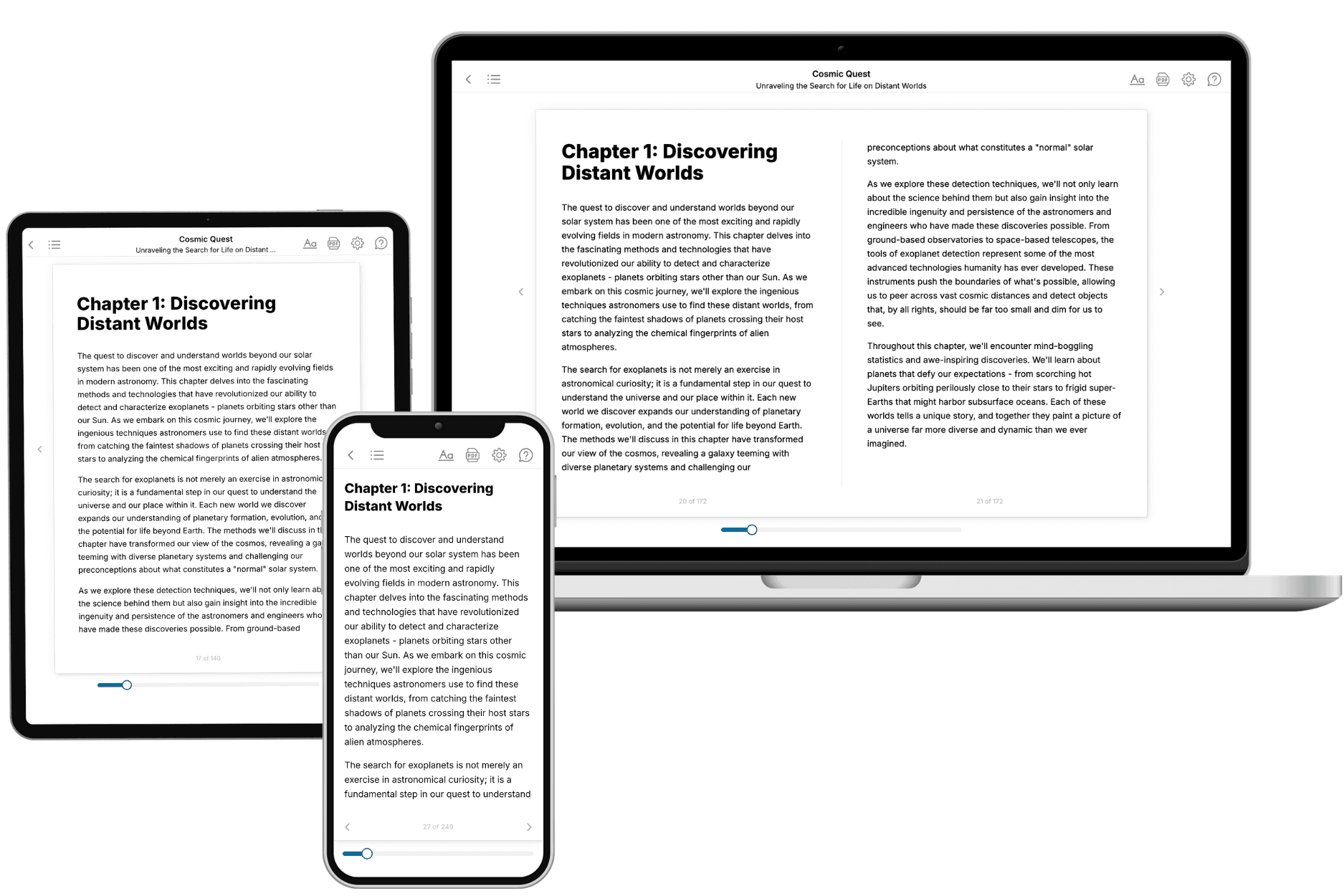
Your book is ready in 10 minutes. Read it online, download as EPUB or PDF, or send to Kindle.
Frequently asked questions
- What is TailoredRead?
TailoredRead creates complete, full-length nonfiction ebooks, written specifically for you. Tell us what you want to learn and why, and TailoredRead writes you a complete ebook on it, with charts, tables, and diagrams throughout. Read it online, on Kindle, or on any e-reader, or download it as a PDF or EPUB. Every book is written fresh the day you order it.
- How is the book tailored to me?
Before anything is written, you answer a few short questions about your goals, your background, and the topics you care about. Your book is then planned around your answers: written at your level, focused on your goals, and covering the topics you chose, instead of the one-size-fits-all book a store sells everyone.
- Will it read like generic AI content?
No. Your book isn't a chat transcript: it's planned chapter by chapter before a single word is written, told in a clear book voice, and explains ideas visually with charts, tables, and diagrams. After writing, every book goes through an editorial pass that polishes chapters so the book reads consistent from start to finish. Judge for yourself: browse thousands of sample books on our Explore Books page.
- How accurate is the content?
Our AI first checks whether your subject needs live research. Niche and fast-moving subjects are researched before writing, and the book plan and chapters are grounded in what it finds. After writing, every book goes through a quality pass that checks its facts and consistency, and researched books list their sources in a Notes section at the back.
- How long is the book?
You choose the length: Comprehensive (250-300 pages), Detailed (150-200 pages), Essential (70-100 pages), or Short (30-50 pages).
- Does the book include visuals?
Yes. Every book includes charts, tables, and diagrams: timelines, checklists, step-by-step guides, decision trees, comparison tables, matrices, and bar charts. A typical book includes dozens of these visual elements.
- Can I read it on Kindle? What formats can I download?
Yes. Every book can be read in our online reader or downloaded as a PDF or EPUB. The EPUB can be opened with Kindle, Apple Books, Kobo, and any e-reader. The Commercial and Author licenses also include an editable Word (DOCX) and Markdown download.
- How much does it cost?
About the price of a regular ebook. The exact price depends on your book's length and complexity, from $2 for the shortest books to $35 for the most comprehensive, and it's shown when you review your book, before you commit to anything. Each book is a one-time purchase, yours to keep, no subscription. Licenses that let you share, teach, or publish your book range from $35.99 to $49.99.
- Can I preview the book before purchasing?
Before you pay, you'll see what your book will cover: the title, a detailed description, the estimated length, and the complete chapter-by-chapter table of contents, so you know what you're getting before you decide. The full text itself is written after you purchase.
- How long does it take to create a book?
About 10 minutes. You can start reading the opening chapters while the rest is still being written.