Selenium WebDriver Mastery
From Manual Testing to Automated Excellence in Software QA
Imagine your QA team running hundreds of automated tests daily, catching bugs before they reach production, and freeing your engineers from repetitive manual testing.
191 pages9 chaptersJun 15, 2026Selenium
About this book
This is the reality when you master Selenium WebDriver. This comprehensive guide takes you beyond basic automation scripts to show you how to build enterprise-grade test suites that actually scale. You'll discover proven design patterns, advanced element location strategies, and techniques for handling the trickiest testing scenarios—from dynamic content to asynchronous operations. Learn how to integrate your tests seamlessly into CI/CD pipelines, execute tests in parallel across multiple browsers, and debug failures with precision. Whether you're struggling with flaky tests, wrestling with complex web applications, or trying to establish testing best practices across your team, this book provides the practical knowledge and real-world solutions you need to transform your testing approach and deliver higher-quality software faster.
Table of contents
- IntroductionWhy Selenium WebDriver Matters in Modern QA, How This Book Is Organized, What You Need to Know Before StartingRead below
- Chapter 1: Selenium WebDriver FundamentalsUnderstanding WebDriver Architecture and Protocol, Setting Up Browser Drivers and Capabilities, Writing Your First Automated Test Script
- Chapter 2: Mastering Element Location StrategiesXPath: Building Robust and Flexible Locators, CSS Selectors: Speed and Simplicity, Relative Locators and Modern Selection Techniques, Best Practices for Choosing and Maintaining Locators
- Chapter 3: Design Patterns for Scalable Test AutomationThe Page Object Model: Organizing Your Tests, Implementing POM in Real-World Applications, Advanced Patterns: Factory, Builder, and Fluent Interfaces
- Chapter 4: Handling Waits and Asynchronous OperationsImplicit vs. Explicit Waits: When and How to Use Each, Expected Conditions and Custom Wait Strategies, Eliminating Flaky Tests Through Proper Wait Implementation
- Chapter 5: Advanced Interaction TechniquesMouse and Keyboard Actions: Beyond Basic Clicks, Working with Dropdowns, Tables, and Complex Elements, Executing JavaScript for Advanced Scenarios
- Chapter 6: Cross-Browser and Cross-Platform TestingTesting Across Multiple Browsers and Versions, Headless Browser Testing for Speed and Efficiency, Mobile and Responsive Testing Strategies
- Chapter 7: Integration with CI/CD PipelinesSetting Up Selenium Tests in CI/CD Environments, Parallel Test Execution for Faster Feedback, Test Reporting, Monitoring, and Failure Analysis
- Chapter 8: Debugging, Logging, and Error HandlingEffective Debugging Techniques and Tools, Implementing Comprehensive Logging Strategies, Error Handling and Recovery Mechanisms
- Chapter 9: Performance Optimization and Best PracticesOptimizing Test Execution Speed and Resource Usage, Maintaining Code Quality and Test Maintainability, QA Best Practices and Industry Standards
- ConclusionYour Journey to Selenium Mastery, Next Steps and Continuous Learning
- Appendix: Quick Reference GuideCommon Locator Patterns and Examples, Essential WebDriver Methods and Properties, Troubleshooting Common Issues
Introduction
Software quality assurance has changed dramatically over the past decade. Applications are more complex, release cycles are shorter, and the cost of shipping a bug to production has never been higher. Manual testing alone simply cannot keep pace with the speed that modern development teams demand. Automated testing has moved from a nice-to-have capability to an absolute necessity, and at the center of that shift sits Selenium WebDriver, the most widely adopted browser automation framework in the world.
If you have spent any time working with Selenium, you already know it is a powerful tool. You have probably written scripts that open a browser, fill out a form, click a button, and verify a result. That foundation is valuable. But there is a significant gap between writing basic automation scripts and building a test suite that is reliable, maintainable, and capable of scaling across a large application with dozens of engineers contributing to it. Crossing that gap is exactly what this book is designed to help you do.
This is not a beginner's guide to Selenium. It assumes you have already worked with WebDriver, understand the basics of locating elements, and have written at least some automated tests. What it offers instead is a structured path to mastery: the design patterns, advanced techniques, and real-world strategies that separate a functional test script from a professional-grade automation framework. Every chapter is built around practical problems that QA engineers face every day, and every solution is grounded in techniques that work in production environments.
Throughout these pages, you will find concrete code examples, step-by-step frameworks, and honest discussions of the tradeoffs involved in different approaches. The goal is not to give you a catalog of Selenium features to memorize. The goal is to change how you think about test automation, so that the decisions you make about architecture, locators, waits, and integration become deliberate and informed rather than accidental. By the time you finish, you will have the knowledge to build test suites that your entire team can trust.
Why Selenium WebDriver Matters in Modern QA
Selenium WebDriver has been the dominant browser automation tool for well over a decade, and its position in the industry remains strong. According to the 2023 State of Testing report, Selenium continues to be the most commonly used test automation framework among professional QA teams worldwide.[1] That longevity is not accidental. Selenium works across every major browser, supports multiple programming languages, and integrates with virtually every CI/CD platform in use today. It is also open source, which means there are no licensing costs and a massive community contributing to its development.
What makes Selenium particularly relevant right now is the shift toward continuous delivery. Development teams are pushing code multiple times per day, and every push needs to be validated quickly. A well-built Selenium suite can run hundreds of end-to-end tests in parallel, providing fast feedback that catches regressions before they reach users. That kind of speed and coverage is simply not achievable with manual testing alone, no matter how skilled your QA team is.
It is worth being honest about Selenium's limitations as well. It is not the right tool for every testing scenario. Unit tests and API tests are faster and more targeted for their respective layers. Newer tools like Playwright and Cypress have gained traction for certain use cases, particularly in JavaScript-heavy single-page applications. But Selenium's cross-browser support, language flexibility, and ecosystem maturity still make it the most practical choice for many enterprise environments, especially those with diverse technology stacks or existing investments in Selenium infrastructure.
The real challenge with Selenium is not getting it to work. It is getting it to work reliably at scale. Flaky tests, brittle locators, and poorly structured code are the most common reasons that automation projects fail or get abandoned. Teams invest months building a test suite, only to find that it requires constant maintenance, produces inconsistent results, and slows down rather than accelerates their delivery pipeline. These are not Selenium problems. They are architecture and practice problems, and they are entirely solvable.
Consider a real-world scenario: a QA team at a mid-sized e-commerce company builds 300 automated tests over six months. Initially, the tests run well. But as the application grows and the team adds more tests, failures start appearing that are not related to actual bugs. Elements are not found because locators break when the UI changes. Tests fail intermittently because of timing issues with dynamic content. The test suite becomes a source of noise rather than signal, and engineers start ignoring failures. This is a pattern that plays out repeatedly across the industry, and it is exactly the pattern this book will help you avoid.
Selenium WebDriver matters in modern QA not just because of what it can do, but because of what it enables when used correctly. A well-architected Selenium framework gives your team confidence in every deployment, reduces the time spent on regression testing, and creates a safety net that allows developers to refactor and improve code without fear. That confidence is one of the most valuable things a QA team can deliver to an organization.
The techniques covered in this book reflect how experienced automation engineers actually build and maintain test suites in professional environments. From the Page Object Model to parallel execution in CI/CD pipelines, every topic is chosen because it addresses a real challenge that teams encounter when scaling Selenium beyond the basics. The goal is to give you not just the knowledge of what to do, but the understanding of why it works, so you can adapt these approaches to your own specific context.
How This Book Is Organized
This book is structured as a progressive journey from foundational concepts to advanced techniques. Each chapter builds on the ones before it, so reading in order will give you the most coherent experience. That said, if you are already confident in certain areas, each chapter is also designed to stand on its own as a reference. You can jump to the topics most relevant to your current challenges without losing the thread.
The book is organized into nine core chapters, plus this introduction, a conclusion, and a quick-reference appendix. Here is a brief overview of what each chapter covers:
- Chapter 1: Selenium WebDriver Fundamentals revisits the architecture of WebDriver and the W3C WebDriver protocol, ensuring you have a solid mental model of how Selenium actually communicates with browsers. It also covers setting up browser drivers and capabilities correctly, which is a common source of confusion and errors.
- Chapter 2: Mastering Element Location Strategies goes deep on XPath, CSS selectors, and relative locators. Choosing the right locator strategy is one of the most impactful decisions you make in test automation, and this chapter gives you the tools to make that choice well.
- Chapter 3: Design Patterns for Scalable Test Automation covers the Page Object Model in depth, including how to implement it in real applications, and introduces advanced patterns like Factory, Builder, and Fluent Interfaces that take your test architecture to the next level.
- Chapter 4: Handling Waits and Asynchronous Operations tackles one of the most common sources of flaky tests: timing. You will learn the difference between implicit and explicit waits, how to write custom wait conditions, and how to eliminate the race conditions that cause intermittent failures.
- Chapter 5: Advanced Interaction Techniques covers complex user interactions including mouse actions, keyboard shortcuts, drag-and-drop, working with dynamic tables and dropdowns, and using JavaScript execution for scenarios that WebDriver cannot handle natively.
- Chapter 6: Cross-Browser and Cross-Platform Testing addresses the strategy and configuration needed to run your tests reliably across multiple browsers and platforms, including headless testing for speed and mobile testing for responsive applications.
- Chapter 7: Integration with CI/CD Pipelines shows you how to connect your Selenium suite to continuous integration systems, run tests in parallel for faster feedback, and set up reporting and monitoring that makes failures easy to diagnose.
- Chapter 8: Debugging, Logging, and Error Handling provides a systematic approach to finding and fixing test failures, implementing logging that gives you the context you need, and building error recovery mechanisms that make your suite more resilient.
- Chapter 9: Performance Optimization and Best Practices brings everything together with strategies for optimizing test execution speed, maintaining code quality over time, and applying industry standards that keep your automation framework healthy as it grows.
Each chapter follows a consistent structure. It opens with the core concepts you need to understand, moves into practical implementation with code examples, and closes with specific guidance on applying the techniques to real-world scenarios. Where relevant, chapters include common pitfalls to avoid and troubleshooting tips for when things do not go as expected.
The code examples throughout the book are written in Java, which remains the most widely used language for Selenium automation in enterprise environments. However, the concepts and patterns apply equally to Python, C#, JavaScript, and other supported languages. If your team uses a different language, the structural ideas translate directly, and the syntax differences are minor enough that the examples will still be highly useful.
The appendix at the end of the book serves as a quick reference guide. It includes a collection of common locator patterns, a summary of essential WebDriver methods and properties, and a troubleshooting guide for the most frequently encountered issues. Once you have worked through the main chapters, the appendix becomes a practical day-to-day resource you can return to whenever you need a quick reminder.
One important note about the approach taken here: this book deliberately focuses on depth over breadth. Rather than trying to cover every feature Selenium offers, it concentrates on the areas that have the greatest impact on the quality and maintainability of your test suite. Some topics, like Selenium Grid configuration for large-scale distributed testing, are covered at a conceptual level with enough detail to get you started, but a full treatment of every configuration option would require a separate volume. The goal is to give you a strong enough foundation that you can explore those deeper areas confidently on your own.
What You Need to Know Before Starting
This book is written for QA professionals and test engineers who already have some hands-on experience with Selenium WebDriver. You do not need to be an expert, but you should be comfortable with the basics before diving in. Understanding what is expected upfront will help you get the most out of every chapter and avoid frustration when concepts build on assumed knowledge.
Here is what you should already be familiar with before starting:
- Basic Selenium WebDriver usage: You should have written at least a few Selenium scripts that open a browser, navigate to a URL, locate elements, and perform actions like clicking and typing. If you have never written a Selenium test before, spending a few hours with the official Selenium documentation first will make this book much more accessible.
- A working knowledge of Java (or another supported language): The code examples use Java. You should understand classes, methods, variables, and basic object-oriented concepts like inheritance and interfaces. You do not need to be a Java expert, but you should be able to read and write basic Java code without difficulty.
- Familiarity with HTML and the DOM: Since Selenium interacts with web pages by locating elements in the Document Object Model, you should understand how HTML is structured, what attributes like
id,class, andnamemean, and how to use browser developer tools to inspect page elements. - Basic understanding of testing concepts: Terms like test case, test suite, assertion, and regression testing should be familiar. You should understand the difference between unit tests, integration tests, and end-to-end tests, even if you have not worked extensively with all three.
- A development environment set up: You should have Java (version 11 or later is recommended), Maven or Gradle for dependency management, and an IDE like IntelliJ IDEA or Eclipse installed and working. Chapter 1 covers browser driver setup, but the basic Java toolchain should already be in place.
If you are missing some of these prerequisites, do not let that stop you entirely. The early chapters are more foundational and will help fill in gaps. But being honest about where your knowledge currently stands will help you decide where to focus your attention and which sections might require a bit of extra study alongside the reading.
Beyond technical prerequisites, there is a mindset that will serve you well throughout this book. Effective test automation is as much about engineering discipline as it is about technical skill. The best automation engineers think carefully about maintainability, treat their test code with the same care they would give production code, and are willing to refactor and improve their frameworks over time. If you approach the material here with that mindset, the techniques will stick and the results will be lasting.
It is also worth setting realistic expectations about the learning curve. Some of the patterns and techniques in this book, particularly around design patterns and CI/CD integration, may feel abstract at first. That is normal. The best way to internalize them is to apply them to a real project as you read. If you have an existing test suite you are working on, use it as a laboratory. Try implementing the Page Object Model on a section of your application while reading Chapter 3. Set up a wait strategy for a dynamic element you have been struggling with while working through Chapter 4. Hands-on application accelerates understanding far more than reading alone.
Finally, keep in mind that the field of test automation evolves continuously. Selenium itself has gone through significant changes with the move to the W3C WebDriver standard, and the ecosystem around it keeps growing. The principles covered in this book are designed to be durable, grounded in concepts that remain relevant even as specific tools and APIs change. When you understand why a technique works, adapting it to new versions or related tools becomes straightforward.
The path from writing basic Selenium scripts to building enterprise-grade automation frameworks is a meaningful one. It requires learning new patterns, rethinking old habits, and developing a more systematic approach to how you design and maintain test code. This book is your guide for that journey. The investment you make in these pages will pay dividends in every test suite you build from this point forward.
The difference between a test suite that helps your team ship faster and one that slows them down is rarely about the tool. It is almost always about the architecture, the practices, and the discipline applied to building and maintaining it. That is what this book is about.
With that context in place, it is time to get started. Chapter 1 begins with a deeper look at how Selenium WebDriver actually works under the hood, because understanding the architecture is the foundation for everything that follows. The more clearly you understand what happens between your test code and the browser, the better equipped you will be to diagnose problems, optimize performance, and make smart decisions about how to structure your automation framework.
Notes
Introduction
- 1. SmartBear Software, State of Software Quality | Testing, SmartBear.com, 2023
This is the end of the free sample. The full book has 9 chapters.
Want this book written for you?
Tell us your goals and background, and get your own version of this book, tailored by AI to you.


Benefits of AI-tailored books
- Read one book, not ten:
- all the Selenium knowledge you need, gathered into a single book.
- Save days of learning:
- tell us your goals, choose your topics, and the whole book is built around them.
- Learn effortlessly:
- Selenium book written for your specific background and expertise.
- Understand at a glance:
- includes charts, tables, timelines, checklists, decision trees, and more.
- Stay current:
- written the day you order it, not years ago.
- Trust what you read:
- every book is checked for accuracy, with real research when your subject needs it.
Create your unique book in 3 steps
- 1. Select your focus
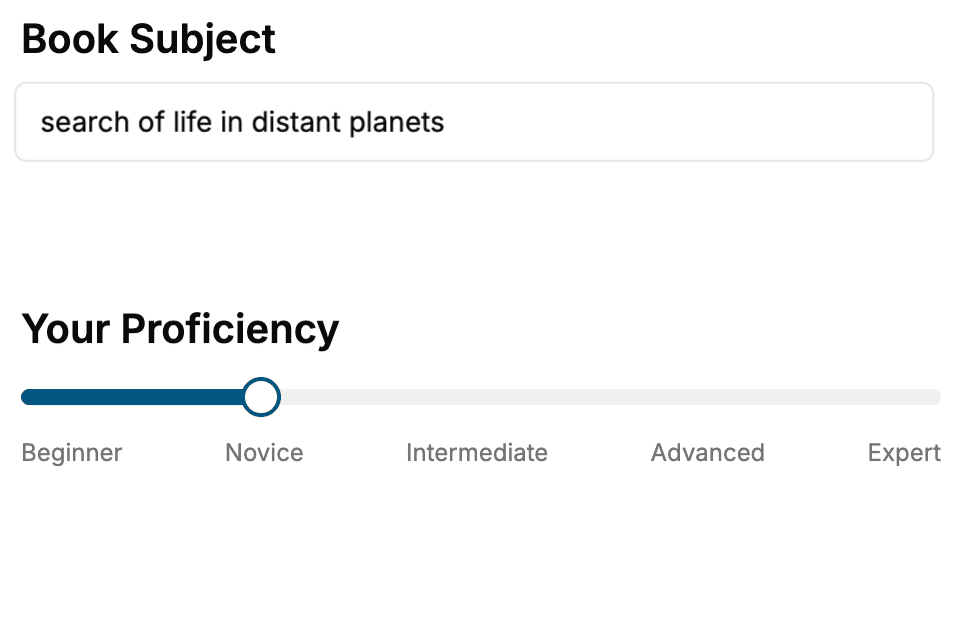
Select the focus of your Selenium book and share your background
- 2. Personalize your book
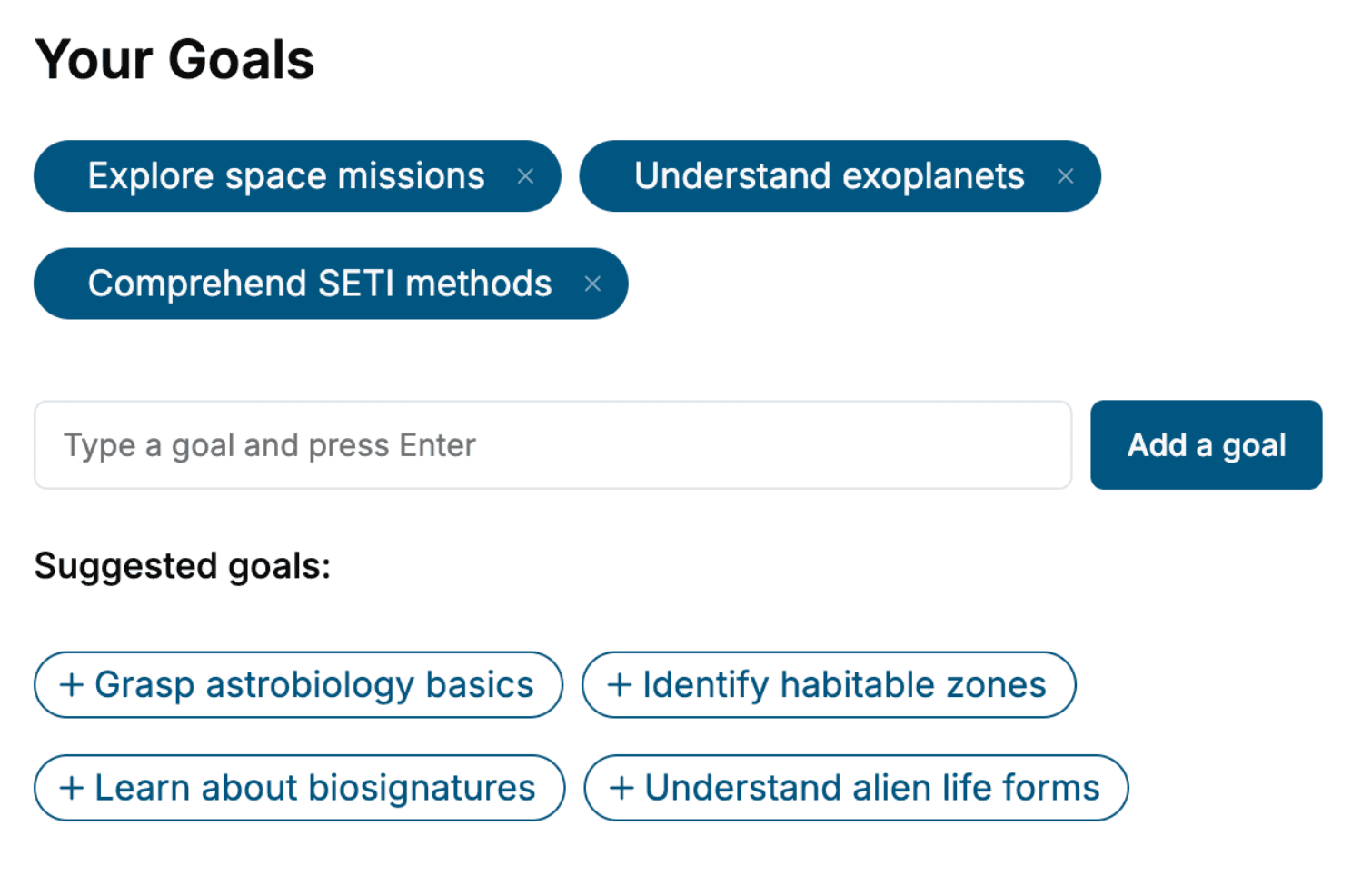
Specify your goals and choose sub-topics to include
- 3. Get your tailored book
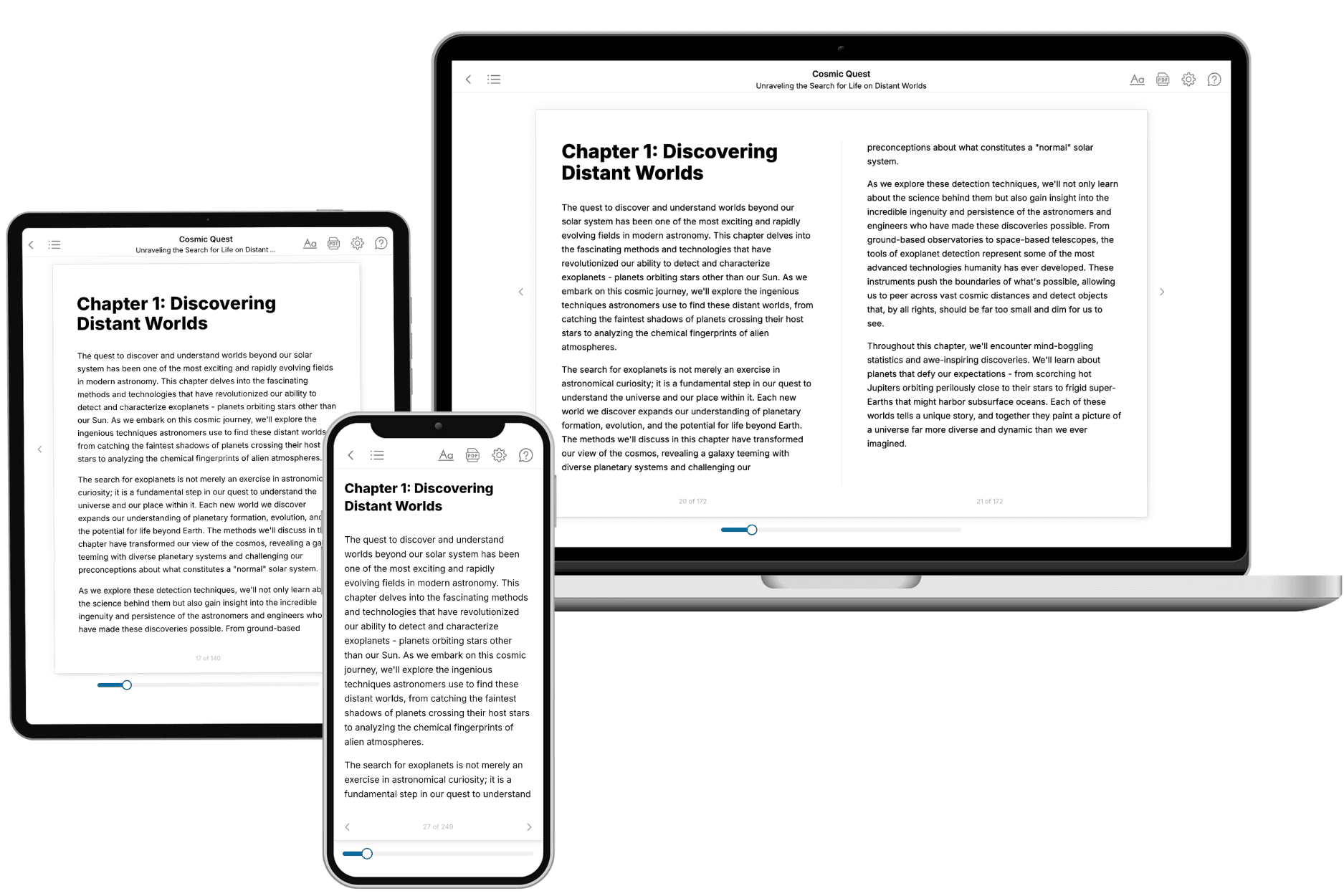
Your book is ready in 10 minutes. Read it online, download as EPUB or PDF, or send to Kindle.
Frequently asked questions
- What is TailoredRead?
TailoredRead creates complete, full-length nonfiction ebooks, written specifically for you. Tell us what you want to learn and why, and TailoredRead writes you a complete ebook on it, with charts, tables, and diagrams throughout. Read it online, on Kindle, or on any e-reader, or download it as a PDF or EPUB. Every book is written fresh the day you order it.
- How is the book tailored to me?
Before anything is written, you answer a few short questions about your goals, your background, and the topics you care about. Your book is then planned around your answers: written at your level, focused on your goals, and covering the topics you chose, instead of the one-size-fits-all book a store sells everyone.
- Will it read like generic AI content?
No. Your book isn't a chat transcript: it's planned chapter by chapter before a single word is written, told in a clear book voice, and explains ideas visually with charts, tables, and diagrams. After writing, every book goes through an editorial pass that polishes chapters so the book reads consistent from start to finish. Judge for yourself: browse thousands of sample books on our Explore Books page.
- How accurate is the content?
Our AI first checks whether your subject needs live research. Niche and fast-moving subjects are researched before writing, and the book plan and chapters are grounded in what it finds. After writing, every book goes through a quality pass that checks its facts and consistency, and researched books list their sources in a Notes section at the back.
- How long is the book?
You choose the length: Comprehensive (250-300 pages), Detailed (150-200 pages), Essential (70-100 pages), or Short (30-50 pages).
- Does the book include visuals?
Yes. Every book includes charts, tables, and diagrams: timelines, checklists, step-by-step guides, decision trees, comparison tables, matrices, and bar charts. A typical book includes dozens of these visual elements.
- Can I read it on Kindle? What formats can I download?
Yes. Every book can be read in our online reader or downloaded as a PDF or EPUB. The EPUB can be opened with Kindle, Apple Books, Kobo, and any e-reader. The Commercial and Author licenses also include an editable Word (DOCX) and Markdown download.
- How much does it cost?
About the price of a regular ebook. The exact price depends on your book's length and complexity, from $2 for the shortest books to $35 for the most comprehensive, and it's shown when you review your book, before you commit to anything. Each book is a one-time purchase, yours to keep, no subscription. Licenses that let you share, teach, or publish your book range from $35.99 to $49.99.
- Can I preview the book before purchasing?
Before you pay, you'll see what your book will cover: the title, a detailed description, the estimated length, and the complete chapter-by-chapter table of contents, so you know what you're getting before you decide. The full text itself is written after you purchase.
- How long does it take to create a book?
About 10 minutes. You can start reading the opening chapters while the rest is still being written.